Picture of Dorian Gray AI Videos

Direct Wilde's only novel in your browser with Morphic's Picture of Dorian Gray AI video generator. Generate Basil at the easel in his Chelsea studio or Dorian unveiling the aging portrait, add the Speech and Music tools, and stitch a Victorian gothic episode.

Picture of Dorian Gray characters you can direct

Picture of Dorian Gray scenes you can stage

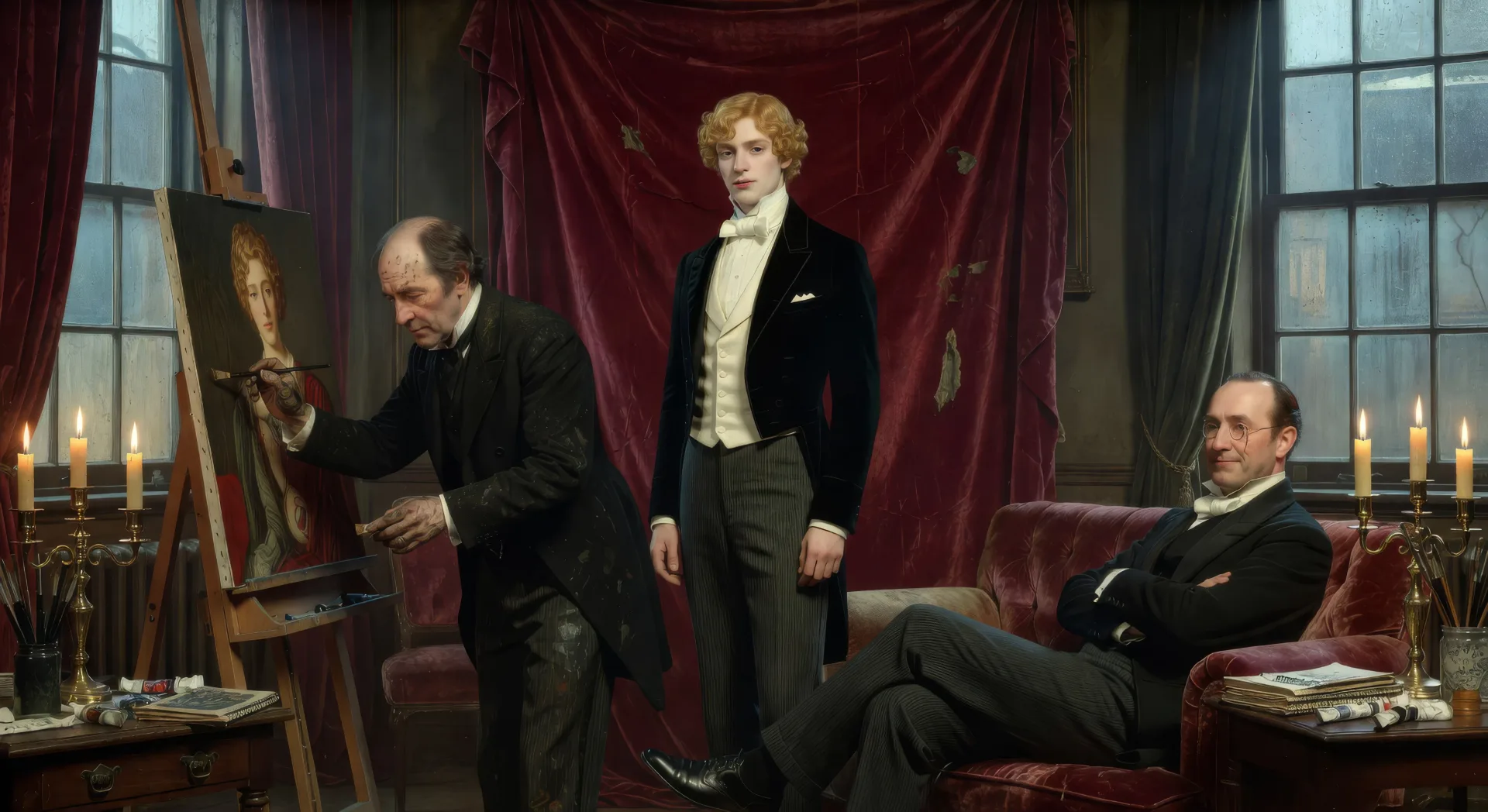
Basil paints Dorian in the studio

In a north-lit Chelsea studio in late afternoon, Basil Hallward stands at the easel applying the last touch to the portrait while Dorian poses in evening dress against a worn velvet drape and Lord Henry watches from a low divan.

Prompt bearbeiten
Basil paints Dorian in the studio

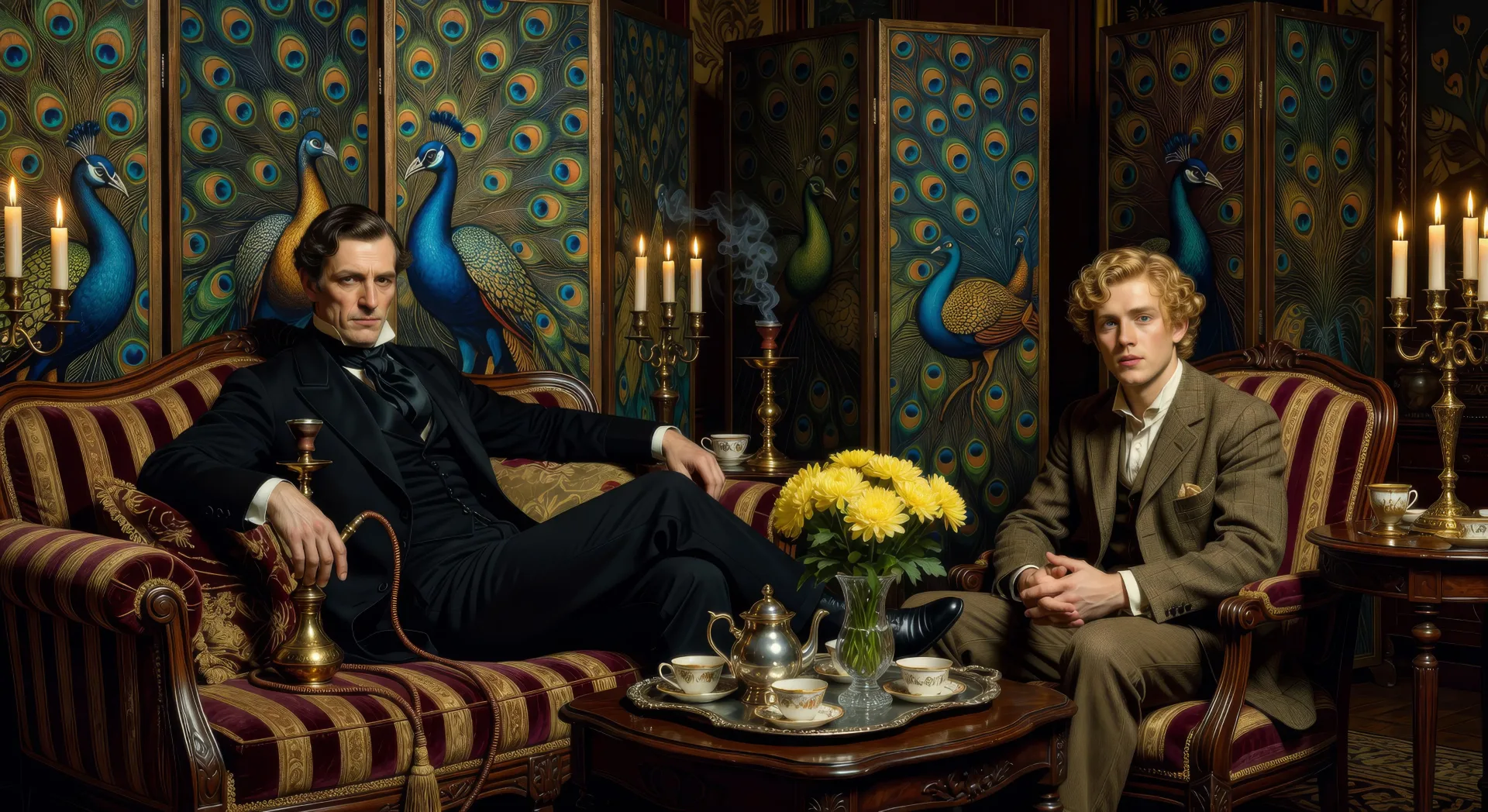
Lord Henry's Mayfair drawing-room

In a Mayfair drawing-room hung with peacock screens, Lord Henry reclines on a striped divan with a hookah while Dorian sits opposite him, silver tea-tray and yellow chrysanthemums between them in afternoon light.

Prompt bearbeiten
Lord Henry's Mayfair drawing-room

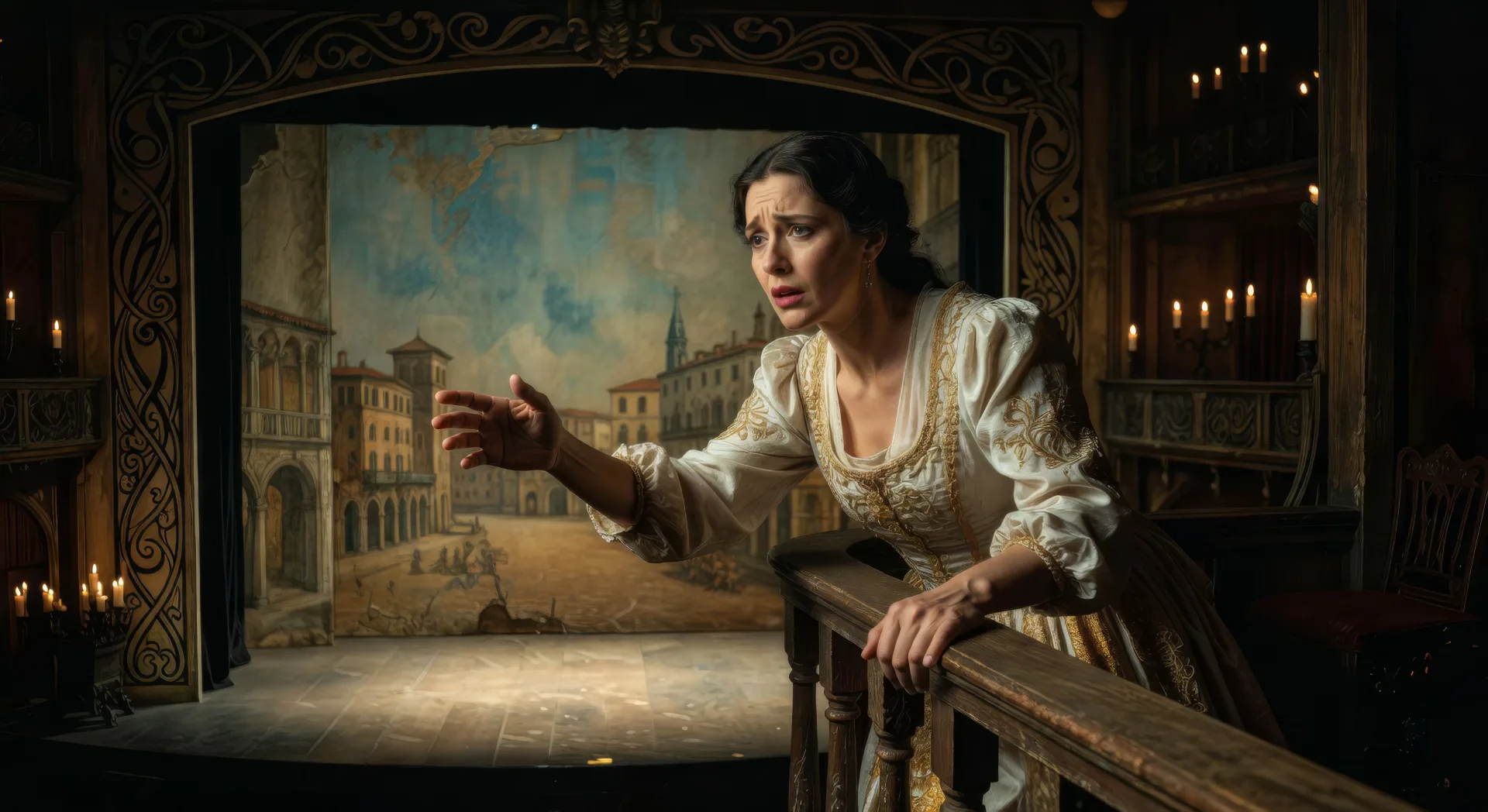
Sibyl Vane plays Juliet

On the small gas-lit stage of an East End Royal Theatre, Sibyl Vane in soft white-and-gold Juliet costume leans from a balcony rail toward an unseen Romeo, the painted backdrop of Verona faded behind her.

Prompt bearbeiten
Sibyl Vane plays Juliet

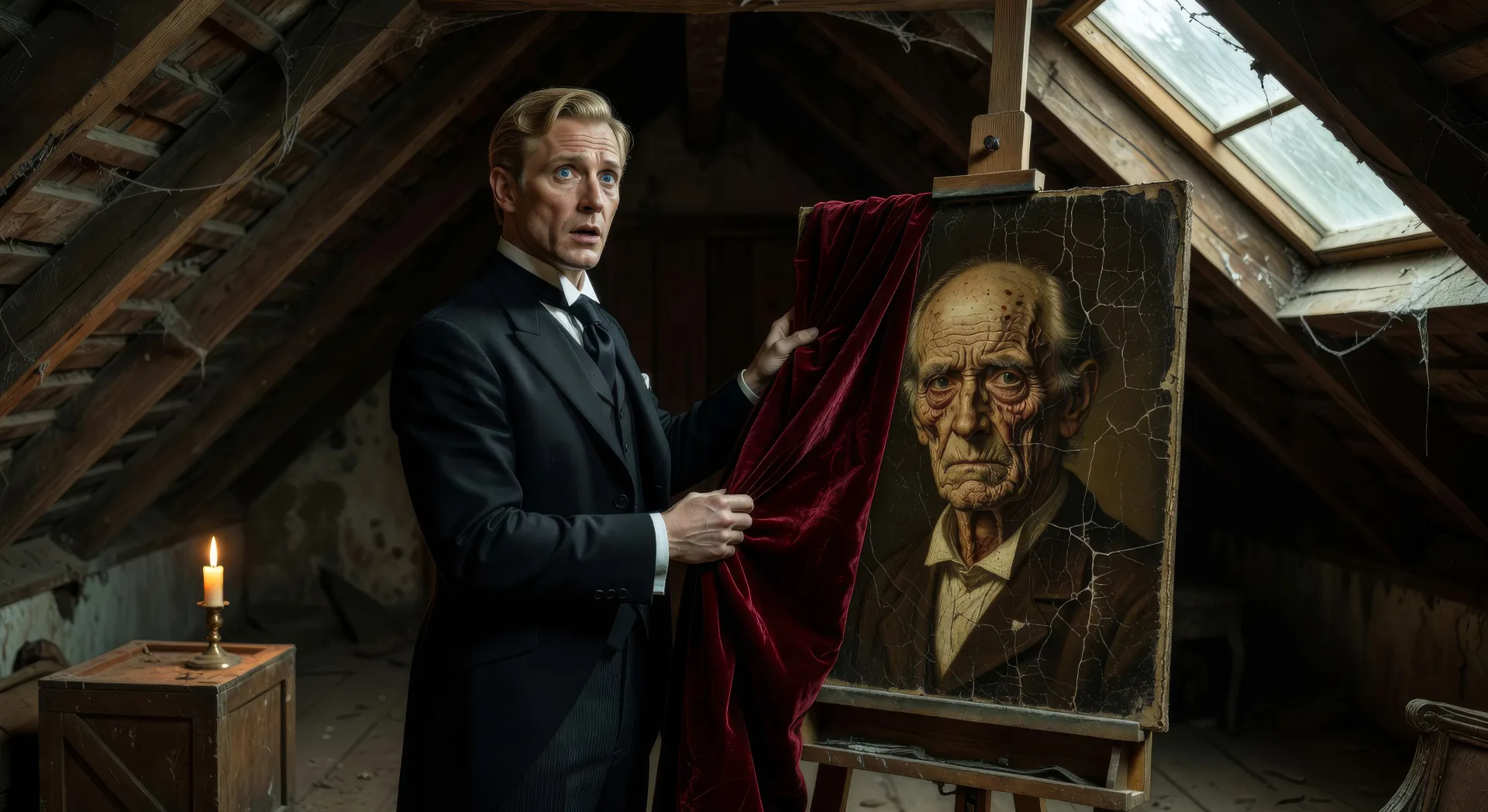
The locked attic by candle

In a low locked attic by single candle, Dorian Gray draws back the velvet pall from the easel to reveal the cracked aging face of his portrait, his own perfect face frozen in horror in front of it.

Prompt bearbeiten
The locked attic by candle

Picture of Dorian Gray-Videos in drei Schritten erstellen

  1. 01

    Beschreiben Sie Ihre Picture of Dorian Gray-Szene

    Beschreiben Sie die Picture of Dorian Gray-Szene, die Sie möchten, in einfachen Worten.

  2. 02

    Video generieren

    Morphic generiert in Sekunden einen filmreifen Clip auf Ihrer Canvas.

  3. 03

    Picture of Dorian Gray-Video verfeinern

    Passen Sie den Prompt an, generieren Sie Varianten und laden Sie die Aufnahme herunter oder teilen Sie sie.

Verwandte Workflows

Das könnte Ihnen auch gefallen

Einfache Preise

Starten Sie noch heute kostenlos, mit der Option, jederzeit zu upgraden oder zu kündigen.

Basic

$0/ Monat
abgerechnet als $0 pro Jahr

900 monatliche Credits

1 Nutzer

Alle Modelle

Workflows

Standard

$0/ Monat
abgerechnet als $0 pro Jahr

3200 monatliche Credits

1 Nutzer

Alle Modelle

Workflows

Pro

$0/ Monat
abgerechnet als $0 pro Jahr

6200 gemeinsame monatliche Credits

1 Nutzer

+ bis zu 4 weitere gegen Aufpreis

Alle Modelle

Workflows

Pro Max

$0/ Monat
abgerechnet als $0 pro Jahr

24000 gemeinsame monatliche Credits

1 Nutzer

+ bis zu 9 weitere gegen Aufpreis

Alle Modelle

Workflows

Enterprise

Für höhere Limits

Individuell

Preis- und Abrechnungsbedingungen

Unbegrenzte Credits
Individuelle Platzlimits
Alle Modelle
Workflows
Pricing Gradient

Free

Zum Ausprobieren

$0

dauerhaft kostenlos

Bis zu 20 Credits
Nur 1 Nutzer
Eingeschränkte Modelle
Workflows

Häufig gestellte Fragen

Where can I make Picture of Dorian Gray videos with AI?
You can create Picture of Dorian Gray scenes directly in your browser on Morphic. Open the Text to Video tool, describe the moment you want, and Morphic produces the clip. No installs and no specialist software needed.
What kinds of Picture of Dorian Gray scenes work best with AI video?
Single-shot moments tend to work best: Basil at the easel in studio light, Lord Henry's Mayfair drawing-room, Sibyl on the East End stage, the locked attic by candle, the Limehouse opium den, the final knife in the portrait. Anchor each Picture of Dorian Gray scene to a specific London location and a specific light source.
How do I keep Picture of Dorian Gray characters consistent across scenes?
Use the Character Lineup workflow to lock Dorian, Lord Henry, Basil, Sibyl, James Vane, and the portrait itself before producing scenes, then reference those character cards in every prompt. Morphic preserves the design across the eighteen years so a Picture of Dorian Gray series feels continuous.
How do I make my Picture of Dorian Gray videos feel like Wilde, not a film?
Anchor your prompts to Wilde's actual locations: Chelsea studio, Mayfair drawing-room, the East End Royal Theatre, Grosvenor Square house, Selby Royal estate, the Limehouse opium dens. Reference Aubrey Beardsley line-style and the late Pre-Raphaelite painters of Wilde's circle as the visual anchor. Avoid likeness language for any film performer.
Can I add narration and music to my Picture of Dorian Gray videos?
Yes. The Speech tool generates a Lord-Henry-narrator or omniscient-narrator voiceover from your script in the voice you choose, and the Music tool produces an original late-Victorian chamber soundtrack. Layer them onto your generated video to publish a complete Picture of Dorian Gray episode.
What visual style works best for a Picture of Dorian Gray video?
Three styles consistently land. Cinematic photoreal in the spirit of high-budget late-Victorian period drama delivers the prestige Wildean look. Painterly oil with chiaroscuro echoes Aubrey Beardsley and the late Pre-Raphaelite circle. Expressionist black-and-white with hard shadows, with the portrait scenes in colour, echoes the 1945 Albert Lewin film tradition. Name the style directly in the prompt.