Direct a good-natured prank in your browser with Morphic's prank video AI generator. Generate clips like a hidden-camera setup framed through a doorway and a jump-scare reveal that dissolves into laughter, and pair them with the Music tool for a playful build and the Speech tool for a whispered setup voiceover. Stitch the setup, the trigger, and the reaction into one continuous prank on the Canvas.

Prank beats you can direct

Prank sequences you can stage

Hidden-camera stakeout

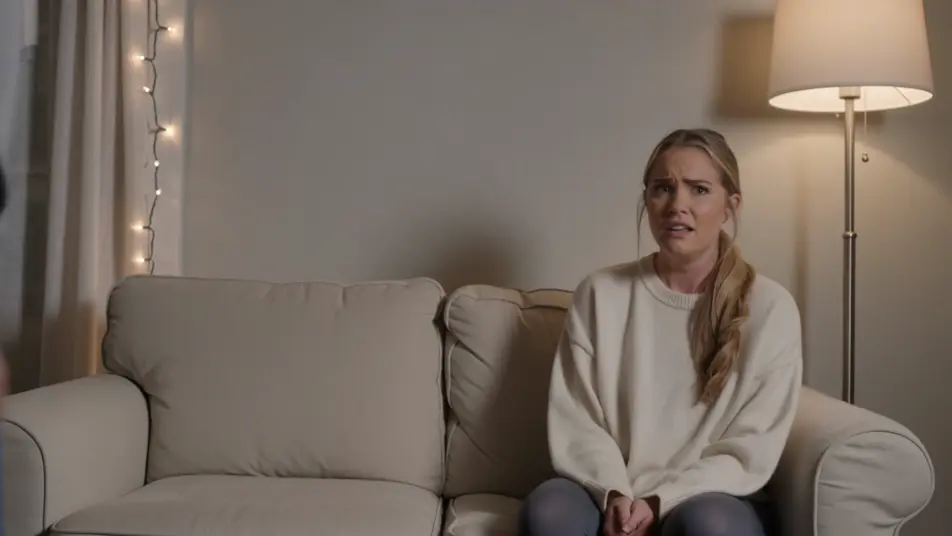
A living room framed from a concealed corner where the rigged prop waits and a subject drifts toward it. Warm lamp light, a locked wide shot, the tension building in the stillness.

Prompt bearbeiten

The bait goes off

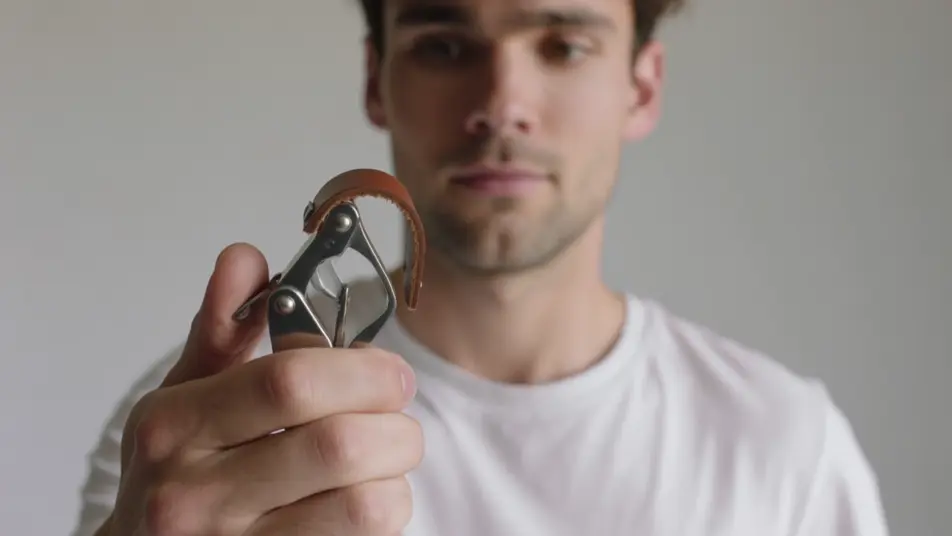
A tight setup on the trigger where the harmless gag springs and the subject jumps. Bright even light, a quick zoom that snaps to the startle, the comic beat landing hard.

Prompt bearbeiten

The friendly reveal

The moment the prankster steps in and both crack up together. Soft warm light, a slow push-in on the shared laughter, hands slapping knees as the joke lands.

Prompt bearbeiten

Slow-motion replay

A stylized instant replay of the best startle, played back in slow motion. Punchy light, a tight frame on the wide-eyed jump, exaggerated just enough to be funny.

Prompt bearbeiten

prank video-Videos in drei Schritten erstellen

  1. 01

    Beschreiben Sie Ihre prank video-Szene

    Beschreiben Sie die prank video-Szene, die Sie möchten, in einfachen Worten.

  2. 02

    Video generieren

    Morphic generiert in Sekunden einen filmreifen Clip auf Ihrer Canvas.

  3. 03

    prank video-Video verfeinern

    Passen Sie den Prompt an, generieren Sie Varianten und laden Sie die Aufnahme herunter oder teilen Sie sie.

Verwandte Workflows

Das könnte Ihnen auch gefallen

Einfache Preise

Starten Sie noch heute kostenlos, mit der Option, jederzeit zu upgraden oder zu kündigen.

Basic

$9/ Monat
abgerechnet als $0 pro Jahr

900 monatliche Credits

1 Nutzer

Alle Modelle

Workflows

Standard

$24/ Monat
abgerechnet als $0 pro Jahr

3200 monatliche Credits

1 Nutzer

Alle Modelle

Workflows

Pro

$45/ Monat
abgerechnet als $0 pro Jahr

6200 gemeinsame monatliche Credits

1 Nutzer

+ bis zu 4 weitere gegen Aufpreis

Alle Modelle

Workflows

Pro Max

$170/ Monat
abgerechnet als $0 pro Jahr

24000 gemeinsame monatliche Credits

1 Nutzer

+ bis zu 9 weitere gegen Aufpreis

Alle Modelle

Workflows

Enterprise

Für höhere Limits

Individuell

Preis- und Abrechnungsbedingungen

Unbegrenzte Credits
Individuelle Platzlimits
Alle Modelle
Workflows
Pricing Gradient

Free

Zum Ausprobieren

$0

dauerhaft kostenlos

Bis zu 20 Credits
Nur 1 Nutzer
Eingeschränkte Modelle
Workflows

Häufig gestellte Fragen

Where can I make prank videos with AI?
You can create prank videos directly in your browser on Morphic. Open the Text to Video tool, describe the beat you want, a hidden-camera setup, a trigger, or a laughing reveal, and Morphic produces the clip. Keep the gag harmless and good-natured, and no filming is needed.
What kinds of prank shots work best with AI video?
Hidden-camera wide shots, quick-zoom trigger beats, and slow-motion replays all read cleanly because each carries a clear setup and payoff. The strongest prank clips build tension in a static wide frame, then punch in on the surprise and land on shared laughter.
How do I write a good prompt for a prank video?
Name three things: the harmless gag, the camera, and the light. Say what springs and how the subject reacts, choose a hidden angle or a quick zoom, and add the light. A clear, friendly gag plus a camera cue is what makes the beat funny without going mean.
How do I keep a prank consistent across scenes?
Hold the location steady: the same room, the same light, the same camera vantage across every clip. Describe those anchors in each prompt, then order the clips on the Canvas so the setup, the trigger, and the reveal feel like one continuous prank.
Can I add music and narration to my prank videos?
Yes. The Music tool produces a playful, building bed that sells the anticipation, and the Speech tool generates a whispered setup voiceover in the voice you choose, layered onto the clips so you can narrate the plan before the gag springs.
Do I need video editing experience to make a prank video?
No. Morphic runs in your browser and you direct it with plain-language prompts. If you can describe the harmless gag and how the camera catches it, you can produce a prank video. The prompts on this page are written so anyone can paste and run.