Procedural Animation AI Videos

Drive algorithmic motion in your browser with Morphic's Procedural animation AI video generator. Generate procedural animation shots like a tentacle rig coiling on its own, vines racing across a wall, or a swarm gathering into a shape, and pair them with the Speech and Music tools to add ticking sound design and score the motion. Stitch the shots into a full effects reel on the Canvas.

Procedural Animation elements you can generate

Procedural Animation shots you can direct

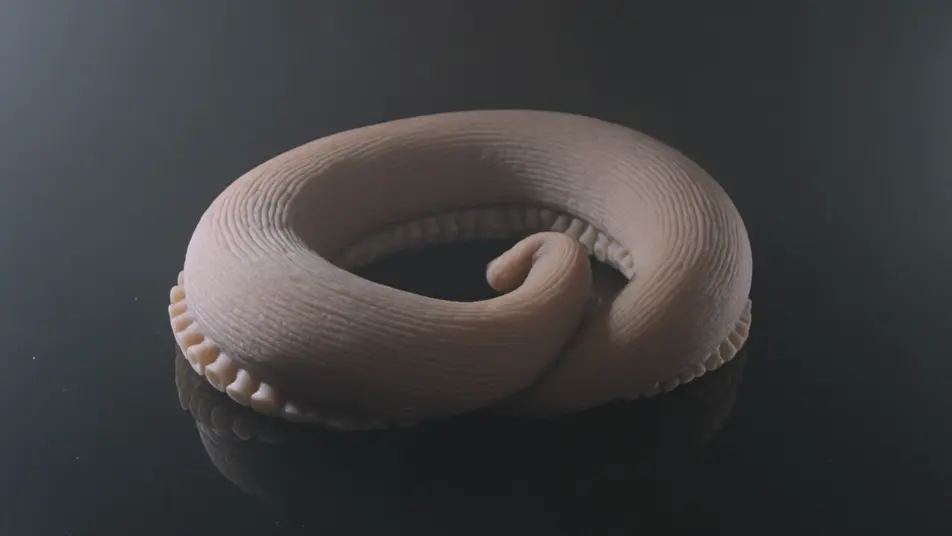
Tentacle reach, slow motion

Slow-motion mid shot of a procedural tentacle uncoiling toward the lens, the trailing wave rippling down its length and suckers flexing, soft rim light tracing every segment.

Prompt bearbeiten

Vine growth, macro

Macro time-lapse-style shot of vines racing across a stone wall, tendrils branching and spiralling into gaps while leaves unfurl behind the tips in crisp shallow-focus detail.

Prompt bearbeiten

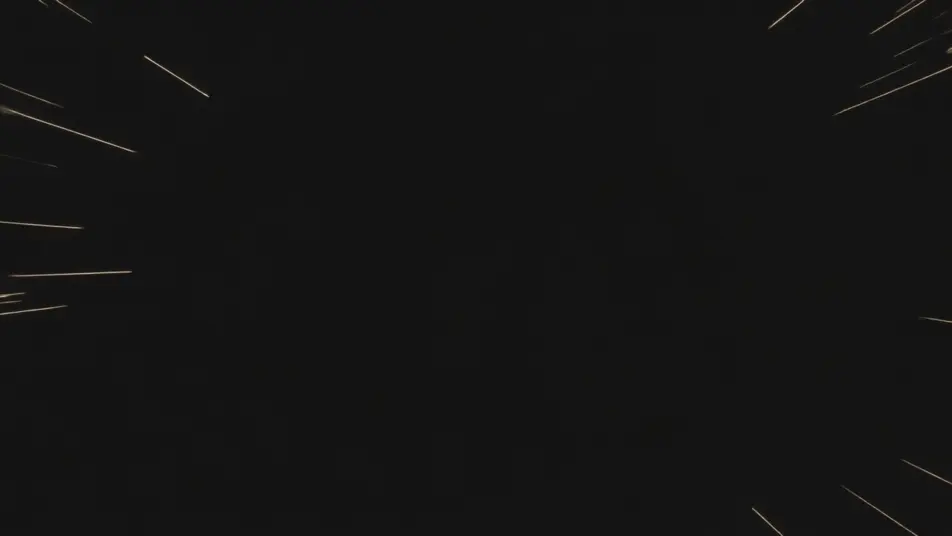
Swarm reveal, wide

Locked-off wide shot in the dark as a swarm of particles gathers and resolves into a slowly rotating shape, points streaming in from the edges and settling into place, then drifting apart.

Prompt bearbeiten

Terrain build, aerial

Aerial push-in over an empty plane as generative terrain rises and carves itself, ridges and valleys forming and rivers threading through, low sun raking across the finished landscape.

Prompt bearbeiten

Procedural Animation-Videos in drei Schritten erstellen

  1. 01

    Beschreiben Sie Ihre Procedural Animation-Szene

    Beschreiben Sie die Procedural Animation-Szene, die Sie möchten, in einfachen Worten.

  2. 02

    Video generieren

    Morphic generiert in Sekunden einen filmreifen Clip auf Ihrer Canvas.

  3. 03

    Procedural Animation-Video verfeinern

    Passen Sie den Prompt an, generieren Sie Varianten und laden Sie die Aufnahme herunter oder teilen Sie sie.

Verwandte Workflows

Das könnte Ihnen auch gefallen

Einfache Preise

Starten Sie noch heute kostenlos, mit der Option, jederzeit zu upgraden oder zu kündigen.

Basic

$0/ Monat
abgerechnet als $0 pro Jahr

900 monatliche Credits

1 Nutzer

Alle Modelle

Workflows

Standard

$0/ Monat
abgerechnet als $0 pro Jahr

3200 monatliche Credits

1 Nutzer

Alle Modelle

Workflows

Pro

$0/ Monat
abgerechnet als $0 pro Jahr

6200 gemeinsame monatliche Credits

1 Nutzer

+ bis zu 4 weitere gegen Aufpreis

Alle Modelle

Workflows

Pro Max

$0/ Monat
abgerechnet als $0 pro Jahr

24000 gemeinsame monatliche Credits

1 Nutzer

+ bis zu 9 weitere gegen Aufpreis

Alle Modelle

Workflows

Enterprise

Für höhere Limits

Individuell

Preis- und Abrechnungsbedingungen

Unbegrenzte Credits
Individuelle Platzlimits
Alle Modelle
Workflows
Pricing Gradient

Free

Zum Ausprobieren

$0

dauerhaft kostenlos

Bis zu 20 Credits
Nur 1 Nutzer
Eingeschränkte Modelle
Workflows

Häufig gestellte Fragen

Where can I make procedural animation videos with AI?
You can create procedural animation shots directly in your browser on Morphic. Open the Text to Video tool, describe the element, the generative behaviour, and the camera move, and Morphic produces the clip. No installs and no node-graph software needed.
What makes a good procedural animation shot for an AI prompt?
A clear element and a clear rule: name what is animating (tentacle, vines, swarm, geometry, ragdoll, terrain) and how it evolves (coiling, growing, forming, morphing, tumbling), then add the rhythm or trailing motion that makes it read as system-driven rather than hand-keyed.
How do I keep the look consistent across procedural shots?
Reuse the same descriptive language in every prompt: the same element, motion rhythm, material, and lighting. For a recurring rig like a signature tentacle, lock it with the Character Lineup workflow and reference it in each shot so a sequence reads as one continuous system.
How do I write a good prompt for a procedural animation shot?
Name the element, the scale, the lighting, and the camera plus slow motion. For example: "a swarm of thousands of particles gathering out of darkness into a slowly rotating face, points streaming in from the edges, soft rim light, locked-off wide shot." The more concrete the generative rule you describe, the closer the result lands.
Can I add sound design and music to my procedural animation videos?
Yes. The Speech tool generates narration from your script, and the Music tool produces a score you can sync ticking, clicking, and swelling sound design against. Layer both onto the generated clip to publish a finished procedural sequence.
Should procedural shots be photoreal or stylized?
Both work. Photoreal suits VFX and product reels where the motion needs real materials and lighting, so name surface, rim light, and depth of field. Stylized suits motion graphics and abstract titles, so specify the render look. Procedural motion also pairs well with crowd and destruction sims when a system drives a larger event.