Das Erwachen des Androiden
Ein humanoider Android, der zum ersten Mal die Augen auf einem Labortisch öffnet, sanfte innere Lichter, die eins nach dem anderen aufkommen, kaltes klinisches Licht um ihn herum.
Prompt bearbeiten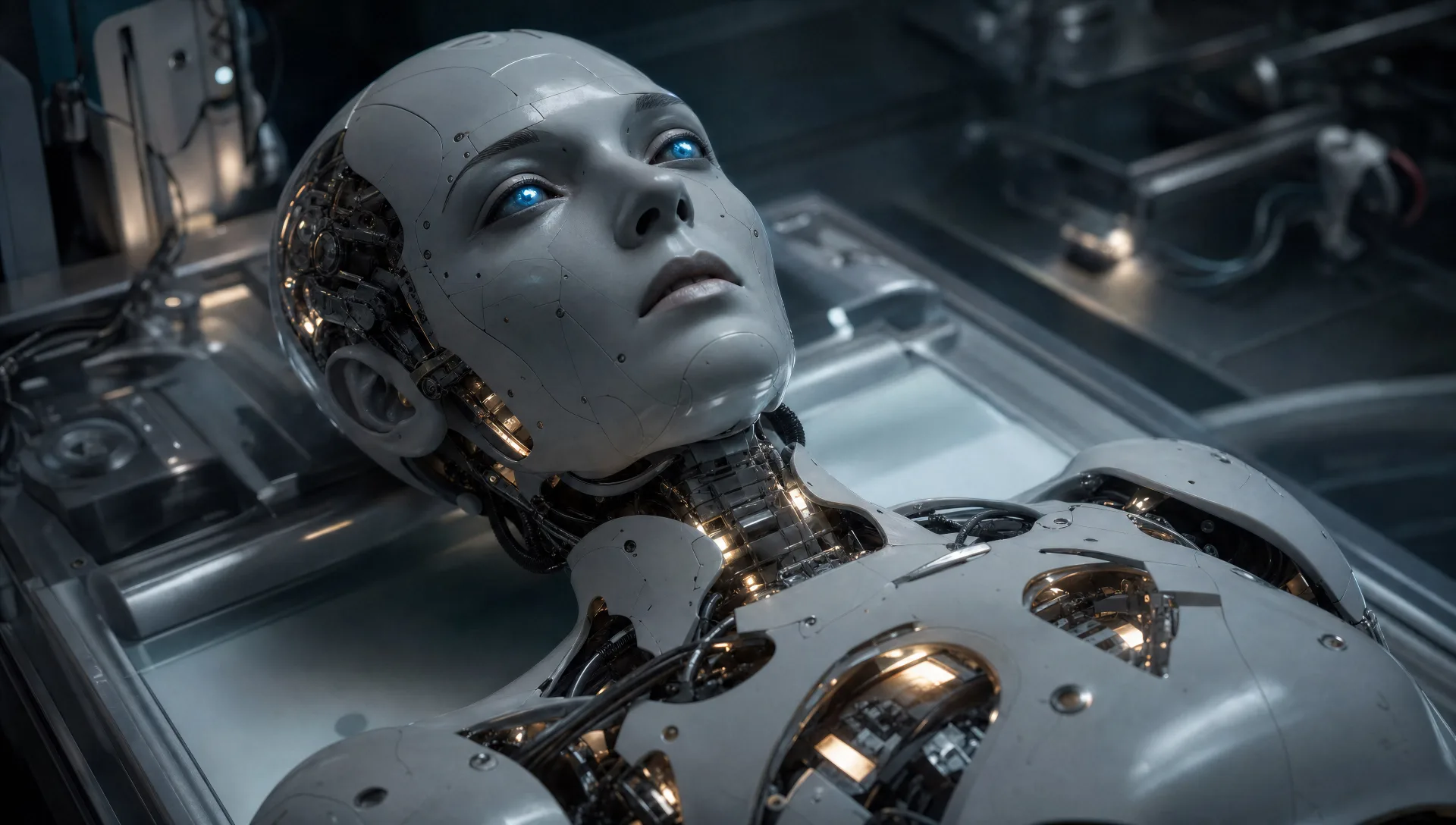
Inszenieren Sie Maschinen in Ihrem Browser mit dem KI-Videogenerator für Roboter von Morphic. Erzeugen Sie einen Androiden, der zum ersten Mal die Augen öffnet, ein Fließband identischer Einheiten oder eine einsame Maschine in staubgepeitschtem Ödland. Vertonen Sie jede Aufnahme mit Speech und Music und fügen Sie den Kurzfilm im Canvas zusammen.
Ein humanoider Android, der zum ersten Mal die Augen auf einem Labortisch öffnet, sanfte innere Lichter, die eins nach dem anderen aufkommen, kaltes klinisches Licht um ihn herum.
Prompt bearbeitenEine lange automatisierte Linie identischer Roboterrahmen, die sich auf Überkopfschienen bewegen, Funken, die von Schweißarmen regnen, hartes Industrielicht.
Prompt bearbeiten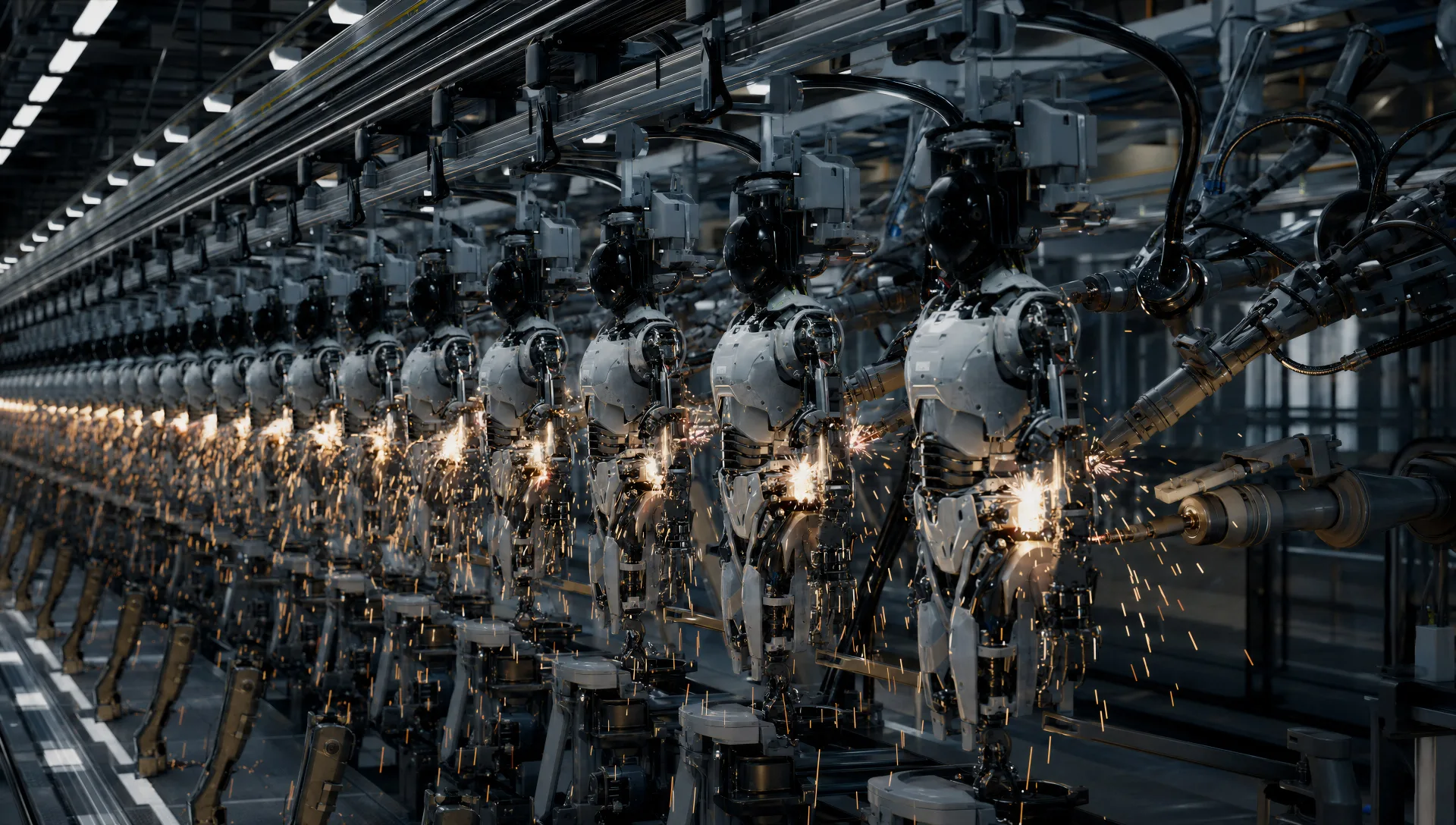
Ein Stadtplatz voller Maschinen, die sich wie eine einzige zur Kamera drehen, Rauch, der treibt, verlassene Autos, Alarmlicht, das an den Gebäuden pulsiert.
Prompt bearbeiten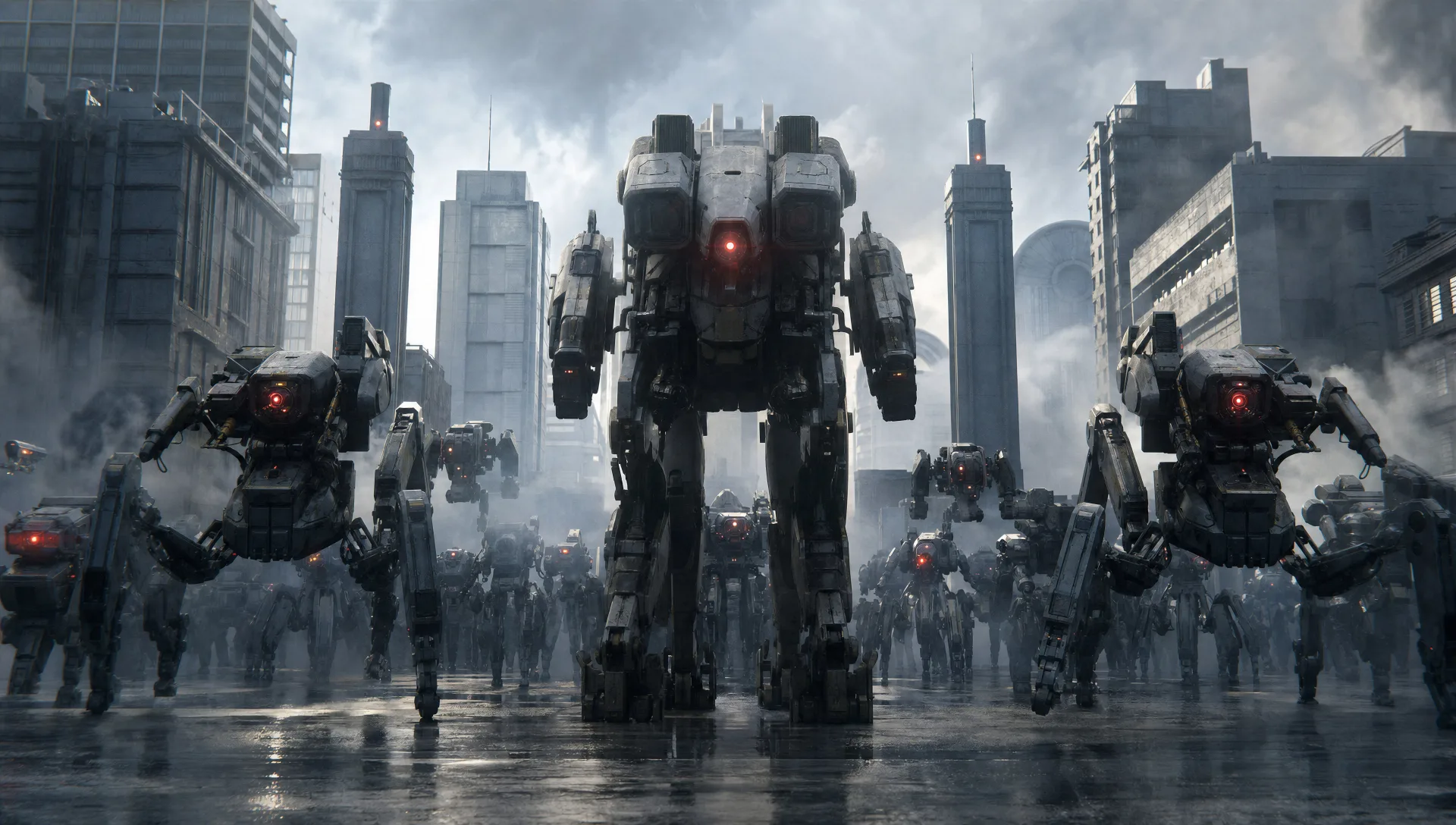
Eine einzelne verwitterte Maschine, die eine staubgepeitschte Wüste unter einem weiten blassen Himmel durchquert, ein langer Schatten, der ihr folgt, der Horizont leer in jede Richtung.
Prompt bearbeiten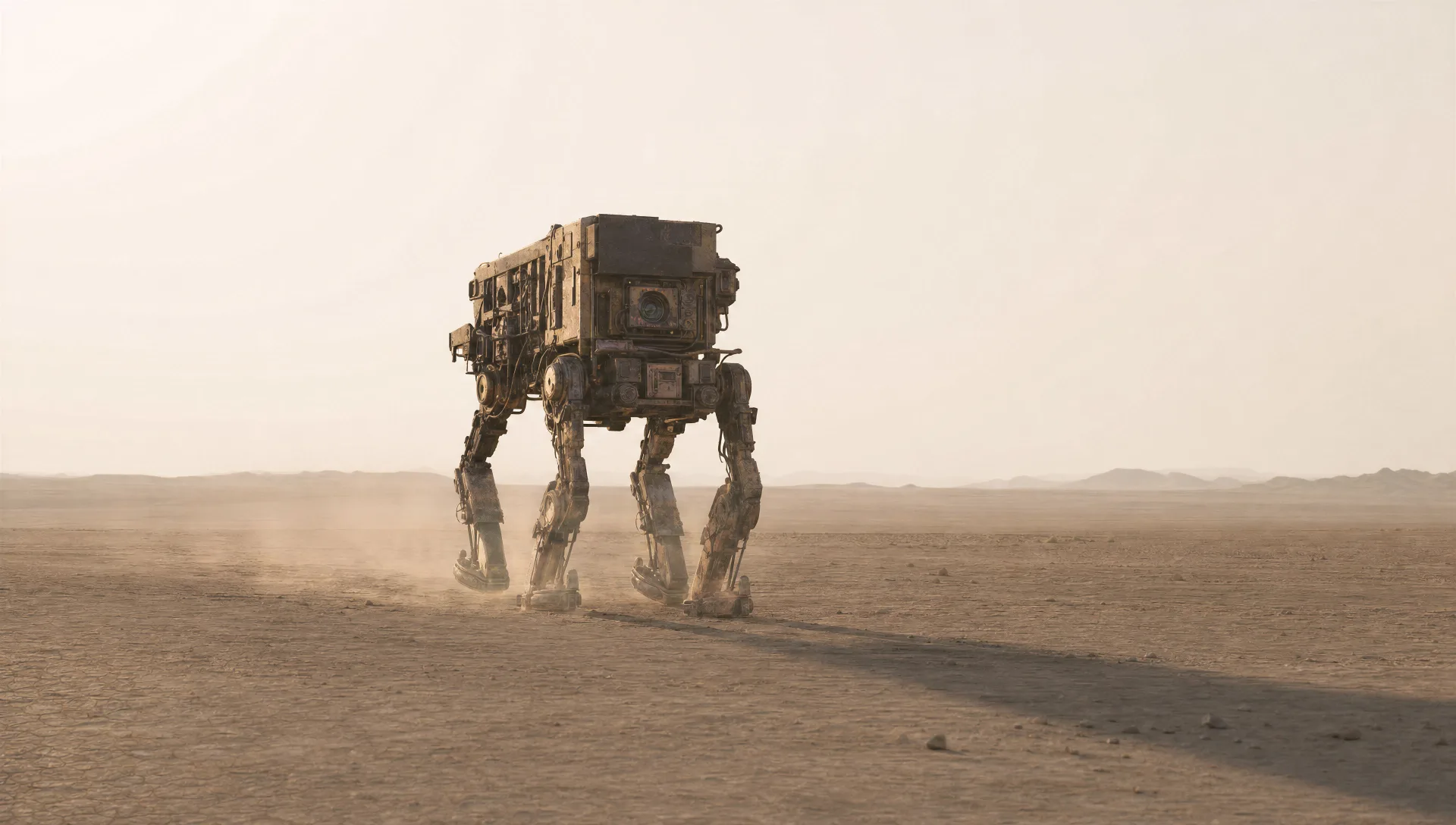
Beschreiben Sie die Roboter-Szene, die Sie möchten, in einfachen Worten.
Morphic generiert in Sekunden einen filmreifen Clip auf Ihrer Canvas.
Passen Sie den Prompt an, generieren Sie Varianten und laden Sie die Aufnahme herunter oder teilen Sie sie.
Cinematic time-freeze short film for any scene

Dramatize any text conversation into a cinematic multi-shot video.
One image to a 9-scene cinematic video.
Drop in a photo of yourself. Get a 12-second cinematic movie with animation and a matched soundtrack.

Share a scene description with character references. Get a full storyboard with shot angles and mood.

Feed in a single image. Get 9 cinematic beats laid out as a 3x3 storyboard grid.
Mecha KI-Videos
Erstellen Sie Mecha-Anime-Videos mit Morphic. Cockpit-Starts, Hangarbuchten, stadtweite Schlachten und Pilotenporträts, aus einem einzigen Prompt erzeugt.
Sci-Fi KI-Videos
Erzeugen Sie Sci-Fi-Videos auf Morphic. Raumschiffe, außerirdische Welten, Raumstationen und Szenen der fernen Zukunft aus Prompts in einfacher Sprache, keine Software nötig.
Cyberpunk KI-Videos
Erzeugen Sie Cyberpunk-Videos auf Morphic. Neon-Megacity-Straßen, körperaugmentierte Figuren und regennasse Sci-Fi-Szenen aus Prompts in einfacher Sprache.
Superhero KI-Videos
Erzeugen Sie Superhelden-Videos auf Morphic. Dachlandungen, Rettungen in der Luft, geheime Verstecke und Comic-Action-Szenen aus einfachen Prompts.
Starten Sie noch heute kostenlos, mit der Option, jederzeit zu upgraden oder zu kündigen.
Basic
2400 monatliche Credits
1 Nutzer
Alle Modelle
Workflows
Standard
3625 monatliche Credits
1 Nutzer
Alle Modelle
Workflows
Pro
6350 gemeinsame monatliche Credits
1 Nutzer
Alle Modelle
Workflows
Max
24650 gemeinsame monatliche Credits
1 Nutzer
Alle Modelle
Workflows
Enterprise
Für höhere Limits
Individuell
Preis- und Abrechnungsbedingungen

Free
Zum Ausprobieren
$0
dauerhaft kostenlos