AI Shockwave Effect videos

Direct expanding shockwaves in your browser with Morphic's shockwave effect AI video generator. Generate clips like a ground-shattering blast ring racing outward from a landed fist or a dome of distorted air rippling across a city block, and pair them with the Music tool to hit the impact on the downbeat. Stitch the blasts into one continuous impact sequence on the Canvas.

Shockwave variations you can direct

Shockwave sequences you can stage

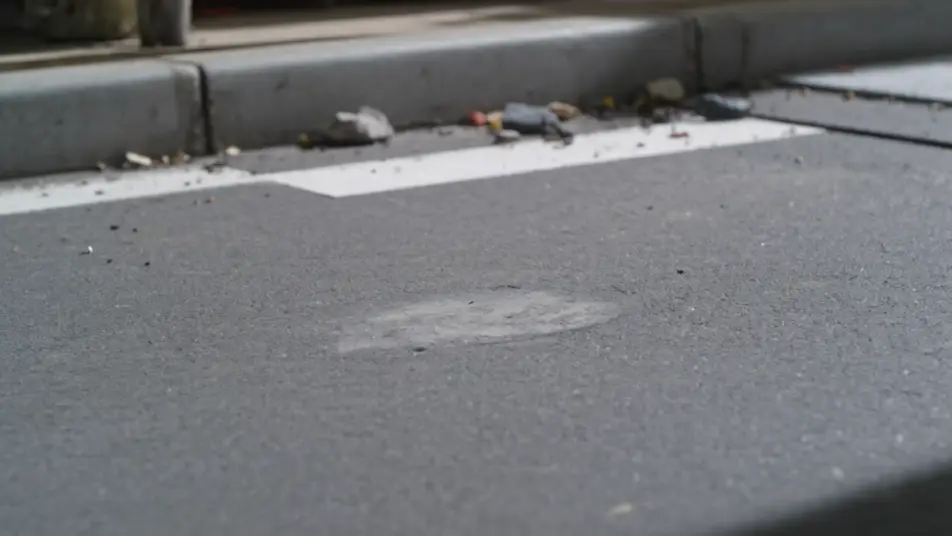
Fist landing on a street

A figure drives a fist into a city street and a shockwave ring tears outward, cracking asphalt and flipping debris. Low ground-level wide angle, camera shaking with the impact as the ring races past.

Prompt bearbeiten

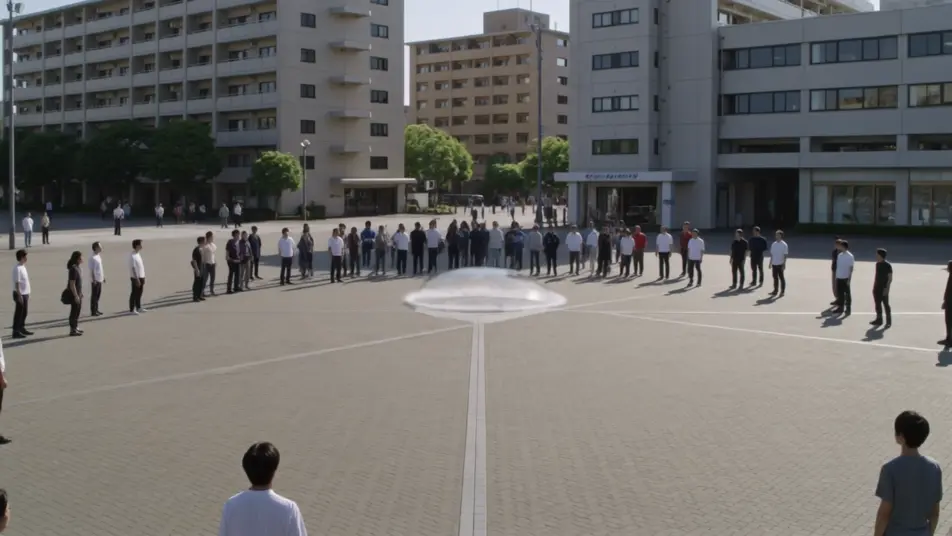
Air dome over a plaza

An unseen blast sends a dome of distorted air rippling across a crowded plaza, warping the buildings behind it. High wide shot craning slowly back as the distortion expands and fades.

Prompt bearbeiten

Water burst on a still lake

At dawn a shockwave erupts on a mirror-still lake, a ring of spray racing out while the center heaves upward. Low static shot just above the waterline, mist catching the early light.

Prompt bearbeiten

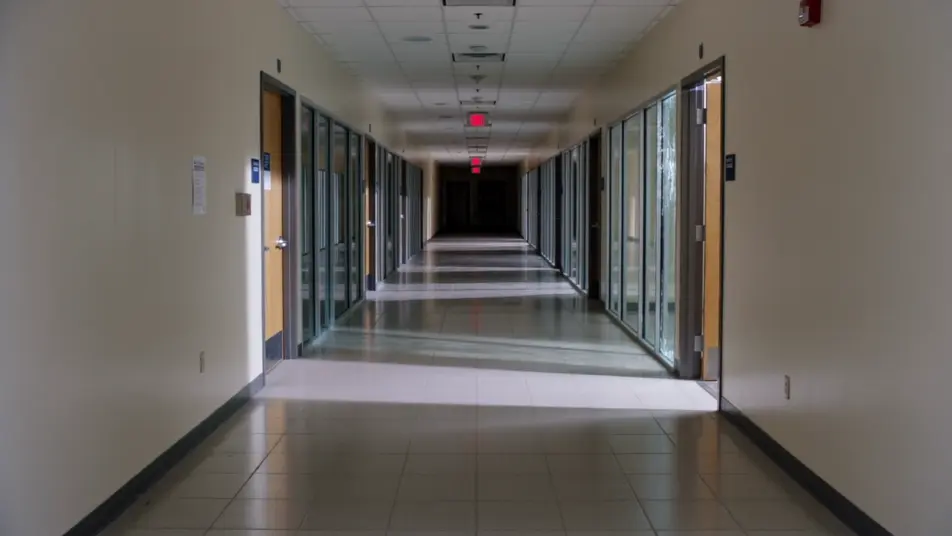
Pressure wave through a hallway

Inside a long corridor a pressure wave rolls forward, blowing doors open and glass inward down the line. Locked wide down the hall, camera holding as the wave passes through frame.

Prompt bearbeiten

shockwave effect-Videos in drei Schritten erstellen

  1. 01

    Beschreiben Sie Ihre shockwave effect-Szene

    Beschreiben Sie die shockwave effect-Szene, die Sie möchten, in einfachen Worten.

  2. 02

    Video generieren

    Morphic generiert in Sekunden einen filmreifen Clip auf Ihrer Canvas.

  3. 03

    shockwave effect-Video verfeinern

    Passen Sie den Prompt an, generieren Sie Varianten und laden Sie die Aufnahme herunter oder teilen Sie sie.

Verwandte Workflows

Das könnte Ihnen auch gefallen

Einfache Preise

Starten Sie noch heute kostenlos, mit der Option, jederzeit zu upgraden oder zu kündigen.

Basic

$9/ Monat
abgerechnet als $0 pro Jahr

900 monatliche Credits

1 Nutzer

Alle Modelle

Workflows

Standard

$24/ Monat
abgerechnet als $0 pro Jahr

3200 monatliche Credits

1 Nutzer

Alle Modelle

Workflows

Pro

$45/ Monat
abgerechnet als $0 pro Jahr

6200 gemeinsame monatliche Credits

1 Nutzer

+ bis zu 4 weitere gegen Aufpreis

Alle Modelle

Workflows

Pro Max

$170/ Monat
abgerechnet als $0 pro Jahr

24000 gemeinsame monatliche Credits

1 Nutzer

+ bis zu 9 weitere gegen Aufpreis

Alle Modelle

Workflows

Enterprise

Für höhere Limits

Individuell

Preis- und Abrechnungsbedingungen

Unbegrenzte Credits
Individuelle Platzlimits
Alle Modelle
Workflows
Pricing Gradient

Free

Zum Ausprobieren

$0

dauerhaft kostenlos

Bis zu 20 Credits
Nur 1 Nutzer
Eingeschränkte Modelle
Workflows

Häufig gestellte Fragen

Where can I make shockwave effect videos with AI?
You can create shockwave videos directly in your browser on Morphic. Open the Text to Video tool, describe the impact, the medium, and what the wave breaks, and Morphic produces the blast clip. No distortion plugins and no manual keyframing needed.
What kinds of shockwave shots work best with AI video?
Ground blast rings, air distortion domes, and water bursts all read cleanly. The strongest clips give the wave a surface to act on, cracking asphalt, warping buildings, throwing spray, so the force has a visible effect instead of an empty ripple.
How do I write a good prompt for a shockwave effect video?
Name the source of the impact, the medium the wave travels through, and what it breaks or bends. Add the debris, dust, or spray it throws so the wave interacts with the world. The clearer the interaction, the more convincing the shockwave Morphic returns.
How do I keep the blast consistent between scenes?
Describe the wave color, speed, and the medium the same across clips, and reuse the camera shake and light direction. On the Canvas you can place several blast clips side by side and refine each until the impacts read as one continuous sequence.
Can I add music and narration to my shockwave effect videos?
Yes. The Music tool produces an original soundtrack, and a shockwave lands hardest when the impact hits the downbeat. The Speech tool generates narration in the voice you choose, layered onto the clip so an action or disaster beat can carry a voiceover.
Do I need video editing experience to make a shockwave effect video?
No. Morphic runs in your browser and you direct it with plain-language prompts. If you can describe the impact and what it breaks, you can produce a shockwave video. The prompts on this page are written so anyone can paste and run.