Mondbeschienener Lager-Steg
Ein maskierter Killer, der reglos am Ende eines mondbeschienenen See-Stegs steht, Nebel auf dem Wasser und dunkle Kiefern dahinter, ein langsames kriechendes Heranfahren, tiefblaue Nacht.
Prompt bearbeiten
This page covers graphic depictions of injury, blood and wounds, for adult-audience film, games and creative work.
Inszenieren Sie Slasher-Horror-Spannung im Browser mit dem KI-Videogenerator für Slasher-Bösewichte von Morphic. Erzeugen Sie einen maskierten Killer auf einem mondbeschienenen Steg, einen hakenhändigen Stalker im Nebel oder einen stillen Beobachter hinter einem Opfer. Halten Sie das Design mit Character Lineup und untermalen Sie mit Music im Canvas.
Ein maskierter Killer, der reglos am Ende eines mondbeschienenen See-Stegs steht, Nebel auf dem Wasser und dunkle Kiefern dahinter, ein langsames kriechendes Heranfahren, tiefblaue Nacht.
Prompt bearbeitenEin Haken-Stalker, der unter einer flackernden Straßenlaterne auf einer leeren Vorstadtstraße aus dem Nebel tritt, lange Schatten und nasses Pflaster, eine angespannte langsame Verfolgungsaufnahme.
Prompt bearbeiten
Ein stiller Beobachter, der in einem gedämpften Türrahmen hinter einem ahnungslosen Opfer im Vordergrund erscheint, weiches häusliches Licht, eine statisch gehaltene Einstellung, die Grauen aufbaut.
Prompt bearbeiten
Eine hektische Ich-Perspektiven-Verfolgung durch dunkle Wälder, Äste peitschen vorbei und ein Taschenlampenstrahl zuckt, die maskierte Gestalt hinten erhascht, schnelle Handkamera.
Prompt bearbeiten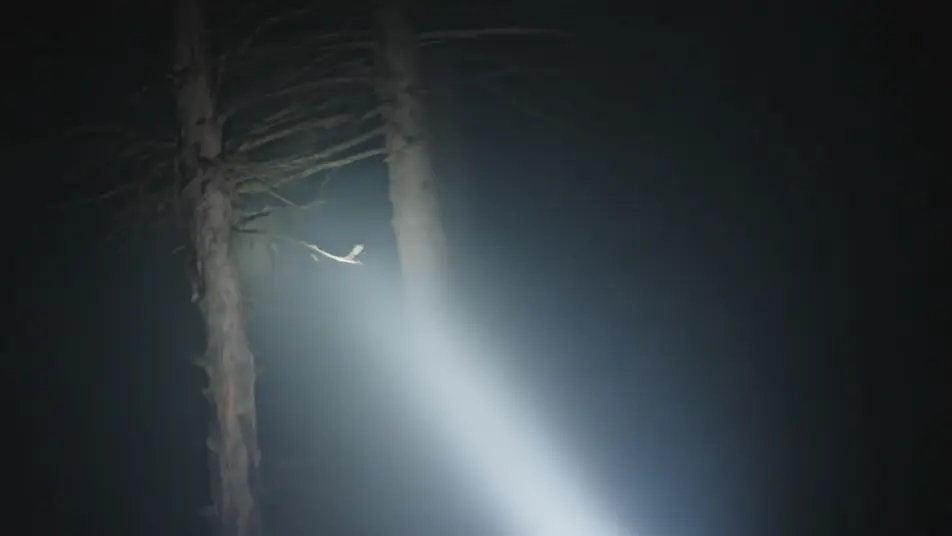
Beschreiben Sie die Slasher-Bösewicht-Szene, die Sie möchten, in einfachen Worten.
Morphic generiert in Sekunden einen filmreifen Clip auf Ihrer Canvas.
Passen Sie den Prompt an, generieren Sie Varianten und laden Sie die Aufnahme herunter oder teilen Sie sie.
Cinematic time-freeze short film for any scene

Dramatize any text conversation into a cinematic multi-shot video.
One image to a 9-scene cinematic video.
Drop in a photo of yourself. Get a 12-second cinematic movie with animation and a matched soundtrack.

Share a scene description with character references. Get a full storyboard with shot angles and mood.

Feed in a single image. Get 9 cinematic beats laid out as a 3x3 storyboard grid.
Dämonen KI-Videos
Erzeugen Sie Dämonen-Videos mit Morphic. Gehörnter Herrscher, Kobold, gefallener Ritter und besessener Wirt als Archetypen mit Höllenlandschaft-, Beschwörungs- und Besessenheits-Szenen-Prompts.
Werwolf KI-Videos
Erzeugen Sie Werwolf-Videos mit Morphic. Verwandlung, vollständige Bestie, halb verwandelt und Rudel-Archetypen mit Prompts für mondbeschienene Wälder und Scheunen-Szenen.
Vampir KI-Videos
Erzeugen Sie Vampir-Videos mit Morphic. Karpatische Burgen, hämoglobinrote Clubs, Opernumhang-Silhouetten und Szenen-Prompts von gotisch bis modern.
Alien KI-Videos
Generieren Sie Alien-Videos mit Morphic. Grauer Besucher, chitinöser Räuber, hoher Gesandter und Schwarm-Drohnen-Archetypen mit Schiffs-, Wrack- und Erstkontakt-Szenen-Prompts.
Starten Sie noch heute kostenlos, mit der Option, jederzeit zu upgraden oder zu kündigen.
Basic
2400 monatliche Credits
1 Nutzer
Alle Modelle
Workflows
Standard
3625 monatliche Credits
1 Nutzer
Alle Modelle
Workflows
Pro
6350 gemeinsame monatliche Credits
1 Nutzer
Alle Modelle
Workflows
Max
24650 gemeinsame monatliche Credits
1 Nutzer
Alle Modelle
Workflows
Enterprise
Für höhere Limits
Individuell
Preis- und Abrechnungsbedingungen

Free
Zum Ausprobieren
$0
dauerhaft kostenlos
Everything on this page is fictional depiction for film, games and creative work. It does not depict real events, and does not place real, identifiable people in them.
Results vary by model. Some models apply stricter content policies than others, so a shot one model declines may generate on another.