Direct hard-hitting smash cuts in your browser with Morphic's smash cut AI video generator. Generate the two halves of the jolt, a screaming crowd that slams into a silent empty room, or a peaceful sunrise that cracks into a car horn at rush hour, and pair them with the Music tool to land the impact on a downbeat. Stitch the before and after shots into one jarring sequence on the Canvas.

Smash cut variations you can direct

Smash cut sequences you can stage

A stadium roar slamming into silence

A packed floodlit stadium erupts in a wide crowd shot, then smash cuts to a single empty seat in a dark, silent arena. Hard cut on the peak of the noise, locked wide framing on both halves.

Prompt bearbeiten

A calm morning cracking open

A still bedroom bathed in soft blue dawn light holds for a beat, then smash cuts to a jam-packed rush-hour street blaring with horns. Static tripod shot into a chaotic handheld pan.

Prompt bearbeiten

A tiny detail exploding into scale

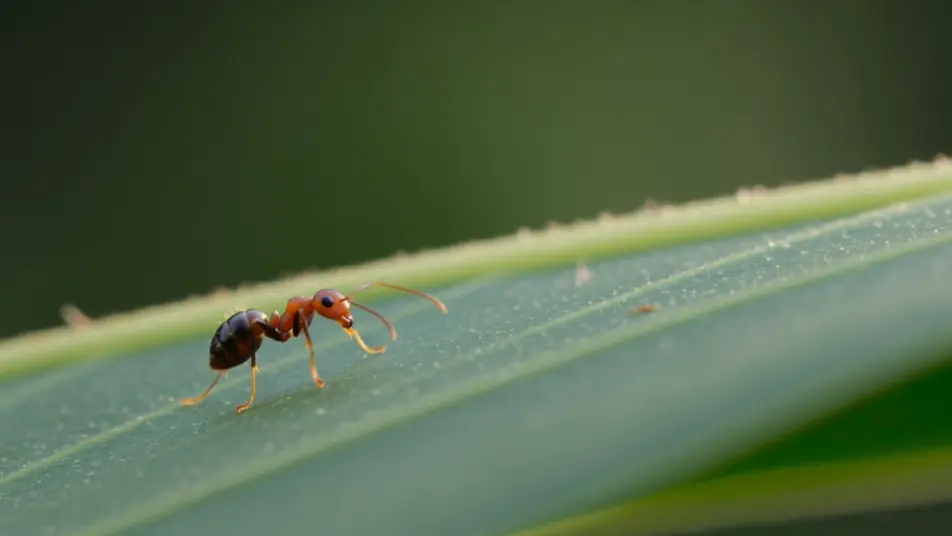
A macro shot of an ant on a leaf, shallow depth of field, smash cuts to a towering aerial of a rainforest canopy at golden hour. The scale jump lands on a single frame with no easing.

Prompt bearbeiten

A quiet promise turning to dread

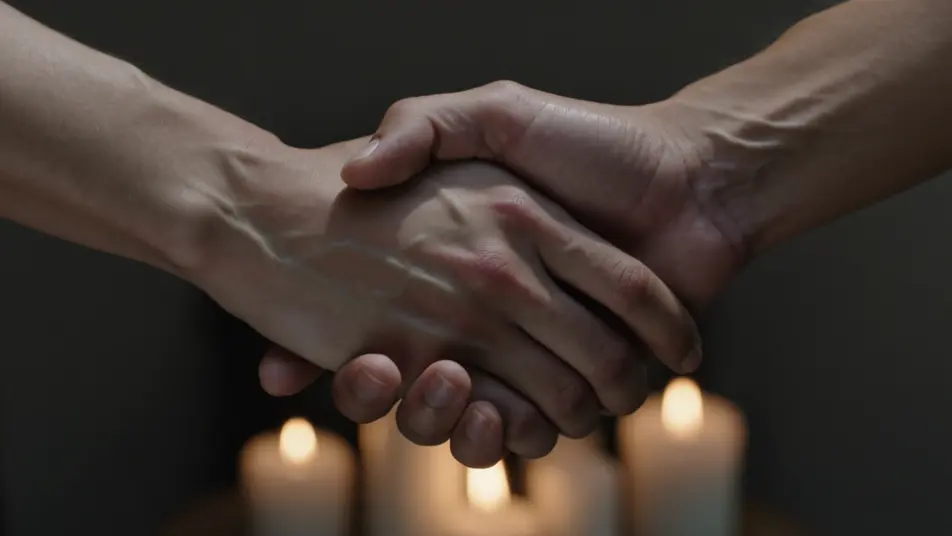
A serene close-up of two clasped hands in warm candlelight smash cuts to the same hands letting go against harsh cold daylight. Matched framing, hard cut, the mood inverted in an instant.

Prompt bearbeiten

smash cut-Videos in drei Schritten erstellen

  1. 01

    Beschreiben Sie Ihre smash cut-Szene

    Beschreiben Sie die smash cut-Szene, die Sie möchten, in einfachen Worten.

  2. 02

    Video generieren

    Morphic generiert in Sekunden einen filmreifen Clip auf Ihrer Canvas.

  3. 03

    smash cut-Video verfeinern

    Passen Sie den Prompt an, generieren Sie Varianten und laden Sie die Aufnahme herunter oder teilen Sie sie.

Verwandte Workflows

Das könnte Ihnen auch gefallen

Einfache Preise

Starten Sie noch heute kostenlos, mit der Option, jederzeit zu upgraden oder zu kündigen.

Basic

$9/ Monat
abgerechnet als $0 pro Jahr

900 monatliche Credits

1 Nutzer

Alle Modelle

Workflows

Standard

$24/ Monat
abgerechnet als $0 pro Jahr

3200 monatliche Credits

1 Nutzer

Alle Modelle

Workflows

Pro

$45/ Monat
abgerechnet als $0 pro Jahr

6200 gemeinsame monatliche Credits

1 Nutzer

+ bis zu 4 weitere gegen Aufpreis

Alle Modelle

Workflows

Pro Max

$170/ Monat
abgerechnet als $0 pro Jahr

24000 gemeinsame monatliche Credits

1 Nutzer

+ bis zu 9 weitere gegen Aufpreis

Alle Modelle

Workflows

Enterprise

Für höhere Limits

Individuell

Preis- und Abrechnungsbedingungen

Unbegrenzte Credits
Individuelle Platzlimits
Alle Modelle
Workflows
Pricing Gradient

Free

Zum Ausprobieren

$0

dauerhaft kostenlos

Bis zu 20 Credits
Nur 1 Nutzer
Eingeschränkte Modelle
Workflows

Häufig gestellte Fragen

Where can I make smash cut videos with AI?
You can create smash cut videos directly in your browser on Morphic. Open the Text to Video tool, describe the first shot and the second shot, and Morphic produces both halves of the cut. Line them up on the Canvas for the hard transition, with no installs and no manual editing.
What kinds of smash cut transitions work best with AI video?
Loud-to-quiet and quiet-to-loud pairs read the strongest, along with scale jumps and time jumps. The best smash cuts share a framing anchor across the two shots, the same composition or a held gaze, so the eye registers the shock of the change rather than getting lost between two unrelated images.
How do I write a good prompt for a smash cut video?
Describe two shots and the single thing that flips between them. Say what the first shot is, what the second shot is, and whether the jolt comes from volume, scale, emotion, or time. Keeping the framing consistent across both halves gives the cut its punch.
How do I keep the smash cut consistent between scenes?
Hold one element steady across both shots, the composition, the subject position, or the camera height, and name it in each prompt. On the Canvas you can place the two clips edge to edge and trim the cut point until the transition hits on a single hard frame.
Can I add music and narration to my smash cut videos?
Yes. The Music tool produces an original track, and a smash cut hits hardest when the transition lands on a downbeat or a sudden drop. The Speech tool generates narration in the voice you pick, so a comic or dramatic smash cut can carry a line of dialogue right across the cut.
Do I need video editing experience to make a smash cut?
No. Morphic runs in your browser and you direct it with plain language. If you can describe the shot before the cut and the shot after it, you can produce a smash cut. Every prompt on this page is written to paste and run as is.