Eine skizzierte Establishing-Einstellung
Ein grobes Storyboard-Establishing-Bild, lockere Bleistift-Strichführung, gestische Schattierung, eine gerahmte Komposition mit Pfeilen.
Prompt bearbeiten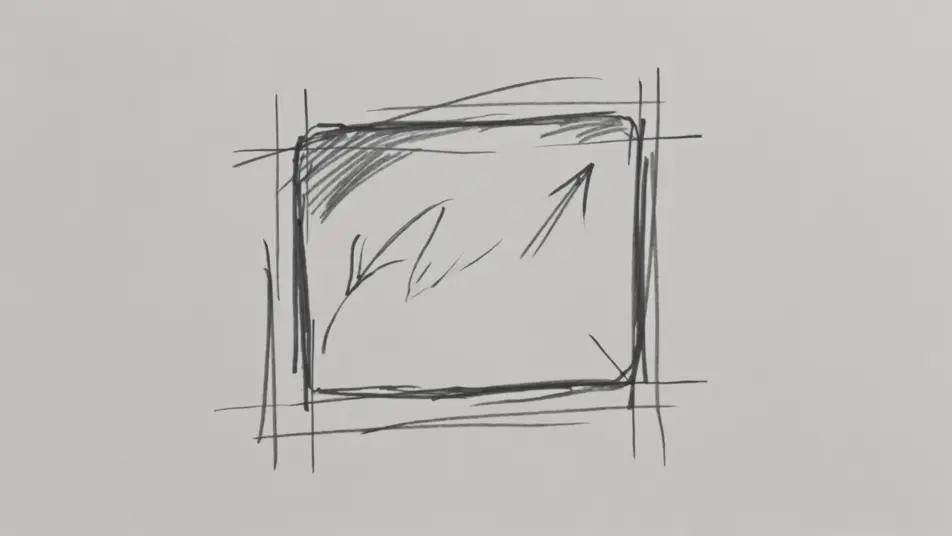
Visualisieren Sie Ihren Film vorab in Ihrem Browser mit dem KI-Videogenerator für den Storyboard-Skizzenstil von Morphic. Erzeugen Sie eine grobe Establishing-Einstellung oder ein Action-Panel mit Bewegungspfeilen, vertonen Sie jede Einstellung mit Speech und Music, und fügen Sie ein Animatic auf dem Canvas zusammen.
Ein grobes Storyboard-Establishing-Bild, lockere Bleistift-Strichführung, gestische Schattierung, eine gerahmte Komposition mit Pfeilen.
Prompt bearbeitenEin dynamisches Skizzen-Panel mit Bewegungspfeilen und Geschwindigkeitsstrichen, grobem Bleistift, energiegeladener Aufteilung.
Prompt bearbeiten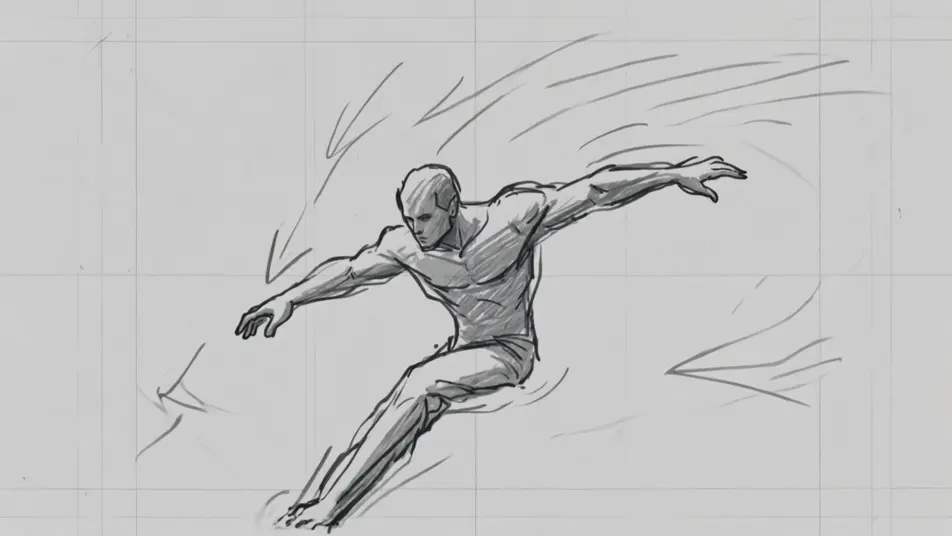
Ein Graumarker-Storyboard-Innenraum, einfache tonale Aufteilung, lockere Strichführung, eine mitten in der Szene skizzierte Figur.
Prompt bearbeiten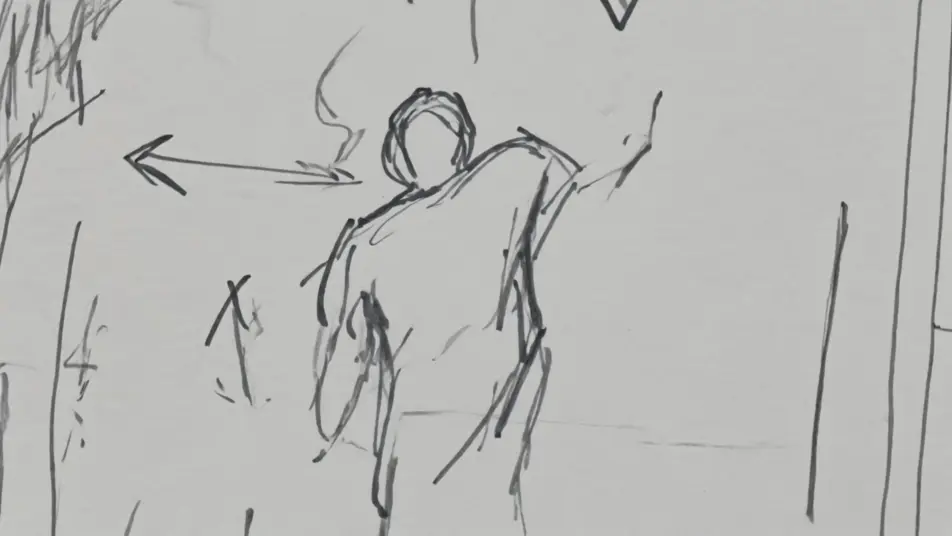
Eine enge Storyboard-Nahaufnahme in grobem Bleistift, schnellen ausdrucksstarken Strichen, Bildeinstellungsnotizen am Rand.
Prompt bearbeiten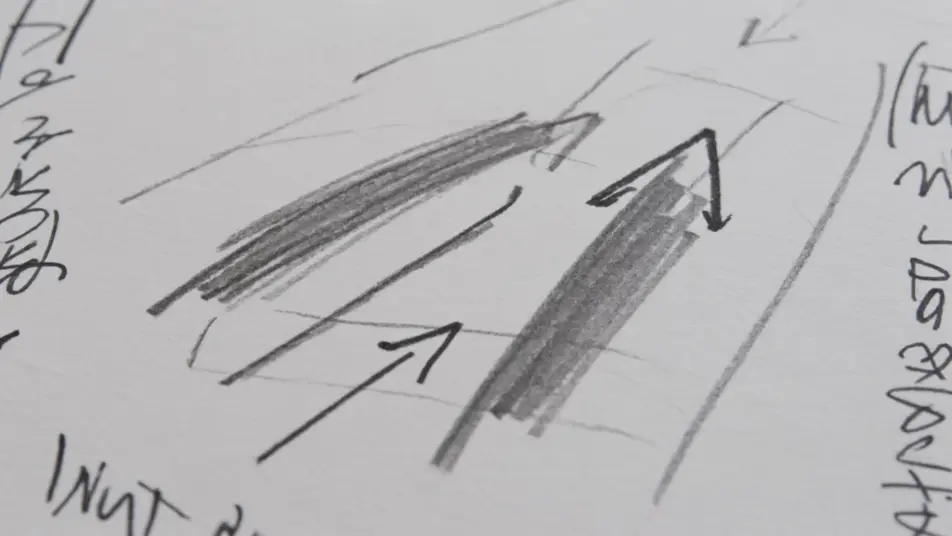
Beschreiben Sie die Storyboard-Skizzenstil-Szene, die Sie möchten, in einfachen Worten.
Morphic generiert in Sekunden einen filmreifen Clip auf Ihrer Canvas.
Passen Sie den Prompt an, generieren Sie Varianten und laden Sie die Aufnahme herunter oder teilen Sie sie.
One image to a 9-scene cinematic video.

Share a scene description with character references. Get a full storyboard with shot angles and mood.
Cinematic time-freeze short film for any scene

Feed in a single image. Get 9 cinematic beats laid out as a 3x3 storyboard grid.

Dramatize any text conversation into a cinematic multi-shot video.
Drop in a photo of yourself. Get a 12-second cinematic movie with animation and a matched soundtrack.
KI-Kurzfilme
Erstellen Sie KI-Kurzfilme mit Morphic. Storyboarden Sie den Bogen, halten Sie Figuren konsistent, inszenieren Sie jede Szene und untermalen Sie den Schnitt. Schritt für Schritt, keine Schnitterfahrung nötig.
KI-Trailer
Erzeugen Sie Trailer auf Morphic. Cold Opens, sich steigernde Montagen, Titelkarten-Enthüllungen und Cliffhanger-Schnitte aus Prompts in Alltagssprache, kein Editor nötig.
Cartoon KI-Videos
Erstellen Sie Cartoon-Videos mit Morphic. 2D-, 3D-, Bilderbuch- und Squash-and-Stretch-Stile, vollständige Figurenkonsistenz und Prompt-gesteuerte Szenen, die Sie in Ihrem Browser ausführen können.
Anime KI-Videos
Erstellen Sie Anime-Videos mit Morphic. Slice-of-Life-Szenen, Mecha-Aufnahmen, Magical-Girl-Verwandlungen und ganze Anime-Episoden, erzeugt aus einem einzigen Prompt.
Starten Sie noch heute kostenlos, mit der Option, jederzeit zu upgraden oder zu kündigen.
Basic
2400 monatliche Credits
1 Nutzer
Alle Modelle
Workflows
Standard
3625 monatliche Credits
1 Nutzer
Alle Modelle
Workflows
Pro
6350 gemeinsame monatliche Credits
1 Nutzer
Alle Modelle
Workflows
Max
24650 gemeinsame monatliche Credits
1 Nutzer
Alle Modelle
Workflows
Enterprise
Für höhere Limits
Individuell
Preis- und Abrechnungsbedingungen

Free
Zum Ausprobieren
$0
dauerhaft kostenlos