Direct the Super 8 home-movie look in your browser with Morphic's Super 8 film AI video generator. Generate Super 8 video scenes like a sun-drenched beach day, a backyard summer afternoon, or a road trip out the window, and pair them with the Speech and Music tools to voice and score every shot. Stitch the sequences into a full Super 8 short on the Canvas.

Super 8 film characters you can direct

Super 8 film scenes you can stage

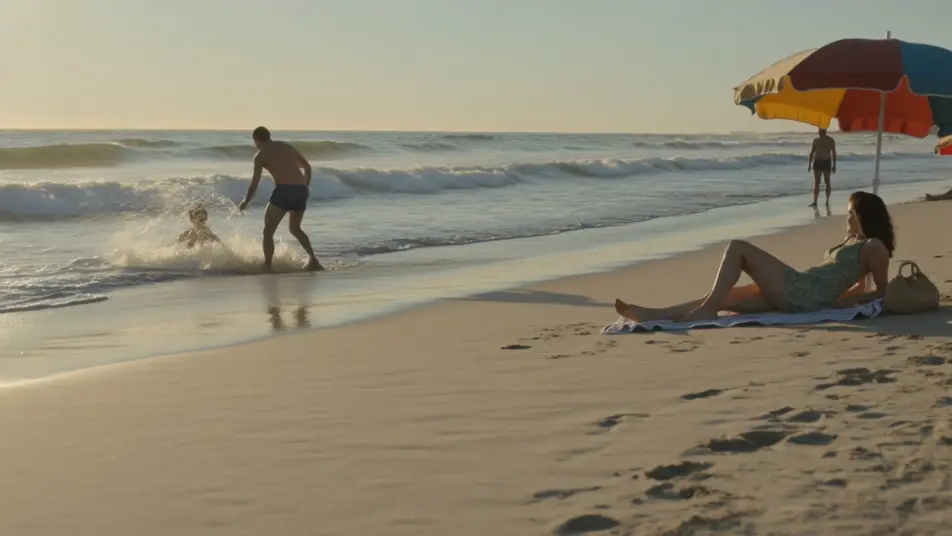
A sun-drenched beach day

A Super 8 beach day in golden light, a family in the surf and on towels, sun spray and parasols, warm heavy grain, sweeping light leaks and faded nostalgic color.

Prompt bearbeiten

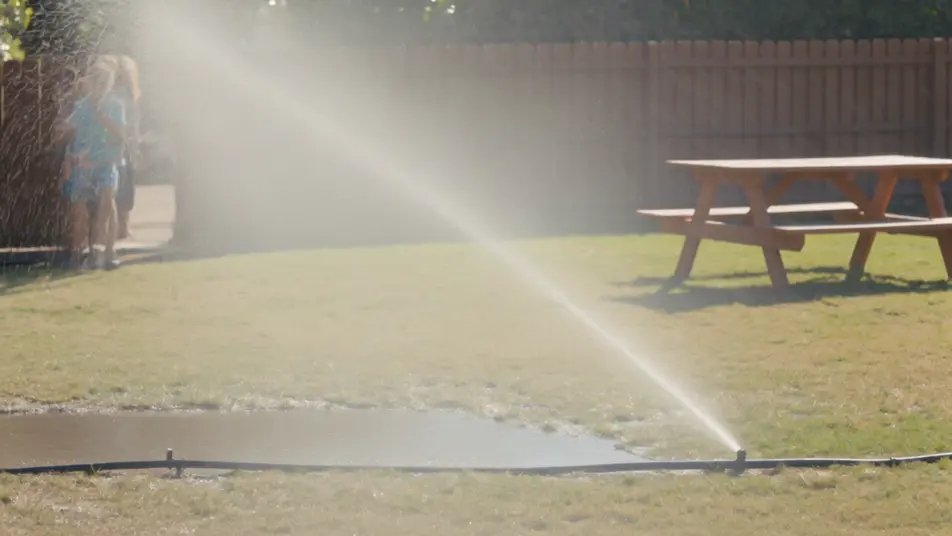
A backyard summer afternoon

A Super 8 backyard on a summer afternoon, a sprinkler and a picnic table, kids running through the spray, warm grain, gate flicker, a soft light leak and faded color.

Prompt bearbeiten

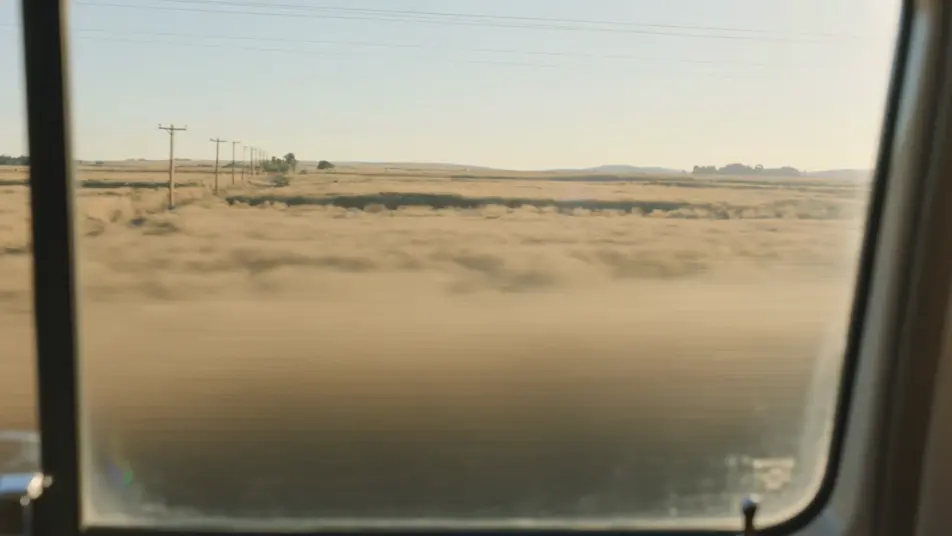
A road trip out the window

A Super 8 view out a moving car window of sun-faded fields and telephone poles sliding past, warm heavy grain, a flickering gate and a sweeping light leak across the frame.

Prompt bearbeiten

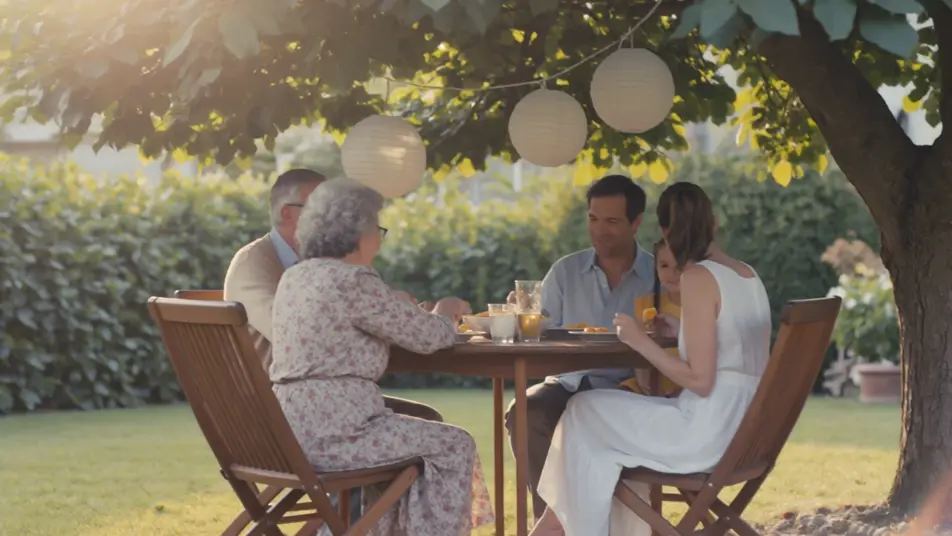
A garden gathering

A Super 8 garden gathering in golden afternoon light, family around a table under a tree with paper lanterns, warm faded color, heavy grain and a gentle light leak.

Prompt bearbeiten

Super 8 film-Videos in drei Schritten erstellen

  1. 01

    Beschreiben Sie Ihre Super 8 film-Szene

    Beschreiben Sie die Super 8 film-Szene, die Sie möchten, in einfachen Worten.

  2. 02

    Video generieren

    Morphic generiert in Sekunden einen filmreifen Clip auf Ihrer Canvas.

  3. 03

    Super 8 film-Video verfeinern

    Passen Sie den Prompt an, generieren Sie Varianten und laden Sie die Aufnahme herunter oder teilen Sie sie.

Verwandte Workflows

Das könnte Ihnen auch gefallen

Einfache Preise

Starten Sie noch heute kostenlos, mit der Option, jederzeit zu upgraden oder zu kündigen.

Basic

$0/ Monat
abgerechnet als $0 pro Jahr

900 monatliche Credits

1 Nutzer

Alle Modelle

Workflows

Standard

$0/ Monat
abgerechnet als $0 pro Jahr

3200 monatliche Credits

1 Nutzer

Alle Modelle

Workflows

Pro

$0/ Monat
abgerechnet als $0 pro Jahr

6200 gemeinsame monatliche Credits

1 Nutzer

+ bis zu 4 weitere gegen Aufpreis

Alle Modelle

Workflows

Pro Max

$0/ Monat
abgerechnet als $0 pro Jahr

24000 gemeinsame monatliche Credits

1 Nutzer

+ bis zu 9 weitere gegen Aufpreis

Alle Modelle

Workflows

Enterprise

Für höhere Limits

Individuell

Preis- und Abrechnungsbedingungen

Unbegrenzte Credits
Individuelle Platzlimits
Alle Modelle
Workflows
Pricing Gradient

Free

Zum Ausprobieren

$0

dauerhaft kostenlos

Bis zu 20 Credits
Nur 1 Nutzer
Eingeschränkte Modelle
Workflows

Häufig gestellte Fragen

Where can I make Super 8 film videos with AI?
You can create Super 8 scenes directly in your browser on Morphic. Open the Text to Video tool, describe the home-movie subject and the sunny setting, and add the Super 8 cues, and Morphic produces the clip. No installs and no specialist software needed.
What defines the Super 8 look for an AI prompt?
Film-stock cues: warm heavy grain, light leaks, gate flicker, faded sun-bleached color, and a slight handheld jitter. Name those and the clip reads as an authentic Super 8 home movie rather than clean modern video.
How is Super 8 different from a VHS or camcorder look?
Super 8 is film, with warm grain, light leaks, and gate flicker. VHS and camcorder are analog video, with tracking lines, chroma bleed, and date stamps. Use this page for the warm nostalgic film-grain look.
How do I get the warm Super 8 film feel?
Specify it directly: "Super 8 film, warm heavy grain, light leaks, gate flicker, faded nostalgic color, slight handheld jitter." Reuse those words across every scene so the short stays consistent.
Can I add narration and music to my Super 8 videos?
Yes. The Speech tool generates a voiceover from your script, and the Music tool produces a warm nostalgic score that suits the look. Layer both onto the generated clip to publish a complete Super 8 short.
Do I need any film experience to make Super 8 videos?
No. Morphic runs in your browser and takes plain-language descriptions. Anyone who can describe a home-movie subject, the setting, and the film cues can produce a Super 8 video. Cameras and editing software are not required.