Liquid light across a wall
A wide hold on an oil and water projection thrown across a whole wall, magenta and green blobs sliding over each other at a slow crawl.
Prompt bearbeiten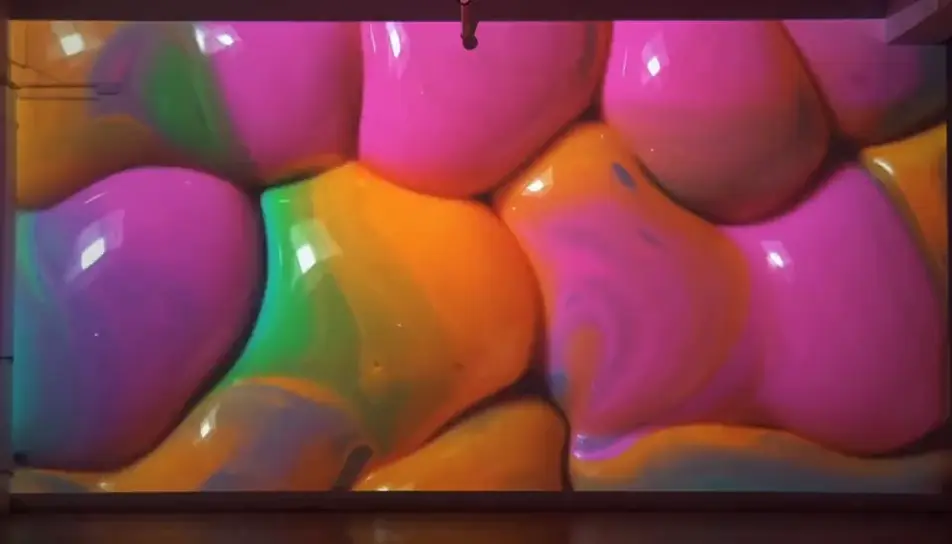
Generate trippy stock footage in Morphic's AI video generator: a flower folding into a kaleidoscope, or oil and water blooming under coloured light. Sync the set to the beat on Compose.
A wide hold on an oil and water projection thrown across a whole wall, magenta and green blobs sliding over each other at a slow crawl.
Prompt bearbeitenA band of split sunlight sweeps slowly across a rough white wall, its rainbow edge stretching and bending over the texture as it moves.
Prompt bearbeiten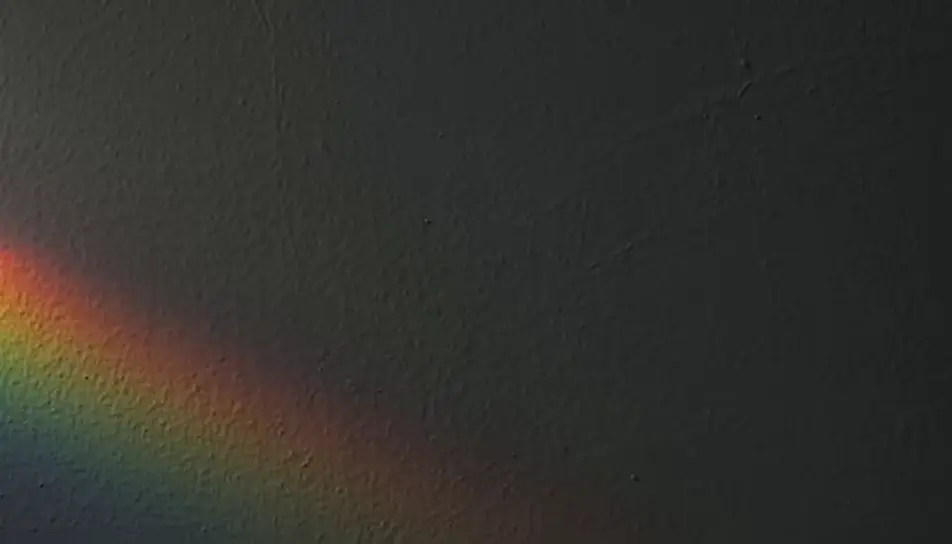
Macro on a stretched soap film as bands of oily blue, gold and violet swirl and thin across it, the surface breathing under soft light.
Prompt bearbeiten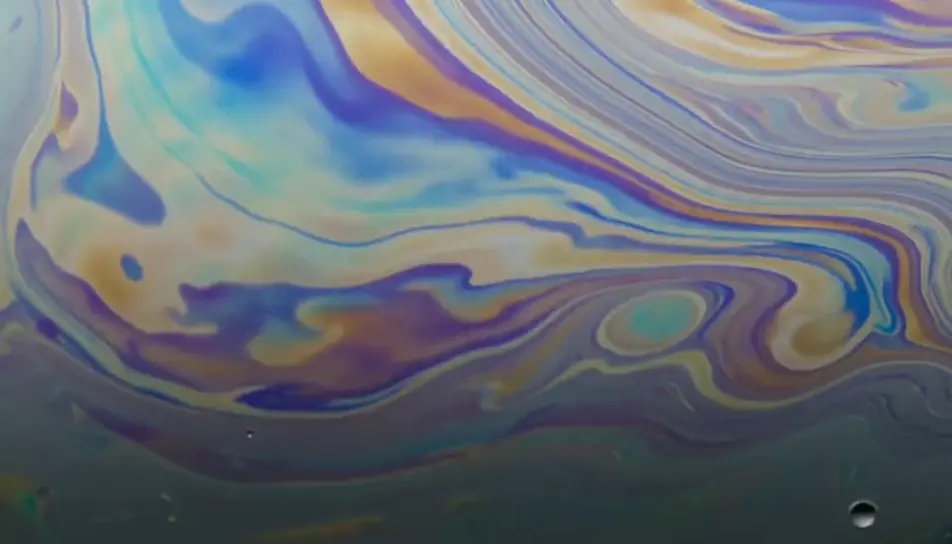
Dense smoke curls upward through a slow shift from violet to orange light, the coils folding back on themselves against a black void.
Prompt bearbeiten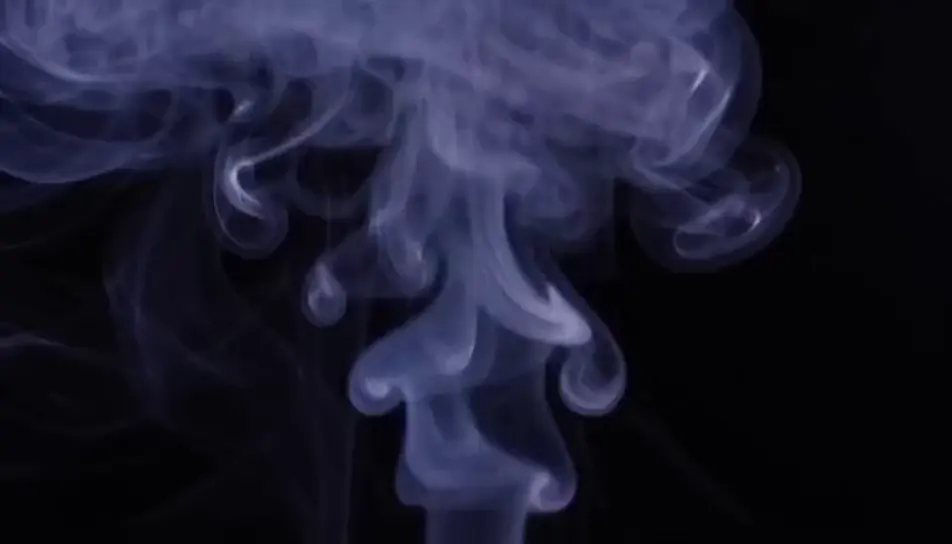
Beschreiben Sie die trippy stock footage-Szene, die Sie möchten, in einfachen Worten.
Morphic generiert in Sekunden einen filmreifen Clip auf Ihrer Canvas.
Passen Sie den Prompt an, generieren Sie Varianten und laden Sie die Aufnahme herunter oder teilen Sie sie.

Dramatize any text conversation into a cinematic multi-shot video.
Cinematic time-freeze short film for any scene

Generate a professional film title card from scratch, with optional cinematic animation.
Photo of any real-estate becomes a cinematic renovation timelapse video with construction SFX and music.
One image to a 9-scene cinematic video.
Drop in a photo of yourself. Get a 12-second cinematic movie with animation and a matched soundtrack.
Psychedelische Animation KI-Videos
Psychedelische Animationsvideos mit KI auf Morphic. Wirbelnde fraktale Farbe, kaleidoskopische Morphs und eine Flüssiglicht-Show der 1960er. Fangen Sie an zu erstellen.
KI-Kaleidoskop-Effekt-Videos
Erzeugen Sie KI-Kaleidoskop-Effekt-Videos mit Morphic. Erblühende Symmetrie, Mandala-Muster, gespiegelte Blütenblätter und sich entwickelnde Farbschleifen aus einem einzigen Prompt.
KI-Spiegeleffekt-Videos
Erzeugen Sie KI-Spiegeleffekt-Videos mit Morphic. Vertikale Symmetrie, Wasserspiegelungen, Spiegelwelten und kaleidoskopische Spiegelungen aus einem einzigen Prompt.
Abstrakte Animation KI-Videos
Abstrakte Animationsvideos mit KI auf Morphic. Nicht-figurative Formen, Farbe in Bewegung und rhythmische musikalische Komposition aus einem Prompt. Jetzt loslegen.
Starten Sie noch heute kostenlos, mit der Option, jederzeit zu upgraden oder zu kündigen.
Basic
2400 monatliche Credits
1 Nutzer
Alle Modelle
Workflows
Standard
3625 monatliche Credits
1 Nutzer
Alle Modelle
Workflows
Pro
6350 gemeinsame monatliche Credits
1 Nutzer
Alle Modelle
Workflows
Max
24650 gemeinsame monatliche Credits
1 Nutzer
Alle Modelle
Workflows
Enterprise
Für höhere Limits
Individuell
Preis- und Abrechnungsbedingungen

Free
Zum Ausprobieren
$0
dauerhaft kostenlos