Eine Flat-Design-Stadtlandschaft
Eine saubere Vektorstadt aus knackigen geometrischen Gebäuden, kräftiger flacher Farbe, geschmeidiger getweenter Bewegung.
Prompt bearbeiten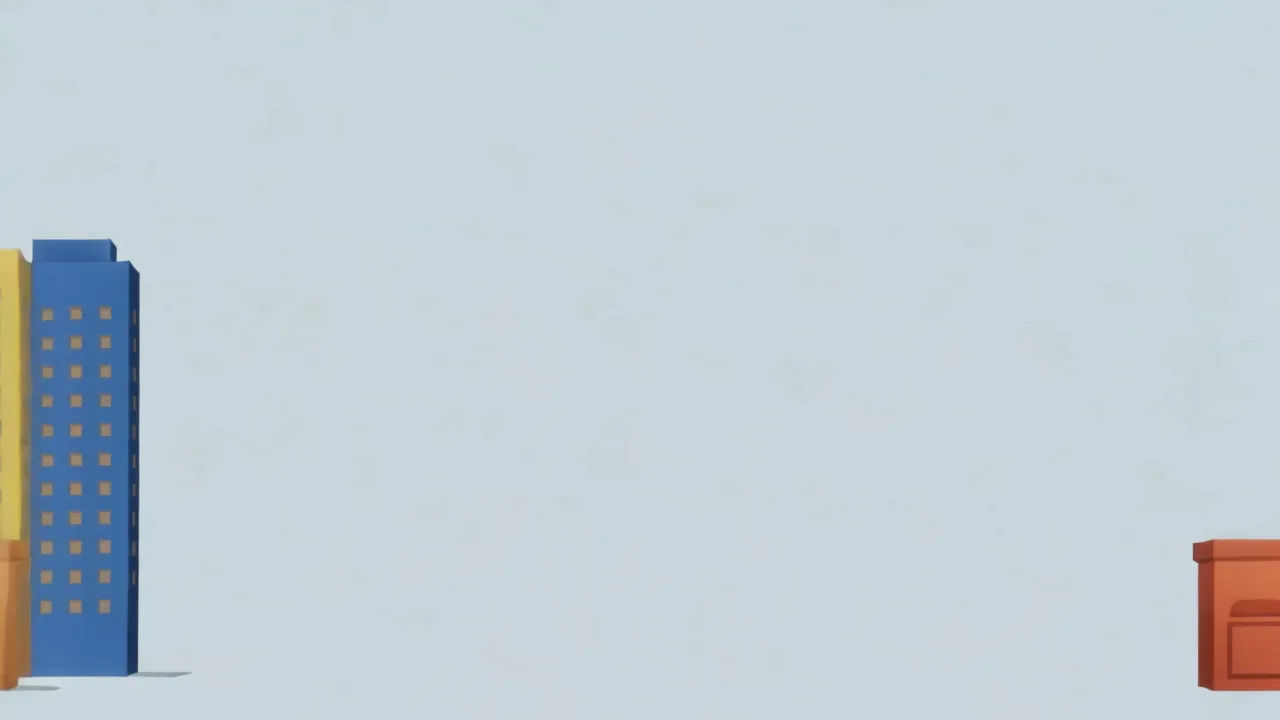
Animieren Sie klare flache Formen im Browser mit Morphics KI-Videogenerator für Vektoranimation. Erzeugen Sie eine Flat-Design-Stadtlandschaft, einen Motion-Graphics-Erklärfilm oder eine geometrische Naturszene. Vertonen Sie jede Einstellung mit Speech und Music und fügen Sie sie auf dem Canvas zu einem Kurzfilm zusammen.
Eine saubere Vektorstadt aus knackigen geometrischen Gebäuden, kräftiger flacher Farbe, geschmeidiger getweenter Bewegung.
Prompt bearbeitenEine Flat-Vektor-Erklärszene mit gleitenden Formen und knackigen Icons, kräftiger Farbe, geschmeidigen Übergängen.
Prompt bearbeiten
Eine Flat-Vektor-Landschaft aus knackigen Hügeln und einer flachen Sonne, kräftiger Farbe, ein sanftes Parallax-Gleiten.
Prompt bearbeiten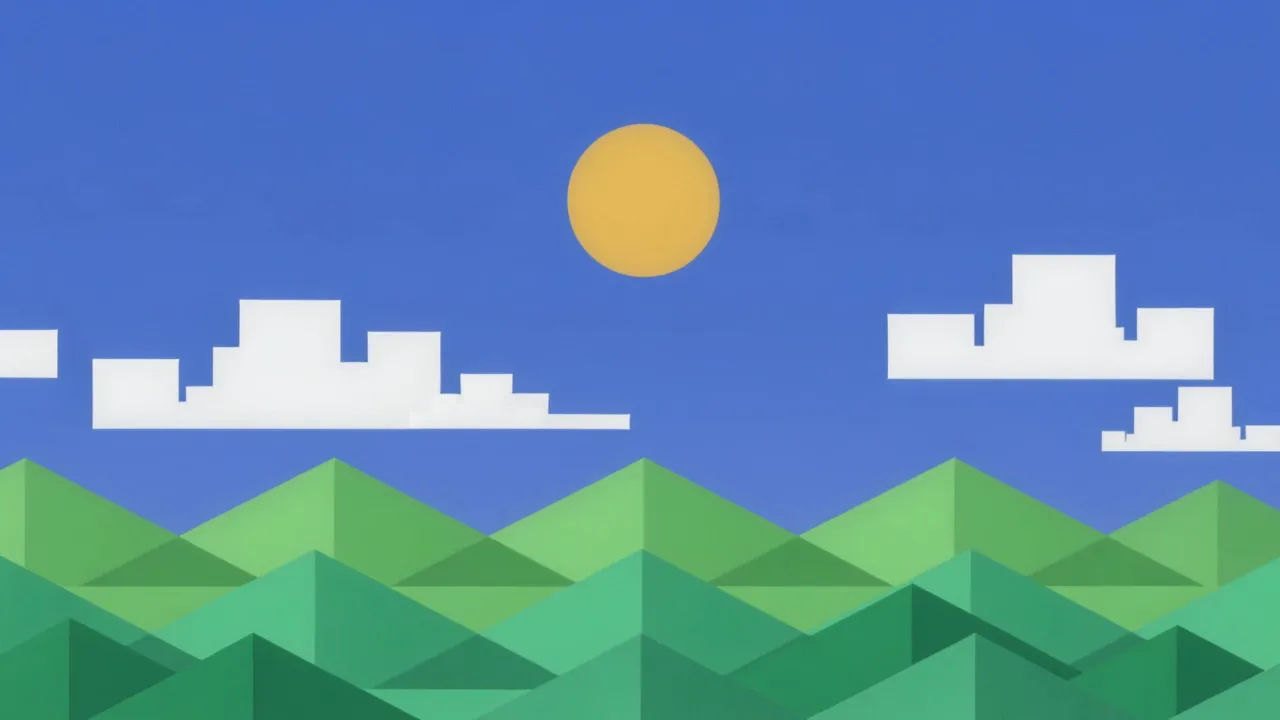
Saubere flache Formen, die geschmeidig ineinander übergehen, kräftige Farbe, knackige Kurven.
Prompt bearbeiten
Beschreiben Sie die Vektoranimation-Szene, die Sie möchten, in einfachen Worten.
Morphic generiert in Sekunden einen filmreifen Clip auf Ihrer Canvas.
Passen Sie den Prompt an, generieren Sie Varianten und laden Sie die Aufnahme herunter oder teilen Sie sie.

Pick any anime illustration as your style guide. Apply its look to any image.

Turn any sketch or drawing into a finished render.

Take any character image and generate 6 distinct facial expressions on a single reference sheet.

All your characters on a single lineup image, side by side with height comparison.

Turn any photo or description into an animated chibi sprite. Dance, jump, wave, attack, and more.
Upload a character image and make it dance in any style.
Cartoon KI-Videos
Erstellen Sie Cartoon-Videos mit Morphic. 2D-, 3D-, Bilderbuch- und Squash-and-Stretch-Stile, vollständige Figurenkonsistenz und Prompt-gesteuerte Szenen, die Sie in Ihrem Browser ausführen können.
Low Poly 3D KI-Videos
Erzeugen Sie Low-Poly-3D-Videos auf Morphic. Facettierte Geometrie, flache Schattierung und saubere stilisierte 3D-Szenen und -Figuren aus Prompts in klarer Sprache.
Rubber Hose Animation KI-Videos
Erzeugen Sie Rubber-Hose-Animation-Videos auf Morphic. Biegsame Gliedmaßen, Kulleraugen, weiße Handschuhe und schwungvolle 1930er-Schwarzweiß-Cartoons aus Prompts in einfacher Sprache.
3D-Animation KI-Videos
Erzeugen Sie 3D-Animationsvideos auf Morphic. CGI-Figuren, gerenderte Welten, dynamische Kamerabewegungen und animierte Szenen aus einfachen Prompts.
Starten Sie noch heute kostenlos, mit der Option, jederzeit zu upgraden oder zu kündigen.
Basic
2400 monatliche Credits
1 Nutzer
Alle Modelle
Workflows
Standard
3625 monatliche Credits
1 Nutzer
Alle Modelle
Workflows
Pro
6350 gemeinsame monatliche Credits
1 Nutzer
Alle Modelle
Workflows
Max
24650 gemeinsame monatliche Credits
1 Nutzer
Alle Modelle
Workflows
Enterprise
Für höhere Limits
Individuell
Preis- und Abrechnungsbedingungen

Free
Zum Ausprobieren
$0
dauerhaft kostenlos