Direct the reaction in your browser with Morphic's watch party AI video generator. Generate watch-party clips like a couch of friends gasping in the glow of a big screen, or a webcam-style reaction grid lighting up at the same beat, and pair them with the Speech tool to land the commentary track. Stitch the group reactions and cozy viewing beats into one continuous watch party on the Canvas.

Watch party segments you can direct

Watch party sequences you can stage

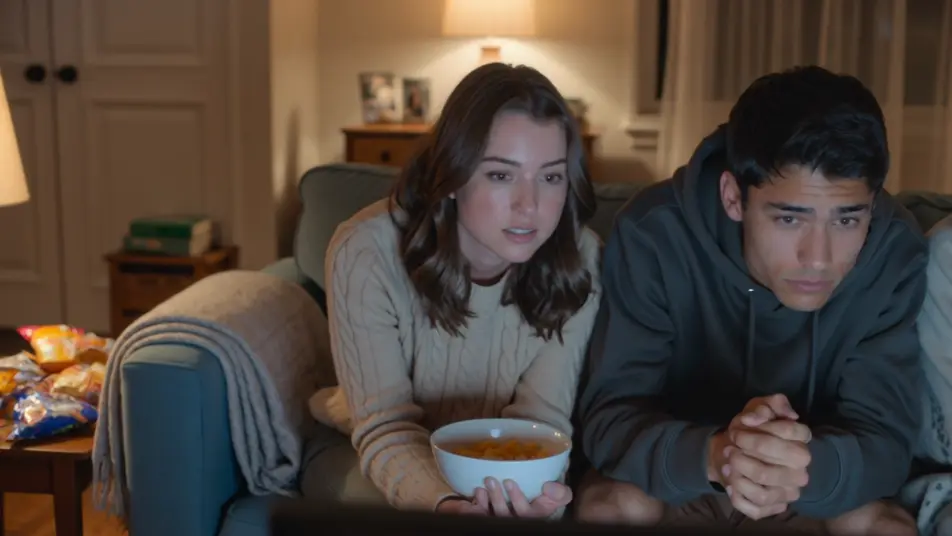
A finale night on the couch

A warm living room packed for a big finale, blankets and snacks everywhere, the group leaning in as one. Low lamp light and screen flicker, a slow dolly across the reacting faces.

Prompt bearbeiten

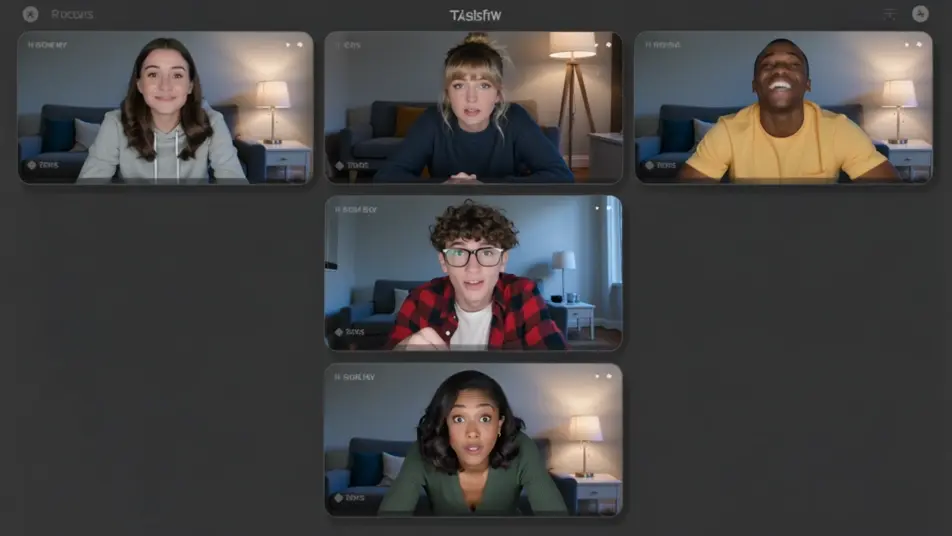
A remote watch party grid

A clean layout of stacked webcam windows, each a friend in a different room, all synced to the same beat. Even soft light in each cell, a subtle scale-up on whichever window reacts hardest.

Prompt bearbeiten

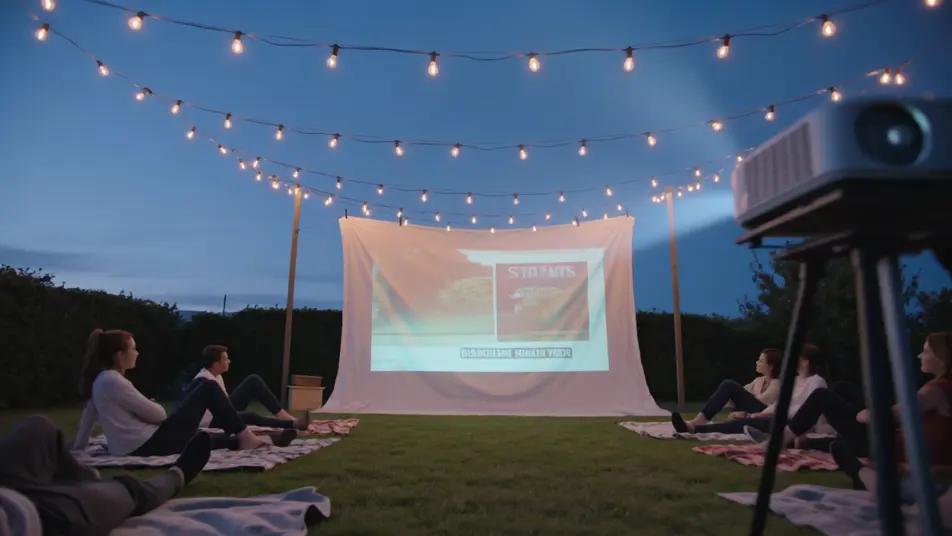
A backyard projector screening

An outdoor evening with a projector throwing a huge image on a hung sheet, friends sprawled on blankets under string lights. Deep blue dusk behind, a slow crane that reveals the whole yard.

Prompt bearbeiten

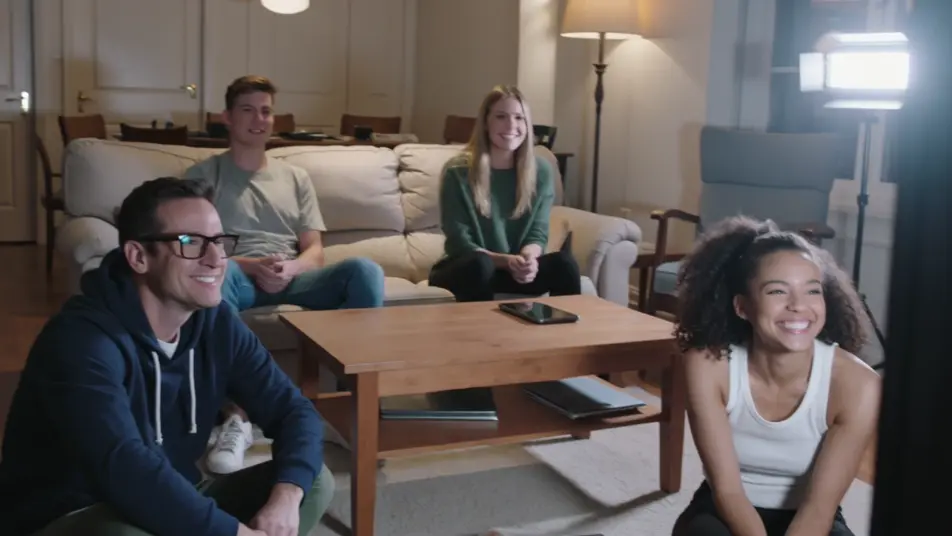
A game-day viewing room

A lively room fixed on a big screen, everyone jumping up at a turning moment, arms raised. Bright screen bounce and warm overheads, a handheld that swings with the surge of the crowd.

Prompt bearbeiten

watch party video-Videos in drei Schritten erstellen

  1. 01

    Beschreiben Sie Ihre watch party video-Szene

    Beschreiben Sie die watch party video-Szene, die Sie möchten, in einfachen Worten.

  2. 02

    Video generieren

    Morphic generiert in Sekunden einen filmreifen Clip auf Ihrer Canvas.

  3. 03

    watch party video-Video verfeinern

    Passen Sie den Prompt an, generieren Sie Varianten und laden Sie die Aufnahme herunter oder teilen Sie sie.

Verwandte Workflows

Das könnte Ihnen auch gefallen

Einfache Preise

Starten Sie noch heute kostenlos, mit der Option, jederzeit zu upgraden oder zu kündigen.

Basic

$9/ Monat
abgerechnet als $0 pro Jahr

900 monatliche Credits

1 Nutzer

Alle Modelle

Workflows

Standard

$24/ Monat
abgerechnet als $0 pro Jahr

3200 monatliche Credits

1 Nutzer

Alle Modelle

Workflows

Pro

$45/ Monat
abgerechnet als $0 pro Jahr

6200 gemeinsame monatliche Credits

1 Nutzer

+ bis zu 4 weitere gegen Aufpreis

Alle Modelle

Workflows

Pro Max

$170/ Monat
abgerechnet als $0 pro Jahr

24000 gemeinsame monatliche Credits

1 Nutzer

+ bis zu 9 weitere gegen Aufpreis

Alle Modelle

Workflows

Enterprise

Für höhere Limits

Individuell

Preis- und Abrechnungsbedingungen

Unbegrenzte Credits
Individuelle Platzlimits
Alle Modelle
Workflows
Pricing Gradient

Free

Zum Ausprobieren

$0

dauerhaft kostenlos

Bis zu 20 Credits
Nur 1 Nutzer
Eingeschränkte Modelle
Workflows

Häufig gestellte Fragen

Where can I make watch party videos with AI?
You can create watch party videos directly in your browser on Morphic. Open the Text to Video tool, describe the room, the group, and the reaction beat, and Morphic produces the clip. No installs and no crew needed.
What kinds of watch party shots work best with AI video?
Couch reactions, group gasp beats, and webcam grids work best because the shared reaction gives the frame its energy. Cozy setup montages and snack-run cutaways add the ritual and comedy that make a watch party feel lived-in.
How do I write a good prompt for a watch party video?
Name three things: who is watching, the setting, and the reaction moment. Add the screen glow and the camera style, a slow dolly or a handheld swing, and keep it brand-free so no real shows or logos appear. The clearer the beat, the more the clip reads like a real viewing night.
How do I keep it consistent across scenes?
Hold the same room, lighting, and group across clips, and describe the screen glow the same way each time. On the Canvas you can order the setup, reaction, and gasp beats and trim each until the watch party plays as one continuous night.
Can I add music and narration to my watch party videos?
Yes. The Speech tool generates a commentary or host voice to layer over the reactions, and the Music tool produces an upbeat bed for a highlight montage. Together they turn silent reaction clips into a finished watch-party piece.
Do I need video editing experience to make a watch party video?
No. Morphic runs in your browser and you direct it with plain-language prompts. If you can describe the room and the reaction, you can produce the clip. The prompts on this page are written so anyone can paste and run.