Projects and files
Organize your work into projects by client, theme or goal, and create, rename and archive the files inside them, each with its own canvas.
Projects and files on Morphic keep related work together. A project holds files, and each file has its own canvas, chats and assets, so you can keep each scene, shot or idea apart. Group files into a project by client, theme or goal.
Projects
-
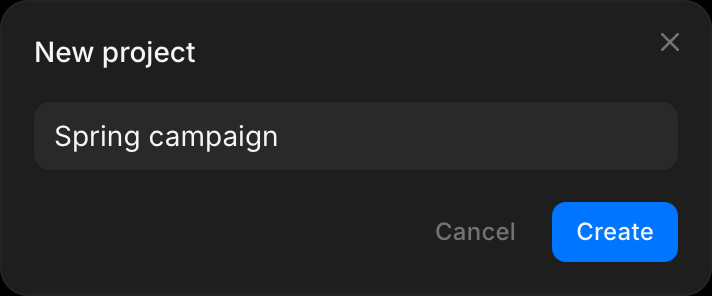
Click 'Projects' in the left sidebar of the Dashboard, then 'New project' in the top right. On Home, 'Create new' > 'Project' does the same
-
Name the project, then click 'Create'
-
To open a project, click it on the Projects page
-
To rename or archive a project, right-click it and choose the action. Archived projects move to Archives, where you can restore or delete them
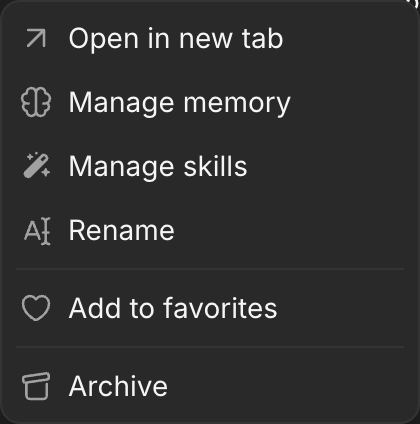
'Manage memory' and 'Manage skills' in the same menu set rules every chat in the project reads. See Memory and Skills.
Files
-
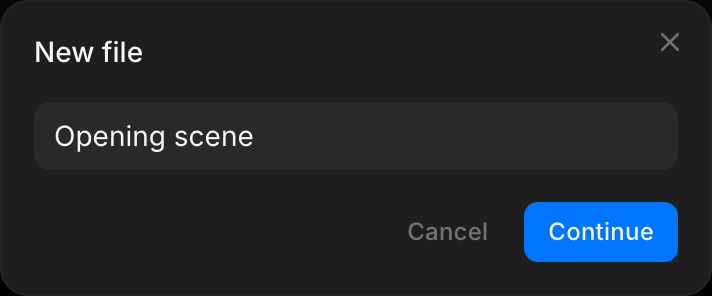
Open a project and click 'New file' in the top right

-
Name the new file and click 'Continue'
-
To rename or archive a file, right-click it on the Dashboard and choose the action. Archived files move to Archives, where you can restore or delete them
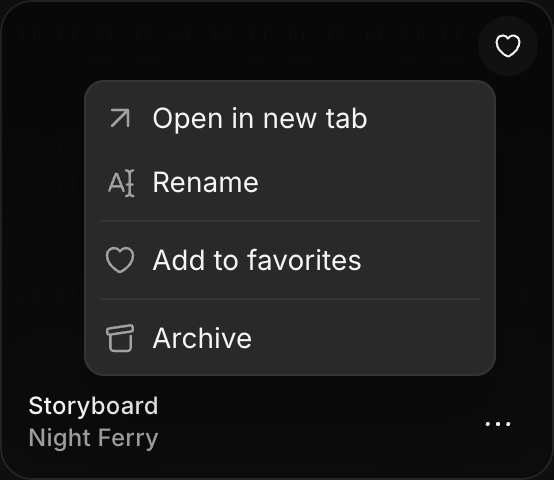
'Files' in the Dashboard's left sidebar lists every file across all your projects.
That's how you use projects and files on Morphic. Start a project for each client or production, and a file for each scene or piece of work inside it.
If you have any trouble or have any questions, feel free to reach out. We're happy to help. Write to us at support@morphic.com.