> For the complete documentation index, see [llms.txt](https://morphic.com/docs/llms.txt). Markdown versions of documentation pages are available by appending `.md` to page URLs; this page is available as [Markdown](https://morphic.com/docs/how-tos/combine-multiple-images.md).

# Combine multiple images

The latest image references update on Morphic unlocks new creative possibilities.

It allows you to seamlessly integrate elements across images, whether creating complex scenes for your story, swapping objects from scenes or marketing materials, adjusting details, or blending styles. You can combine elements from multiple sources to create unique compositions.

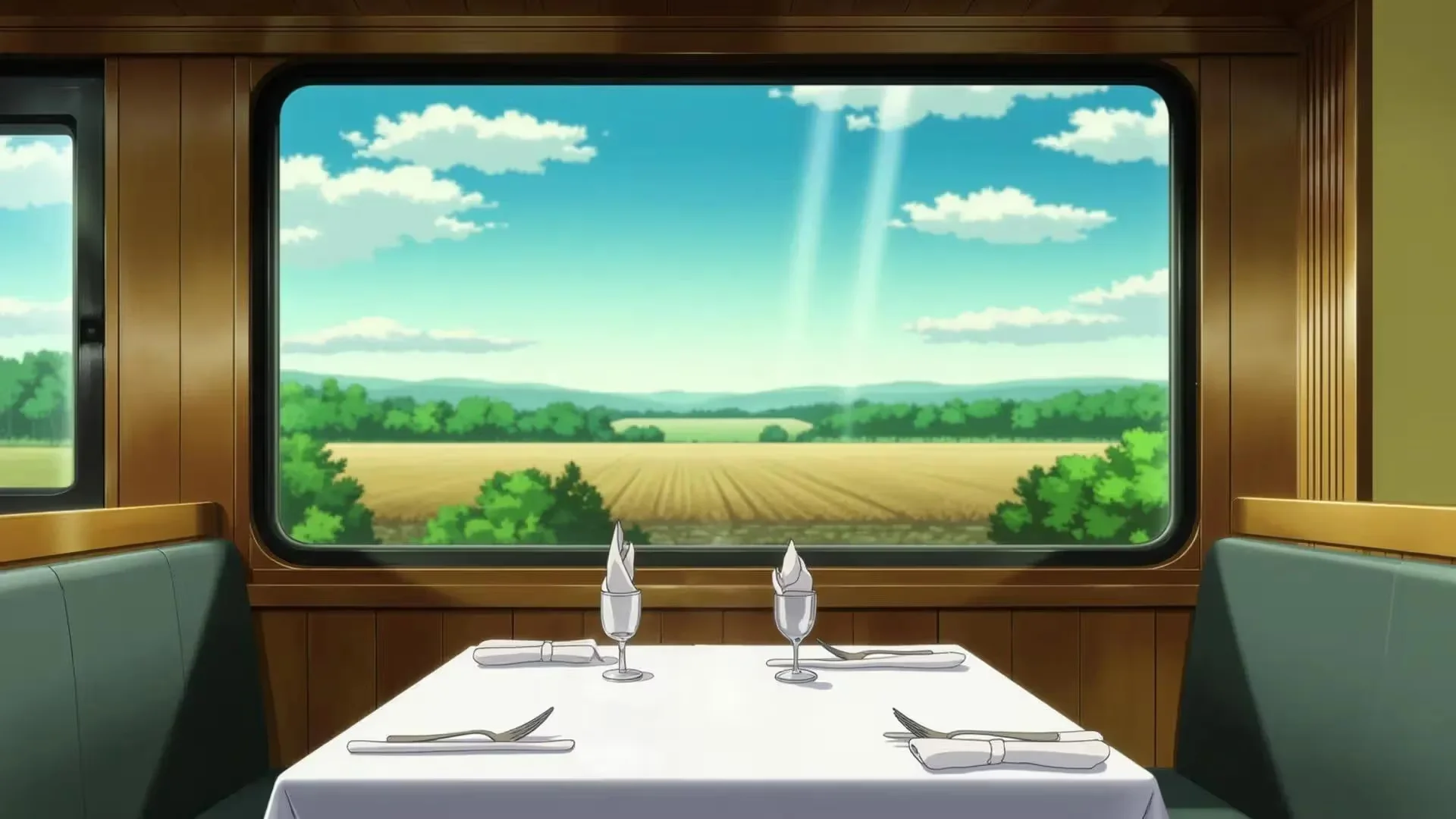
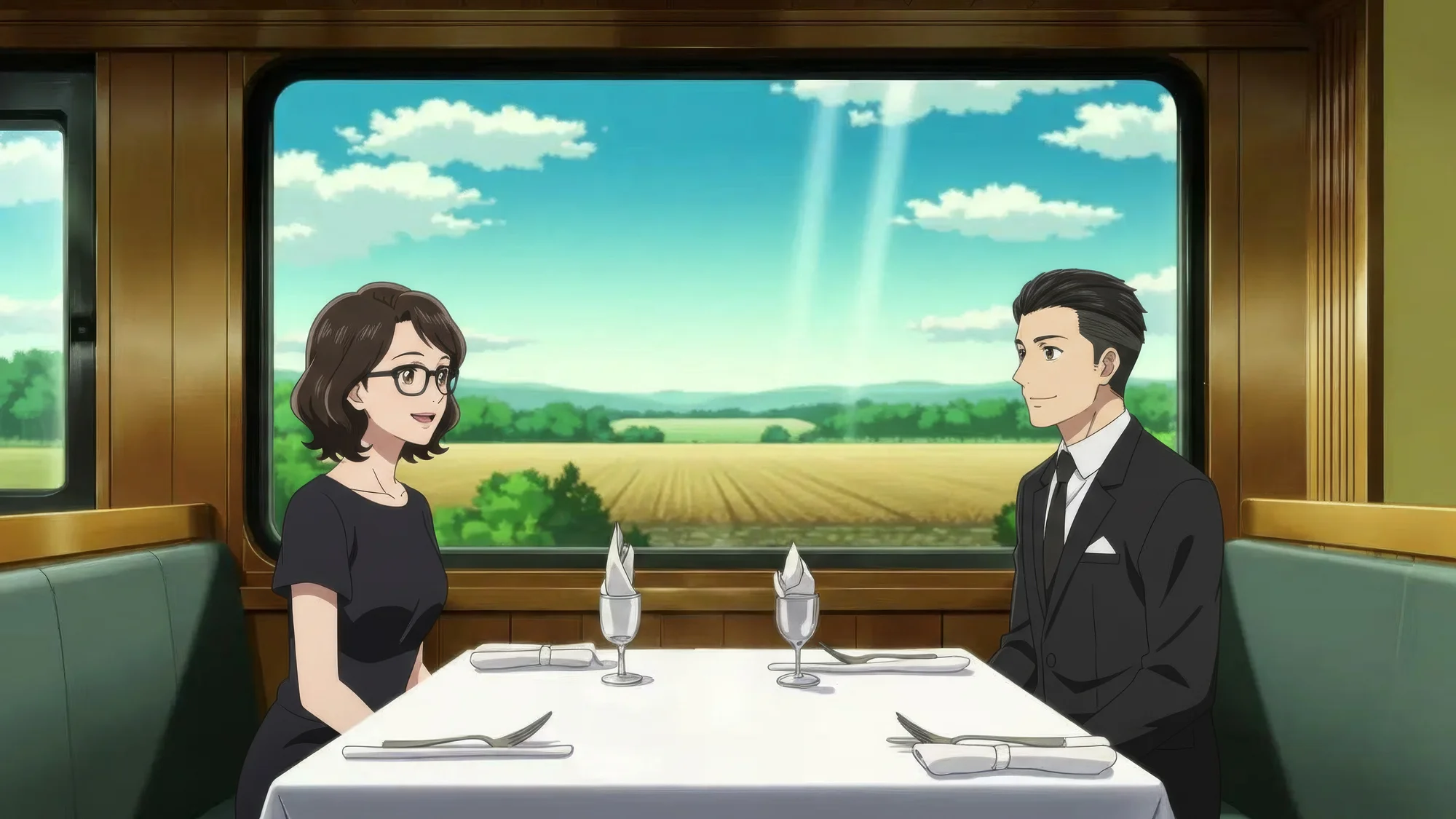
#### 1. Create a scene using multiple characters by just referencing them

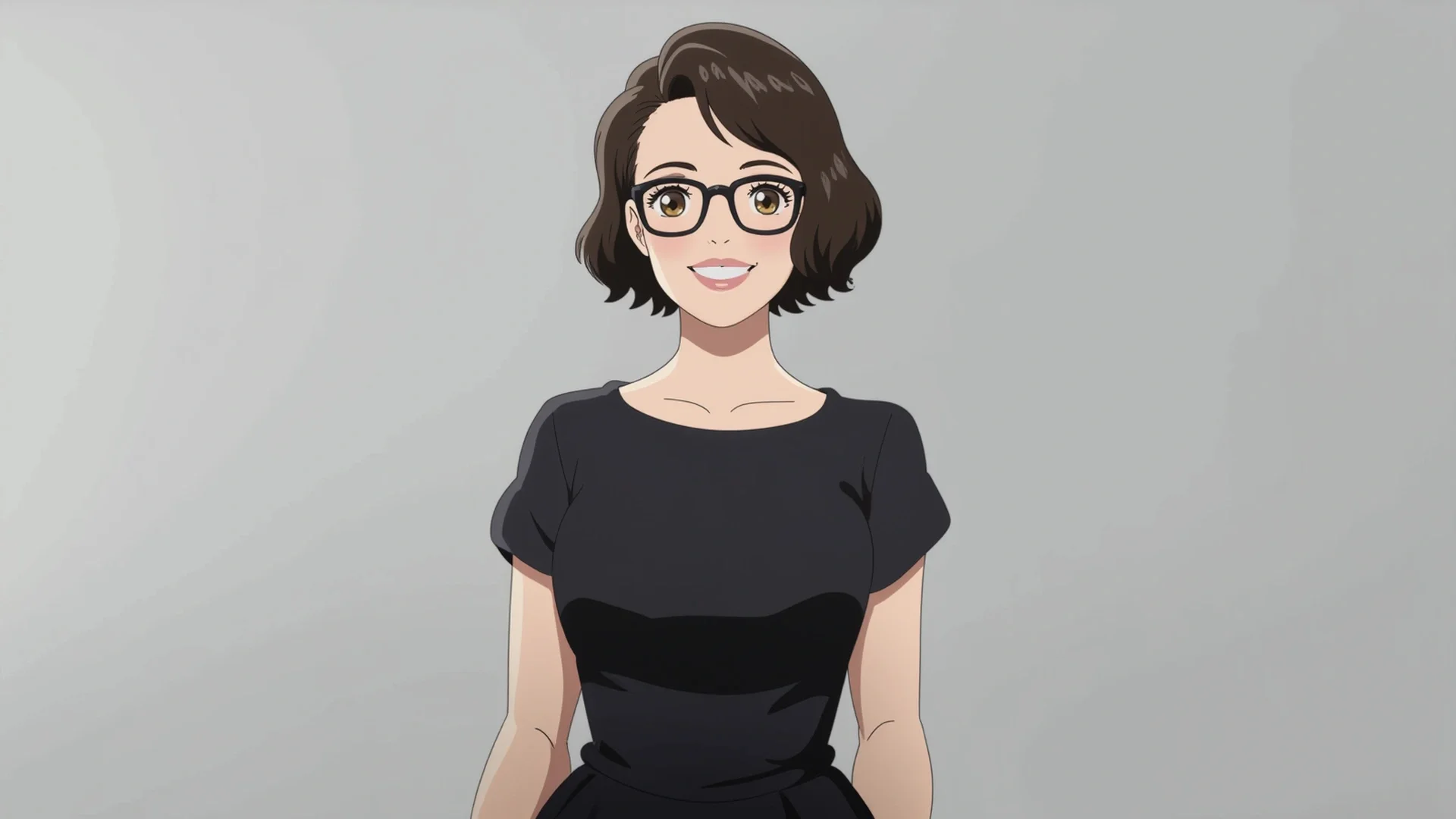
Sample prompt: Place the man sitting on the right side of the table. Place the woman sitting on the left side of the table. Arrange them so the man and woman are facing each other across the table. Ensure natural alignment, realistic proportions, and consistent lighting.

<div><figure><img src="/files/NRwf9p2keoBErXlaATXl" alt=""><figcaption></figcaption></figure> <figure><img src="/files/JdwDLLnf9tp4jfabn7AX" alt=""><figcaption></figcaption></figure> <figure><img src="/files/p6SVpA1i2GWTIF26QLgM" alt=""><figcaption></figcaption></figure></div>

Output:

<figure><img src="/files/A68qJcd3OECVWLm69dha" alt=""><figcaption></figcaption></figure>

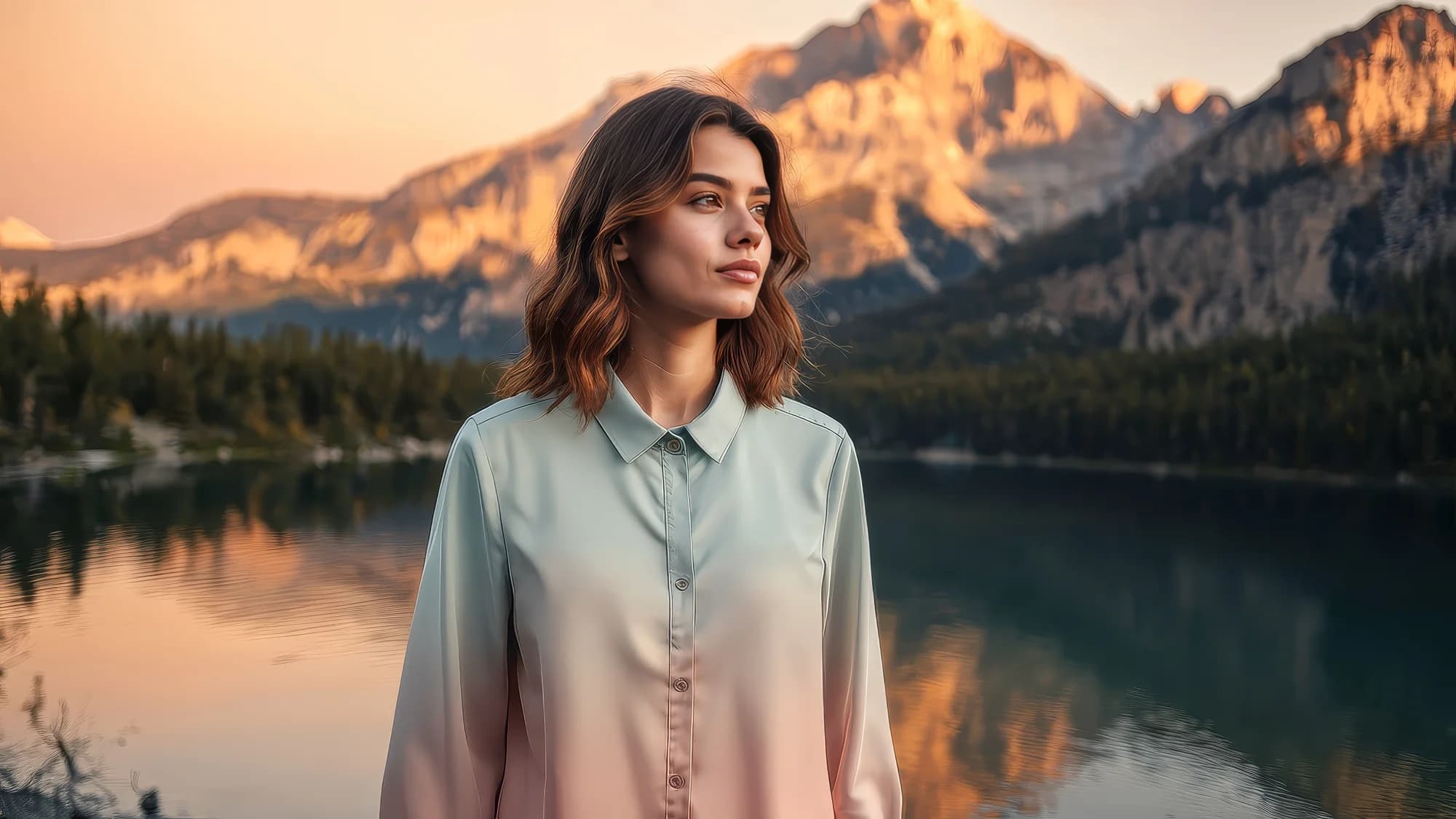
#### 2. Merge characters, backgrounds, and objects from various images into a cohesive image

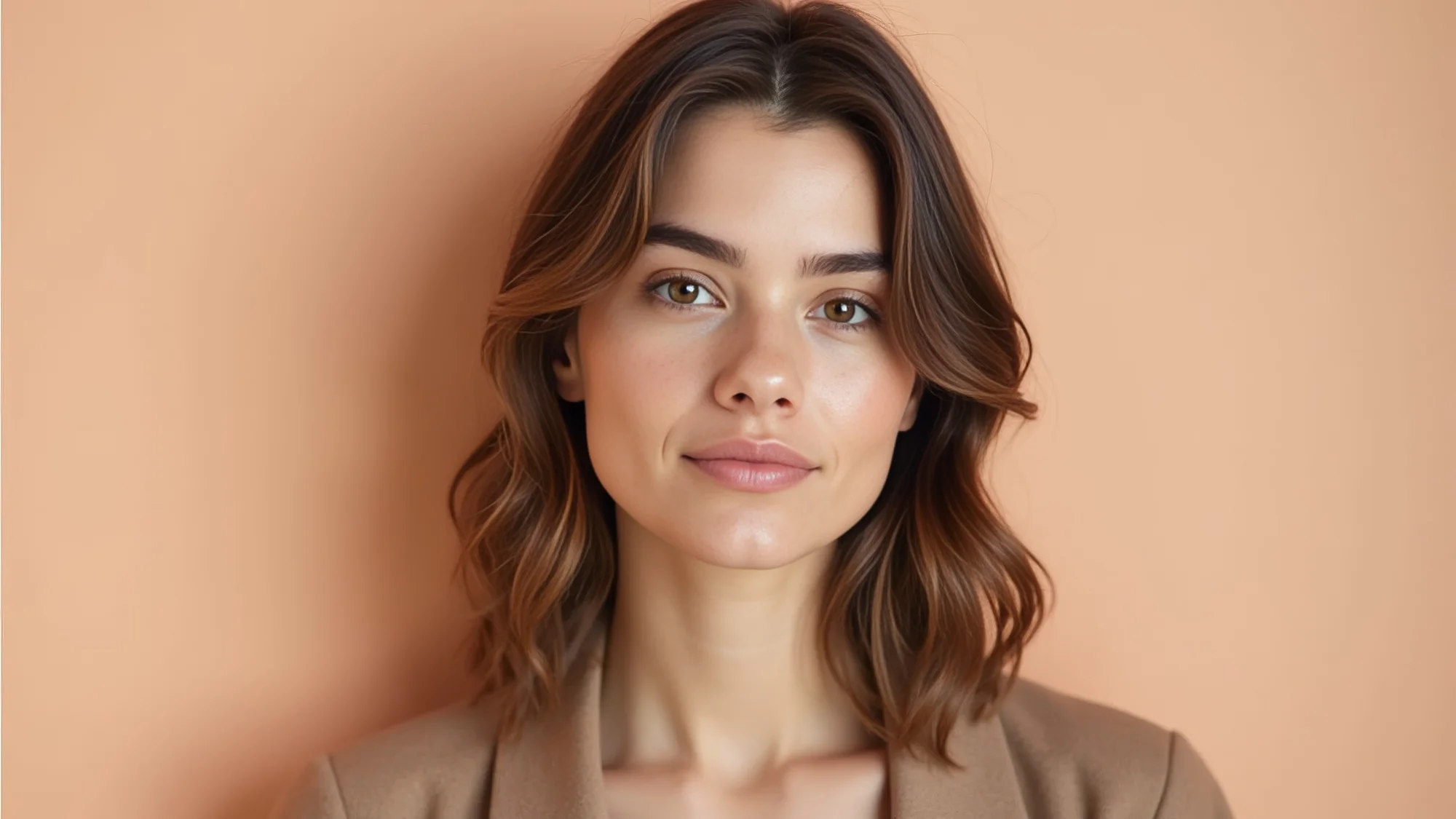
Sample prompt: The woman in image 1 is wearing the outfit in image 2, standing outside near the lake, mountains in the background, golden hour. Muted natural colors, front angle, shallow depth of field. close-up shot.
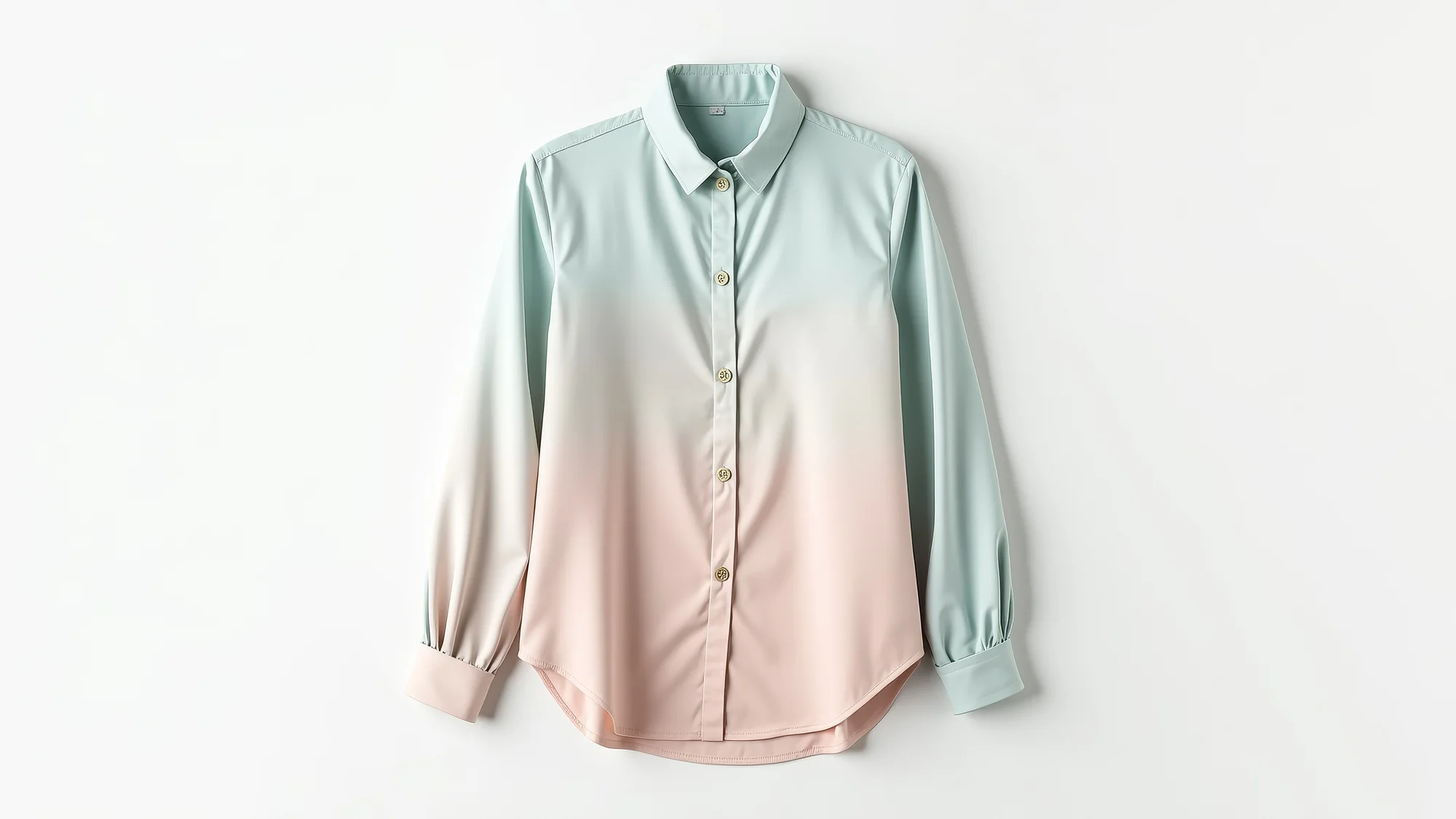
<div><figure><img src="/files/RN5SncZDTFyGlcxkdAZB" alt=""><figcaption></figcaption></figure> <figure><img src="/files/mxGZAyrLmE28QEBefBM4" alt=""><figcaption></figcaption></figure></div>

Output:

<figure><img src="/files/8ZR8cbqP8MlkDC71MeON" alt=""><figcaption></figcaption></figure>

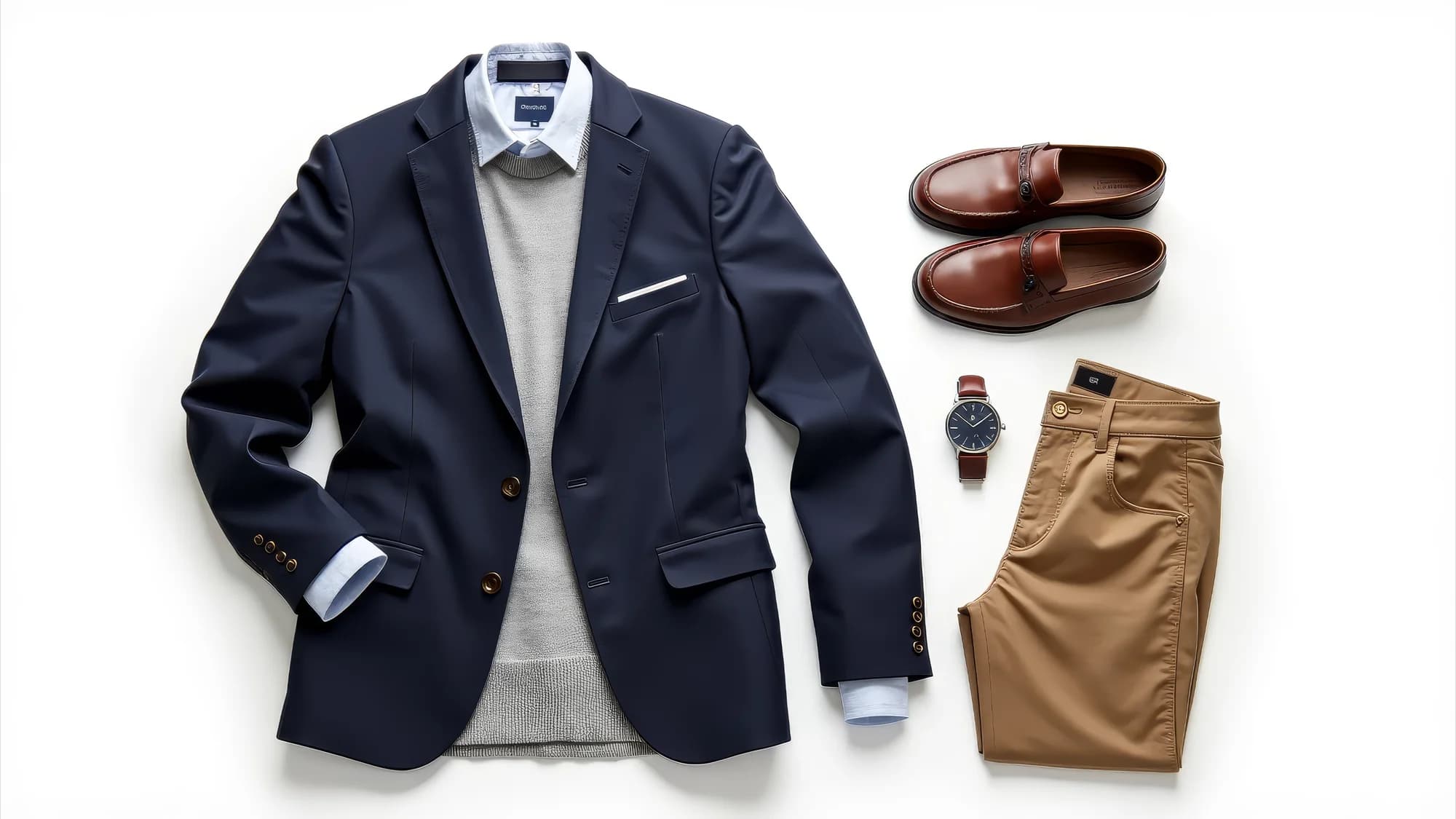
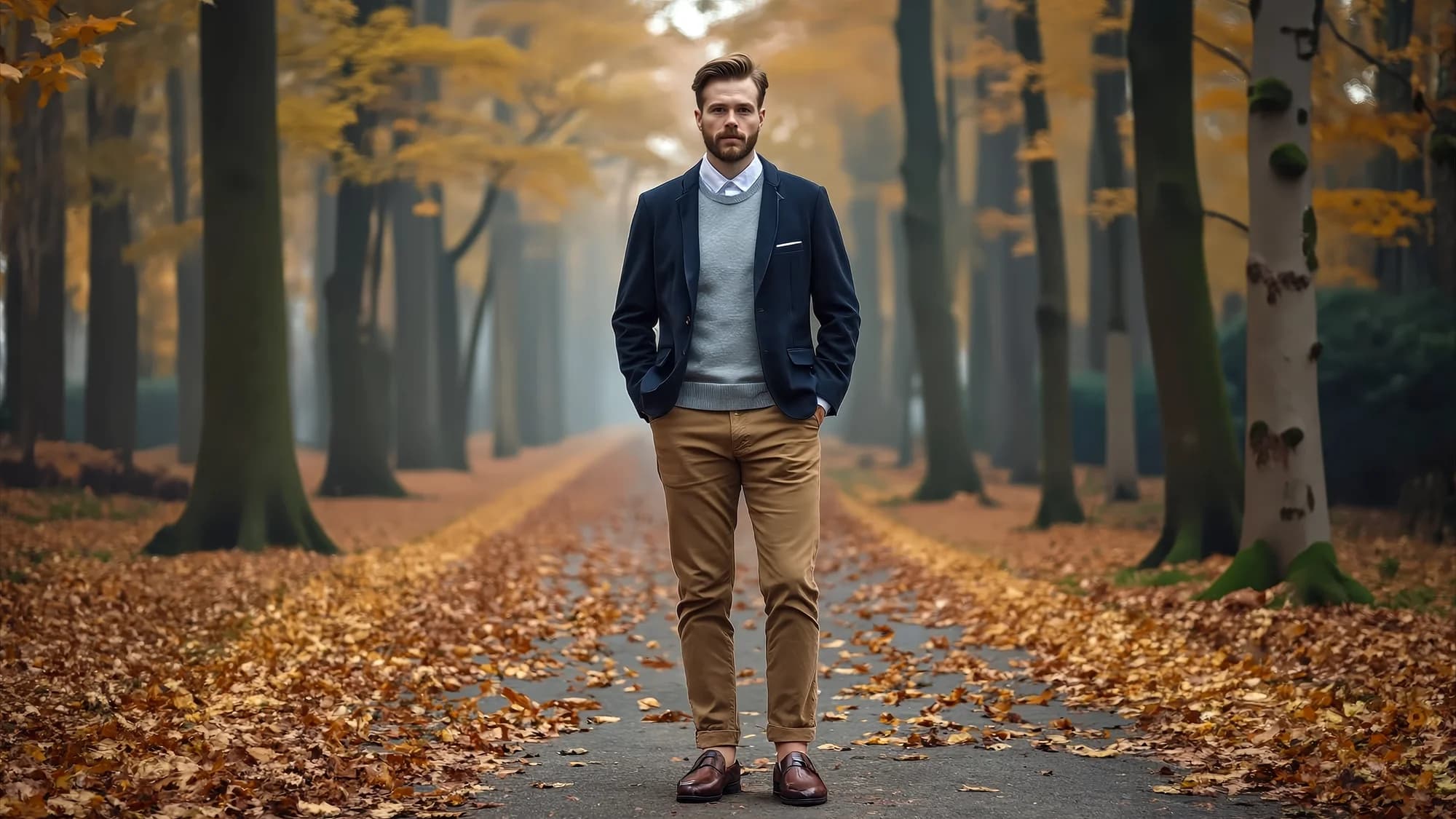
#### 3. Experiment with different outfits on a character, retaining their original style while exploring new looks

Sample prompt: Add the outfit from image 2 to the man in image 1.
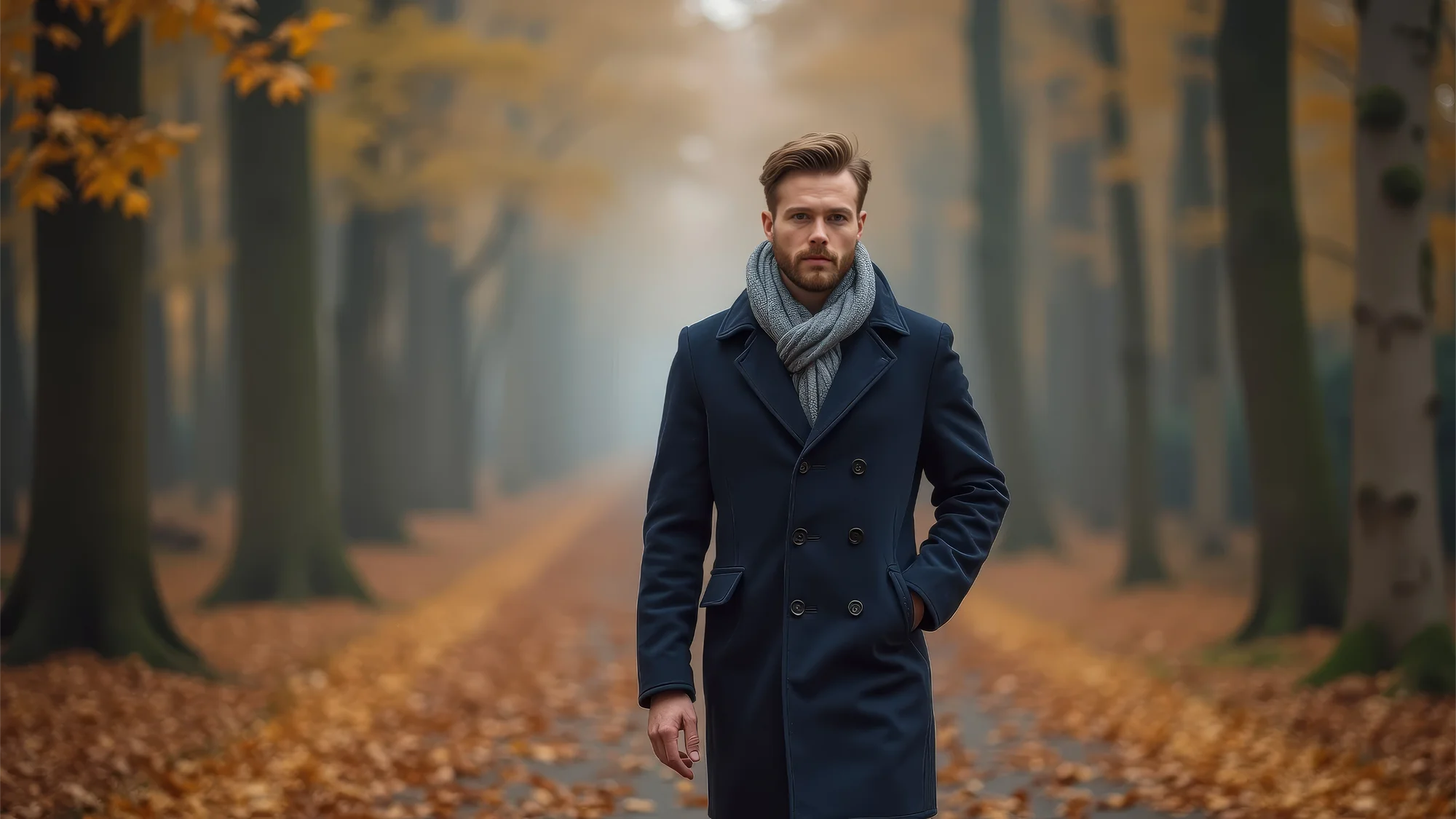
<div><figure><img src="/files/nUxrIbFEXNDVIYtqOXvL" alt=""><figcaption></figcaption></figure> <figure><img src="/files/ayMy9rI892a5OnLSLmjV" alt=""><figcaption></figcaption></figure></div>

Output:

<figure><img src="/files/fedzGGYZAdQ2f2z8OY4y" alt=""><figcaption></figcaption></figure>

#### 4. Combine characters from separate images into the third image

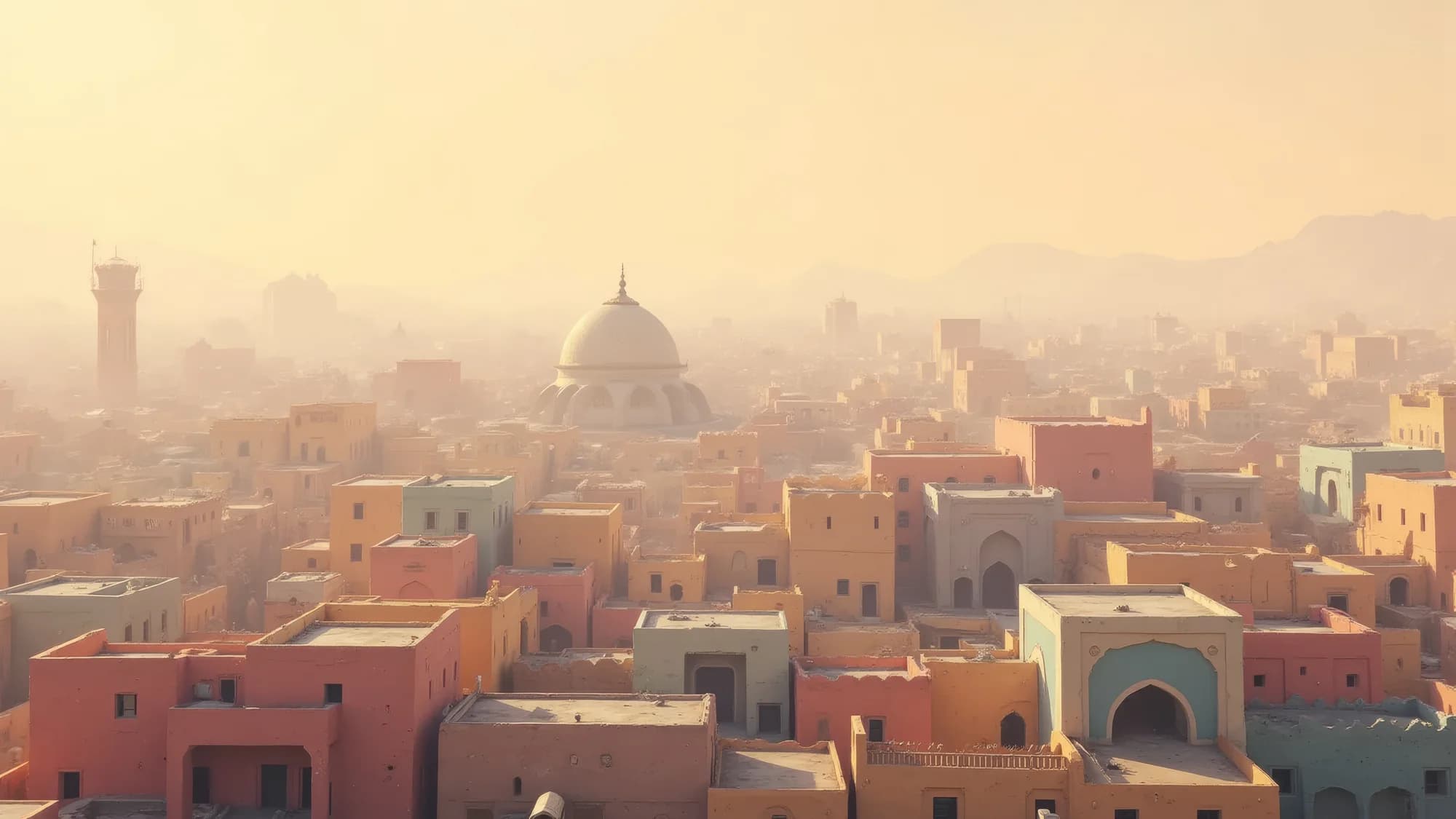
Sample prompt: The boy from image 1 and the dog from image 2 are riding a magical flying carpet in image 3.
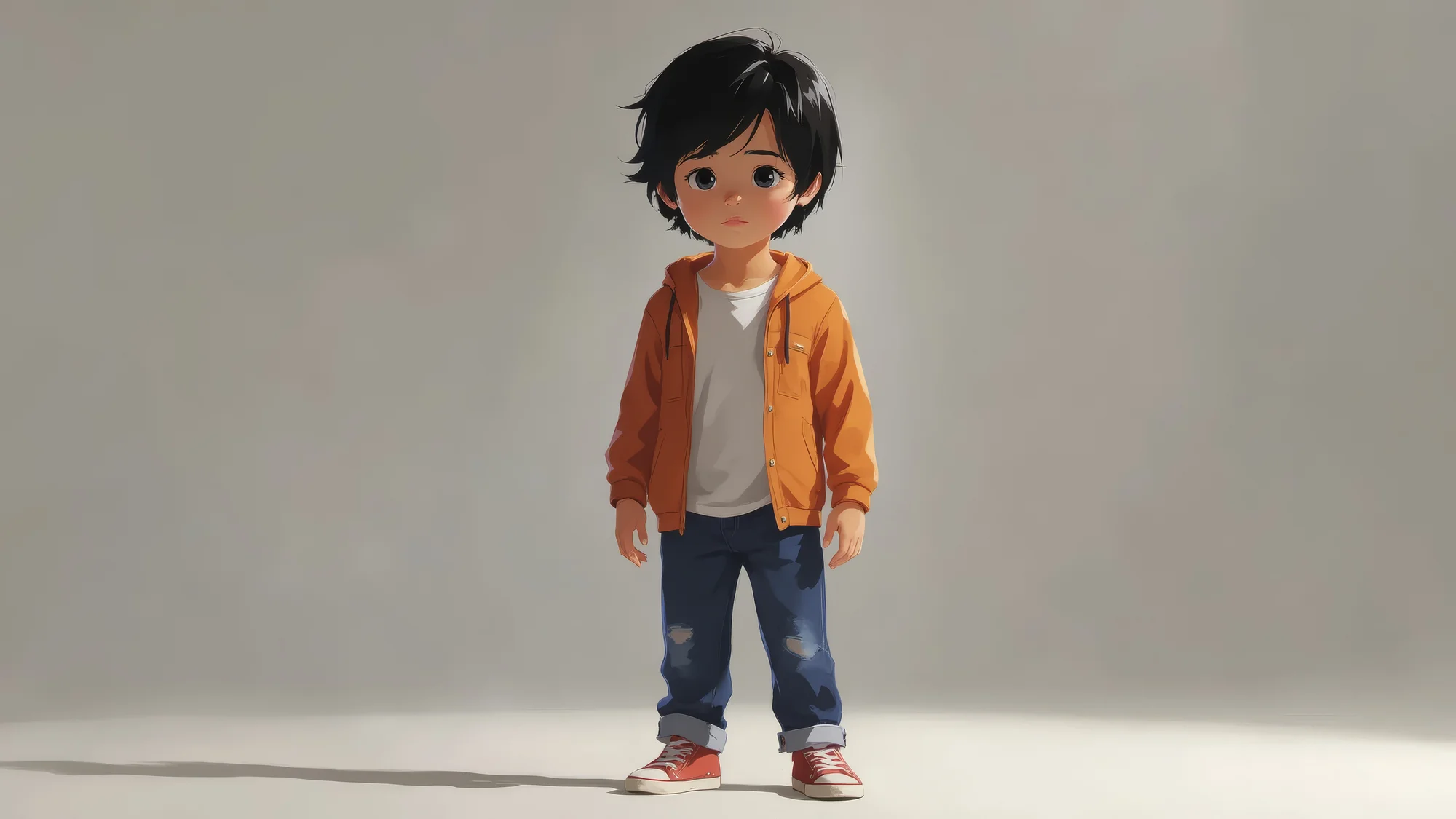
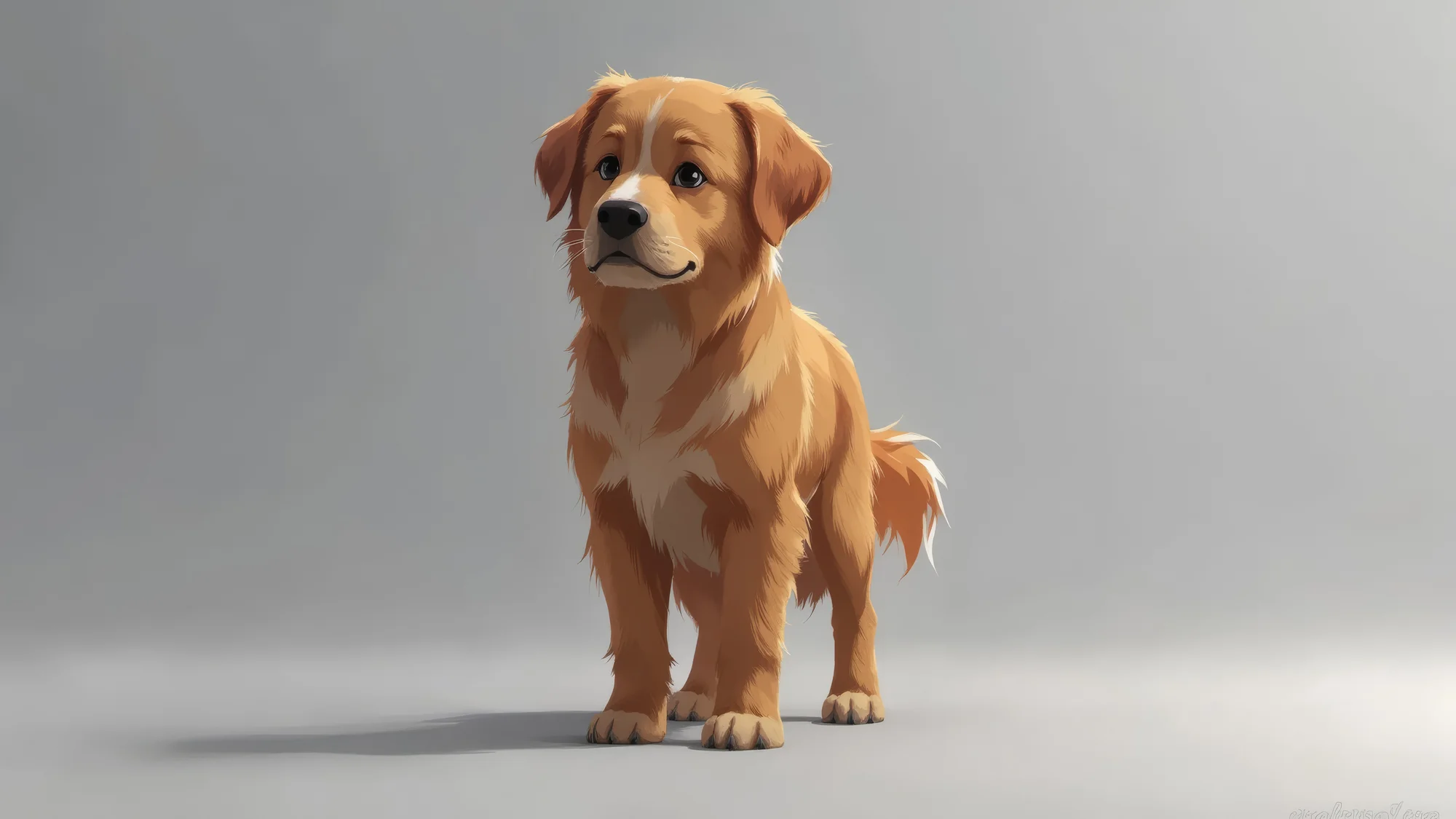
<div><figure><img src="/files/yjVrdDZufGvP0bWY3m7b" alt=""><figcaption></figcaption></figure> <figure><img src="/files/390nynkHqGMGLJ6arQlZ" alt=""><figcaption></figcaption></figure> <figure><img src="/files/WA5LK8rU4b3YhsITbrI1" alt=""><figcaption></figcaption></figure></div>

Output:

<figure><img src="/files/PqDlM1tDtREzXKFb7MBx" alt=""><figcaption></figcaption></figure>

***

If you have any trouble or have any questions, feel free to reach out. We're happy to help, write to us at [**support@morphic.com**](mailto:support@morphic.com)**.**


---

# Agent Instructions
This documentation is published with GitBook. GitBook is the documentation platform designed so that both humans and AI agents can read, navigate, and reason over technical content effectively. Learn more at gitbook.com.

## Querying This Documentation
If you need additional information that is not directly available in this page, you can query the documentation dynamically by asking a question.

Perform an HTTP GET request on the current page URL with the `ask` query parameter, and the optional `goal` query parameter:

```
GET https://morphic.com/docs/how-tos/combine-multiple-images.md?ask=<question>&goal=<endgoal>
```

`ask` is the immediate question: it should be specific, self-contained, and written in natural language.
`goal` is optional and describes the broader end goal you are ultimately trying to accomplish on behalf of the user. GitBook uses it to tailor the answer towards what is most useful for that goal.

The response will contain a direct answer to the question and relevant excerpts and sources from the documentation.

Use this mechanism when the answer is not explicitly present in the current page, you need clarification or additional context, or you want to retrieve related documentation sections.