# Precise image editing

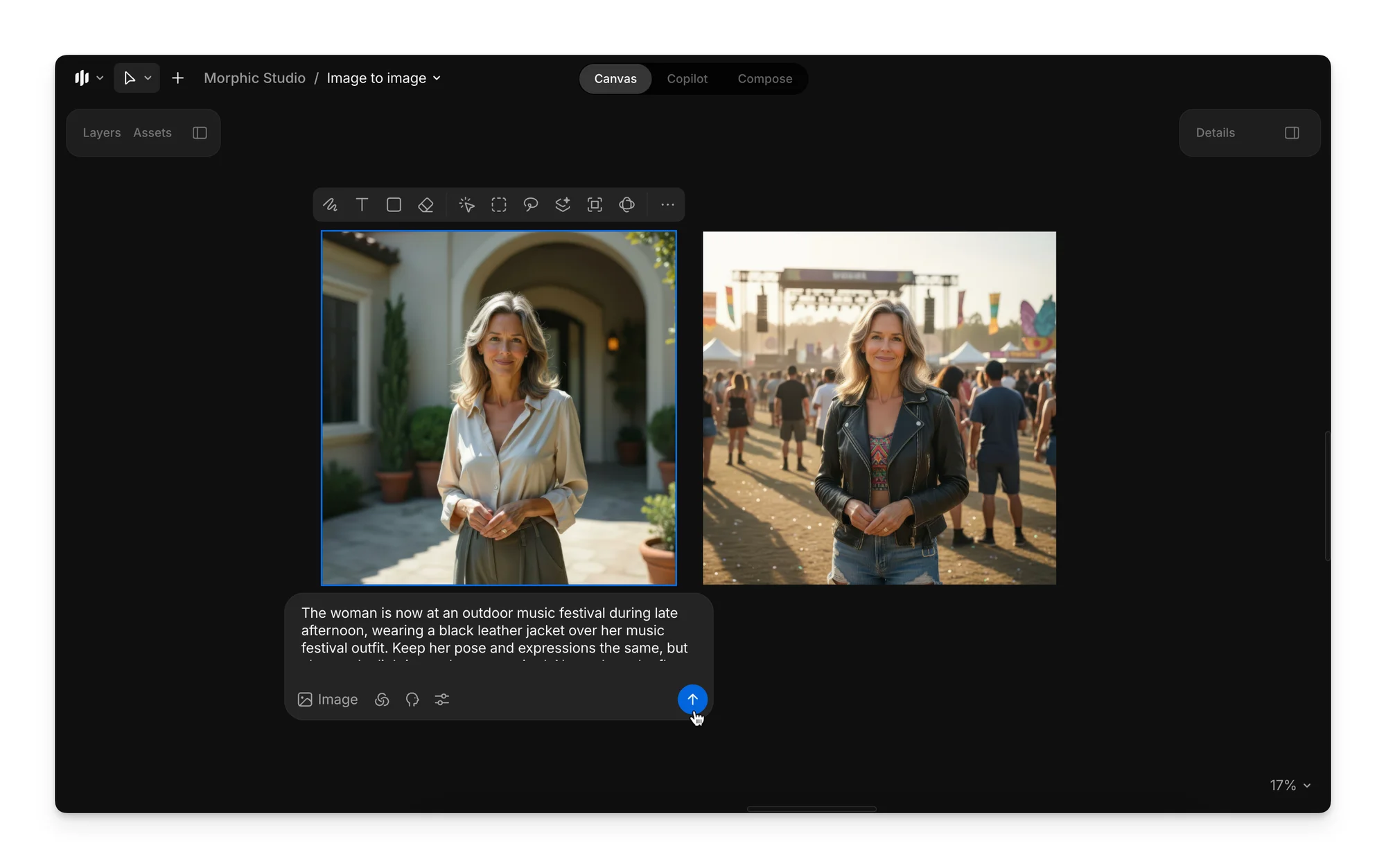
The latest image-to-image update on Morphic enables precise image editing and transformation, giving you full creative control using the image-to-image workflow. Simply upload or generate an image, select it, and describe your desired transformation in the prompt bar.
<figure><img src="https://3522324598-files.gitbook.io/~/files/v0/b/gitbook-x-prod.appspot.com/o/spaces%2FoPhHCbNZdzW70rakoLhf%2Fuploads%2FokLHcTd5ksekqB5Hn9lV%2FCleanShot%202025-08-29%20at%2002.36.59%402x.png?alt=media&#x26;token=3e7aa071-8ad9-4889-ad07-b758fb24166d" alt=""><figcaption></figcaption></figure>

### Prompting Guide

When changing outfits, styles, or settings, maintain clarity and detail in your prompt.

{% hint style="info" %}
**Avoid:** Transform the weather to summer.

**Try:** Change the scene to a hot summer scene, keep the primary character the same, and replace the character's sweater with a white t-shirt.
{% endhint %}

When changing a character's pose, add the instructions to maintain the pose, expression, and other necessary details.

{% hint style="info" %}
**Avoid:** Man is punching.

**Try:** Maintain the current background and facial expression of the character, but change the character's pose into a mid-punching stance.
{% endhint %}

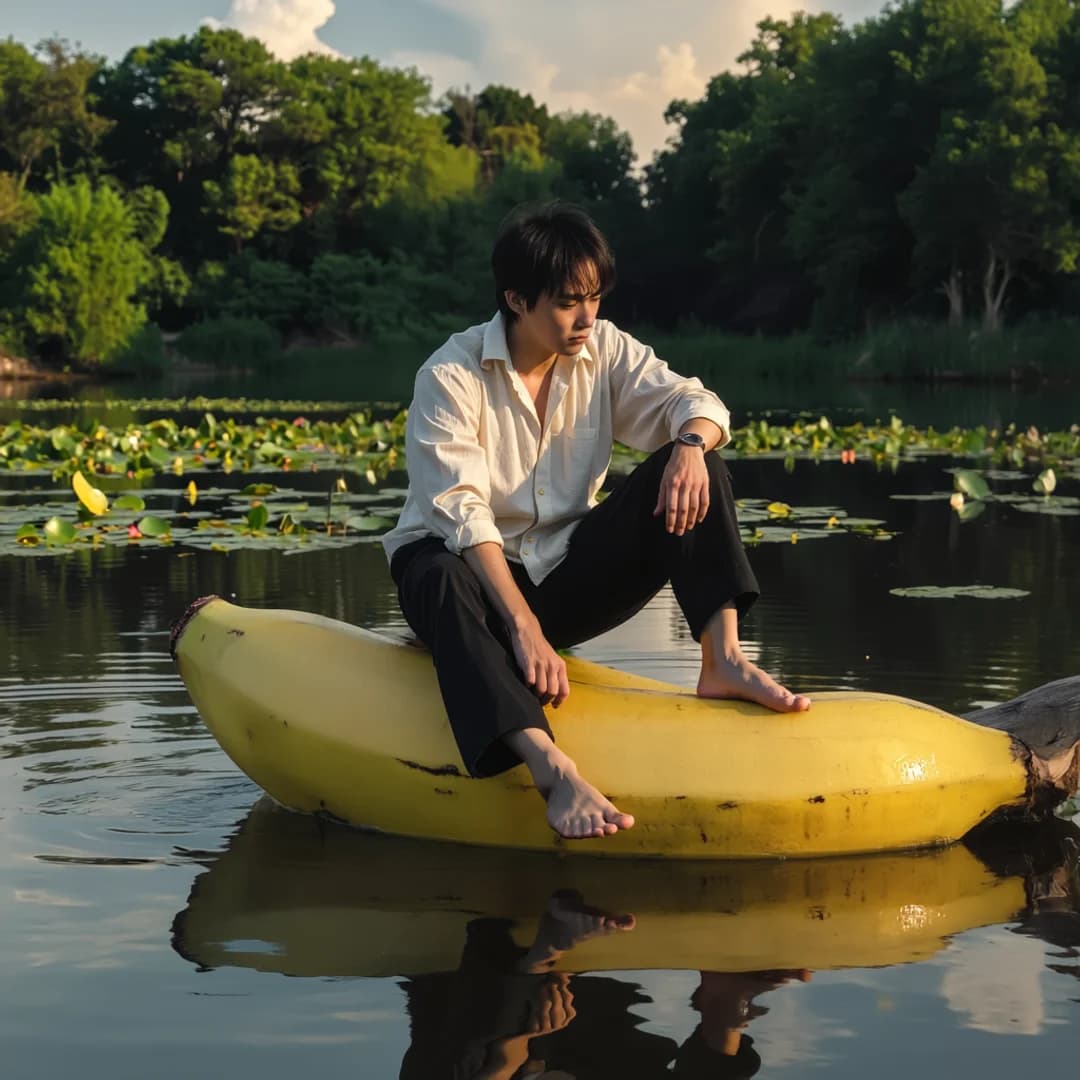
#### 1. Replace objects with a prompt

Sample prompt: Keep the character the same, but change the log to a giant yellow banana half-submerged in water.
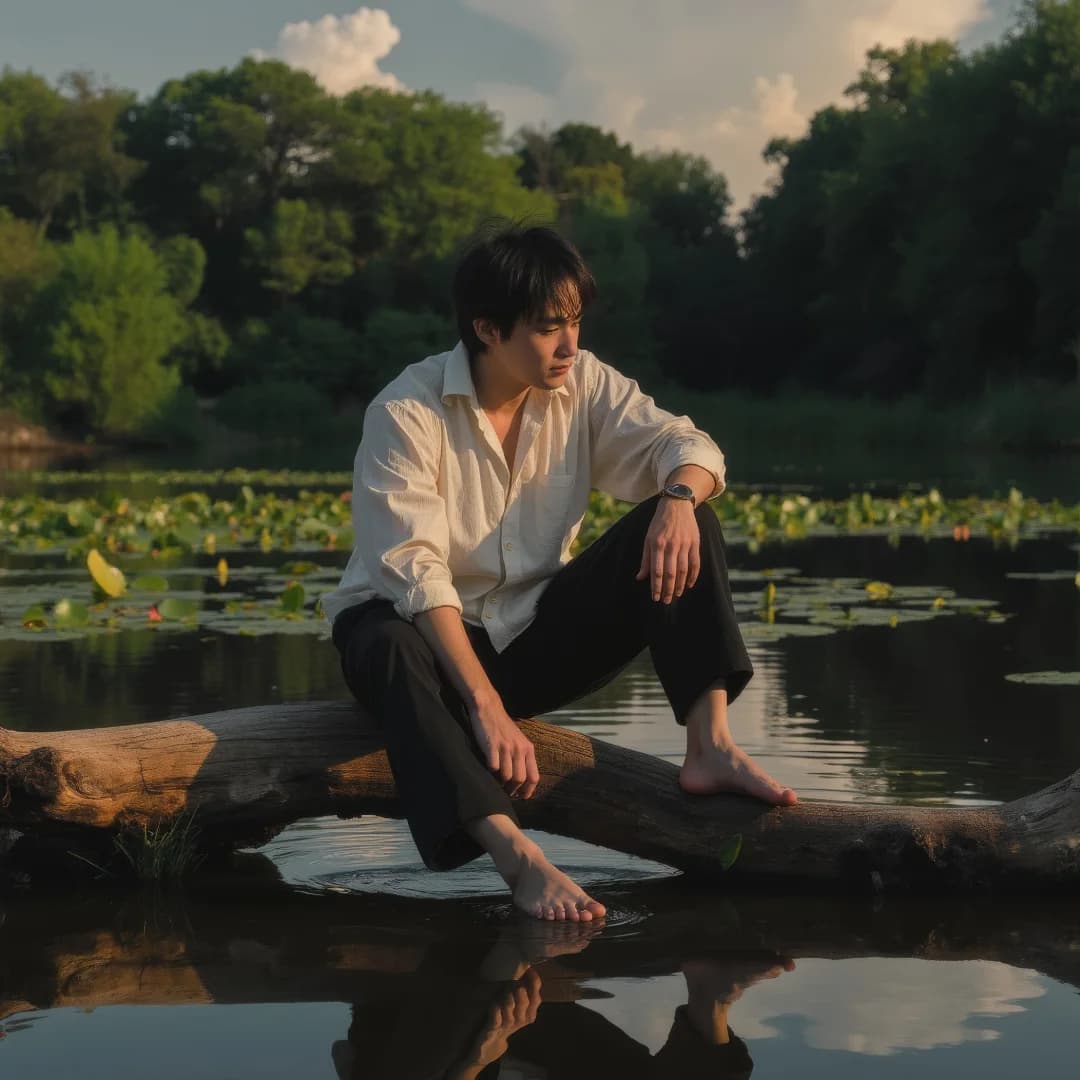
<div><figure><img src="https://3522324598-files.gitbook.io/~/files/v0/b/gitbook-x-prod.appspot.com/o/spaces%2FoPhHCbNZdzW70rakoLhf%2Fuploads%2F9QGt8MmewSUksZ8FyHNY%2FMan%20on%20log%20Upscaled.png?alt=media&#x26;token=0173f63e-52c8-496a-9ff8-a25f34ff2f00" alt=""><figcaption></figcaption></figure> <figure><img src="https://3522324598-files.gitbook.io/~/files/v0/b/gitbook-x-prod.appspot.com/o/spaces%2FoPhHCbNZdzW70rakoLhf%2Fuploads%2FzJLeOh7ew9Mi0H9NlkkR%2FMan%20on%20Banana3.png?alt=media&#x26;token=693c66b1-f8ac-4b55-a8d3-531ffe29cca5" alt=""><figcaption></figcaption></figure></div>

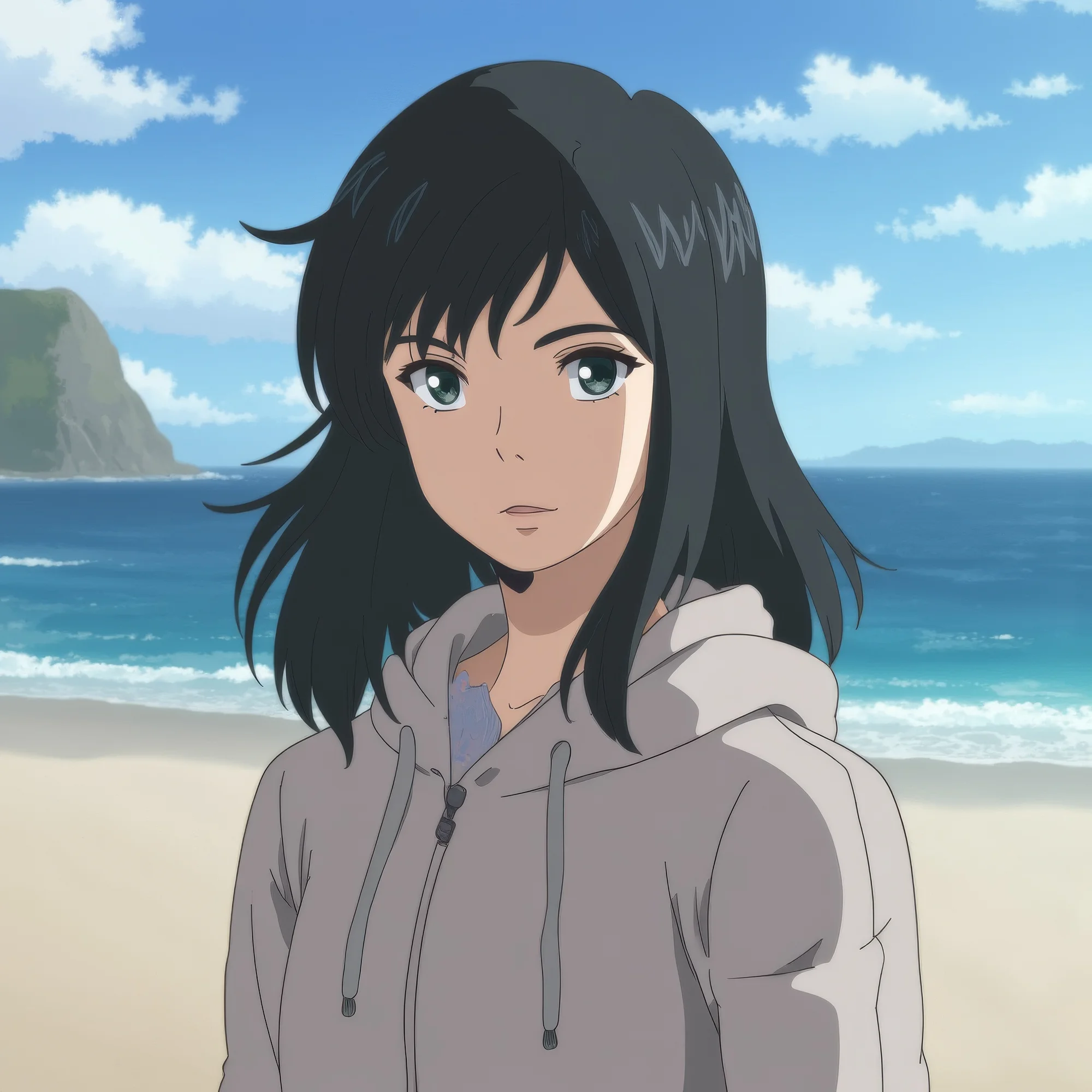
#### 2. Change outfit and add objects

Sample prompt: Change her outfit to a green t-shirt. Add red sunglasses. Keep her pose, expressions, and everything else the same.

<div><figure><img src="https://3522324598-files.gitbook.io/~/files/v0/b/gitbook-x-prod.appspot.com/o/spaces%2FoPhHCbNZdzW70rakoLhf%2Fuploads%2FiK6nB5TlbtdMJy9g6ZX3%2FGirl%20on%20Beach%20Upscaled%20(1).png?alt=media&#x26;token=623ffa54-9f62-4c2a-89b4-e063a91c809b" alt=""><figcaption></figcaption></figure> <figure><img src="https://3522324598-files.gitbook.io/~/files/v0/b/gitbook-x-prod.appspot.com/o/spaces%2FoPhHCbNZdzW70rakoLhf%2Fuploads%2FkTa5xElYkWHlrdaGVWt8%2FWoman%20with%20Sunglasses%20(1).png?alt=media&#x26;token=7d4067b5-cdb2-477e-89f4-5c4a9dba9ec1" alt=""><figcaption></figcaption></figure></div>

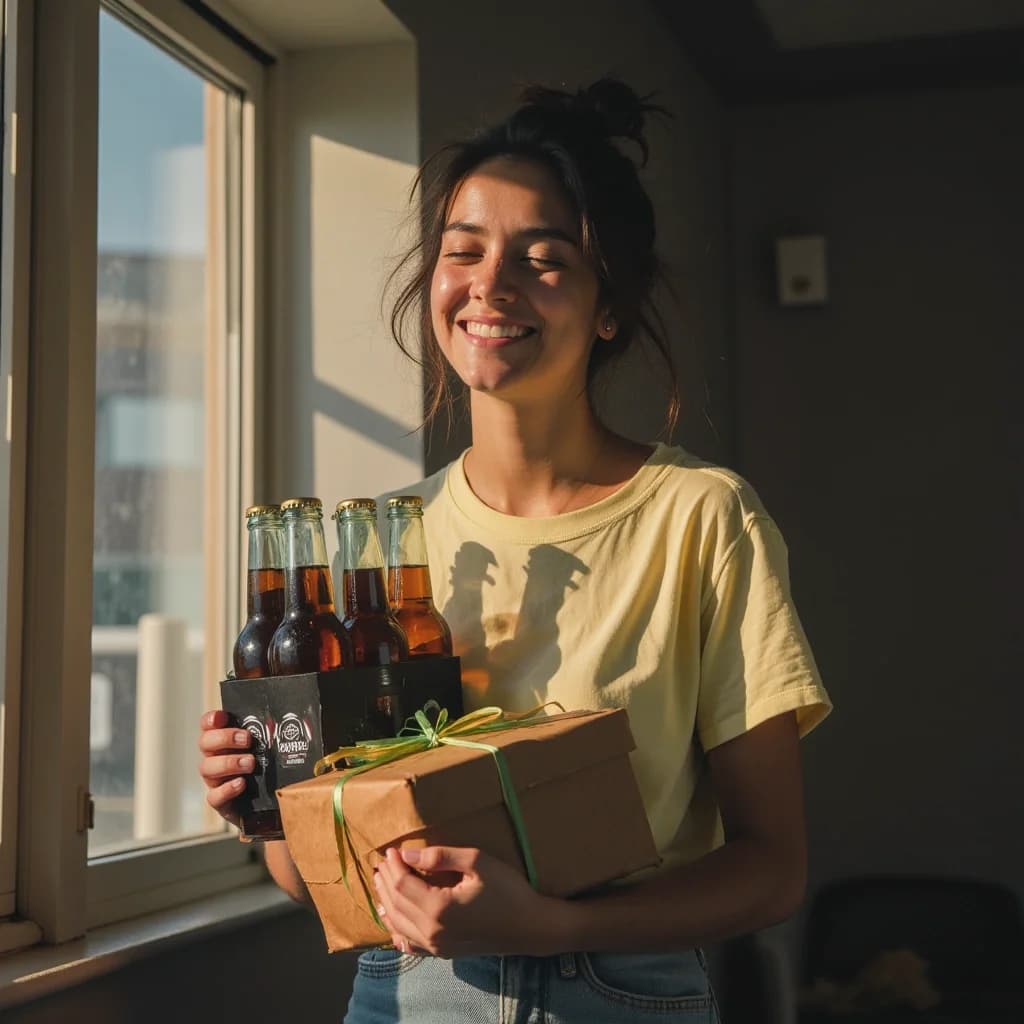
#### 3. Change the environment

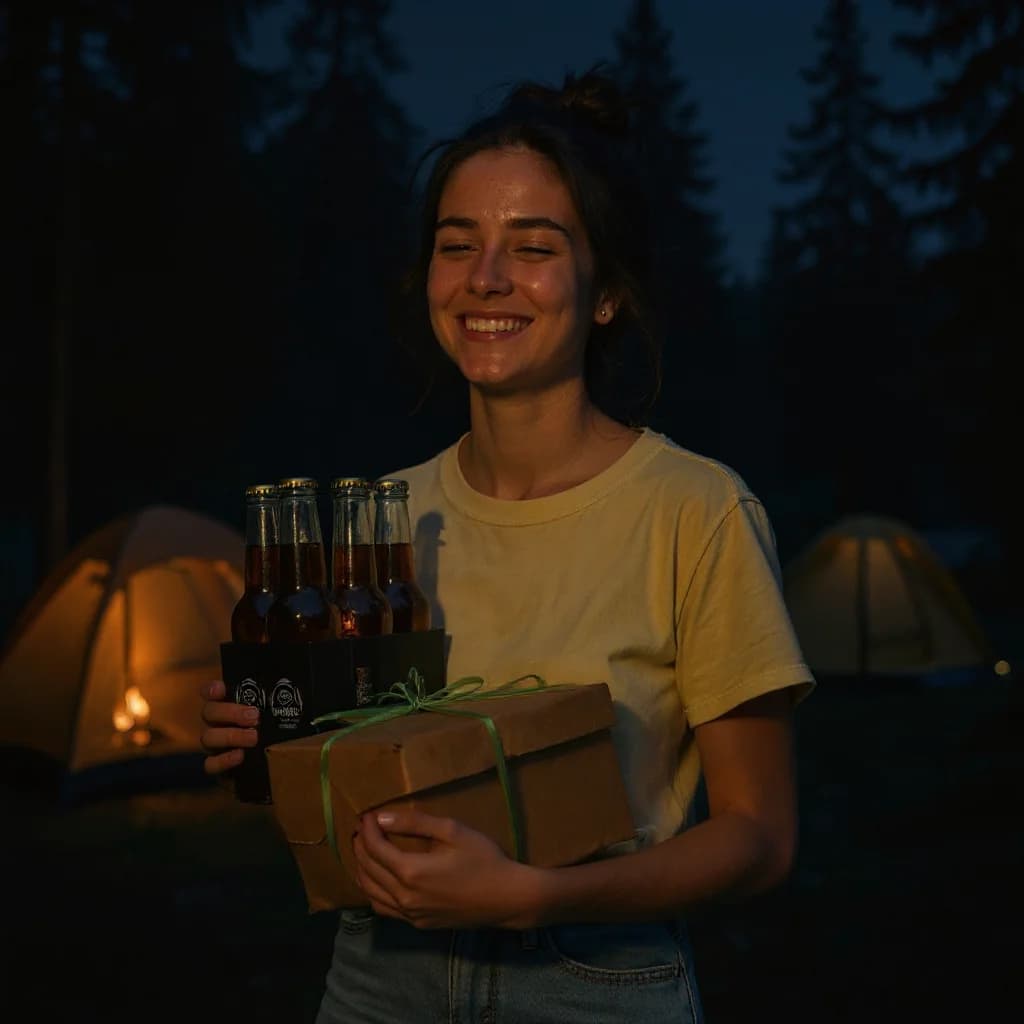
Sample prompt: Change the background and the environment to a night camping scene.
<div><figure><img src="https://3522324598-files.gitbook.io/~/files/v0/b/gitbook-x-prod.appspot.com/o/spaces%2FoPhHCbNZdzW70rakoLhf%2Fuploads%2FkBQTBTHWsObcnzaXuHRh%2FWoman%20with%20Drinks.png?alt=media&#x26;token=d3c6e618-a09a-41a7-b7d8-09fbecaf177f" alt=""><figcaption></figcaption></figure> <figure><img src="https://3522324598-files.gitbook.io/~/files/v0/b/gitbook-x-prod.appspot.com/o/spaces%2FoPhHCbNZdzW70rakoLhf%2Fuploads%2F99xi6Rjayz65HFyVOJhK%2FWoman%20with%20Gifts.png?alt=media&#x26;token=71545f8b-7512-465a-8a53-9d5f0a5f7a54" alt=""><figcaption></figcaption></figure></div>

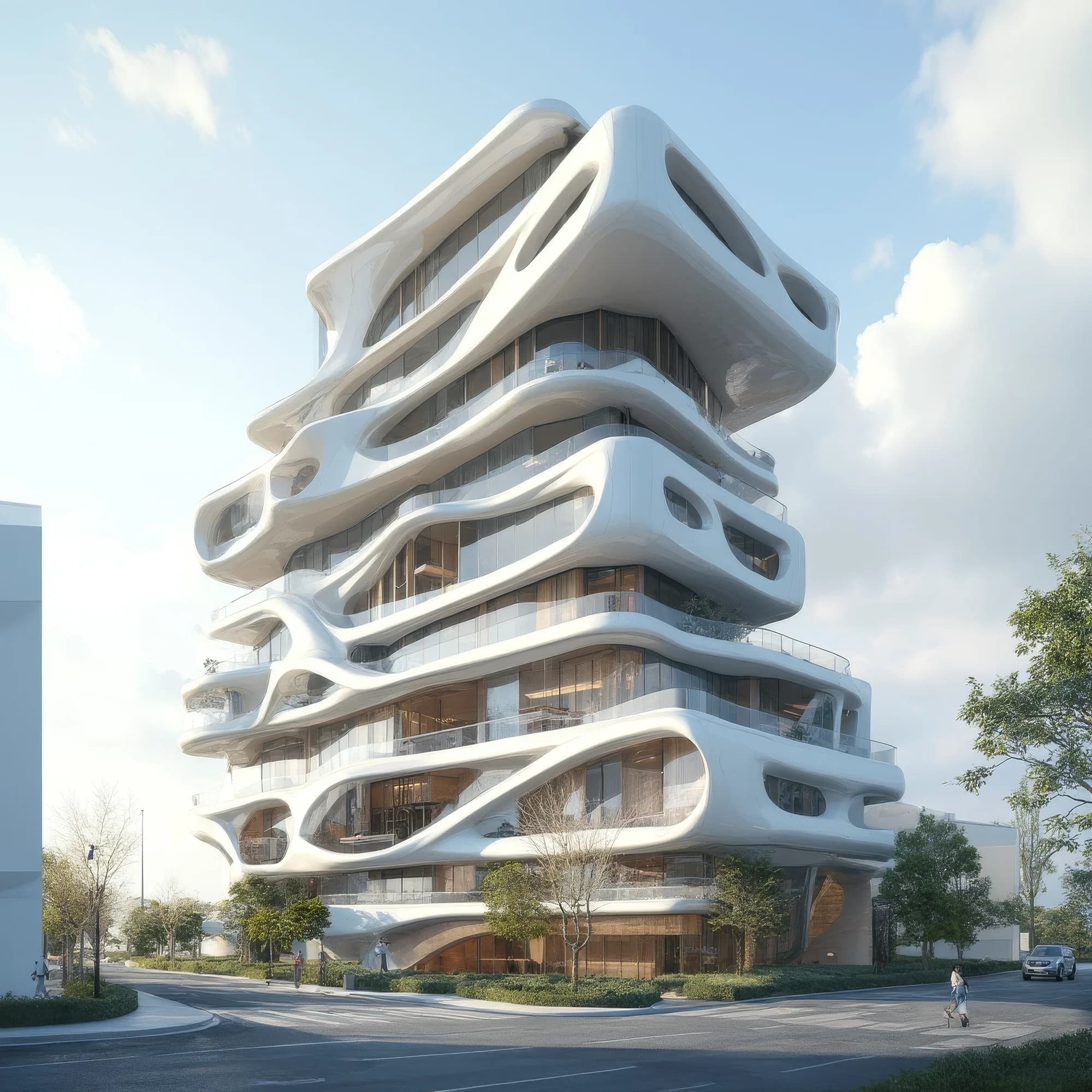
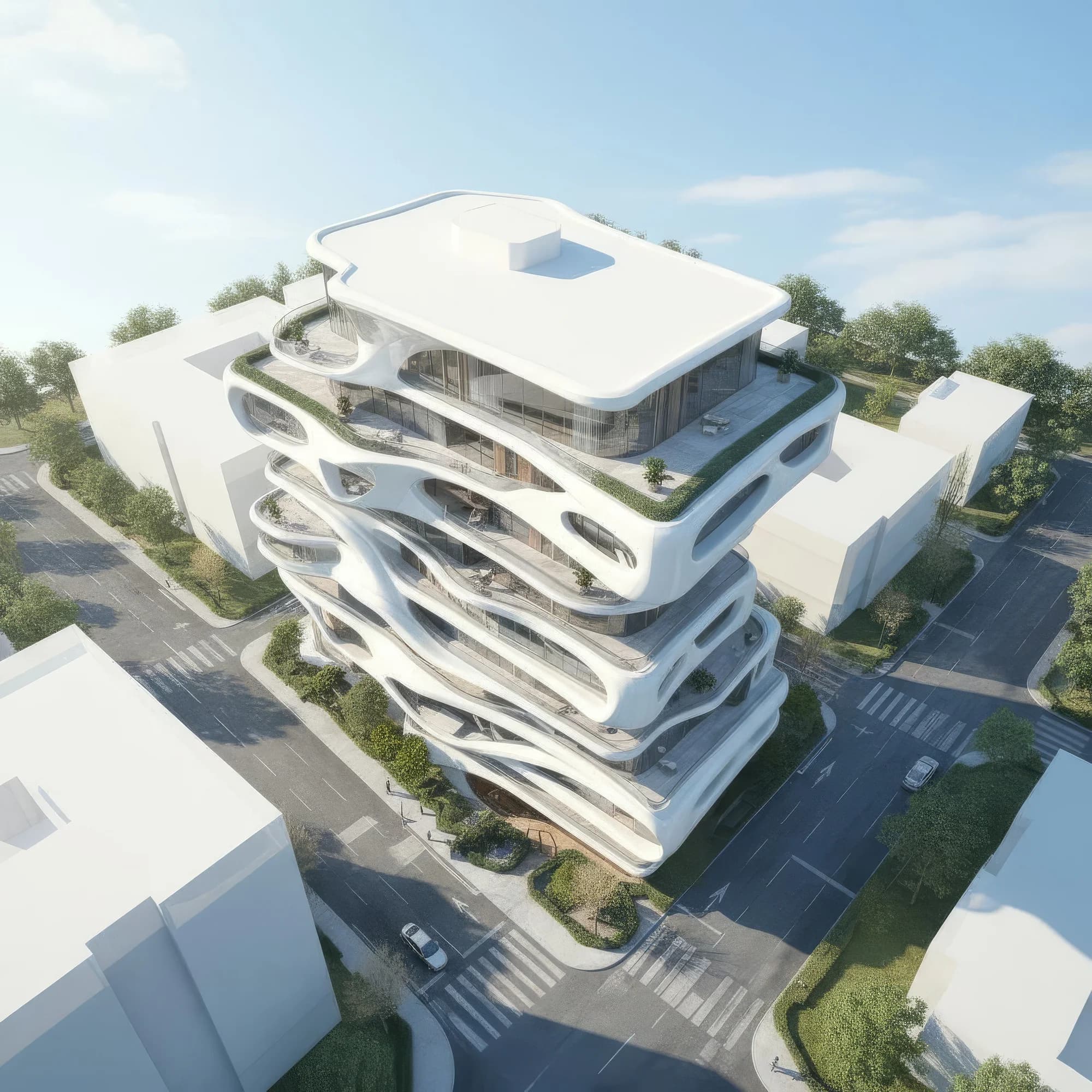
#### 4. Generate a different POV

Sample prompt: Keep the building as it is, but change the frame perspective to show from a top view.
<div><figure><img src="https://3522324598-files.gitbook.io/~/files/v0/b/gitbook-x-prod.appspot.com/o/spaces%2FoPhHCbNZdzW70rakoLhf%2Fuploads%2F1Dcp33nXdomzDJ9wqji3%2FModern%20Building%20Upscaled.png?alt=media&#x26;token=002398c9-804f-467a-bbf4-8f723557965d" alt=""><figcaption></figcaption></figure> <figure><img src="https://3522324598-files.gitbook.io/~/files/v0/b/gitbook-x-prod.appspot.com/o/spaces%2FoPhHCbNZdzW70rakoLhf%2Fuploads%2F5xwArltOnrhw6K6Ie2Fd%2FModern%20Building%20Upscaled%20(1).png?alt=media&#x26;token=0366bd08-3bae-4160-9673-9795e27a18e8" alt=""><figcaption></figcaption></figure></div>

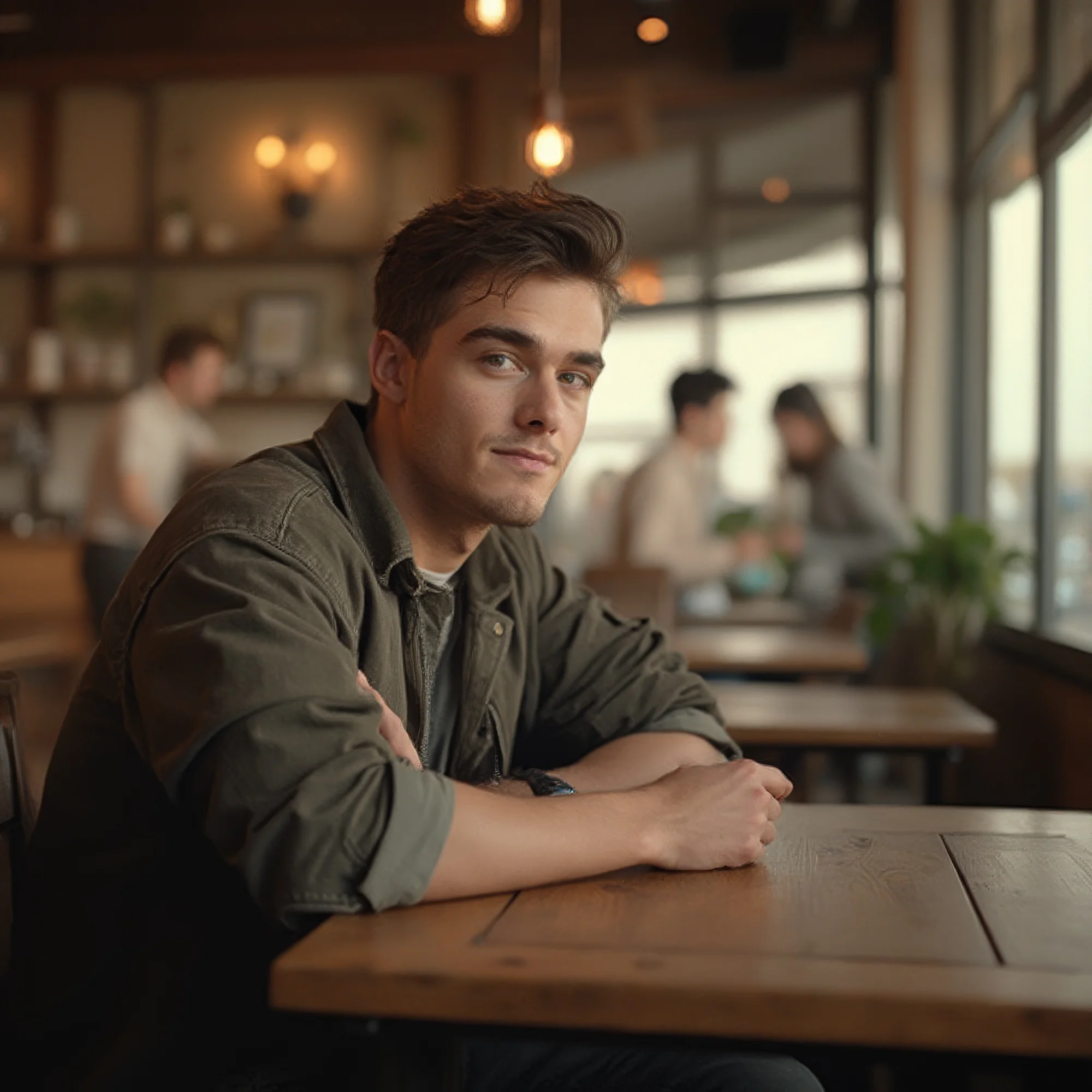
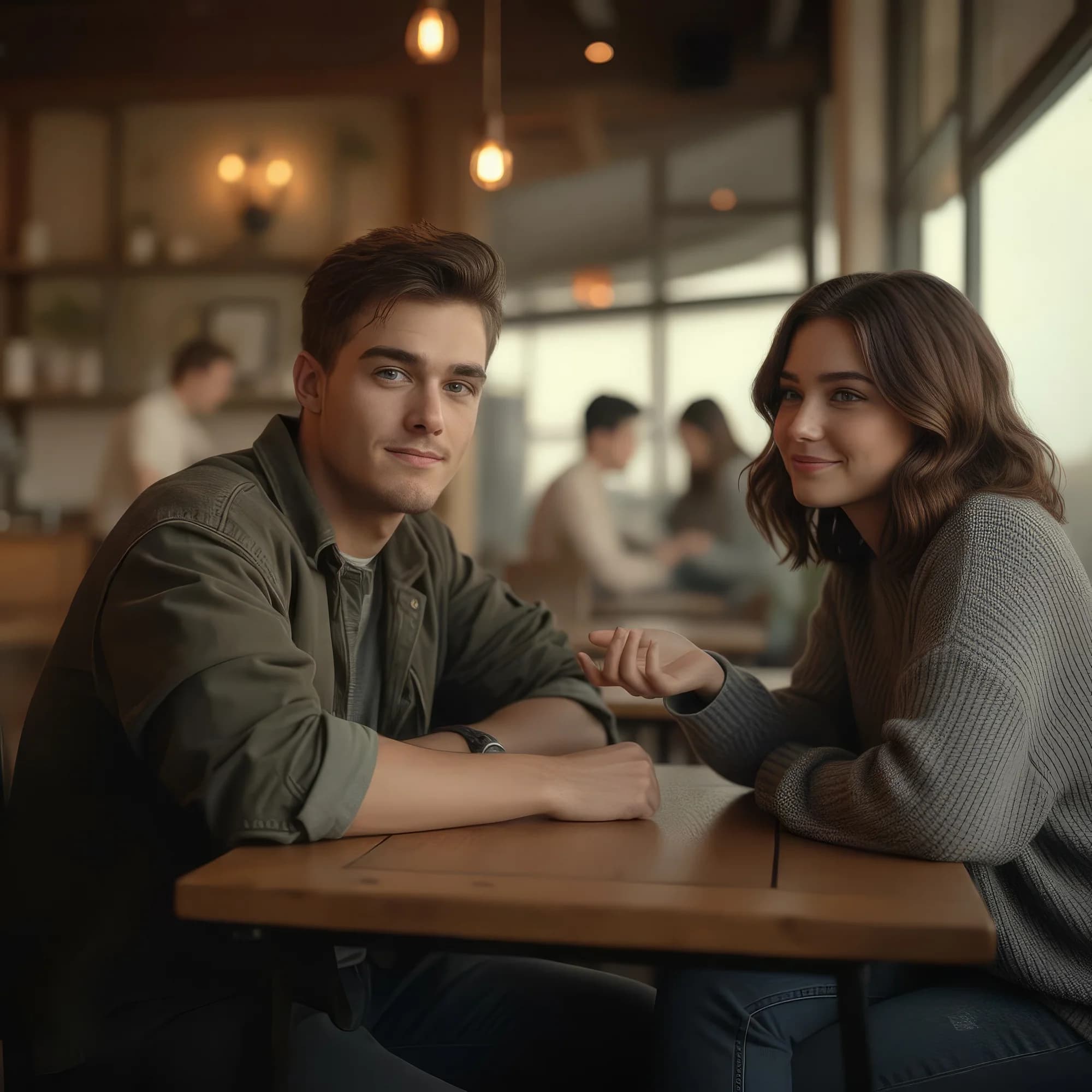
#### 5. Add people to your scene

Sample prompt: Add a second young person sitting on the right side of the coffee shop table, casually interacting with the first person. Ensure they blend seamlessly into the scene, with consistent perspective, proportions, and background elements like tables and warm wooden tones.
<div><figure><img src="https://3522324598-files.gitbook.io/~/files/v0/b/gitbook-x-prod.appspot.com/o/spaces%2FoPhHCbNZdzW70rakoLhf%2Fuploads%2Fr7B8VR3Xz6Z1UG5AsRAA%2FMan%20in%20cafe%20Upscaled.png?alt=media&#x26;token=73701b53-fe5f-4449-bec8-2f4196201fa6" alt=""><figcaption></figcaption></figure> <figure><img src="https://3522324598-files.gitbook.io/~/files/v0/b/gitbook-x-prod.appspot.com/o/spaces%2FoPhHCbNZdzW70rakoLhf%2Fuploads%2FExwbBFjG4pnKw1SwzpjL%2FCouple%20at%20Table%20Upscaled.png?alt=media&#x26;token=358f0d86-cb50-42b6-8ea3-ecd9a6a2359d" alt=""><figcaption></figcaption></figure></div>

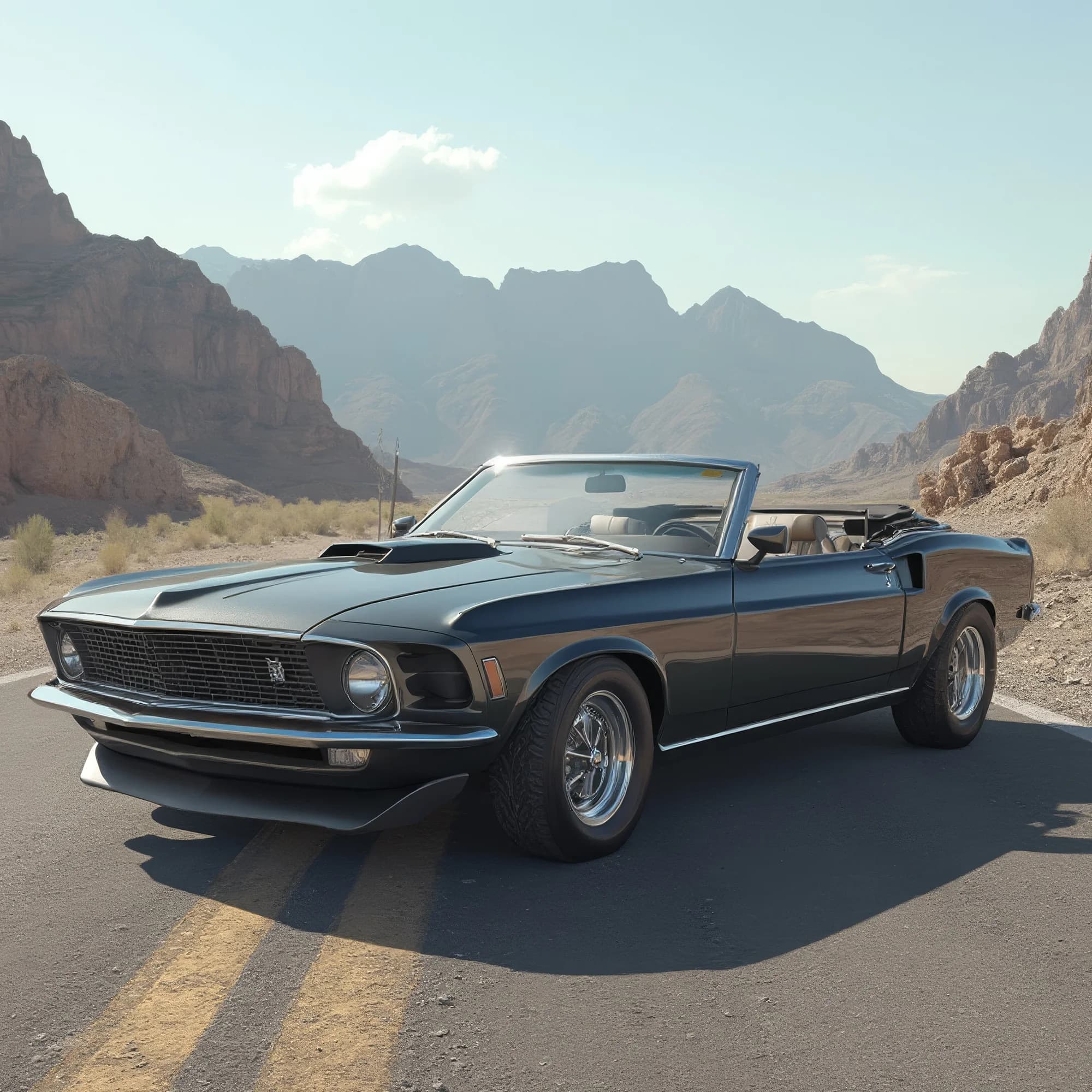
#### 6. Change the surroundings and feel

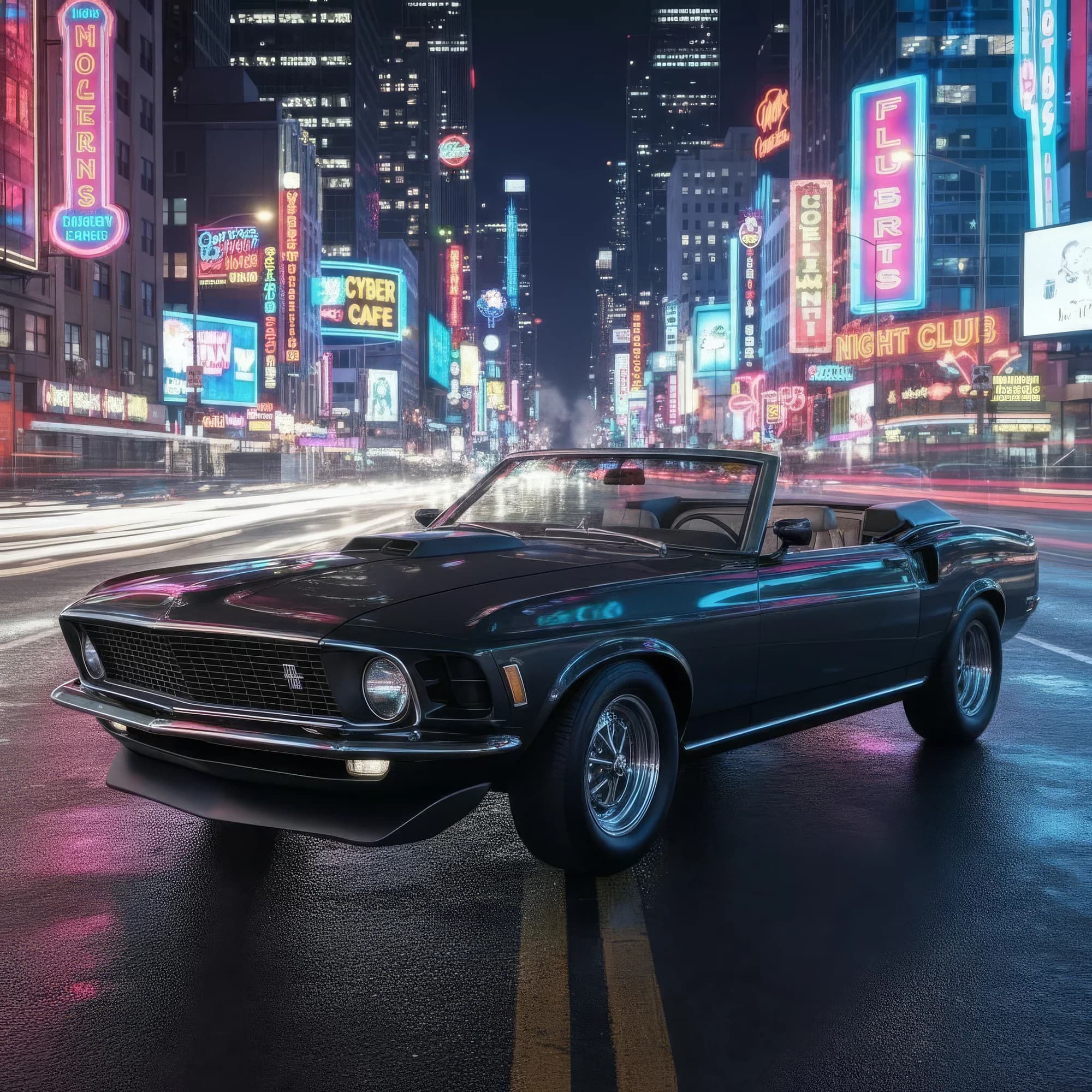
Sample prompt: Change the background to a neon-lit downtown street at night.
<div><figure><img src="https://3522324598-files.gitbook.io/~/files/v0/b/gitbook-x-prod.appspot.com/o/spaces%2FoPhHCbNZdzW70rakoLhf%2Fuploads%2FOLqPH9XCAzmgs1jv8ztx%2FClassic%20Convertible%20Upscaled.png?alt=media&#x26;token=9b6205bf-fcce-4e13-9312-ab348857385d" alt=""><figcaption></figcaption></figure> <figure><img src="https://3522324598-files.gitbook.io/~/files/v0/b/gitbook-x-prod.appspot.com/o/spaces%2FoPhHCbNZdzW70rakoLhf%2Fuploads%2Fz9ZZtCVBXcFGBfyAVMS6%2FClassic%20Car%20Upscaled.png?alt=media&#x26;token=ecc2b0d4-4017-475d-835b-94fce468621e" alt=""><figcaption></figcaption></figure></div>

***

If you have any trouble or have any questions, feel free to reach out. We're happy to help, write to us at [**support@morphic.com**](mailto:support@morphic.com)**.**


---

# Agent Instructions: Querying This Documentation

If you need additional information that is not directly available in this page, you can query the documentation dynamically by asking a question.

Perform an HTTP GET request on the current page URL with the `ask` query parameter:

```
GET https://morphic.com/docs/how-tos/precise-image-editing.md?ask=<question>
```

The question should be specific, self-contained, and written in natural language.
The response will contain a direct answer to the question and relevant excerpts and sources from the documentation.

Use this mechanism when the answer is not explicitly present in the current page, you need clarification or additional context, or you want to retrieve related documentation sections.