> For the complete documentation index, see [llms.txt](https://morphic.com/docs/llms.txt). Markdown versions of documentation pages are available by appending `.md` to page URLs; this page is available as [Markdown](https://morphic.com/docs/id/how-tos/blending-images.md).

# Mencampur gambar

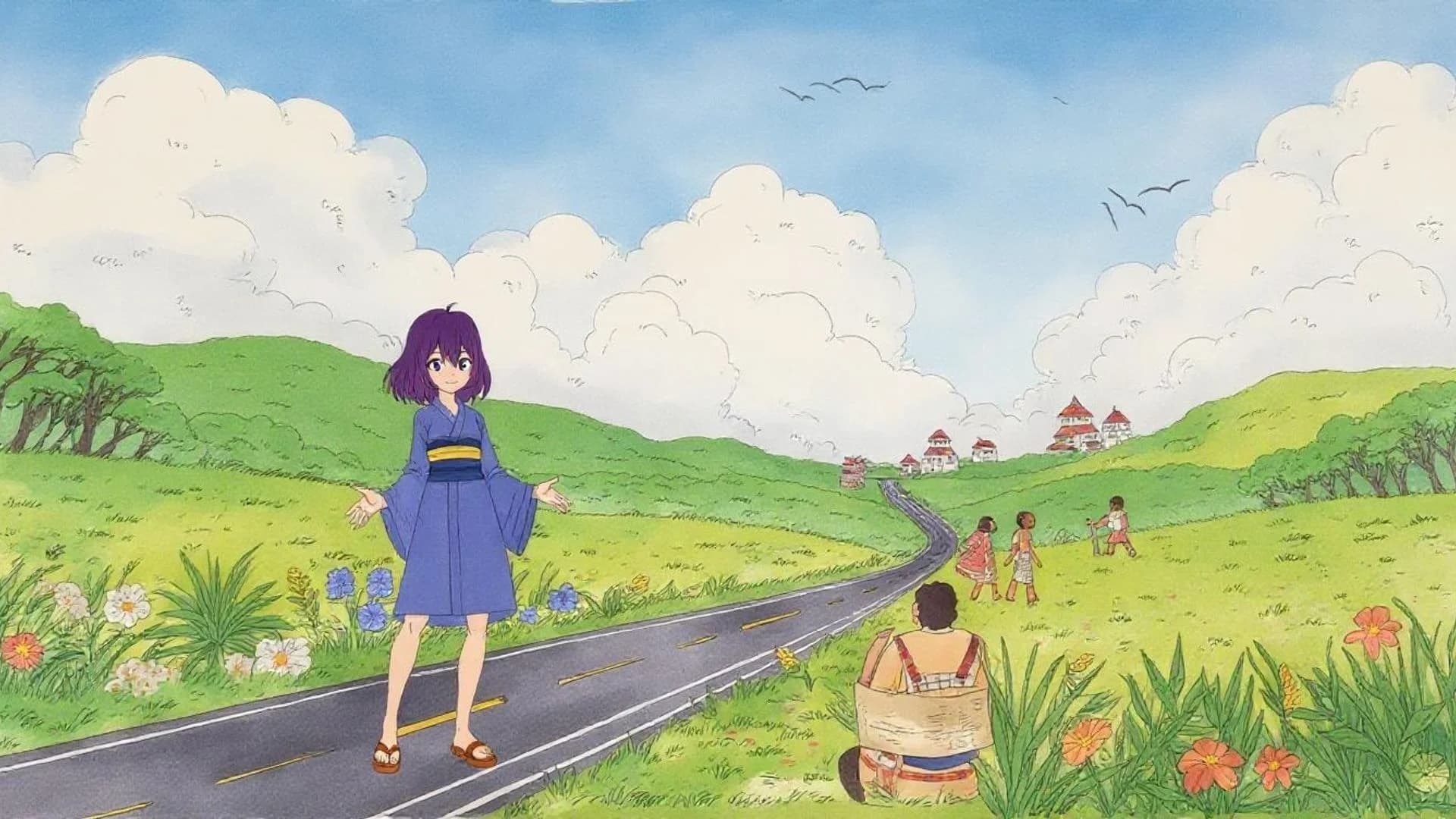
Dengan fitur image-to-image Morphic, Anda dapat mencampur berbagai aset dengan mulus untuk menggabungkan karakter, latar belakang, dan properti menjadi satu frame yang kohesif guna menjaga konsistensi antar gaya.

<figure><img src="https://2902853530-files.gitbook.io/~/files/v0/b/gitbook-x-prod.appspot.com/o/spaces%2FoPhHCbNZdzW70rakoLhf%2Fuploads%2FB17t1h1DUULPfmDPcqv4%2FCleanShot%202025-06-07%20at%2001.37.05%402x.png?alt=media&amp;token=0ad03b5c-9d30-4956-a139-e05fba5fe222" alt=""><figcaption></figcaption></figure>

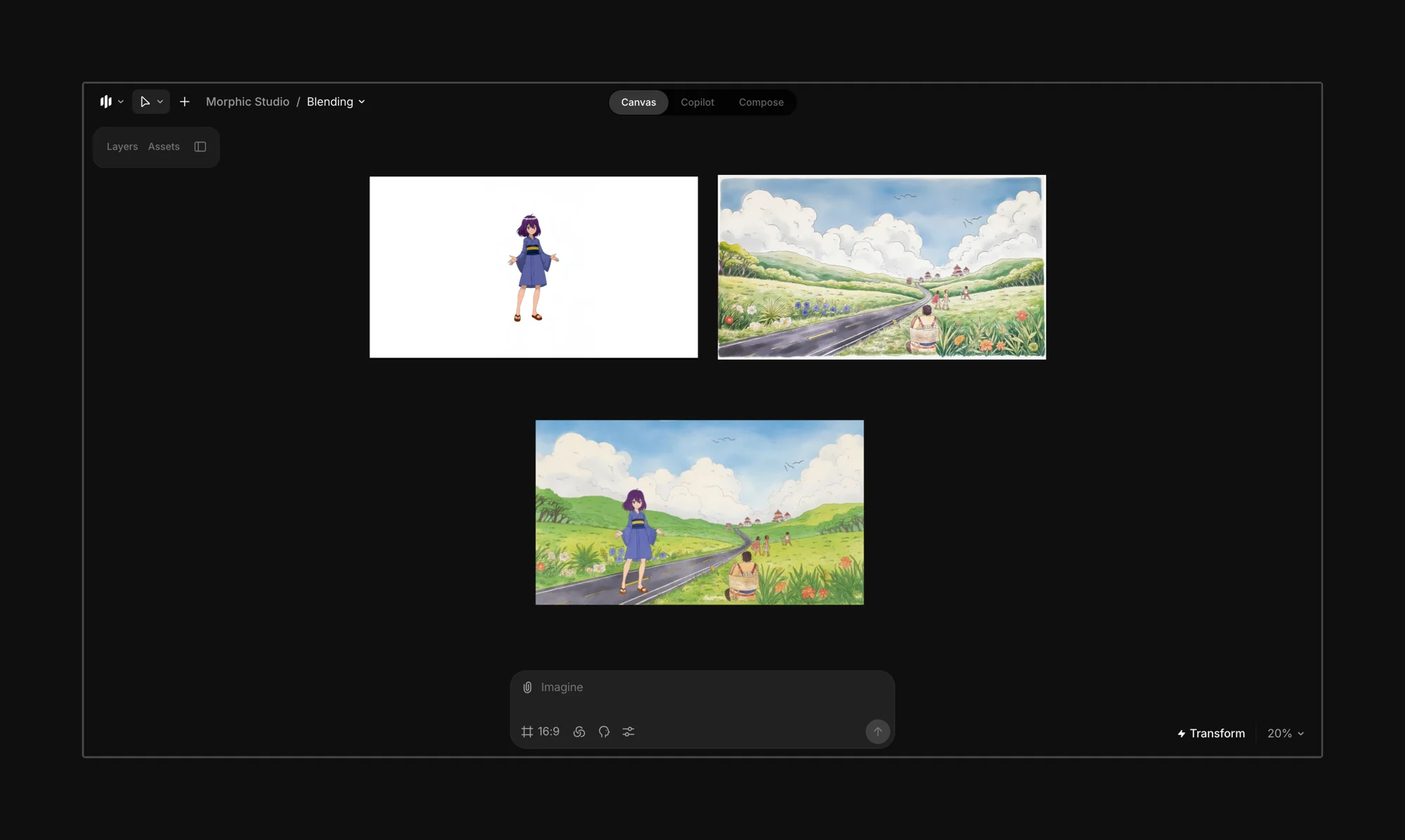
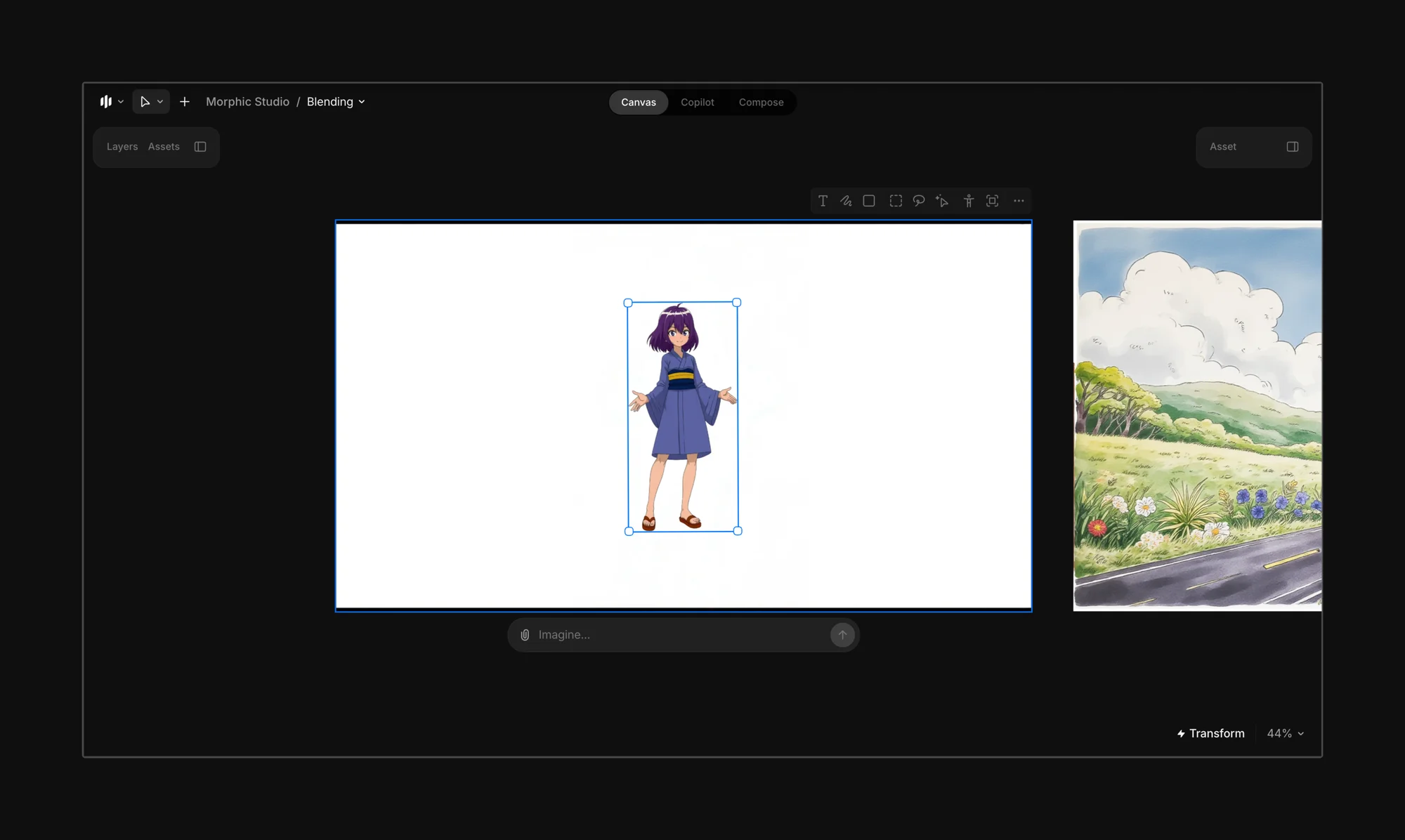
Mulailah dengan mengunggah atau menghasilkan karakter, latar belakang, dan properti yang ingin Anda gabungkan ke dalam satu adegan terpadu. Anda dapat membuat layer dari gambar yang sudah ada menggunakan fitur [segmentasi Morphic](/docs/id/essentials/layers.md).

<figure><img src="https://2902853530-files.gitbook.io/~/files/v0/b/gitbook-x-prod.appspot.com/o/spaces%2FoPhHCbNZdzW70rakoLhf%2Fuploads%2Fqa8bRsJq8dgHOv0wmLxB%2FCleanShot%202025-06-07%20at%2001.38.00%402x.png?alt=media&amp;token=e82b7104-79d9-4c75-a1a0-7d04327f4b9b" alt=""><figcaption></figcaption></figure>

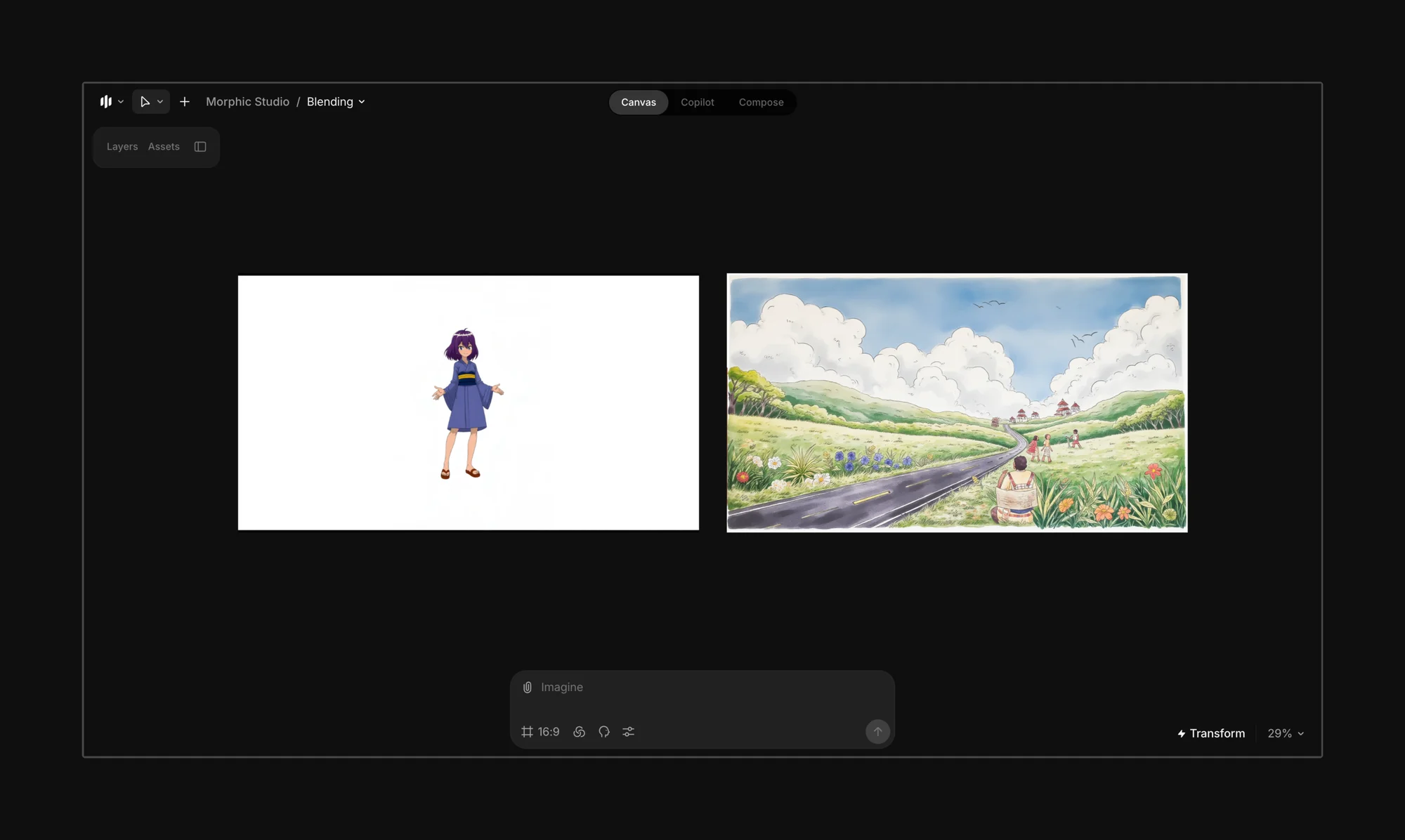
Susun karakter, elemen, atau properti yang ingin Anda sertakan dalam bingkai akhir.
<figure><img src="https://2902853530-files.gitbook.io/~/files/v0/b/gitbook-x-prod.appspot.com/o/spaces%2FoPhHCbNZdzW70rakoLhf%2Fuploads%2Fg5WguYr2KHQxqt3DGQ0a%2FCleanShot%202025-06-07%20at%2001.45.51%402x.png?alt=media&amp;token=54cb4e80-f8d2-41c5-bbab-315c8ed2c917" alt=""><figcaption></figcaption></figure>

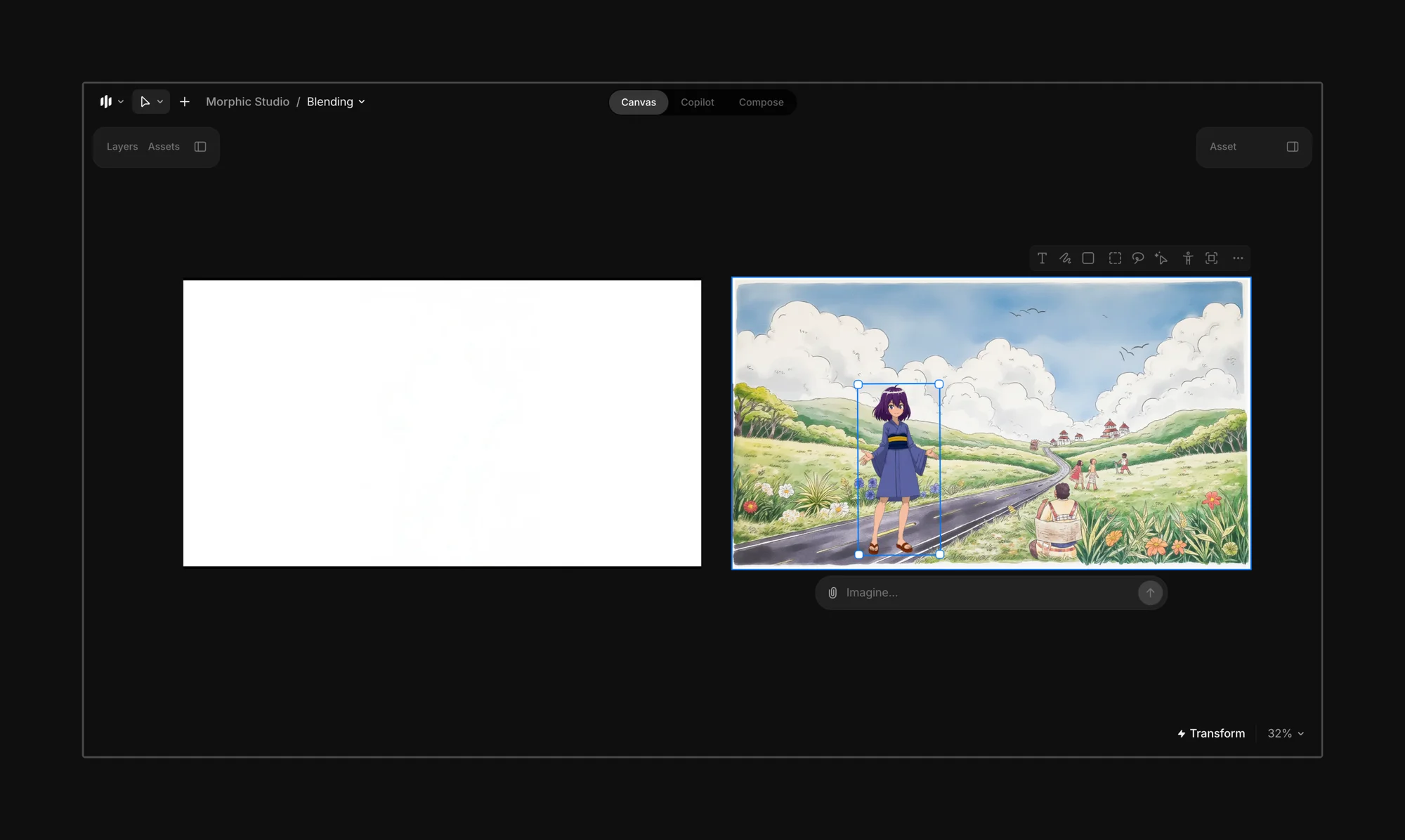
Masukkan elemen-elemen ke dalam bingkai akhir.

<figure><img src="https://2902853530-files.gitbook.io/~/files/v0/b/gitbook-x-prod.appspot.com/o/spaces%2FoPhHCbNZdzW70rakoLhf%2Fuploads%2FVouGQtYM4yVG9BG6xUAQ%2FCleanShot%202025-06-07%20at%2001.48.31%402x.png?alt=media&amp;token=44c4e77b-958b-4e7b-ae10-8b158dfa96d4" alt=""><figcaption></figcaption></figure>

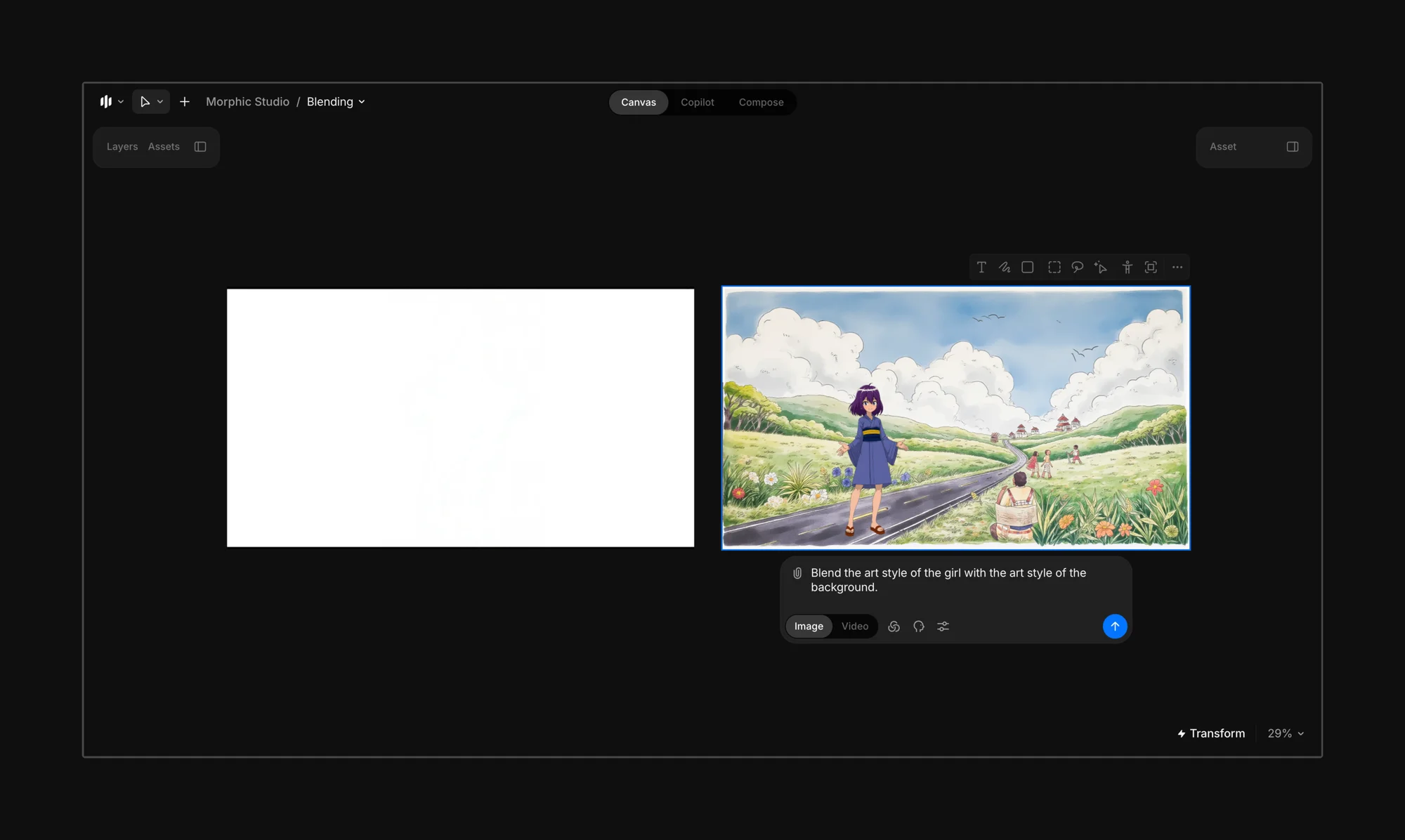
Pilih bingkai akhir dan masukkan prompt yang memandu Morphic tentang gaya mana yang harus dituju oleh adegan tersebut.

{% hint style="info" %}
Coba: *“Gabungkan gaya seni gadis itu dengan gaya seni latar belakang.”*

Jika Anda tidak yakin elemen mana yang harus memimpin, cukup masukkan prompt: *“Gabungkan gaya seni agar cocok.”*
{% endhint %}

<figure><img src="https://2902853530-files.gitbook.io/~/files/v0/b/gitbook-x-prod.appspot.com/o/spaces%2FoPhHCbNZdzW70rakoLhf%2Fuploads%2F2DntSDVC2XifHDDX4m9e%2FCleanShot%202025-06-07%20at%2001.53.28%402x.png?alt=media&amp;token=4c0b009c-0ad7-49e0-b252-7ce3ded96f8a" alt=""><figcaption></figcaption></figure>

Klik tombol biru di bilah prompt, dan Morphic akan menggabungkan gaya dari gambar, karakter, atau properti yang dipilih sesuai prompt Anda.

<figure><img src="https://2902853530-files.gitbook.io/~/files/v0/b/gitbook-x-prod.appspot.com/o/spaces%2FoPhHCbNZdzW70rakoLhf%2Fuploads%2Fy36ZAjsVWc7HrVLSqPKR%2FAnime%20Characters.webp?alt=media&amp;token=80a3558b-d485-4f34-99de-dd92fe5cae7a" alt=""><figcaption></figcaption></figure>

{% hint style="danger" %}
**Hindari**

Menggabungkan gaya yang sangat berbeda (misalnya, anime ke fotorealisme) dapat menghasilkan hasil yang tidak konsisten atau tidak dapat diprediksi.
{% endhint %}

{% hint style="success" %}
**Paling cocok digunakan saat:**

* Latar belakang dan karakter Anda berada dalam gaya yang berbeda.
* Anda menginginkan bingkai yang kohesif tanpa perlu menggambar ulang elemen secara manual.
* Anda sedang bereksperimen dengan visual bergaya media campuran atau kolase.
  {% endhint %}

***

Jika Anda mengalami kendala atau memiliki pertanyaan, jangan ragu untuk menghubungi kami. Kami dengan senang hati akan membantu. Tulis kepada kami di [**support@morphic.com**](mailto:support@morphic.com)**.**


---

# Agent Instructions
This documentation is published with GitBook. GitBook is the documentation platform designed so that both humans and AI agents can read, navigate, and reason over technical content effectively. Learn more at gitbook.com.

## Querying This Documentation
If you need additional information that is not directly available in this page, you can query the documentation dynamically by asking a question.

Perform an HTTP GET request on the current page URL with the `ask` query parameter, and the optional `goal` query parameter:

```
GET https://morphic.com/docs/id/how-tos/blending-images.md?ask=<question>&goal=<endgoal>
```

`ask` is the immediate question: it should be specific, self-contained, and written in natural language.
`goal` is optional and describes the broader end goal you are ultimately trying to accomplish on behalf of the user. GitBook uses it to tailor the answer towards what is most useful for that goal.

The response will contain a direct answer to the question and relevant excerpts and sources from the documentation.

Use this mechanism when the answer is not explicitly present in the current page, you need clarification or additional context, or you want to retrieve related documentation sections.