Bubble emoji sheet
A tidy grid of eight bubble emoji icons in one shared palette, even spacing, flat backdrop, each icon readable on its own.
Modifier le prompt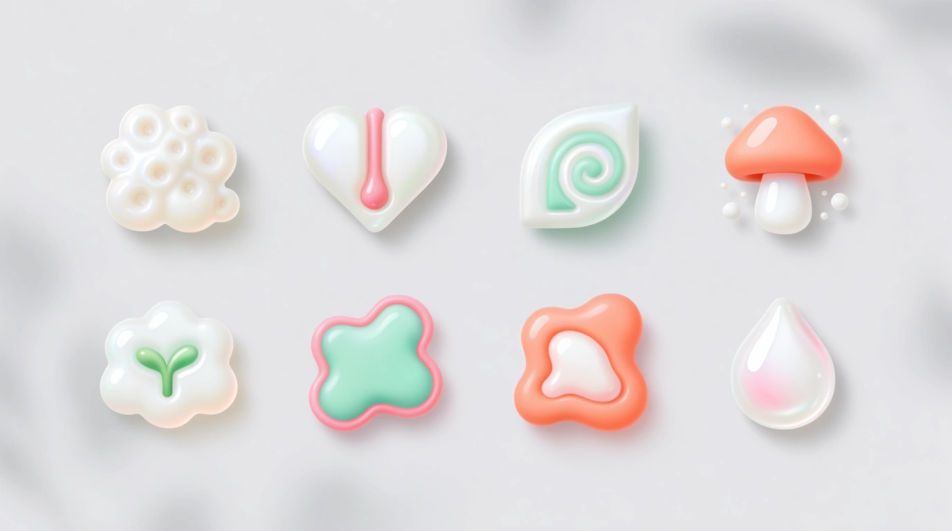
Make your own bubble emoji images in Morphic's Image tool by describing the shape, the colour of the glossy shell and the shine you want. Adjust the palette, the outline weight and the backdrop, including a plain one you can cut out, then download a rounded icon that stays crisp wherever you paste it.
A tidy grid of eight bubble emoji icons in one shared palette, even spacing, flat backdrop, each icon readable on its own.
Modifier le promptA diagonal trail of bubble emoji icons scaling from tiny to large across a soft gradient, light catching each rim.
Modifier le prompt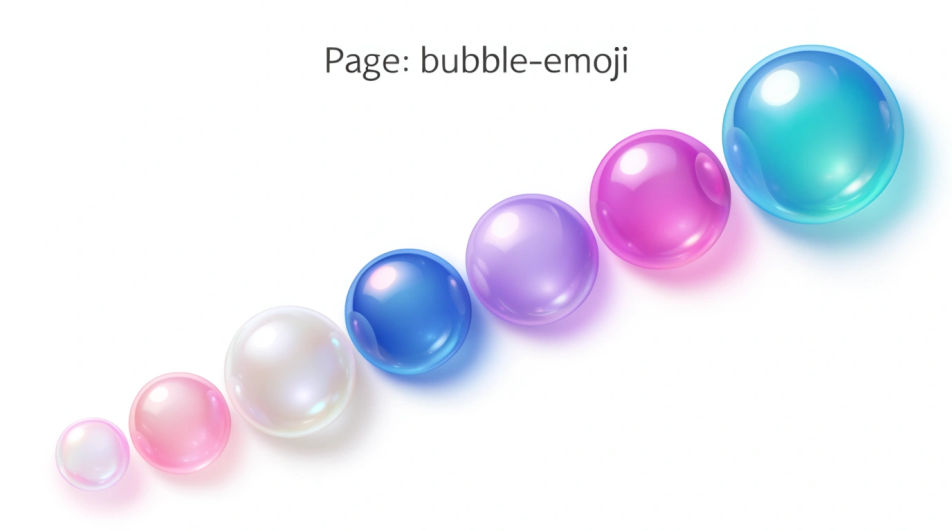
Three chat bubble icons stacked as a short conversation, different fills, bold outlines, generous white space around the group.
Modifier le prompt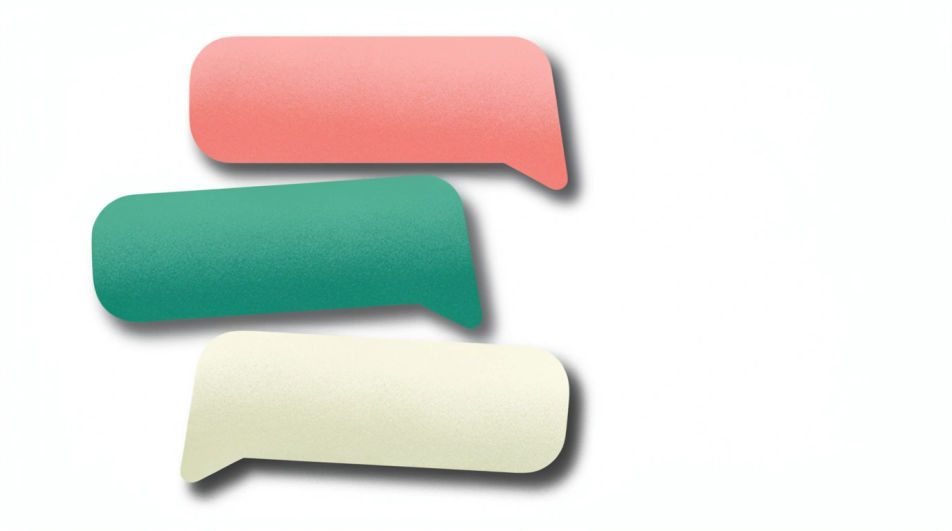
One bubble caught mid-burst with the film breaking into fine droplets, cool rim light, dark backdrop, crisp frozen detail.
Modifier le prompt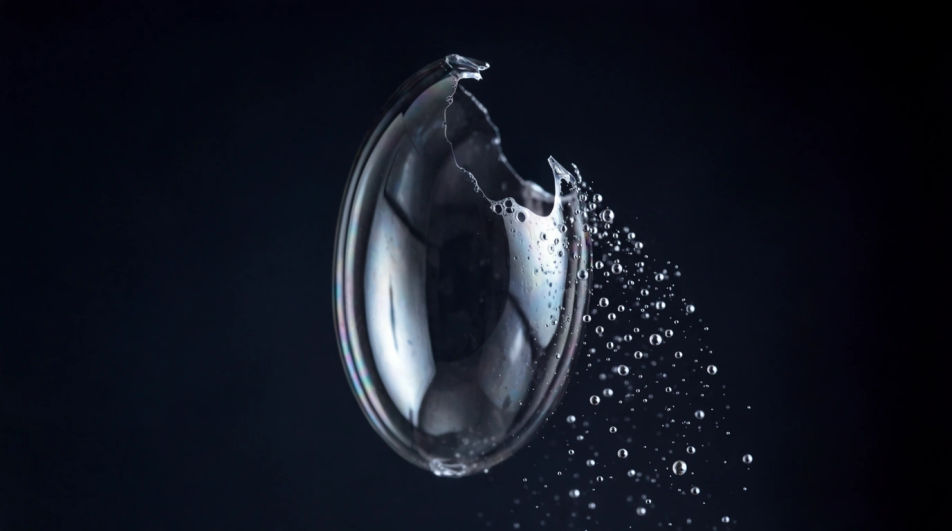
Décrivez le Bubble Emoji que vous voulez, en mots simples.
Morphic génère votre image prête à publier en quelques secondes.
Ajustez le prompt, régénérez des variantes, téléchargez ou partagez l’image.
Choisissez une image de référence, appliquez son style visuel à votre propre photo ou œuvre d'art.
Convertir n'importe quelle image à un nouveau rapport hauteur/largeur. Recadrer intelligemment ou étendre les bords pour s'adapter.

Transformez n'importe quel croquis ou dessin en un rendu fini.

Prenez n'importe quelle image de personnage et générez 6 expressions faciales distinctes sur une seule feuille de référence.
Restyle any video in a completely new visual style. Every frame transforms, all motion stays intact.

Choisissez n'importe quelle illustration d'anime comme guide de style. Appliquez son look à n'importe quelle image.
Funny emoji generator
Generate funny emoji images in Morphic. Describe the expression, colour and style you want, generate options, then refine the prompt and download it.
Emoji faces generator
Generate faces emoji images in Morphic. Describe the expression, colour and style you want, generate options, then refine the prompt and download it.
Door Hanger Design AI Images
Produce door hanger design in any style you need. Produce artwork that survives being blown up to full size. Yours to use commercially.
Ebook Cover AI Images
Create ebook cover without a photoshoot. Generate variations until one lands, then refine it. Yours to use commercially.
Commencez gratuitement dès aujourd'hui, avec la possibilité de mettre à niveau ou d'annuler à tout moment.
Basic
2400 mensuel crédits
1 utilisateur uniquement
Tous les modèles
Workflows
Standard
3625 mensuel crédits
1 utilisateur uniquement
Tous les modèles
Workflows
Pro
6350 partagé mensuel crédits
1 utilisateur
Tous les modèles
Workflows
Max
24650 partagé mensuel crédits
1 utilisateur
Tous les modèles
Workflows
Enterprise
Pour des limites plus élevées
Personnalisé
conditions de tarification et de facturation

Free
Pour expérimenter
$0
gratuit pour toujours