Forearm placement
A pocket watch tattoo running down the forearm, shown from the side to display the chain and case along the arm.
Modifier le prompt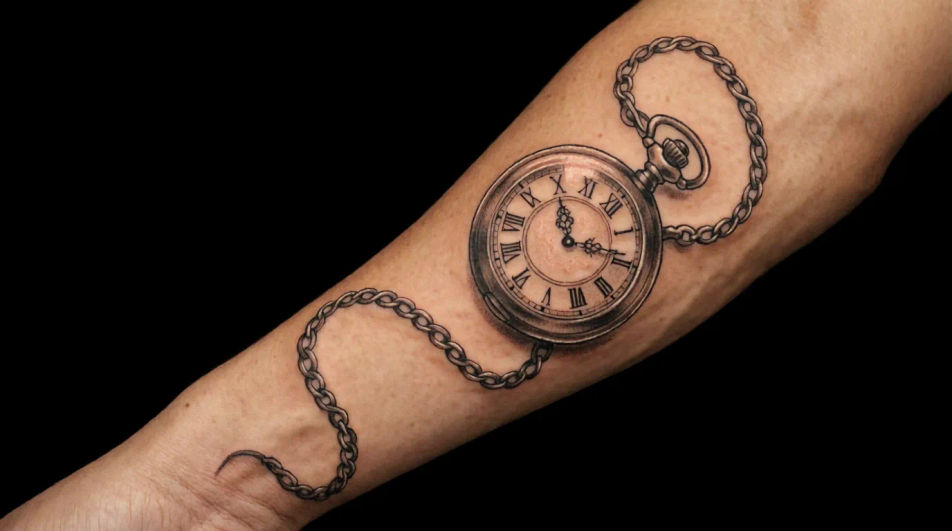
Design clock tattoo ideas in your browser with Morphic's AI image generator. Create ornate pocket watches, realistic melting clocks, fine-line minimalist faces, or bold blackwork gears. Use Style Transfer to lock the linework and shading, then refine scale with Character Lineup for gallery-ready concepts.
A pocket watch tattoo running down the forearm, shown from the side to display the chain and case along the arm.
Modifier le promptA larger ornate clock centered on the chest, shown from the front to reveal the full symmetry of the face.
Modifier le prompt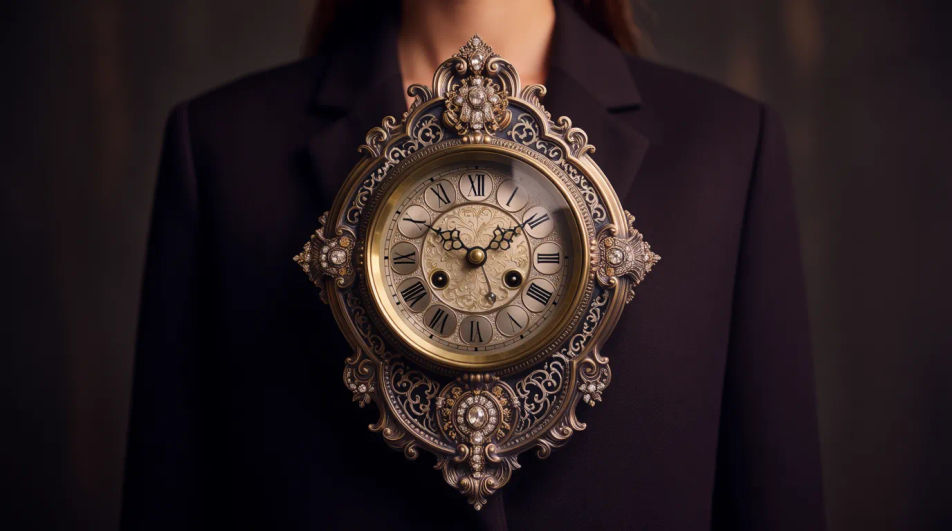
A small fine-line clock face on the inner wrist, shown from a close angle to display the delicate hands and numerals.
Modifier le prompt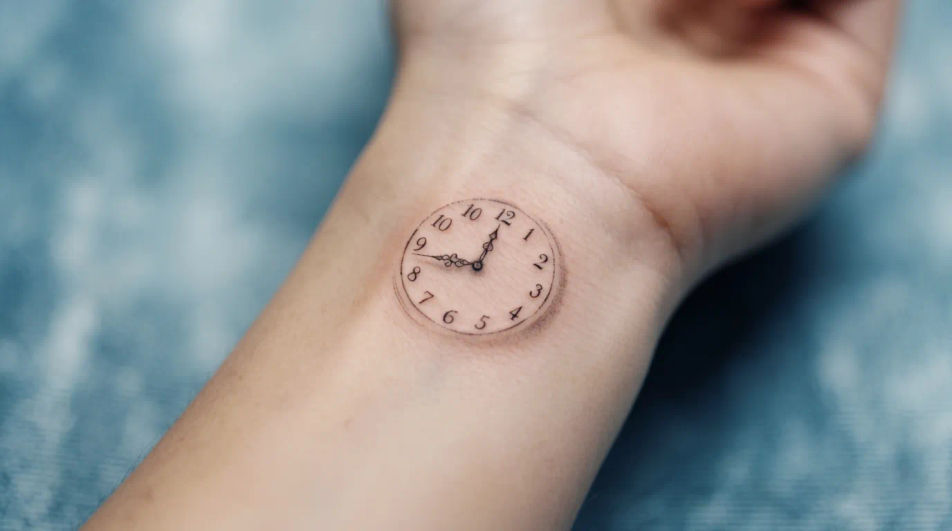
A clock and rose composition wrapping the upper arm, shown from a three-quarter angle as part of a sleeve.
Modifier le prompt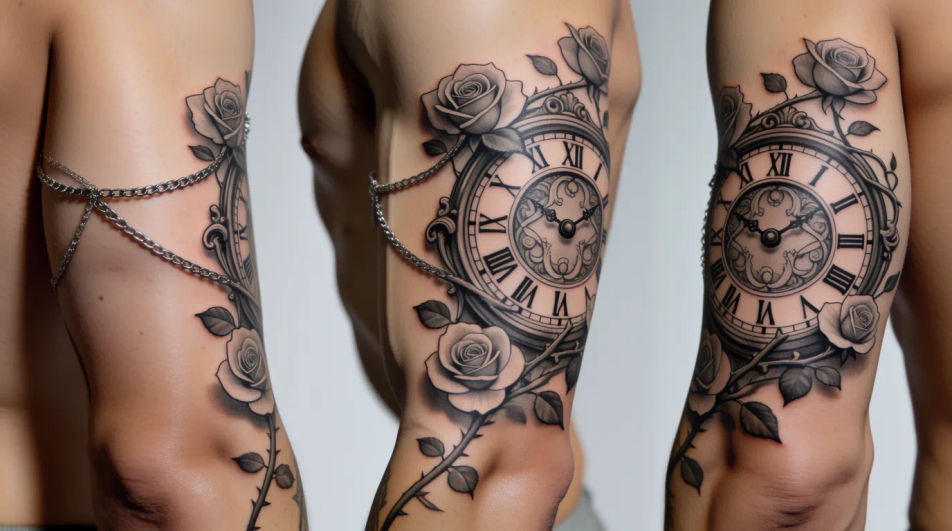
Décrivez le clock tattoo designs que vous voulez, en mots simples.
Morphic génère votre image prête à publier en quelques secondes.
Ajustez le prompt, régénérez des variantes, téléchargez ou partagez l’image.
Choisissez une image de référence, appliquez son style visuel à votre propre photo ou œuvre d'art.
Convertir n'importe quelle image à un nouveau rapport hauteur/largeur. Recadrer intelligemment ou étendre les bords pour s'adapter.

Choisissez n'importe quelle illustration d'anime comme guide de style. Appliquez son look à n'importe quelle image.

Prenez n'importe quelle image de personnage et générez 6 expressions faciales distinctes sur une seule feuille de référence.

Transformez n'importe quel croquis ou dessin en un rendu fini.
Restyle any video in a completely new visual style. Every frame transforms, all motion stays intact.
Rose AI tattoo designs
Create AI rose tattoo designs with our rose tattoo generator. Find high-quality rose tattoo designs for any project in seconds.
Angel wings AI tattoo designs
Create AI angel wings tattoo designs with our angel wings tattoo generator. Find original angel wings tattoo designs for any project in seconds.
Owl AI tattoo designs
Create AI owl tattoo designs with our owl tattoo generator. Find custom owl tattoo designs for any project in seconds.
Small AI tattoo designs
Explore small tattoo ideas with Morphic's AI tattoo generator. Design minimalist line, symbolic, nature, geometric, and script concepts in seconds. No art skills needed, describe the meaning and style, then download HD reference for your artist.
Commencez gratuitement dès aujourd'hui, avec la possibilité de mettre à niveau ou d'annuler à tout moment.
Basic
2400 mensuel crédits
1 utilisateur uniquement
Tous les modèles
Workflows
Standard
3625 mensuel crédits
1 utilisateur uniquement
Tous les modèles
Workflows
Pro
6350 partagé mensuel crédits
1 utilisateur
Tous les modèles
Workflows
Max
24650 partagé mensuel crédits
1 utilisateur
Tous les modèles
Workflows
Enterprise
Pour des limites plus élevées
Personnalisé
conditions de tarification et de facturation

Free
Pour expérimenter
$0
gratuit pour toujours