Booking software product hero
Empty conference room with a screen and chairs ready, open margin for a scheduling headline.
Modifier le prompt
Compose conference room images in your browser with Morphic's AI photo generator. Try a sleek glass boardroom, a cozy startup huddle space, or a grand corporate meeting hall at dusk. Adjust the crop and color in the Canvas, then download each in HD.
Empty conference room with a screen and chairs ready, open margin for a scheduling headline.
Modifier le promptTeam collaborating around a table with a wall display, horizontal shot for an article top.
Modifier le prompt
Well lit conference room with glass walls and city view, clean frame for a space listing.
Modifier le prompt
Presenter at a screen addressing seated colleagues, wide frame for an event email strip.
Modifier le prompt
Décrivez le conference room image que vous voulez, en mots simples.
Morphic génère votre image prête à publier en quelques secondes.
Ajustez le prompt, régénérez des variantes, téléchargez ou partagez l’image.
Court-métrage cinématographique avec effet de gel du temps pour toute scène
Téléchargez une image de personnage et faites-la danser dans n'importe quel style.
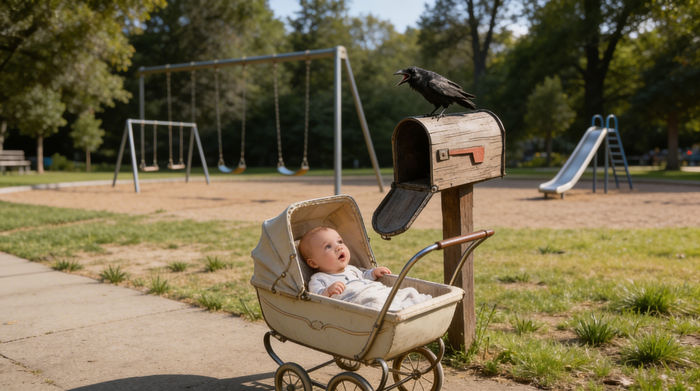
Partagez une description de scène avec des références de personnages. Obtenez un storyboard complet avec des angles de prise de vue et une ambiance.
Associez une image de personnage à une vidéo de référence. Votre personnage reprend ce mouvement exact.
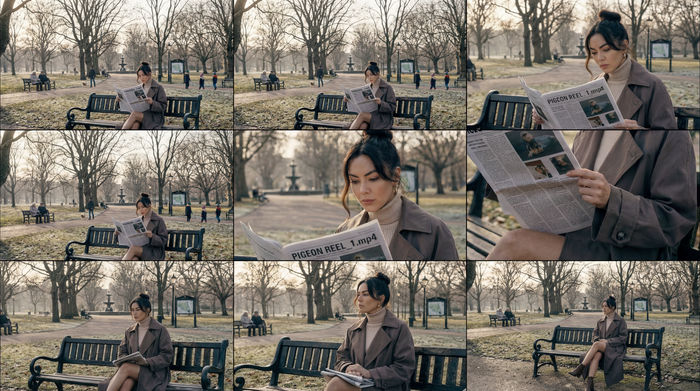
Fournissez une seule image. Obtenez 9 plans cinématographiques présentés sous forme de grille de storyboard 3x3.

Dramatiser toute conversation textuelle en une vidéo cinématographique multi-plans.
3D Printing AI Images
Produce 3d printing images in any style you need. Generate the exact scene rather than the nearest stock photo. No stock licence needed.
Agriculture Technology AI Images
Produce agriculture technology images in any style you need. Generate the exact scene rather than the nearest stock photo.
Airport Lounge Business AI Images
Make airport lounge business images from a text prompt. Control the setting, people and mood instead of browsing for a compromise.
Supermarket Aisle AI Images
Turn a brief into supermarket aisle images instantly. Get the shot your brief asks for without a location or a model release. No stock licence needed.
Commencez gratuitement dès aujourd'hui, avec la possibilité de mettre à niveau ou d'annuler à tout moment.
Basic
2400 mensuel crédits
1 utilisateur uniquement
Tous les modèles
Workflows
Standard
3625 mensuel crédits
1 utilisateur uniquement
Tous les modèles
Workflows
Pro
6350 partagé mensuel crédits
1 utilisateur
Tous les modèles
Workflows
Max
24650 partagé mensuel crédits
1 utilisateur
Tous les modèles
Workflows
Enterprise
Pour des limites plus élevées
Personnalisé
conditions de tarification et de facturation

Free
Pour expérimenter
$0
gratuit pour toujours