One sticker on white
A single cute sticker centred on a clean white field with a soft shadow beneath it, thick white die-cut border, even light.
Modifier le prompt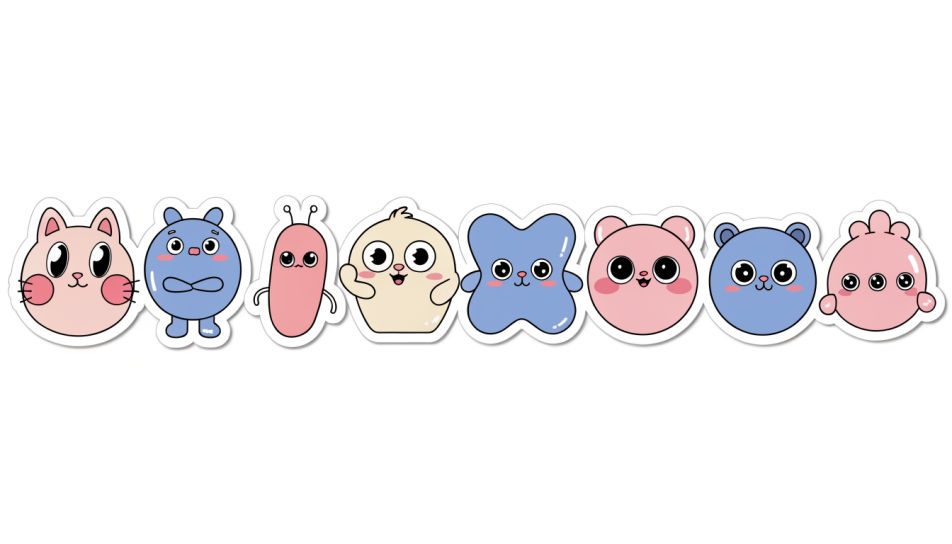
Design cute single stickers in Morphic's Image tool, one clear motif at a time: a blushing cat, a pastel heart, a tiny bubble-tea cup. Set the palette, the outline thickness and the transparent background, then download each sticker on its own, ready for a chat, a planner or a print sheet.
A single cute sticker centred on a clean white field with a soft shadow beneath it, thick white die-cut border, even light.
Modifier le promptOne cute sticker sitting beside a plain grey chat bubble on a pale screen, crisp edges, soft daylight, lots of empty space.
Modifier le prompt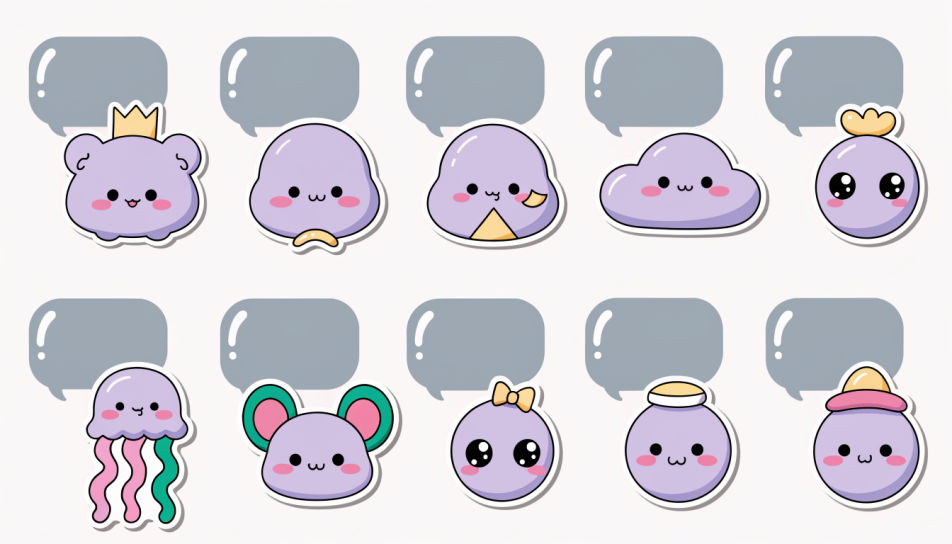
A close shot of a cute sticker half-peeled from its backing paper, one corner lifting, warm side light catching the curl.
Modifier le prompt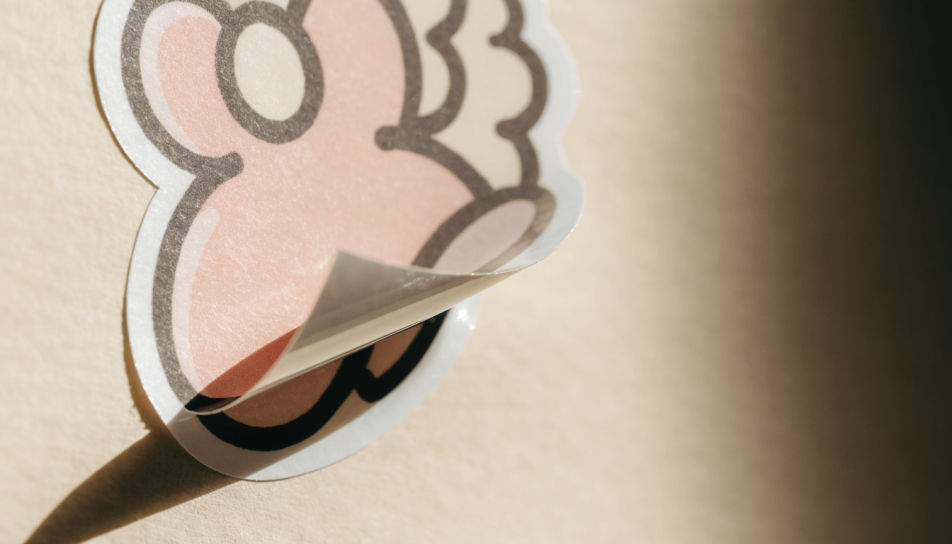
Several separate cute stickers scattered loosely across a cream desk, each with its own white border, bright overhead light.
Modifier le prompt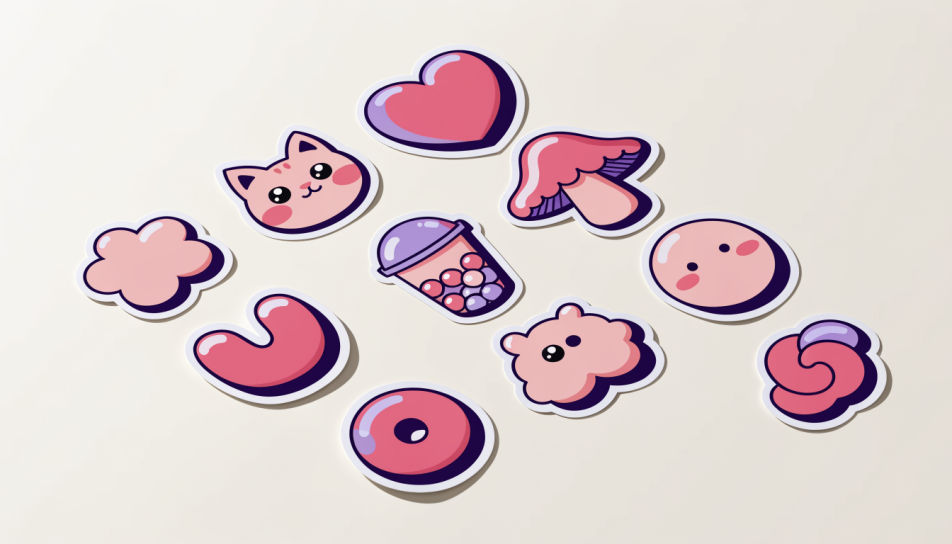
Décrivez le Cute Single Stickers que vous voulez, en mots simples.
Morphic génère votre image prête à publier en quelques secondes.
Ajustez le prompt, régénérez des variantes, téléchargez ou partagez l’image.
Choisissez une image de référence, appliquez son style visuel à votre propre photo ou œuvre d'art.
Convertir n'importe quelle image à un nouveau rapport hauteur/largeur. Recadrer intelligemment ou étendre les bords pour s'adapter.

Transformez n'importe quel croquis ou dessin en un rendu fini.

Prenez n'importe quelle image de personnage et générez 6 expressions faciales distinctes sur une seule feuille de référence.

Fournissez une seule image. Obtenez 9 plans cinématographiques présentés sous forme de grille de storyboard 3x3.

Tous vos personnages sur une seule image de lineup, côte à côte avec comparaison de taille.
Kawaii cute sticker generator
Generate kawaii cute stickers in Morphic. Describe the character, colours and style you want, generate options to compare, then refine the prompt and save it.
Cool sticker generator
Generate cool stickers in Morphic. Describe the character, colours and style you want, generate options to compare, then refine the prompt and save it.
Images IA de design de sticker
Créez des images IA de design de sticker avec Morphic. Générez des stickers en découpe, des packs de stickers et des décalcomanies pour tout projet en quelques secondes.
Fun emoji generator
Generate fun emoji images in Morphic. Describe the expression, colour and style you want, generate options, then refine the prompt and download it.
Commencez gratuitement dès aujourd'hui, avec la possibilité de mettre à niveau ou d'annuler à tout moment.
Basic
2400 mensuel crédits
1 utilisateur uniquement
Tous les modèles
Workflows
Standard
3625 mensuel crédits
1 utilisateur uniquement
Tous les modèles
Workflows
Pro
6350 partagé mensuel crédits
1 utilisateur
Tous les modèles
Workflows
Max
24650 partagé mensuel crédits
1 utilisateur
Tous les modèles
Workflows
Enterprise
Pour des limites plus élevées
Personnalisé
conditions de tarification et de facturation

Free
Pour expérimenter
$0
gratuit pour toujours