Kawaii sticker sheet
A printable sheet of twelve kawaii stickers sharing one pastel palette, even gaps between each die-cut shape, flat white ground.
Modifier le prompt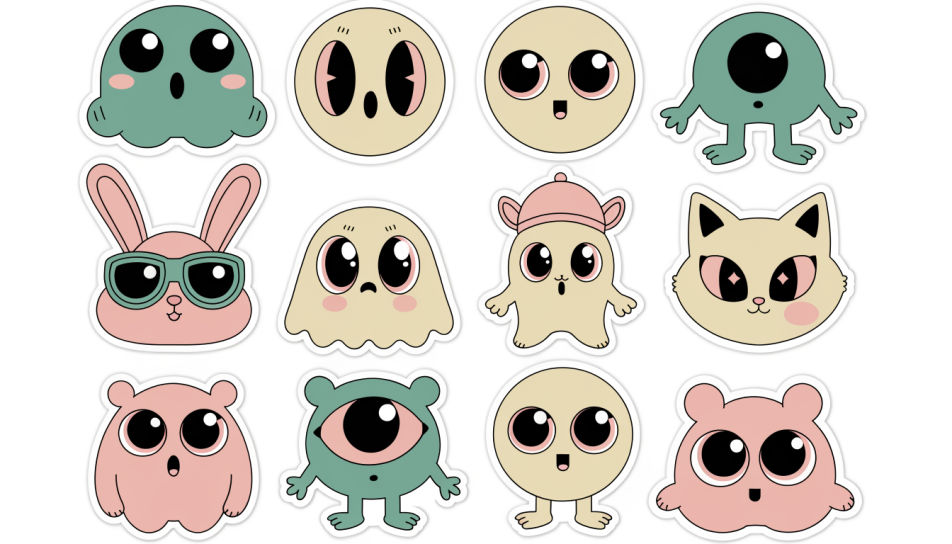
Design kawaii cute stickers in Morphic's Image tool by describing the character, the pastel palette and the chunky white border you want around it. Set the expression, the line weight and the backdrop, then download an original sticker sheet in HD that prints clean and cuts cleanly.
A printable sheet of twelve kawaii stickers sharing one pastel palette, even gaps between each die-cut shape, flat white ground.
Modifier le promptA scatter of kawaii stickers arranged across a plain laptop lid, overlapping slightly, soft daylight, crisp white borders visible.
Modifier le prompt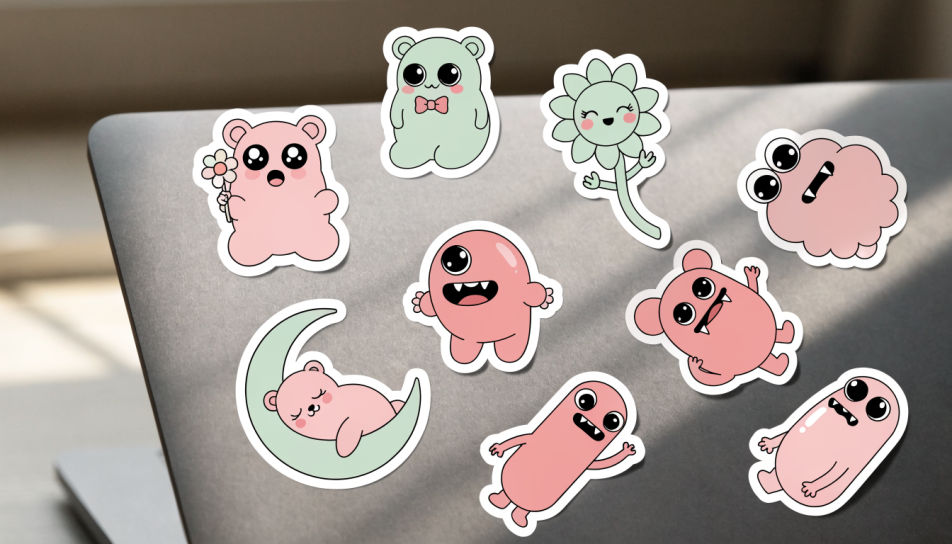
Kawaii stickers pressed along the corner of an open notebook page, warm lamp light, paper texture showing through the gaps.
Modifier le prompt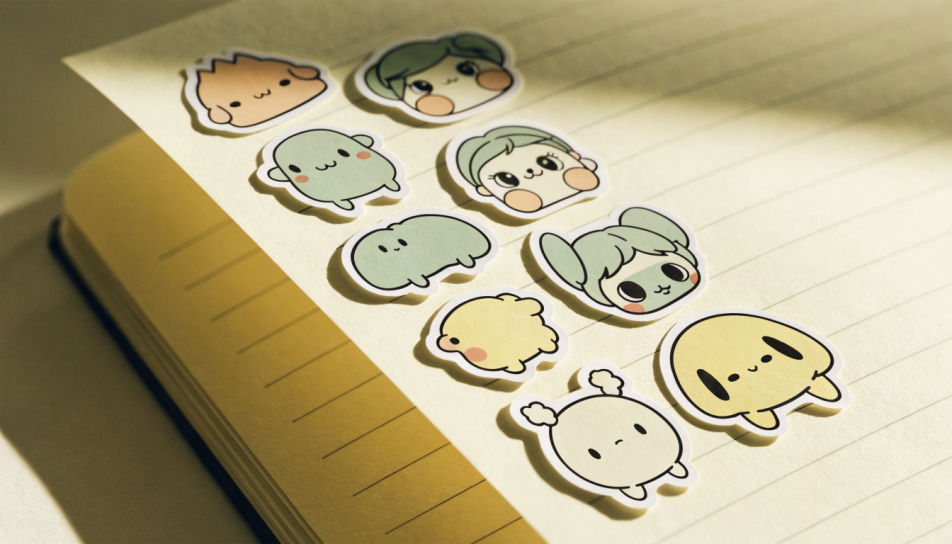
One kawaii character sticker filling the frame at large scale, thick white border, soft drop shadow, plain pastel backdrop.
Modifier le prompt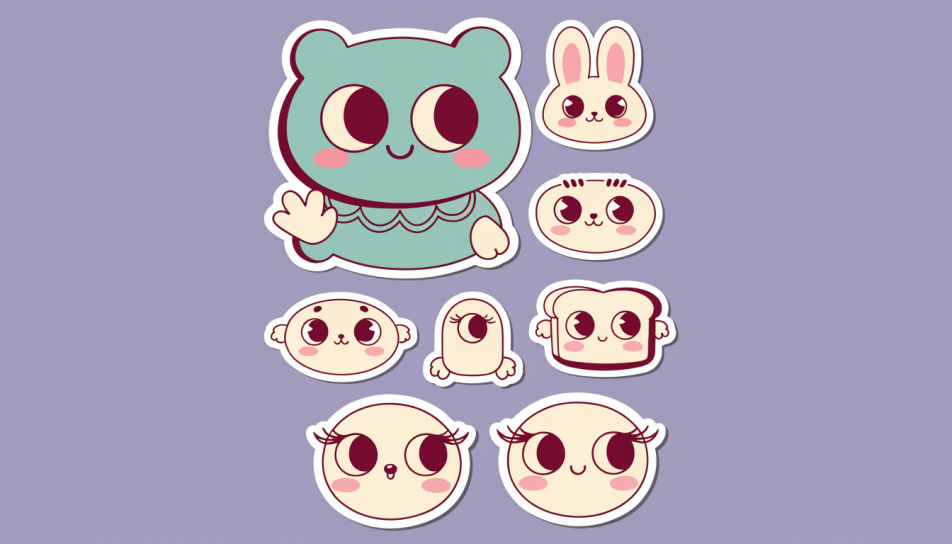
Décrivez le Kawaii Cute Stickers que vous voulez, en mots simples.
Morphic génère votre image prête à publier en quelques secondes.
Ajustez le prompt, régénérez des variantes, téléchargez ou partagez l’image.

Choisissez n'importe quelle illustration d'anime comme guide de style. Appliquez son look à n'importe quelle image.

Transformez n'importe quelle photo ou description en sprite chibi animé. Dansez, sautez, saluez, attaquez, et plus encore.

Transformez n'importe quel croquis ou dessin en un rendu fini.

Prenez n'importe quelle image de personnage et générez 6 expressions faciales distinctes sur une seule feuille de référence.

Tous vos personnages sur une seule image de lineup, côte à côte avec comparaison de taille.
Téléchargez une image de personnage et faites-la danser dans n'importe quel style.
Kawaii sticker generator
Generate kawaii stickers in Morphic. Describe the character, colours and style you want, generate options to compare, then refine the prompt and save it.
Cute single sticker generator
Generate cute single stickers in Morphic. Describe the character, colours and style you want, generate options to compare, then refine the prompt and save it.
Images IA d'yeux anime - art IA
Explorez des images d'yeux anime en HD. Parcourez une collection fraîche générée par IA à télécharger et utiliser partout, ou générez votre propre version personnalisée avec Morphic.
Générateur IA d'art de scène de combat anime
Créez de l'art de scène de combat anime avec Morphic. Frames d'impact, lignes de vitesse, auras d'énergie et illustrations d'action dynamiques depuis un seul prompt.
Commencez gratuitement dès aujourd'hui, avec la possibilité de mettre à niveau ou d'annuler à tout moment.
Basic
2400 mensuel crédits
1 utilisateur uniquement
Tous les modèles
Workflows
Standard
3625 mensuel crédits
1 utilisateur uniquement
Tous les modèles
Workflows
Pro
6350 partagé mensuel crédits
1 utilisateur
Tous les modèles
Workflows
Max
24650 partagé mensuel crédits
1 utilisateur
Tous les modèles
Workflows
Enterprise
Pour des limites plus élevées
Personnalisé
conditions de tarification et de facturation

Free
Pour expérimenter
$0
gratuit pour toujours