Photo to emoji side by side
A soft-lit portrait photo of a smiling man with glasses beside a matching glossy emoji-style face of the same man, same hair and glasses, plain grey backdrop.
Modifier le prompt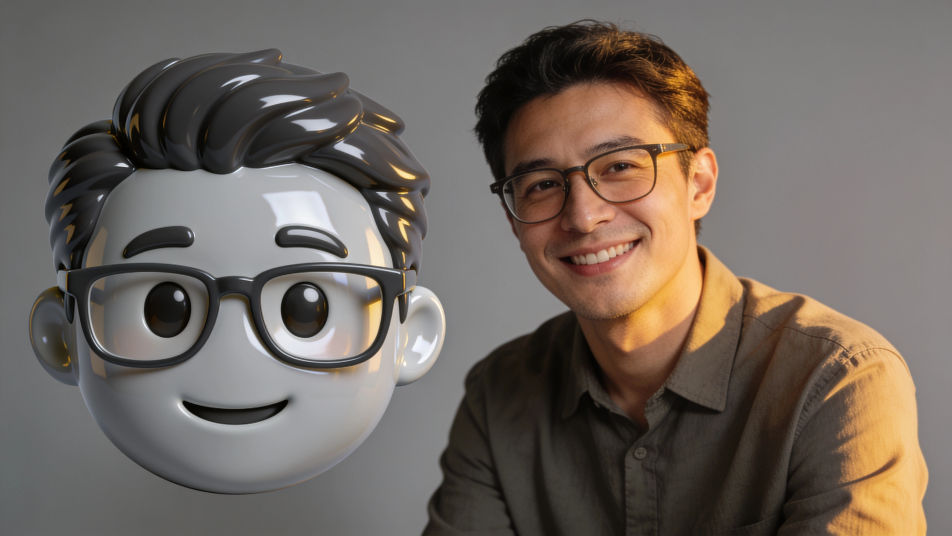
Put a photo into emoji form in Morphic by attaching the portrait as a reference and describing the emoji look you want, from a glossy round face to a flat sticker avatar. Keep the hair, glasses and smile that make it read as you, choose the finish and the background, then download an emoji face you can use in chats and on your profile.
A soft-lit portrait photo of a smiling man with glasses beside a matching glossy emoji-style face of the same man, same hair and glasses, plain grey backdrop.
Modifier le promptA row of four glossy emoji-style faces of one invented family, a mother, a father, a teenage girl and a grandfather, matching finish, even spacing, plain cream background.
Modifier le prompt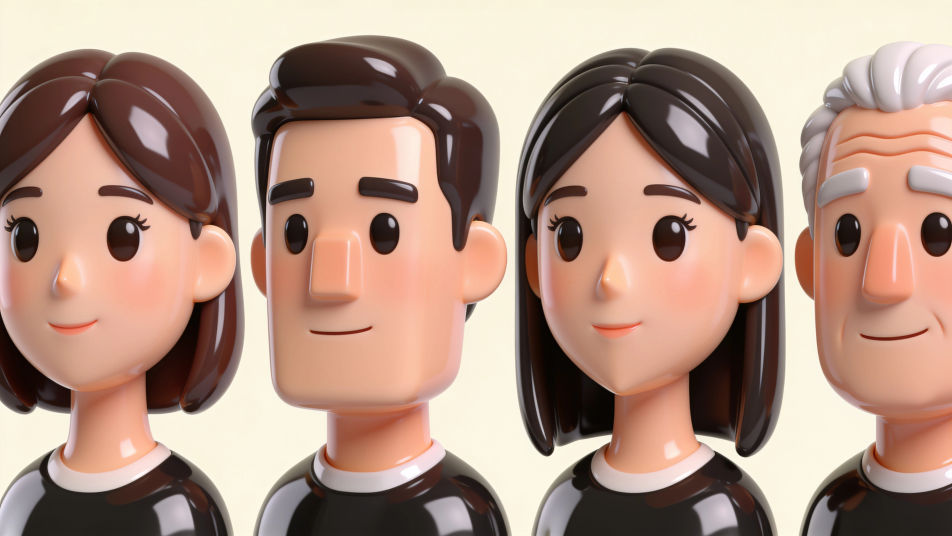
A row of four glossy emoji-style faces of the same young woman with a short black bob: happy, surprised, sleepy and laughing, plain pastel background, no labels.
Modifier le prompt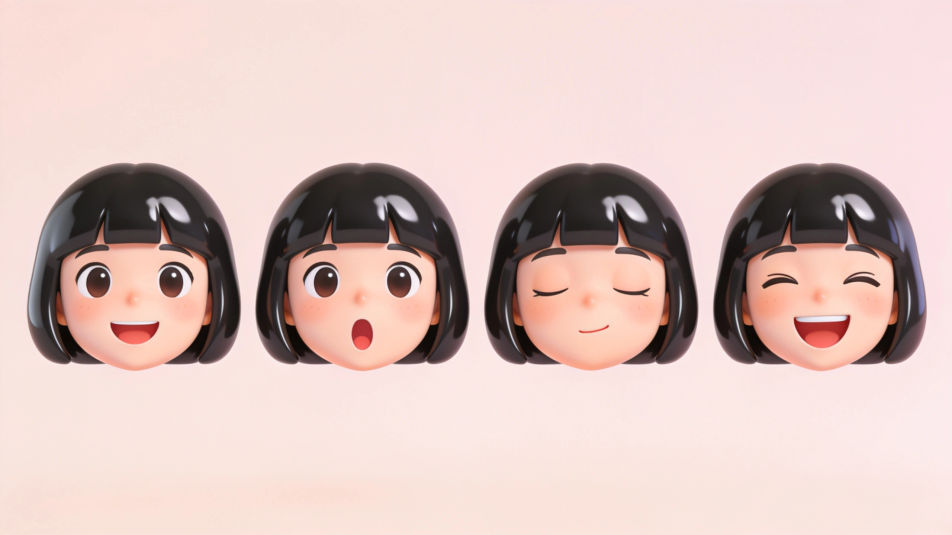
A sticker sheet of emoji-style faces of different invented people with white die-cut borders, varied hair, skin tones and glasses, evenly spaced on a mint background.
Modifier le prompt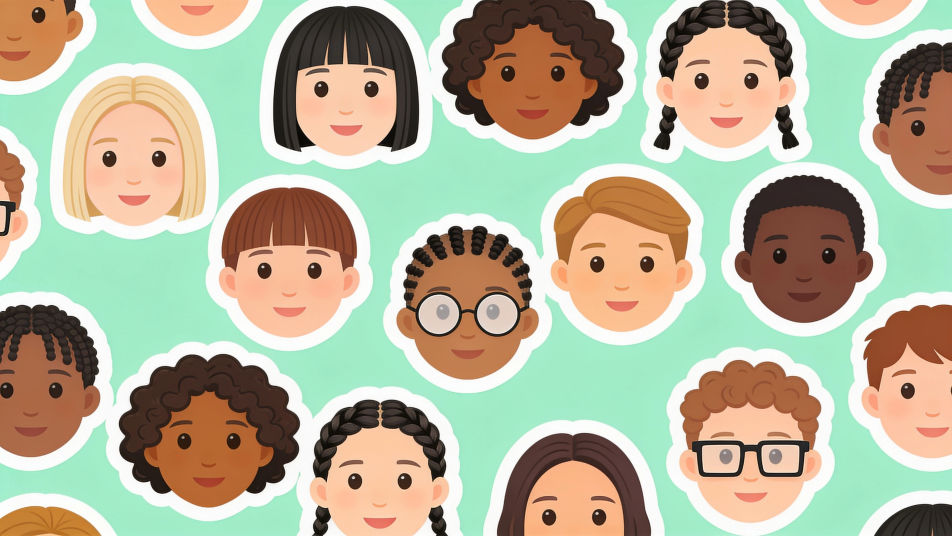
Décrivez le Photo form emoji que vous voulez, en mots simples.
Morphic génère votre image prête à publier en quelques secondes.
Ajustez le prompt, régénérez des variantes, téléchargez ou partagez l’image.
Choisissez une image de référence, appliquez son style visuel à votre propre photo ou œuvre d'art.
Convertir n'importe quelle image à un nouveau rapport hauteur/largeur. Recadrer intelligemment ou étendre les bords pour s'adapter.

Transformez n'importe quel croquis ou dessin en un rendu fini.
Restyle any video in a completely new visual style. Every frame transforms, all motion stays intact.

Transformez n'importe quelle photo ou description en sprite chibi animé. Dansez, sautez, saluez, attaquez, et plus encore.
Définissez le look avec une image de référence. Appliquez cette note exacte à n'importe quelle scène ou lot.
Photo from emoji generator
Generate from emoji images in Morphic. Describe the expression, colour and style you want, generate options, then refine the prompt and download it.
Cartoon PFP generator
Browse cartoon profile pictures and regenerate any in your own style, palette, and crop. Make bold flat-vector, soft 3D-render, and retro rubber-hose avatars, then download original PFPs in HD, sharp at a small crop, all in Morphic.
Emoji faces generator
Generate faces emoji images in Morphic. Describe the expression, colour and style you want, generate options, then refine the prompt and download it.
Happy anniversary meme generator
Make happy anniversary meme images in Morphic. Describe the scene and the joke, generate versions to compare, then refine the prompt until the picture lands.
Commencez gratuitement dès aujourd'hui, avec la possibilité de mettre à niveau ou d'annuler à tout moment.
Basic
2400 mensuel crédits
1 utilisateur uniquement
Tous les modèles
Workflows
Standard
3625 mensuel crédits
1 utilisateur uniquement
Tous les modèles
Workflows
Pro
6350 partagé mensuel crédits
1 utilisateur
Tous les modèles
Workflows
Max
24650 partagé mensuel crédits
1 utilisateur
Tous les modèles
Workflows
Enterprise
Pour des limites plus élevées
Personnalisé
conditions de tarification et de facturation

Free
Pour expérimenter
$0
gratuit pour toujours