Full sticker sheet
A flat sheet of journal stickers arranged in a loose grid, mixed sizes, one shared palette, thin white cut lines around every shape.
Modifier le prompt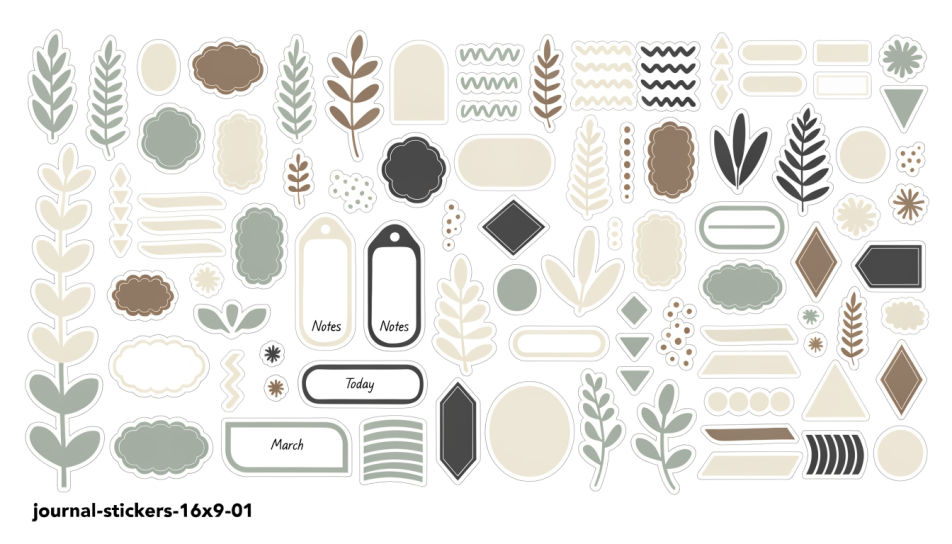
Generate journal stickers in Morphic's Image tool by describing the motif, the colours, and the paper style you want across a spread. You set the outline weight, the palette, and whether each sticker sits on a plain backdrop, so you end up with a sheet you can print and cut.
A flat sheet of journal stickers arranged in a loose grid, mixed sizes, one shared palette, thin white cut lines around every shape.
Modifier le promptJournal stickers in a muted cream, sage, and clay palette, botanical and paper motifs, soft grain, arranged with generous space between them.
Modifier le prompt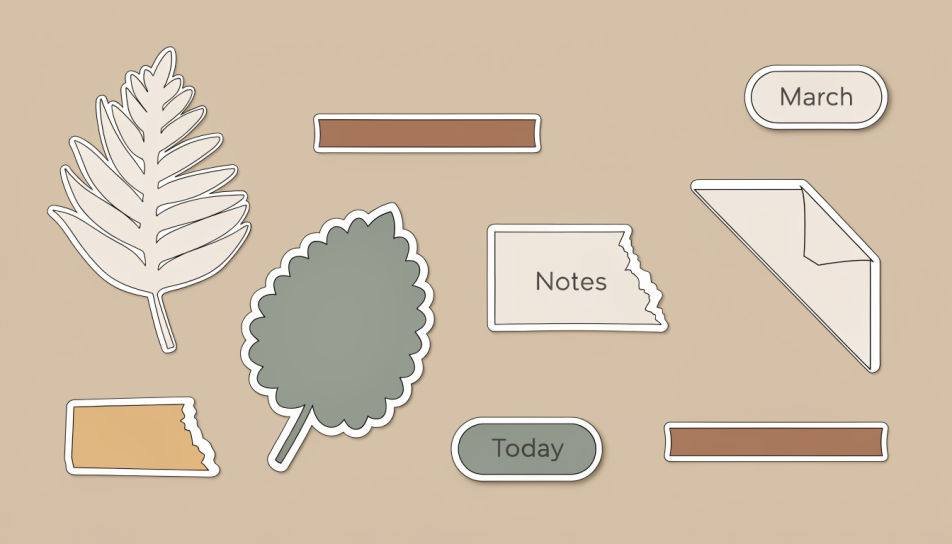
A high-contrast journal sticker set in saturated poster colour, thick black outlines and offset shadows, shapes overlapping across the frame.
Modifier le prompt
An overhead journal template page with dated headers, small boxes, and stickers placed along the margin, daylight falling across the paper.
Modifier le prompt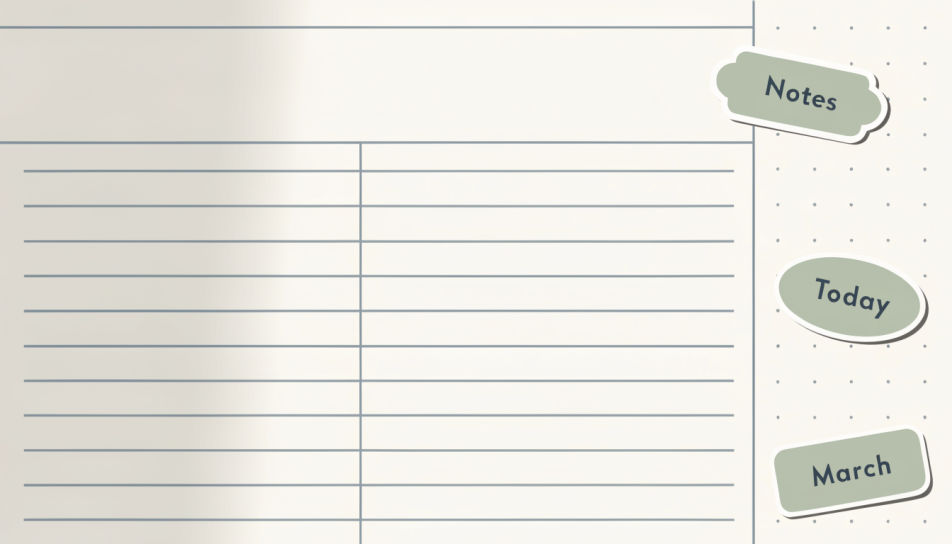
Décrivez le Journal Stickers que vous voulez, en mots simples.
Morphic génère votre image prête à publier en quelques secondes.
Ajustez le prompt, régénérez des variantes, téléchargez ou partagez l’image.
Choisissez une image de référence, appliquez son style visuel à votre propre photo ou œuvre d'art.
Convertir n'importe quelle image à un nouveau rapport hauteur/largeur. Recadrer intelligemment ou étendre les bords pour s'adapter.

Transformez n'importe quel croquis ou dessin en un rendu fini.

Prenez n'importe quelle image de personnage et générez 6 expressions faciales distinctes sur une seule feuille de référence.
Restyle any video in a completely new visual style. Every frame transforms, all motion stays intact.

Choisissez n'importe quelle illustration d'anime comme guide de style. Appliquez son look à n'importe quelle image.
Images IA de design de sticker
Créez des images IA de design de sticker avec Morphic. Générez des stickers en découpe, des packs de stickers et des décalcomanies pour tout projet en quelques secondes.
Scrapbook sticker generator
Generate scrapbook stickers in Morphic. Describe the character, colours and style you want, generate options to compare, then refine the prompt and save it.
Kawaii sticker generator
Generate kawaii stickers in Morphic. Describe the character, colours and style you want, generate options to compare, then refine the prompt and save it.
Preppy sticker generator
Generate preppy stickers in Morphic. Describe the character, colours and style you want, generate options to compare, then refine the prompt and save it.
Commencez gratuitement dès aujourd'hui, avec la possibilité de mettre à niveau ou d'annuler à tout moment.
Basic
2400 mensuel crédits
1 utilisateur uniquement
Tous les modèles
Workflows
Standard
3625 mensuel crédits
1 utilisateur uniquement
Tous les modèles
Workflows
Pro
6350 partagé mensuel crédits
1 utilisateur
Tous les modèles
Workflows
Max
24650 partagé mensuel crédits
1 utilisateur
Tous les modèles
Workflows
Enterprise
Pour des limites plus élevées
Personnalisé
conditions de tarification et de facturation

Free
Pour expérimenter
$0
gratuit pour toujours