Peacock feather crown detail
A close pen study of the peacock feather and crown, fine barb lines, stippled shading and a plain background behind.
Modifier le prompt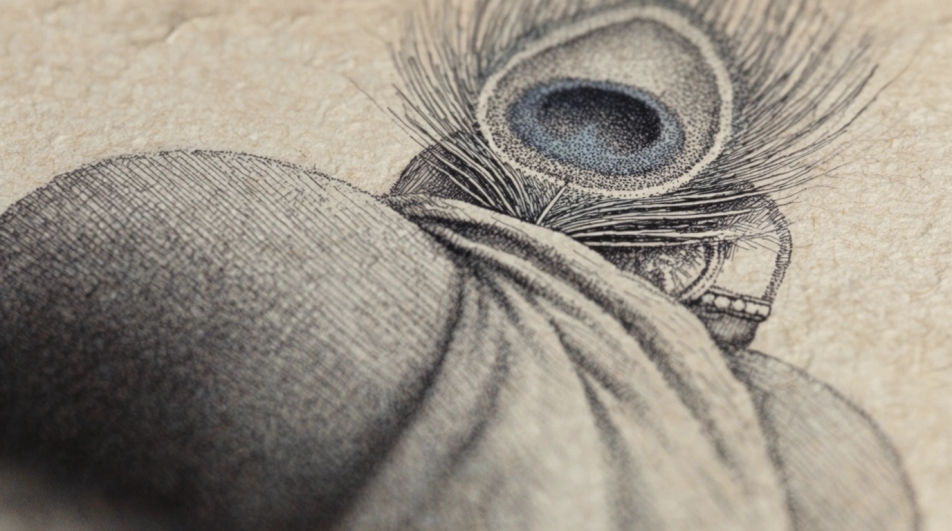
Draw Krishna in Morphic's Image tool by describing the pose, the attributes and the medium the piece should be drawn in. Set the line weight, the ornament detail and the palette, from a quiet pencil study to a pen and colour plate, then download the finished drawing in HD.
A close pen study of the peacock feather and crown, fine barb lines, stippled shading and a plain background behind.
Modifier le promptA graphite study of a flute held in two hands, ten fingers drawn clearly, soft shading and a light cast shadow.
Modifier le prompt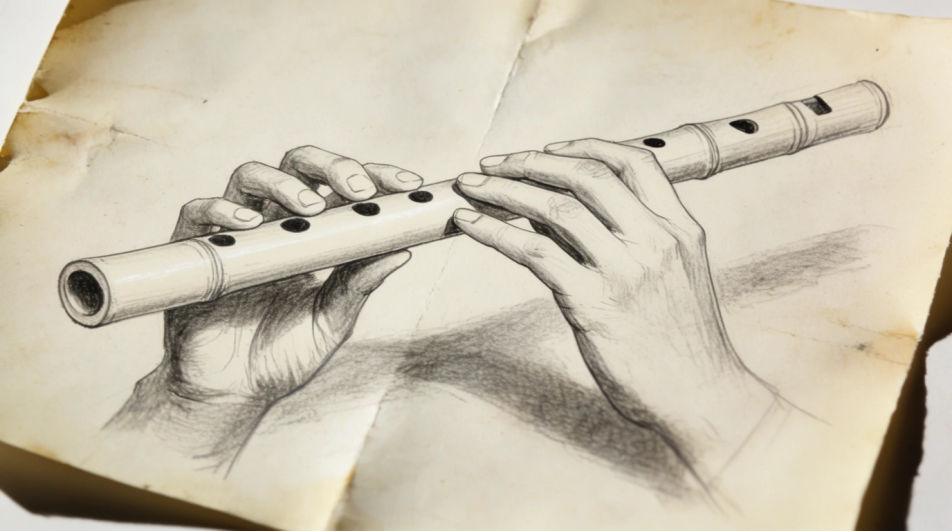
A mid-scale ink and wash drawing of Krishna beneath a broad tree, hatched foliage, pale wash and a quiet open ground.
Modifier le prompt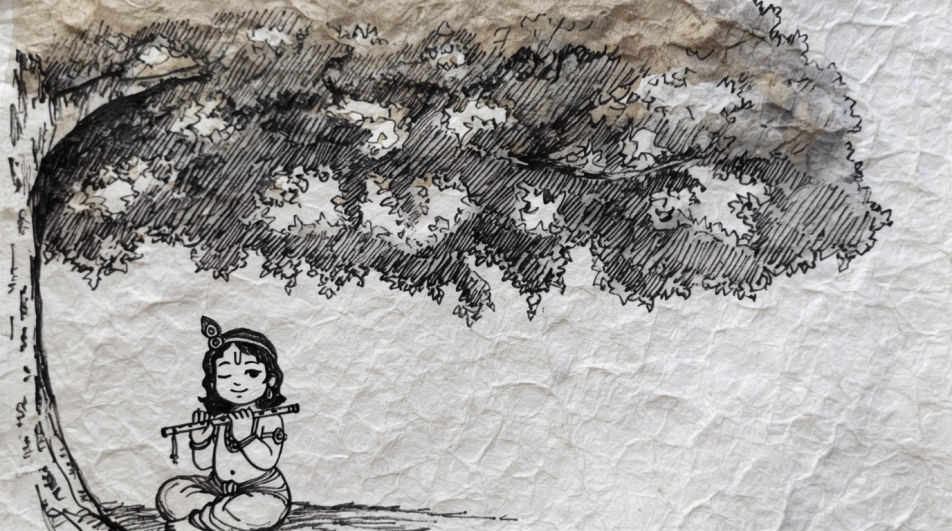
A wider charcoal drawing of a river at dusk with a small standing figure, smudged water and a low soft horizon.
Modifier le prompt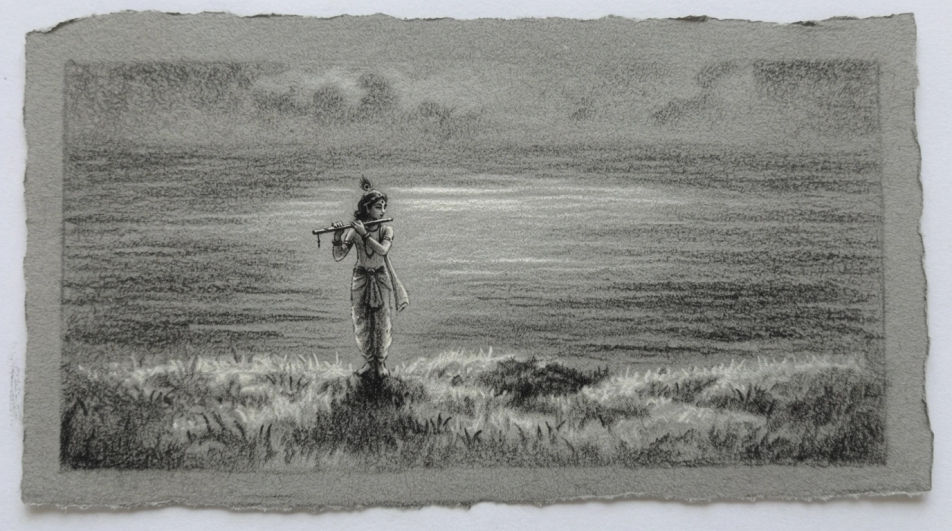
Décrivez le Krishna drawing que vous voulez, en mots simples.
Morphic génère votre image prête à publier en quelques secondes.
Ajustez le prompt, régénérez des variantes, téléchargez ou partagez l’image.
Choisissez une image de référence, appliquez son style visuel à votre propre photo ou œuvre d'art.
Convertir n'importe quelle image à un nouveau rapport hauteur/largeur. Recadrer intelligemment ou étendre les bords pour s'adapter.

Transformez n'importe quel croquis ou dessin en un rendu fini.
Restyle any video in a completely new visual style. Every frame transforms, all motion stays intact.
Réimaginez n'importe quel personnage d'anime comme un portrait photoréaliste, haute couture en live-action.
Une seule selfie devient une série de portraits professionnels. Qualité studio, styles multiples.
Générateur IA de DP Krishna
DP Krishna à télécharger en HD. Parcourez des photos de profil uniques générées par IA pour WhatsApp, Instagram et Discord, ou créez la vôtre avec Morphic.
Radha Krishna AI DP generator
Create AI radha krishna dp with our radha krishna dp generator. Find beautiful radha krishna display pictures for any project in seconds.
Angel drawing generator
Turn an angel drawing idea into a finished image in Morphic. Describe the line work and style, generate variations, then refine it on the canvas.
Horror drawing maker
Turn a horror drawing idea into a finished image in Morphic. Describe the line work and style, generate variations, then refine it on the canvas.
Commencez gratuitement dès aujourd'hui, avec la possibilité de mettre à niveau ou d'annuler à tout moment.
Basic
2400 mensuel crédits
1 utilisateur uniquement
Tous les modèles
Workflows
Standard
3625 mensuel crédits
1 utilisateur uniquement
Tous les modèles
Workflows
Pro
6350 partagé mensuel crédits
1 utilisateur
Tous les modèles
Workflows
Max
24650 partagé mensuel crédits
1 utilisateur
Tous les modèles
Workflows
Enterprise
Pour des limites plus élevées
Personnalisé
conditions de tarification et de facturation

Free
Pour expérimenter
$0
gratuit pour toujours