Devotional emoji set
A matched set of Krishna emoji motifs, flute, feather, butter pot and lotus, sharing one palette and outline weight on a clean field.
Modifier le prompt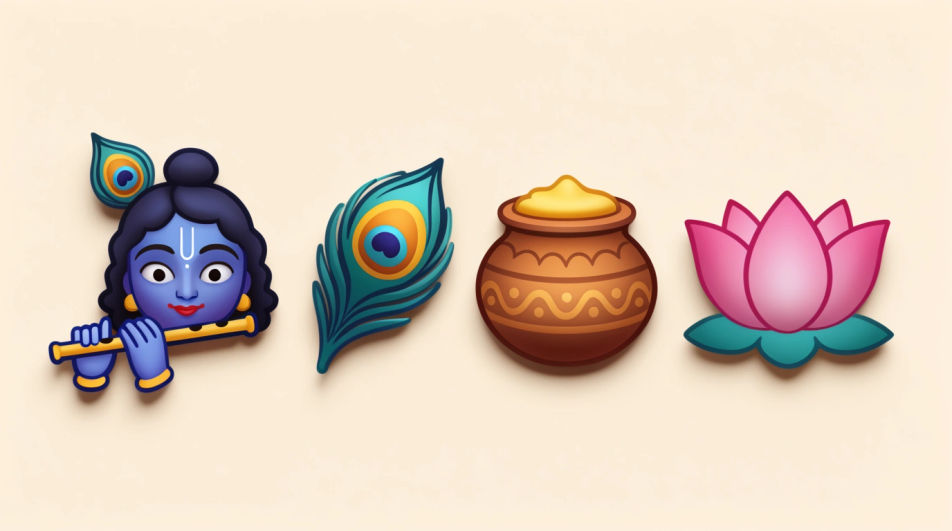
Generate Krishna emoji images in Morphic's Image tool by describing the motif, the colours, and the style of devotional art you want. You choose the palette, the level of detail, and the crop, so you come away with a respectful original emoji image you can share in messages and festival greetings.
A matched set of Krishna emoji motifs, flute, feather, butter pot and lotus, sharing one palette and outline weight on a clean field.
Modifier le promptKrishna emoji motifs rendered in deep indigo and marigold gold with soft glow, arranged with generous space between each shape.
Modifier le prompt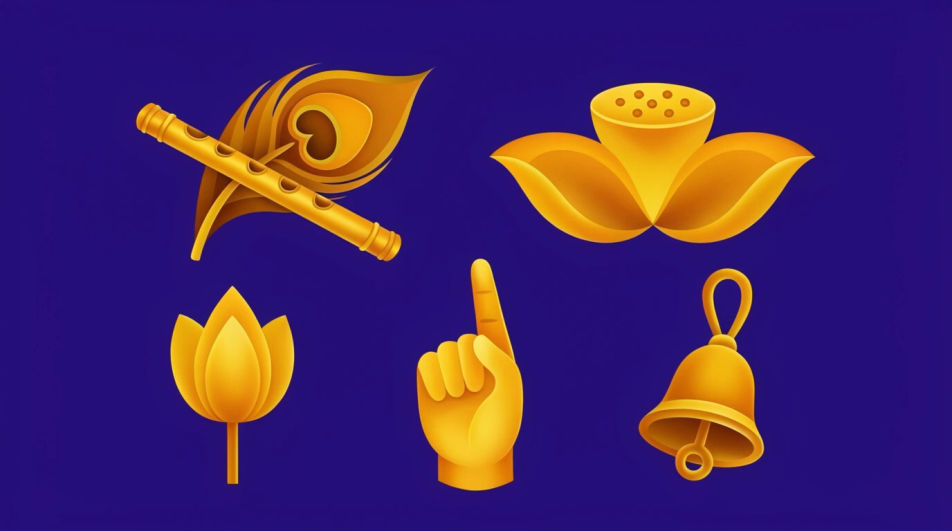
A Janmashtami greeting composition with a small Krishna emoji motif centred, marigold garland framing it, warm light and open space above.
Modifier le prompt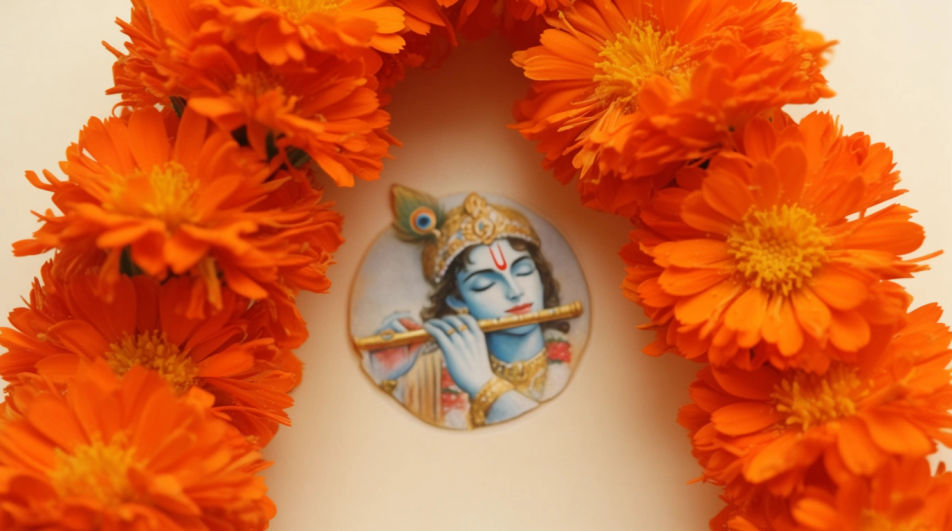
Krishna emoji motifs drawn in a traditional miniature-painting manner, fine gold linework, flat jewel colours, patterned border around the frame.
Modifier le prompt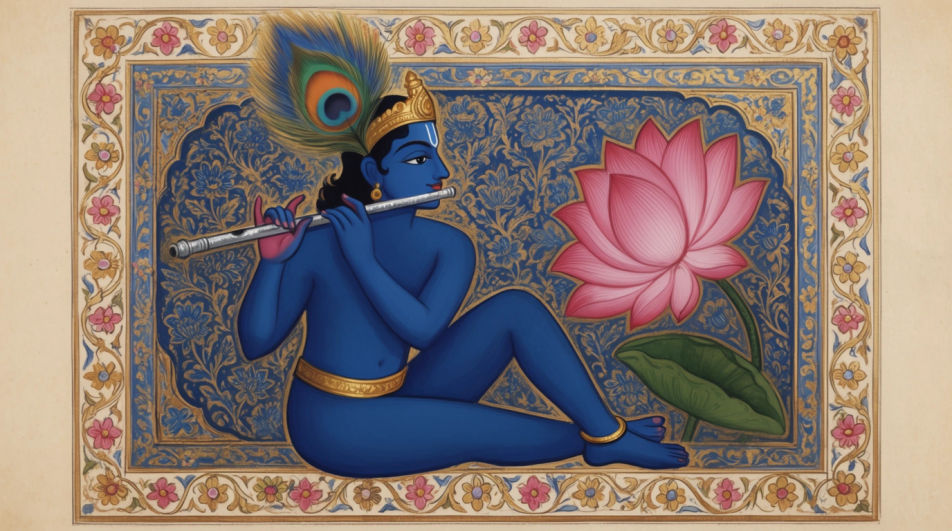
Décrivez le Krishna Emoji que vous voulez, en mots simples.
Morphic génère votre image prête à publier en quelques secondes.
Ajustez le prompt, régénérez des variantes, téléchargez ou partagez l’image.
Choisissez une image de référence, appliquez son style visuel à votre propre photo ou œuvre d'art.
Convertir n'importe quelle image à un nouveau rapport hauteur/largeur. Recadrer intelligemment ou étendre les bords pour s'adapter.

Transformez n'importe quel croquis ou dessin en un rendu fini.

Prenez n'importe quelle image de personnage et générez 6 expressions faciales distinctes sur une seule feuille de référence.
Restyle any video in a completely new visual style. Every frame transforms, all motion stays intact.

Choisissez n'importe quelle illustration d'anime comme guide de style. Appliquez son look à n'importe quelle image.
Générateur IA de DP Krishna
DP Krishna à télécharger en HD. Parcourez des photos de profil uniques générées par IA pour WhatsApp, Instagram et Discord, ou créez la vôtre avec Morphic.
Hindu sticker generator
Generate Hindu stickers in Morphic. Describe the character, colours and style you want, generate options to compare, then refine the prompt and save it.
Peacock feather emoji generator
Generate peacock feather emoji images in Morphic. Describe the expression, colour and style you want, generate options.
Spot Illustration AI Images
Turn a brief into spot illustration instantly. Generate consistent sets rather than one-offs, so a system ships together.
Commencez gratuitement dès aujourd'hui, avec la possibilité de mettre à niveau ou d'annuler à tout moment.
Basic
2400 mensuel crédits
1 utilisateur uniquement
Tous les modèles
Workflows
Standard
3625 mensuel crédits
1 utilisateur uniquement
Tous les modèles
Workflows
Pro
6350 partagé mensuel crédits
1 utilisateur
Tous les modèles
Workflows
Max
24650 partagé mensuel crédits
1 utilisateur
Tous les modèles
Workflows
Enterprise
Pour des limites plus élevées
Personnalisé
conditions de tarification et de facturation

Free
Pour expérimenter
$0
gratuit pour toujours