Magnifying glass over a map
A magnifying glass held over an old map in ink line, the coastline inside the lens drawn at twice the scale of the lines running past it.
Modifier le prompt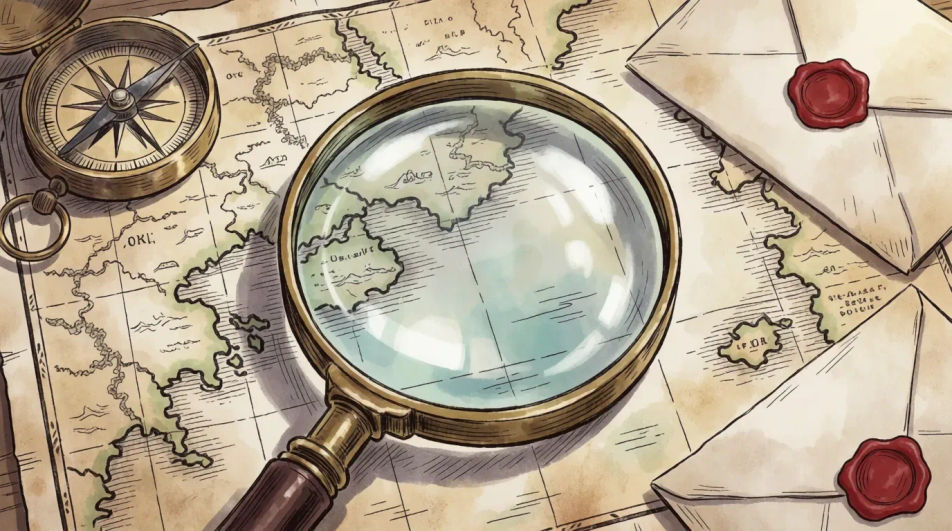
Draw a magnifying glass in Morphic's Image tool by naming the handle, the bezel and what the lens is held over. Set the distortion in the glass, the metal highlights, the line weight and the medium, refine it on the Canvas, then download it in HD.
A magnifying glass held over an old map in ink line, the coastline inside the lens drawn at twice the scale of the lines running past it.
Modifier le promptA magnifying glass among papers, a notebook and a pen on a desk in graphite, hard side light throwing long shadows across the scattered sheets.
Modifier le prompt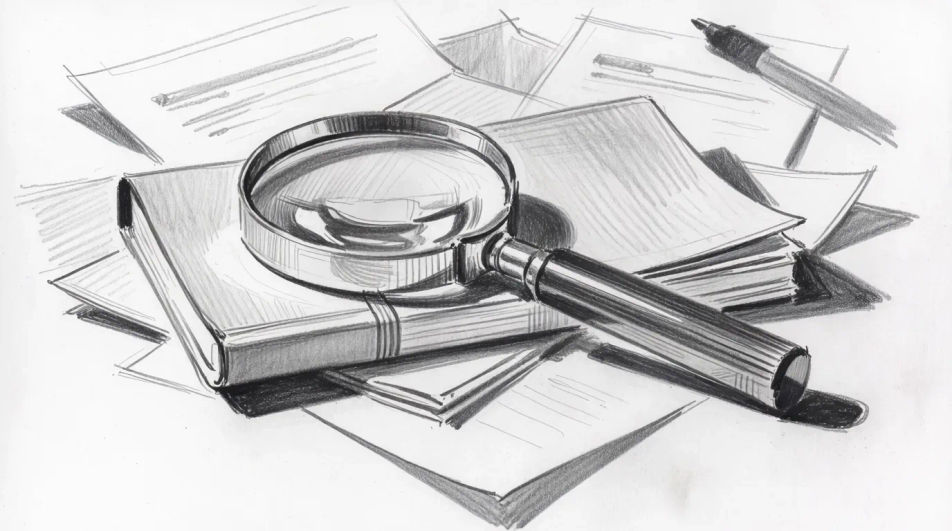
A magnifying glass raised over a beetle on a plant stem in coloured pencil, the insect sharp inside the lens and the leaves soft around it.
Modifier le prompt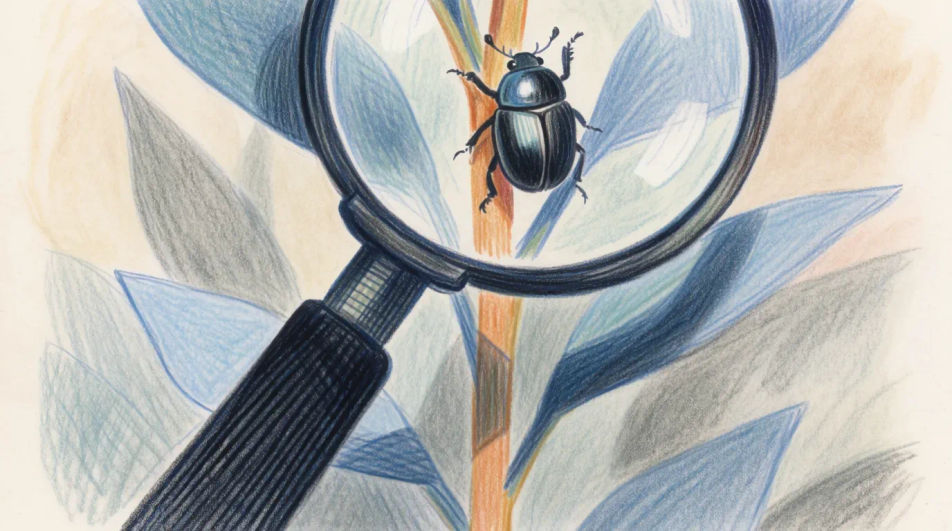
Three magnifying glass shapes at different angles drawn as flat vector icons, evenly spaced with no shading, sized for an interface or a poster.
Modifier le prompt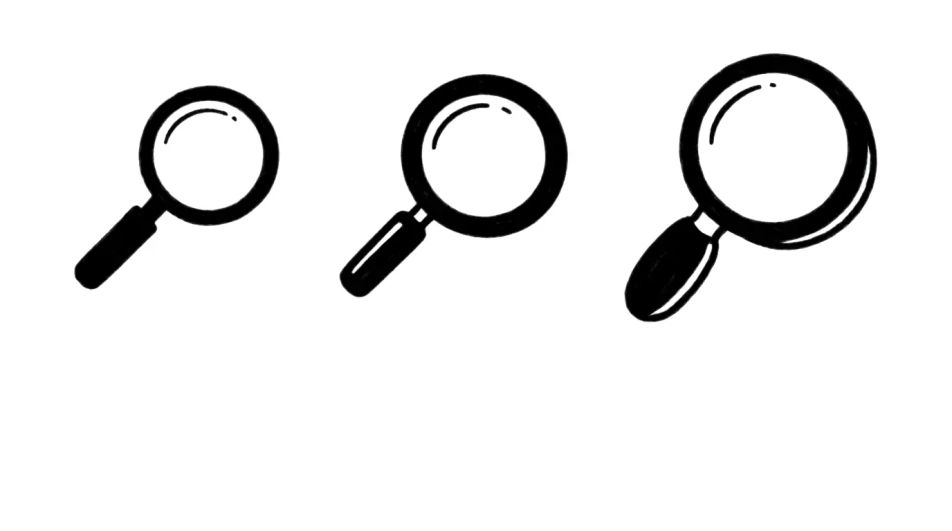
Décrivez le Magnifying glass drawing que vous voulez, en mots simples.
Morphic génère votre image prête à publier en quelques secondes.
Ajustez le prompt, régénérez des variantes, téléchargez ou partagez l’image.
Choisissez une image de référence, appliquez son style visuel à votre propre photo ou œuvre d'art.

Transformez n'importe quel croquis ou dessin en un rendu fini.
Convertir n'importe quelle image à un nouveau rapport hauteur/largeur. Recadrer intelligemment ou étendre les bords pour s'adapter.

Choisissez n'importe quelle illustration d'anime comme guide de style. Appliquez son look à n'importe quelle image.
Restyle any video in a completely new visual style. Every frame transforms, all motion stays intact.
Corrige la peau de l'IA qui semble plastique. Ajoute une texture naturelle, des pores et des imperfections pour plus de réalisme.
Key drawing generator
Turn a key drawing idea into a finished image in Morphic. Describe the line work and style, generate variations, then refine it on the canvas.
Telescope drawing generator
Turn a telescope drawing idea into a finished image in Morphic. Describe the line work and style, generate variations, then refine it on the canvas.
Book drawing generator
Turn a book drawing idea into a finished image in Morphic. Describe the line work and style, generate variations, then refine it on the canvas.
Planets drawings from line diagram to full tonal study
Turn a planets drawing idea into a finished image in Morphic. Describe the line work and style, generate variations, then refine it on the canvas.
Commencez gratuitement dès aujourd'hui, avec la possibilité de mettre à niveau ou d'annuler à tout moment.
Basic
2400 mensuel crédits
1 utilisateur uniquement
Tous les modèles
Workflows
Standard
3625 mensuel crédits
1 utilisateur uniquement
Tous les modèles
Workflows
Pro
6350 partagé mensuel crédits
1 utilisateur
Tous les modèles
Workflows
Max
24650 partagé mensuel crédits
1 utilisateur
Tous les modèles
Workflows
Enterprise
Pour des limites plus élevées
Personnalisé
conditions de tarification et de facturation

Free
Pour expérimenter
$0
gratuit pour toujours