Phone crop
A tall 9:16 crop of the misty forest scene, composed so the focal point sits clear of the lock-screen clock and icons.
Modifier le prompt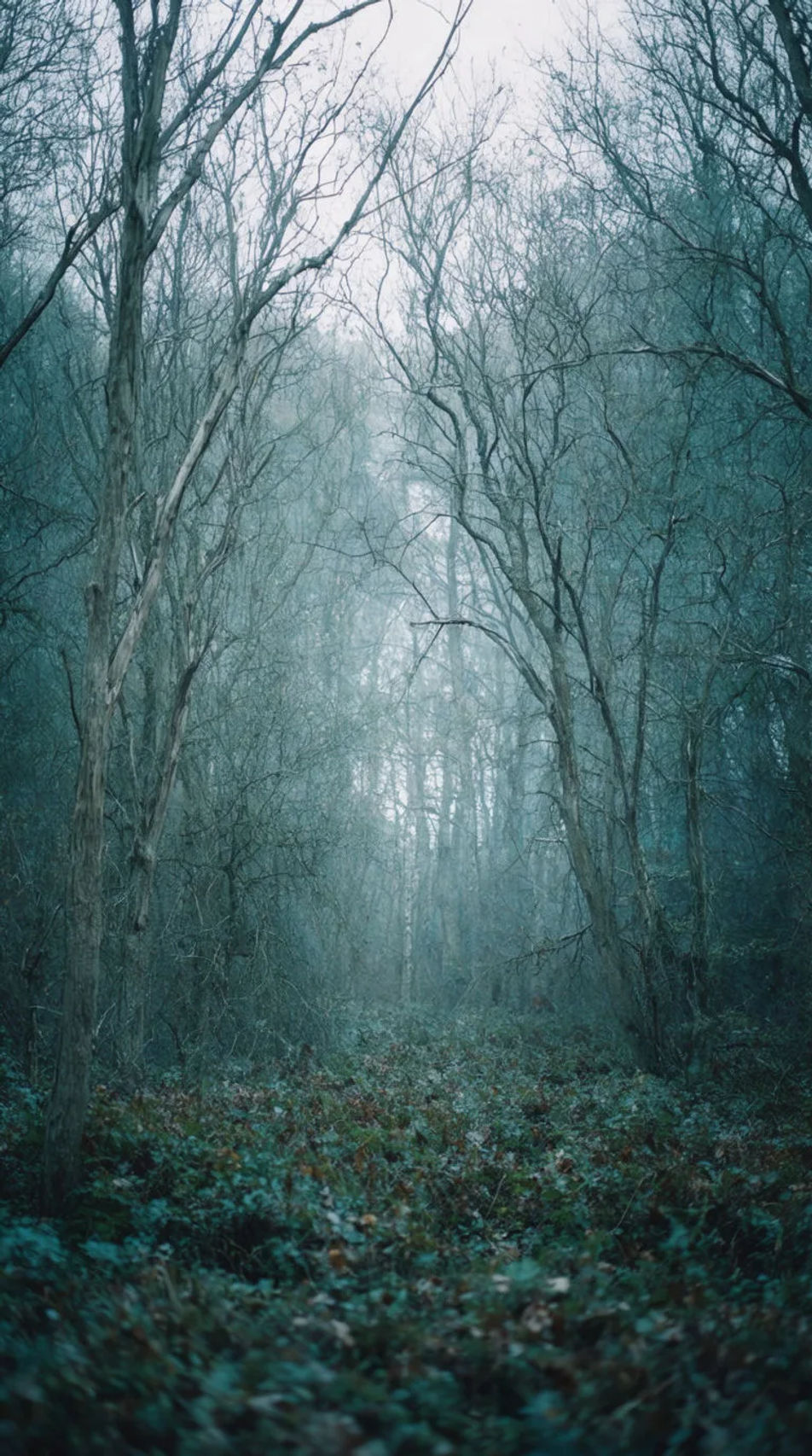
Create a November wallpaper in Morphic by describing the autumn scene you want, from a misty forest to a cosy minimal palette. Set the mood and the device size, then download a wallpaper sized for your phone or desktop.
A tall 9:16 crop of the misty forest scene, composed so the focal point sits clear of the lock-screen clock and icons.
Modifier le promptA wide 16:9 crop of the golden field scene, composed with open space where desktop icons usually sit.
Modifier le prompt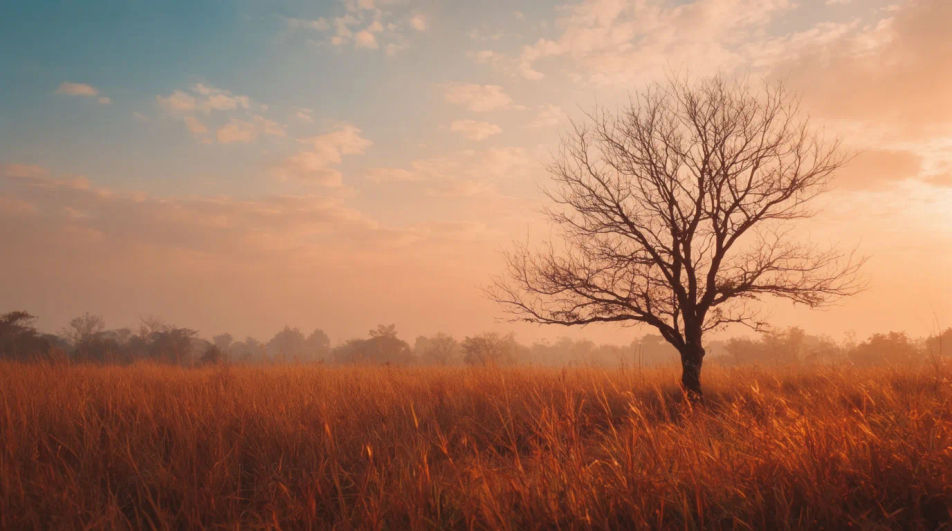
A simple, low-detail version of the cosy minimal tree scene, built to stay legible under lock-screen text and widgets.
Modifier le prompt
Two wallpapers in the same palette and mood, one for phone and one for desktop, designed to look intentional together.
Modifier le prompt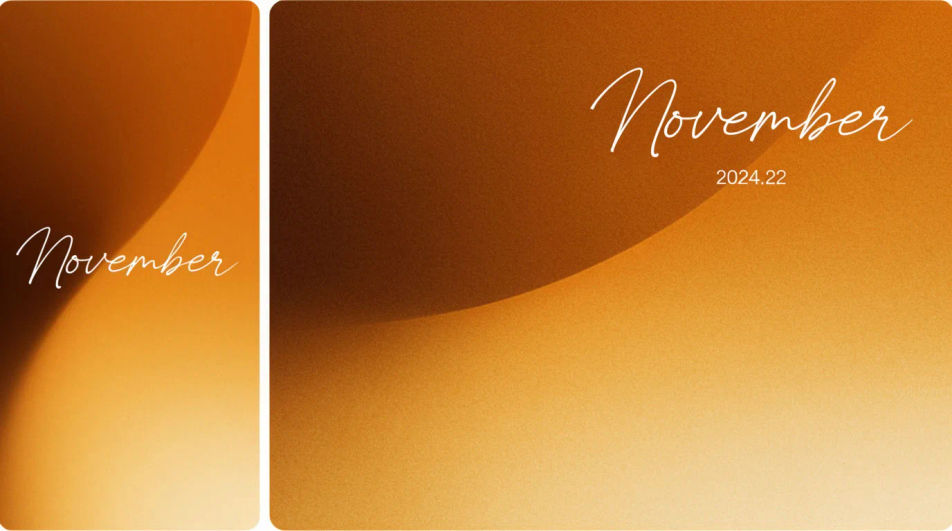
Décrivez le November wallpaper que vous voulez, en mots simples.
Morphic génère votre image prête à publier en quelques secondes.
Ajustez le prompt, régénérez des variantes, téléchargez ou partagez l’image.
Convertir n'importe quelle image à un nouveau rapport hauteur/largeur. Recadrer intelligemment ou étendre les bords pour s'adapter.
Associez une image de personnage à une vidéo de référence. Votre personnage reprend ce mouvement exact.
Restyle any video in a completely new visual style. Every frame transforms, all motion stays intact.
Réimaginez n'importe quel personnage d'anime comme un portrait photoréaliste, haute couture en live-action.
Restaurez toute image endommagée, floue ou de faible résolution. Obtenez une version 4K nette et détaillée avec une clarté naturelle restaurée.
Choisissez une image de référence, appliquez son style visuel à votre propre photo ou œuvre d'art.
Fonds d'écran d'automne - Images IA
Téléchargez des fonds d'écran d'automne pour téléphone et ordinateur en HD. Parcourez des designs fraîchement générés par IA ou créez un fond d'écran unique avec Morphic.
Images de feuilles d'automne - Photographie IA
Explorez des images de feuilles d'automne en HD. Parcourez une collection fraîche générée par IA à télécharger et utiliser partout, ou générez votre propre version personnalisée avec Morphic.
Thanksgiving wallpaper generator
Thanksgiving wallpaper you can generate and personalise. Browse golden autumn-leaf scatters, cosy pumpkin-and-candle scenes, and warm harvest tables, then regenerate the palette, layout, and aspect ratio to fit any phone or desktop screen with Morphic.
Christmas aesthetic wallpaper
Create aesthetic Christmas wallpapers in Morphic: cosy lights, snowy windows and soft pastel trees, sized for your phone or desktop.
Commencez gratuitement dès aujourd'hui, avec la possibilité de mettre à niveau ou d'annuler à tout moment.
Basic
2400 mensuel crédits
1 utilisateur uniquement
Tous les modèles
Workflows
Standard
3625 mensuel crédits
1 utilisateur uniquement
Tous les modèles
Workflows
Pro
6350 partagé mensuel crédits
1 utilisateur
Tous les modèles
Workflows
Max
24650 partagé mensuel crédits
1 utilisateur
Tous les modèles
Workflows
Enterprise
Pour des limites plus élevées
Personnalisé
conditions de tarification et de facturation

Free
Pour expérimenter
$0
gratuit pour toujours