Concept sheet of six handsets
Six phone silhouettes sketched across one ruled sheet in ballpoint, each a different proportion and camera layout, with blank label boxes beneath.
Modifier le prompt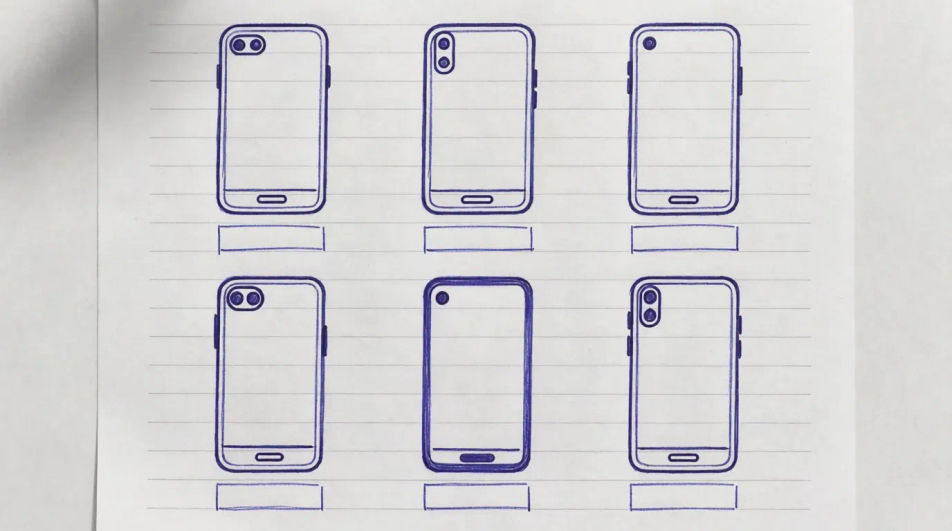
Describe the phone sketch you want in Morphic's Image tool, from a loose ballpoint concept on grid paper to a full marker render with a cast shadow. Set the handset type, the angle, the medium, the line weight and the surface, tighten it on the Canvas, then download it in HD.
Six phone silhouettes sketched across one ruled sheet in ballpoint, each a different proportion and camera layout, with blank label boxes beneath.
Modifier le promptSeveral views of one handset in technical pen, aligned on ruled guides with thin dimension lines and empty measurement fields.
Modifier le prompt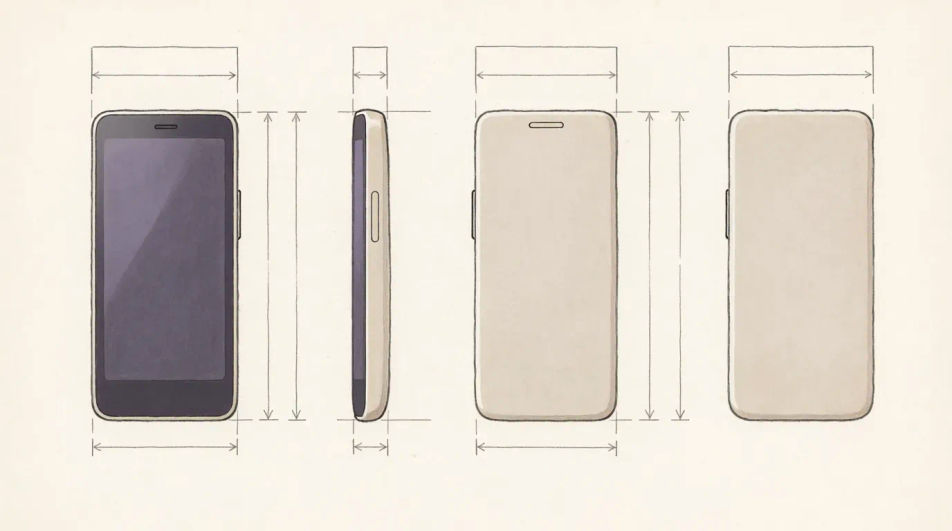
A handset pulled apart along one axis in fine line, screen, frame, battery and back panel floating in order with faint alignment lines between them.
Modifier le prompt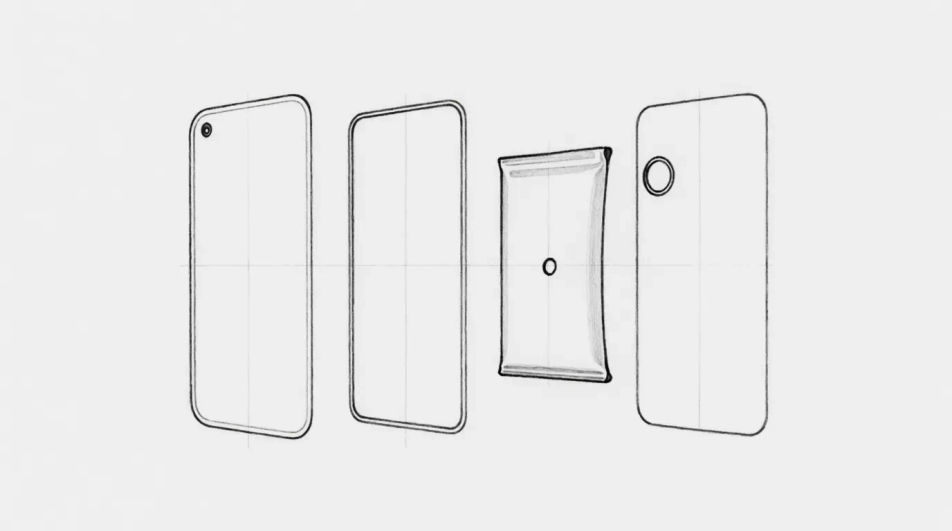
A hand gripping a phone in charcoal, the fingers wrapped around the frame and the screen glow lifted out so it is the brightest area on the page.
Modifier le prompt
Décrivez le Phone sketch que vous voulez, en mots simples.
Morphic génère votre image prête à publier en quelques secondes.
Ajustez le prompt, régénérez des variantes, téléchargez ou partagez l’image.

Transformez n'importe quel croquis ou dessin en un rendu fini.
Choisissez une image de référence, appliquez son style visuel à votre propre photo ou œuvre d'art.
Convertir n'importe quelle image à un nouveau rapport hauteur/largeur. Recadrer intelligemment ou étendre les bords pour s'adapter.

Prenez n'importe quelle image de personnage et générez 6 expressions faciales distinctes sur une seule feuille de référence.
Restyle any video in a completely new visual style. Every frame transforms, all motion stays intact.

Choisissez n'importe quelle illustration d'anime comme guide de style. Appliquez son look à n'importe quelle image.
Images IA de croquis de design industriel
Créez des images IA de croquis de design industriel : outils au marqueur, pages d'idéation, rendus de produit. Bâtissez une série. Lancez-vous.
Technology drawing maker
Turn a technology drawing idea into a finished image in Morphic. Describe the line work and style, generate variations, then refine it on the canvas.
Pen sketch maker
Create pen sketch images in Morphic. Describe the subject and the line work you want, generate versions, then refine the prompt and download the art.
Funny sticker maker
Generate funny stickers in Morphic. Describe the character, colours and style you want, generate options to compare, then refine the prompt and save it.
Commencez gratuitement dès aujourd'hui, avec la possibilité de mettre à niveau ou d'annuler à tout moment.
Basic
2400 mensuel crédits
1 utilisateur uniquement
Tous les modèles
Workflows
Standard
3625 mensuel crédits
1 utilisateur uniquement
Tous les modèles
Workflows
Pro
6350 partagé mensuel crédits
1 utilisateur
Tous les modèles
Workflows
Max
24650 partagé mensuel crédits
1 utilisateur
Tous les modèles
Workflows
Enterprise
Pour des limites plus élevées
Personnalisé
conditions de tarification et de facturation

Free
Pour expérimenter
$0
gratuit pour toujours