Checkout counter unit
A branded countertop display beside a till, showing impulse buy products and header card in use.
Modifier le prompt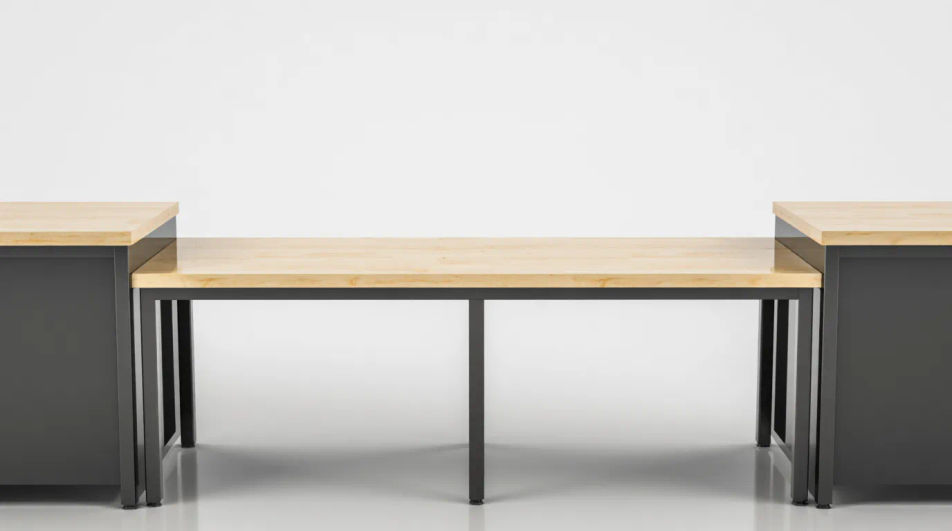
Design custom point-of-sale displays in your browser with Morphic's AI image generator. Describe a countertop promo unit, a floor-standing retail display, or a checkout shelf card, and Morphic returns print-ready artwork. Tune the palette on the Canvas, then download in HD at a scale that holds up full size.
A branded countertop display beside a till, showing impulse buy products and header card in use.
Modifier le promptA freestanding cardboard display in a store aisle, framing full height branding and product shelves.
Modifier le prompt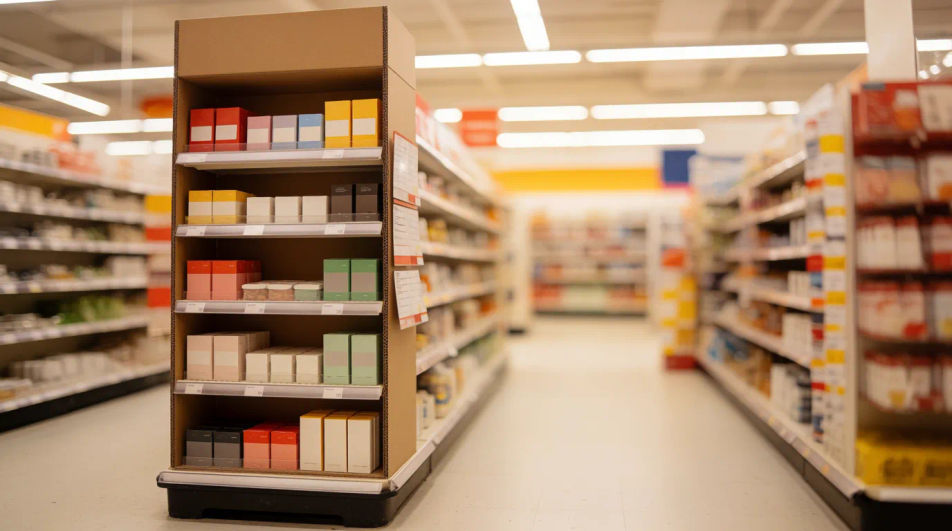
Clean 3D style render of an empty POS unit for a design pitch or supplier product listing.
Modifier le prompt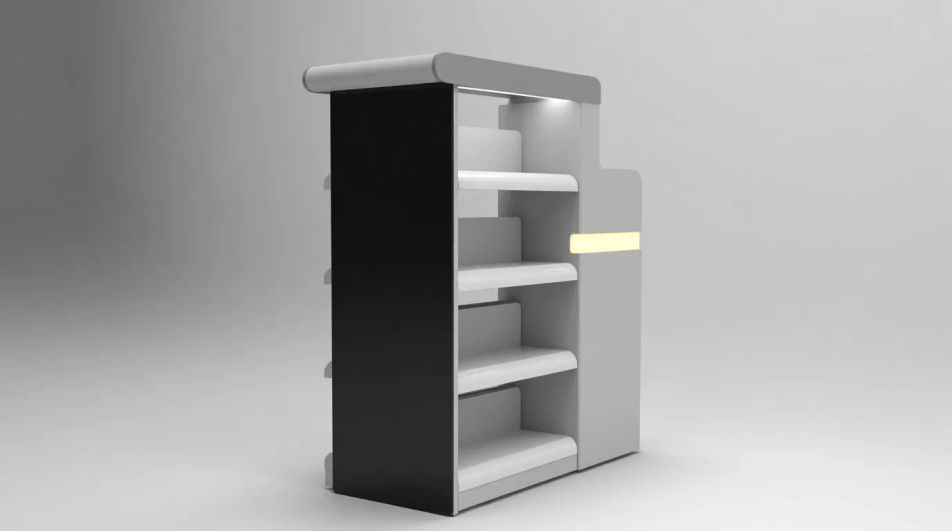
A themed seasonal display with signage and stock, aimed at a marketing rollout preview.
Modifier le prompt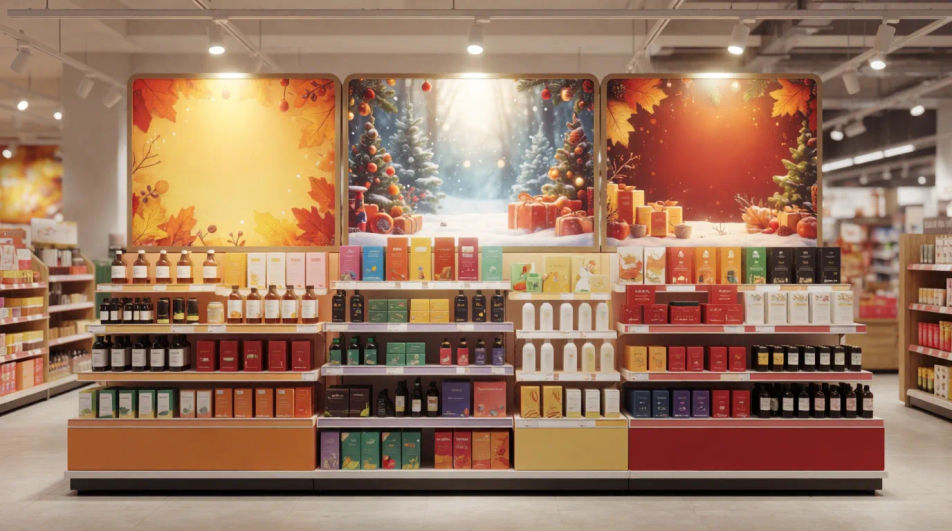
Décrivez le point of sale display que vous voulez, en mots simples.
Morphic génère votre image prête à publier en quelques secondes.
Ajustez le prompt, régénérez des variantes, téléchargez ou partagez l’image.
Choisissez une image de référence, appliquez son style visuel à votre propre photo ou œuvre d'art.
Convertir n'importe quelle image à un nouveau rapport hauteur/largeur. Recadrer intelligemment ou étendre les bords pour s'adapter.
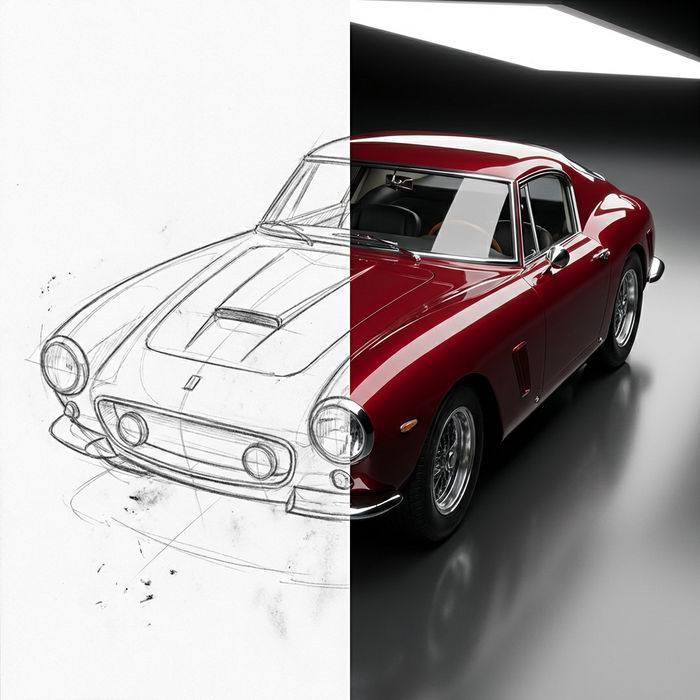
Transformez n'importe quel croquis ou dessin en un rendu fini.
Choisissez vos angles de vision et obtenez des changements de perspective précis de n'importe quelle image avec un contrôle total de la caméra.
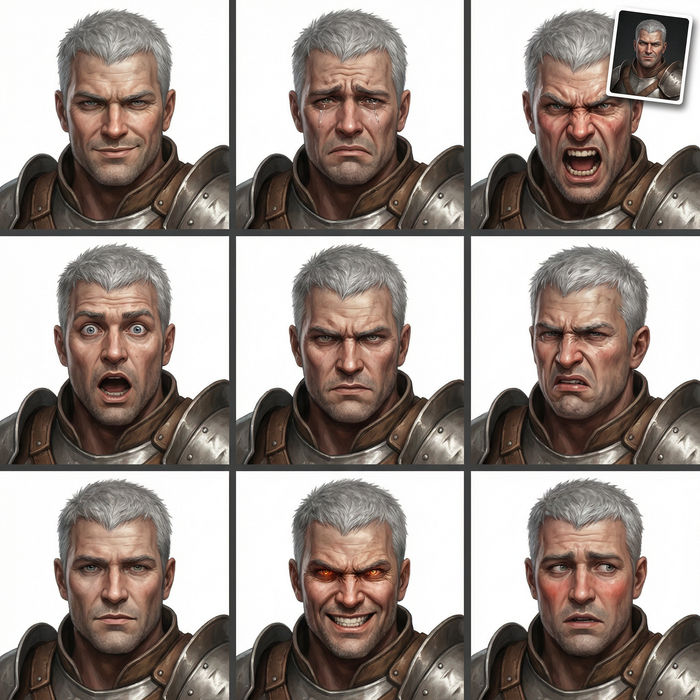
Prenez n'importe quelle image de personnage et générez 6 expressions faciales distinctes sur une seule feuille de référence.
Restyle any video in a completely new visual style. Every frame transforms, all motion stays intact.
Bottle Label Design AI Images
Produce bottle label design in any style you need. Export at print resolution with bleed, ready for the printer. Yours to use commercially.
Box Packaging Design AI Images
Turn a brief into box packaging design instantly. Export at print resolution with bleed, ready for the printer. No stock licence needed.
Direct Mail Design AI Images
Make direct mail design from a text prompt. Export at print resolution with bleed, ready for the printer. No stock licence needed.
Loyalty Card Design AI Images
Create loyalty card design without a photoshoot. Generate variations until one lands, then refine it. No stock licence needed.
Commencez gratuitement dès aujourd'hui, avec la possibilité de mettre à niveau ou d'annuler à tout moment.
Basic
2400 mensuel crédits
1 utilisateur uniquement
Tous les modèles
Workflows
Standard
3625 mensuel crédits
1 utilisateur uniquement
Tous les modèles
Workflows
Pro
6350 partagé mensuel crédits
1 utilisateur
Tous les modèles
Workflows
Max
24650 partagé mensuel crédits
1 utilisateur
Tous les modèles
Workflows
Enterprise
Pour des limites plus élevées
Personnalisé
conditions de tarification et de facturation

Free
Pour expérimenter
$0
gratuit pour toujours