Emoji reaction row
A row of running emoji marks in one shared style, each in a slightly different stride, evenly spaced on a plain flat backdrop.
Modifier le prompt
Generate running emoji images in Morphic's Image tool by describing the pose, the energy, and the colour you want in the mark. You control the outline weight, the gloss, the palette, and the crop, so you finish with an original running emoji you can drop into a chat, a deck, or a club badge.
A row of running emoji marks in one shared style, each in a slightly different stride, evenly spaced on a plain flat backdrop.
Modifier le promptA running icon set laid out on a clean grid, matched line weight and palette across every mark, generous space around each shape.
Modifier le prompt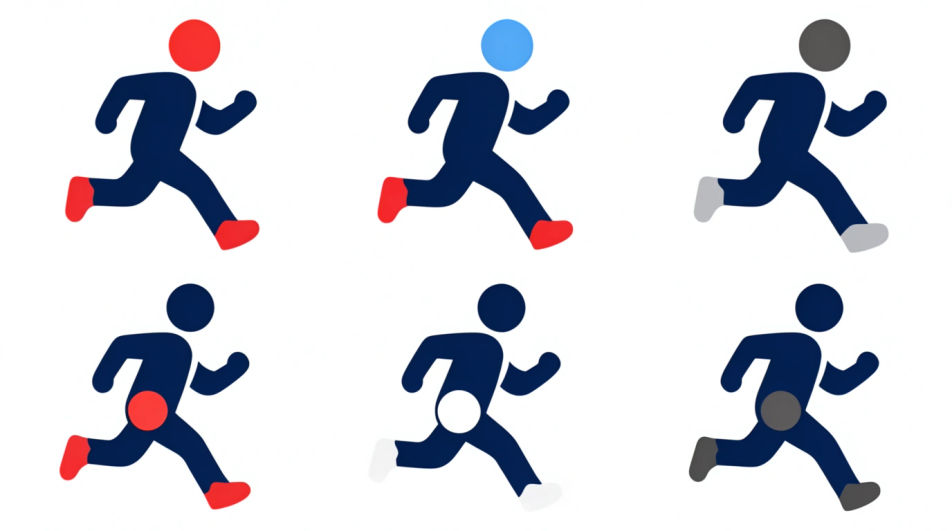
A running emoji figure repeated across the frame with growing motion streaks, warm-to-cool colour shift, energy building left to right.
Modifier le prompt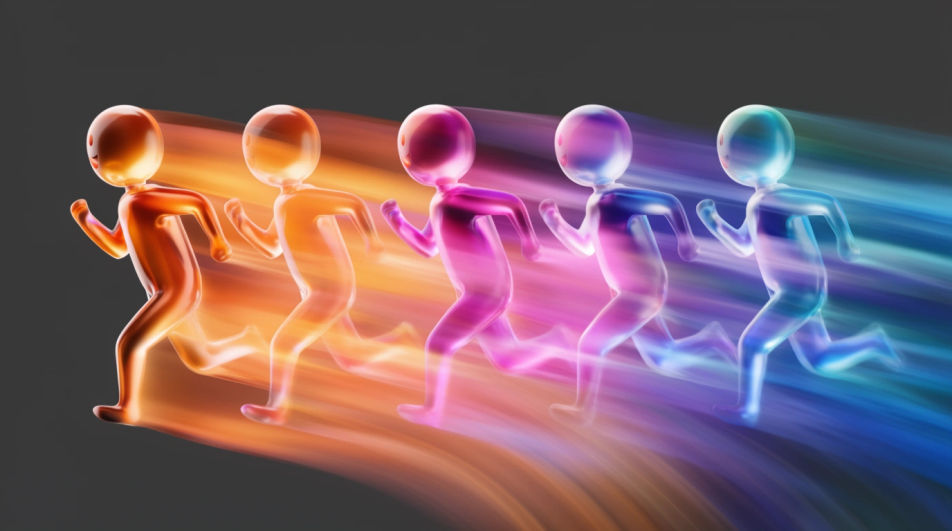
A running emoji mark placed inside a circular club badge, laurel rim and blank banner beneath it, flat muted print colours.
Modifier le prompt
Décrivez le Running Emoji que vous voulez, en mots simples.
Morphic génère votre image prête à publier en quelques secondes.
Ajustez le prompt, régénérez des variantes, téléchargez ou partagez l’image.
Déposez une photo de vous. Obtenez un film cinématique de 12 secondes avec animation et une bande sonore assortie.

Dramatiser toute conversation textuelle en une vidéo cinématographique multi-plans.
Court-métrage cinématographique avec effet de gel du temps pour toute scène
Définissez le look avec une image de référence. Appliquez cette note exacte à n'importe quelle scène ou lot.
Choisissez vos angles de vision et obtenez des changements de perspective précis de n'importe quelle image avec un contrôle total de la caméra.
Restaurez toute image endommagée, floue ou de faible résolution. Obtenez une version 4K nette et détaillée avec une clarté naturelle restaurée.
Images IA de design d'emoji
Créez des images IA de design d'emoji : jeux de visages brillants, réactions personnalisées, emoji stickers. Bâtissez un pack assorti en un prompt.
Images IA de course à pied
Créez des images IA de course à pied avec notre générateur d'images de course. Trouvez des images de course cinématographiques pour tous vos projets en quelques secondes.
Standing emoji generator
Generate standing emoji images in Morphic. Describe the expression, colour and style you want, generate options, then refine the prompt and download it.
Working out drawing maker
Turn a working out drawing idea into a finished image in Morphic. Describe the line work and style, generate variations, then refine it on the canvas.
Commencez gratuitement dès aujourd'hui, avec la possibilité de mettre à niveau ou d'annuler à tout moment.
Basic
2400 mensuel crédits
1 utilisateur uniquement
Tous les modèles
Workflows
Standard
3625 mensuel crédits
1 utilisateur uniquement
Tous les modèles
Workflows
Pro
6350 partagé mensuel crédits
1 utilisateur
Tous les modèles
Workflows
Max
24650 partagé mensuel crédits
1 utilisateur
Tous les modèles
Workflows
Enterprise
Pour des limites plus élevées
Personnalisé
conditions de tarification et de facturation

Free
Pour expérimenter
$0
gratuit pour toujours