Posture row
Three standing figures in a row on a clean panel, arms down, arms folded, one hand raised, even spacing and matching soft shadows.
Modifier le prompt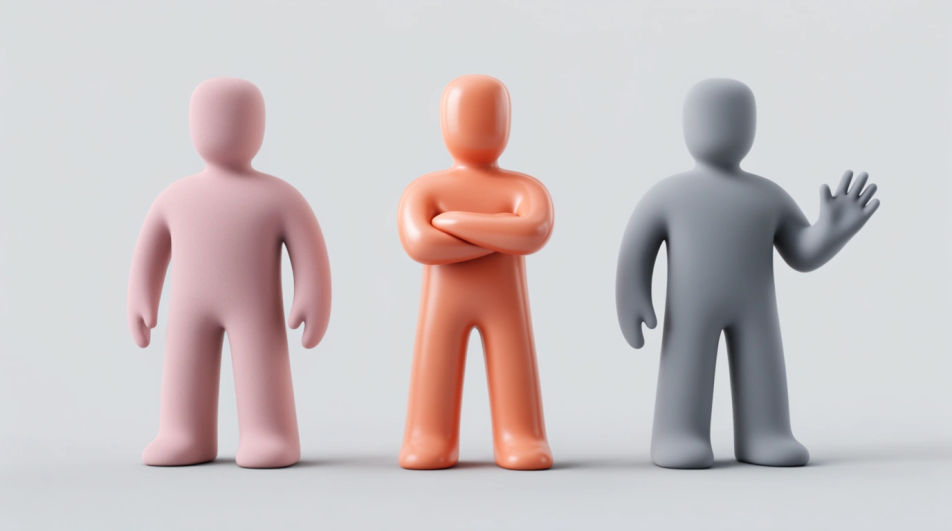
Design a standing emoji in your browser with Morphic's Image tool, from a simple upright pictogram to a rounded 3D character with a relaxed stance. Set the posture, the palette, and how much room sits around the figure, then download the take that reads clearly at a small size.
Three standing figures in a row on a clean panel, arms down, arms folded, one hand raised, even spacing and matching soft shadows.
Modifier le promptFour simple standing pictograms spaced evenly along a floor line, seen straight on, flat palette and generous empty space.
Modifier le prompt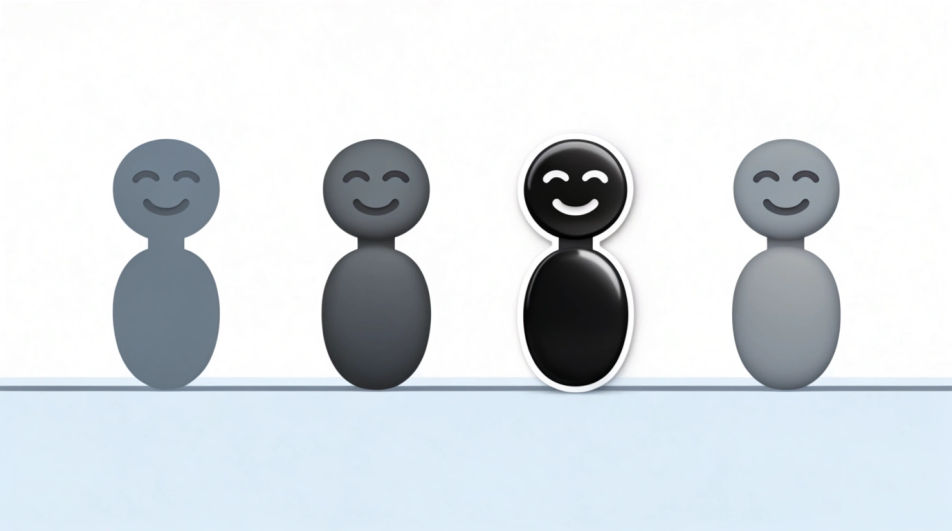
A single standing character facing a bright window, warm light wrapping one side of the body, soft grey room behind.
Modifier le prompt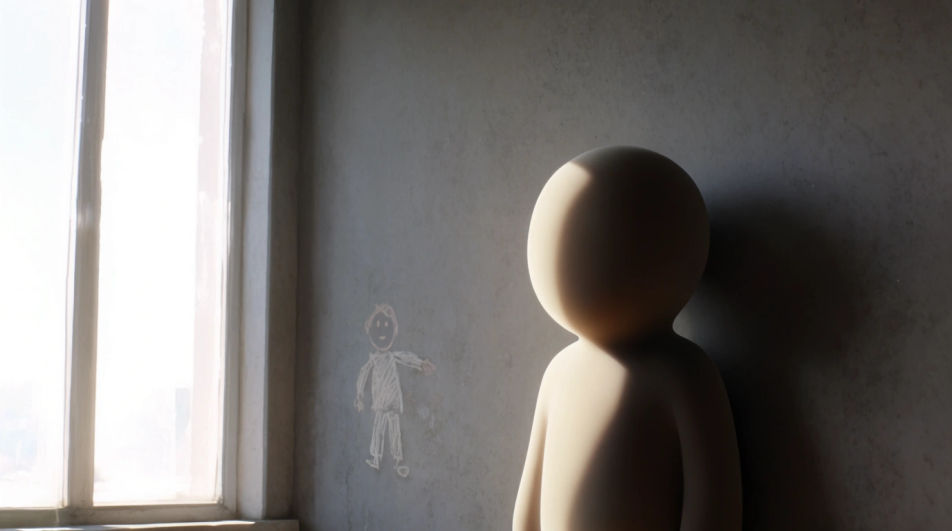
A standing figure photographed from directly overhead on a pale circle marker, small shadow, minimal graphic composition.
Modifier le prompt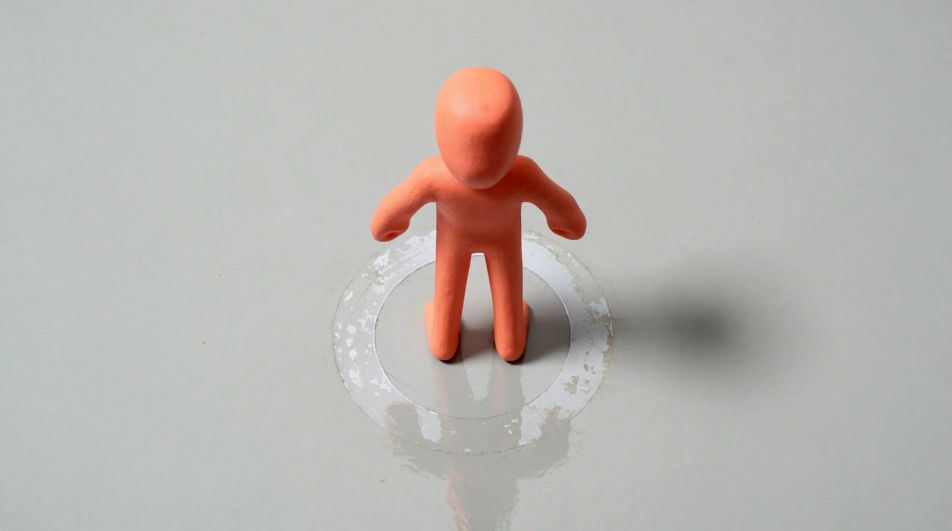
Décrivez le Standing Emoji que vous voulez, en mots simples.
Morphic génère votre image prête à publier en quelques secondes.
Ajustez le prompt, régénérez des variantes, téléchargez ou partagez l’image.
Choisissez une image de référence, appliquez son style visuel à votre propre photo ou œuvre d'art.
Convertir n'importe quelle image à un nouveau rapport hauteur/largeur. Recadrer intelligemment ou étendre les bords pour s'adapter.

Transformez n'importe quel croquis ou dessin en un rendu fini.

Prenez n'importe quelle image de personnage et générez 6 expressions faciales distinctes sur une seule feuille de référence.
Restyle any video in a completely new visual style. Every frame transforms, all motion stays intact.

Choisissez n'importe quelle illustration d'anime comme guide de style. Appliquez son look à n'importe quelle image.
Running emoji generator
Generate running emoji images in Morphic. Describe the expression, colour and style you want, generate options, then refine the prompt and download it.
Emoji faces generator
Generate faces emoji images in Morphic. Describe the expression, colour and style you want, generate options, then refine the prompt and download it.
Images IA de design d'emoji
Créez des images IA de design d'emoji : jeux de visages brillants, réactions personnalisées, emoji stickers. Bâtissez un pack assorti en un prompt.
Timeline Graphic AI Images
Create timeline graphic without a photoshoot. Produce a full family of assets, not a single file. Yours to use commercially.
Commencez gratuitement dès aujourd'hui, avec la possibilité de mettre à niveau ou d'annuler à tout moment.
Basic
2400 mensuel crédits
1 utilisateur uniquement
Tous les modèles
Workflows
Standard
3625 mensuel crédits
1 utilisateur uniquement
Tous les modèles
Workflows
Pro
6350 partagé mensuel crédits
1 utilisateur
Tous les modèles
Workflows
Max
24650 partagé mensuel crédits
1 utilisateur
Tous les modèles
Workflows
Enterprise
Pour des limites plus élevées
Personnalisé
conditions de tarification et de facturation

Free
Pour expérimenter
$0
gratuit pour toujours