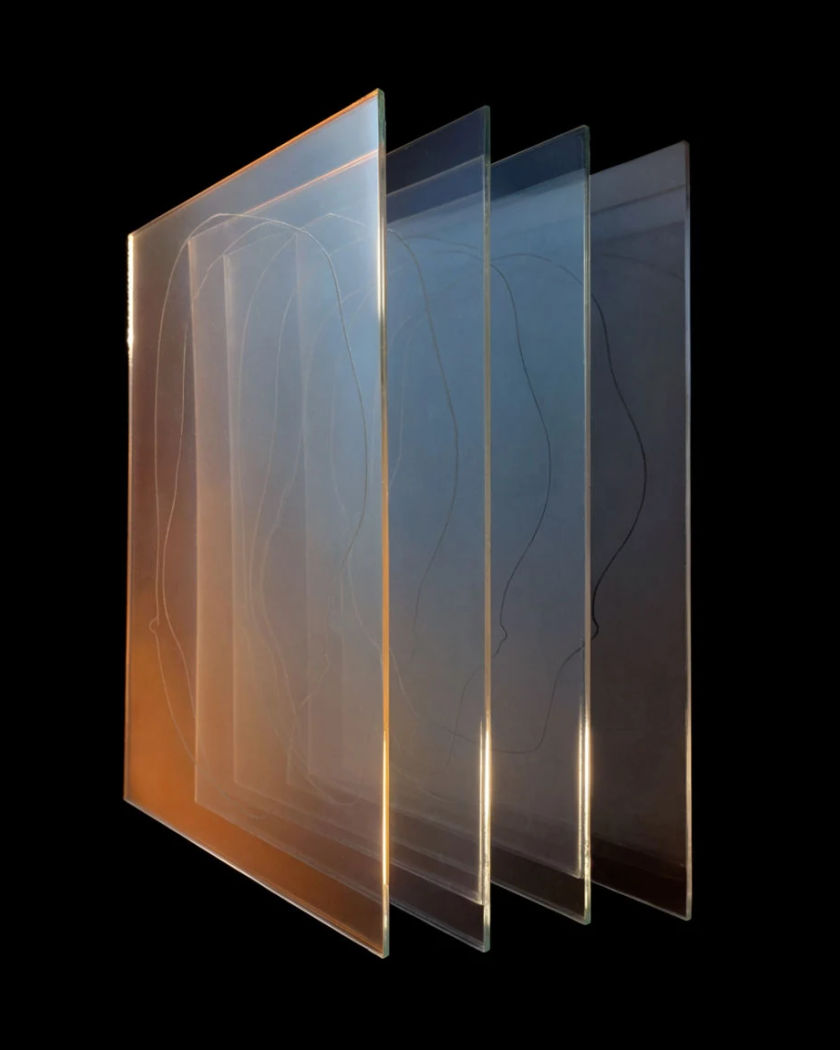
Multiverse effect

Shots where the framing never moves while the world inside it is replaced, again and again, by a different version of the same scene.

Multiverse effect

Multiverse effect examples

One valley, four climates

Utiliser ce prompt

A wide landscape cycles through versions of itself in place. a wide locked shot of a valley with a single road running through it, the ridgeline holding exactly the same position, and the version of the valley changing four times without a cut: deep green summer pasture, burnt dry scrub, thick snow to the road edge, then flooded to a shallow lake, the road visible in every version, the sun staying at the same height in the sky

Dinner table versions

Utiliser ce prompt

A wide table shot swaps who and what is there, framing held. a wide locked shot down a long dinner table in a plain dining room, the table edge and the camera height fixed, and the version of the scene changing four times: laid for a crowd with food and full glasses, bare with one place set, stacked with papers and a lamp, then empty with dust sheets over the chairs, the same window at the end of the room lighting each version differently

Doors onto other versions

Utiliser ce prompt

Each door opened shows the same hallway lived in differently. a vertical shot of a person pushing open a plain door at the end of a hallway, the camera behind their shoulder, and each time the door opens the hallway beyond is a different version of itself: papered and lamplit, stripped to bare brick, stacked with boxes, then full of growing plants, the door frame and the camera position identical each time, the light behind the door changing

Object changes, hand does not

Utiliser ce prompt

A held object cycles through versions while the grip stays. a close vertical shot of a hand holding a plain ceramic cup steady in front of a dark background, the fingers and the framing locked, and the object in the grip changing four times in place: the ceramic cup, a dented tin mug, a glass tumbler of water, then a small potted seedling, the hand position and the light on the knuckles identical in all four, one soft side key

One kitchen, four versions

Utiliser ce prompt

The room changes around a person who never moves. a vertical shot of a person standing still at a kitchen counter with their hands on the worktop, the camera locked, and the room around them replaced four times without a cut: a bright modern kitchen, a cluttered old one with copper pans, a bare unfinished shell, then a cramped galley with tiled walls, their body position and the counter edge identical in all four, the light changing with each version

Rain and no rain

Utiliser ce prompt

One street corner flickers between weather versions of itself. a vertical shot of a person standing under a shop awning on a street corner, the camera locked at eye height, and the version of the street cycling without moving the frame: heavy rain and running gutters, dry with hard midday sun, thick fog to the end of the block, then deep snow on the pavement, the person still and dressed the same in each, the awning edge unchanged

Two versions of one person meet

Utiliser ce prompt

A wide shot holds two versions of the same person facing each other. a wide locked shot of a bare hall with a person standing at each end facing the other, both clearly versions of the same person with the same face, one in a heavy work coat and one in a light summer shirt, the hall behind each of them a slightly different version of the same room with different light, neither moving, the floor line joining both halves of the frame

Same face, different lives

Utiliser ce prompt

A held portrait cycles through versions of the same person. a close vertical portrait of a person looking straight into the lens with a neutral expression, the framing and their eye line locked, and the version of them changing four times in place: short hair in a plain shirt, long hair in a heavy coat, cropped hair with paint on the hands, then grey hair in a knitted jumper, the same bone structure and the same gaze in every version, background staying a plain wall

Walk through four versions

Utiliser ce prompt

A tracking walk passes through versions of the same corridor. a wide shot tracking level with a person walking along a corridor at a steady pace, and the corridor changing version as they walk without the walk or the tracking speed altering: painted and carpeted, then bare scaffolded concrete, then lined with filing cabinets, then overgrown with ivy through broken windows, the corridor width and their stride identical throughout

Step sideways into a version

Utiliser ce prompt

One sidestep lands a person in a different version of the room. a vertical shot of a person taking one step sideways across a bare studio floor, the camera panning with them at the same rate, and each step lands them in another version of the same studio: mirrored walls, then bare concrete, then draped in heavy fabric, then full of stacked chairs, the floor line and their stride length identical throughout, the key light moving side to side with each version

Generate your own multiverse effect

Choisissez un point de départ, modifiez ce que vous voulez, puis générez dans Morphic.

Générer

Tarifs simples

Commencez gratuitement dès aujourd'hui, avec la possibilité de mettre à niveau ou d'annuler à tout moment.

Basic

$19/ mois
facturé comme $0 par an

2400 mensuel crédits

1 utilisateur uniquement

Tous les modèles

Workflows

Standard

$24/ mois
facturé comme $0 par an

3625 mensuel crédits

1 utilisateur uniquement

Tous les modèles

Workflows

Pro

$45/ mois
facturé comme $0 par an

6350 partagé mensuel crédits

1 utilisateur

+ jusqu'à 4 plus à un coût supplémentaire

Tous les modèles

Workflows

Max

$170/ mois
facturé comme $0 par an

24650 partagé mensuel crédits

1 utilisateur

+ jusqu'à 9 plus à un coût supplémentaire

Tous les modèles

Workflows

Enterprise

Pour des limites plus élevées

Personnalisé

conditions de tarification et de facturation

Crédits à haut volume
Limites de sièges personnalisées
Tous les modèles
Workflows
Pricing Gradient

Free

Pour expérimenter

$0

gratuit pour toujours

Jusqu'à 20 crédits
1 utilisateur uniquement
Modèles limités
Workflows

Questions fréquentes

Where can I make a multiverse effect video?
You can make multiverse clips in your browser on Morphic. Describe the locked framing and list the versions you want in order, and Text to Video generates them as one shot. Image to Video starts from your own still so your room or face is the version that holds.
What is the multiverse effect?
It is a shot where the camera and framing stay fixed while the world inside them is replaced by another version of itself. The person, the object or the ridgeline holds position, and everything around it changes, so the versions read as alternatives rather than new places.
How do I prompt a multiverse effect?
Say the camera is locked and name what holds across every version. Then list each version in order with one distinguishing detail and its own light. Describing several different locations instead of versions of one location gives you a normal montage.
Can I make a multiverse video from my own photo?
Yes. Upload a still and use Image to Video with a prompt naming the framing as fixed and listing the versions of the room or the outfit you want. A photo shot square on with a clear background line is easiest for the generated versions to match.
Which shots work best for a multiverse effect?
Locked shots with a strong straight line in them work best: a counter edge, a table, a corridor wall, a ridgeline. That line is the anchor the eye uses to confirm nothing moved, which is what makes the changes register as versions of the same scene.
How many versions should one clip show?
Three or four is usually the most a short clip can carry. Each version needs a beat long enough to read, so more than four either rushes them or runs long. If you need more, generate a second clip with the same framing and join the two on the timeline.