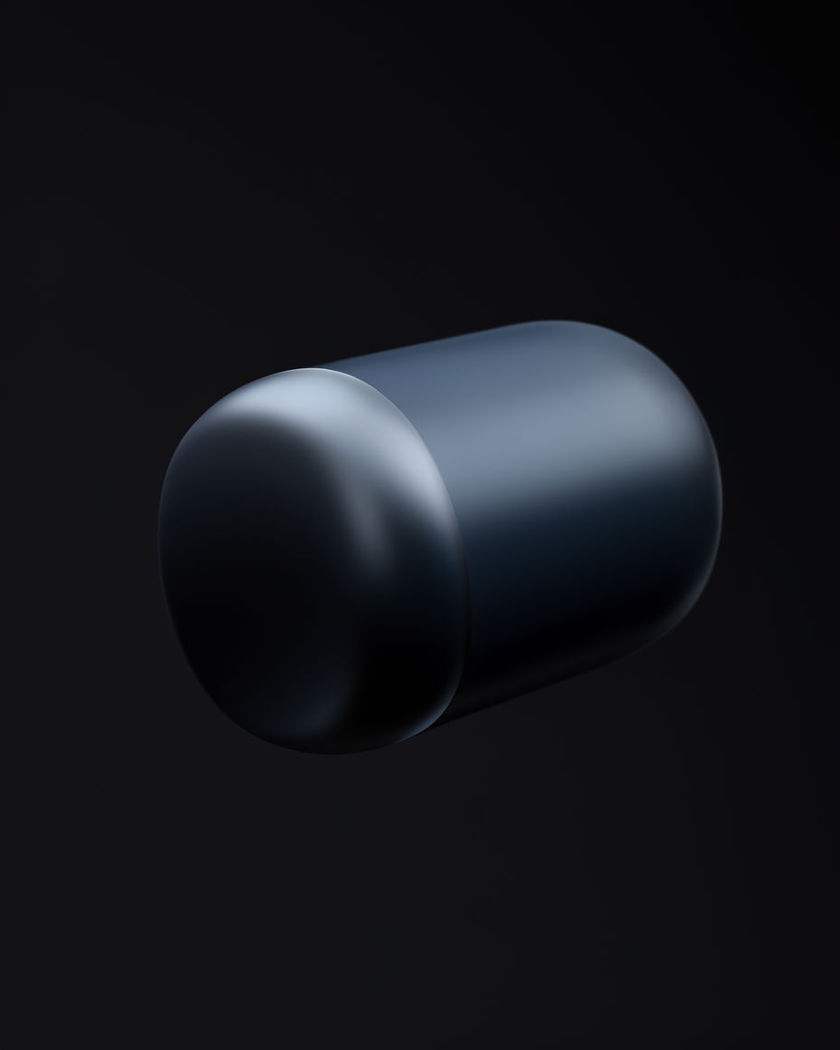
AI Product Fly in video

Product fly in shots generated in one move: the hero product glides through fog or light from off-screen and lands sharp in a clean hero position.

An unbranded product gliding through drifting haze and light toward a clean landing position at the centre of frame

Product fly in examples

Wide fog entrance onto a pedestal

Utiliser ce prompt

A wide shot of a bottle gliding through fog and settling onto a lit pedestal. a wide studio shot of an unbranded glass bottle gliding in slowly through drifting fog from the top of frame, decelerating and settling gently onto a lit white pedestal at the centre, soft rim light, dark background, no visible text or logo on the bottle

Sneaker drop with dynamic low angle

Utiliser ce prompt

A low dynamic angle catches a sneaker dropping and bouncing into hero position. a dynamic low camera angle in a dark studio as an unbranded white sneaker drops from above and lands with a soft bounce on a glossy floor, a brief puff of light dust on impact, dramatic side light, no readable logo or text on the shoe

Watch flying in through light streaks

Utiliser ce prompt

A wristwatch shoots in from the side trailing light streaks and stops sharp. an unbranded steel wristwatch flying rapidly in from the right edge of frame trailing thin streaks of light, decelerating hard and stopping perfectly sharp at the centre, dark charcoal backdrop, single hard key light, no visible brand markings

Mug sliding in and landing on a table

Utiliser ce prompt

A mug slides in fast across a table surface and stops abruptly in frame. an unbranded plain ceramic mug sliding in fast from off-screen across a wooden table surface, stopping abruptly with a subtle wobble at the centre of frame, warm kitchen light, shallow focus, no printed design on the ceramic

Bottle gliding through fog

Utiliser ce prompt

A perfume bottle drifts in from the dark through fog and settles on a pedestal. an unbranded frosted glass perfume bottle gliding smoothly in from the top of frame through drifting fog, decelerating and settling gently onto a lit white pedestal, soft rim light catching the glass edges, dark background, no visible text or logo on the bottle

Skincare jar rising through mist

Utiliser ce prompt

A skincare jar rises slowly from below through mist into hero position. an unbranded frosted glass skincare jar rising smoothly from the bottom of frame through soft rolling mist, coming to rest in a lit hero position at centre frame, cool blue-white studio light, clean minimal background, no text on the jar label

Mist rise onto a lit stage

Utiliser ce prompt

A wide shot of a jar rising through mist onto a lit hero stage. a wide shot of a minimal lit stage as an unbranded frosted glass jar rises smoothly from below through soft rolling mist, coming to rest in hero position at centre frame, cool blue-white studio light, clean background, no text on the label

Sneaker dropping into place

Utiliser ce prompt

A sneaker falls from above and lands with a soft bounce on a lit floor. an unbranded white sneaker dropping from the top of frame and landing with a soft bounce on a glossy lit floor, a brief puff of light dust on impact, dramatic low side light, dark seamless background, no readable logo or text on the shoe

Watch streaking across frame

Utiliser ce prompt

A wristwatch streaks across a dark set trailing light and stops perfectly centred. a wide dark studio set as an unbranded steel wristwatch streaks rapidly across the frame trailing thin ribbons of light, decelerating hard and stopping perfectly centred and sharp, single dramatic key light, no visible brand markings

Earbud case zooming into focus

Utiliser ce prompt

A tech gadget rushes toward camera out of a blur and snaps into sharp focus. an unbranded matte white wireless earbud case rushing toward the camera out of a soft motion blur, snapping into crisp focus as it settles centre frame, seamless light grey background, soft top light, no logo or text visible

Generate your own Product Fly in video

Choisissez un point de départ, modifiez ce que vous voulez, puis générez dans Morphic.

Générer

Tarifs simples

Commencez gratuitement dès aujourd'hui, avec la possibilité de mettre à niveau ou d'annuler à tout moment.

Basic

$19/ mois
facturé comme $0 par an

2400 mensuel crédits

1 utilisateur uniquement

Tous les modèles

Workflows

Standard

$24/ mois
facturé comme $0 par an

3625 mensuel crédits

1 utilisateur uniquement

Tous les modèles

Workflows

Pro

$45/ mois
facturé comme $0 par an

6350 partagé mensuel crédits

1 utilisateur

+ jusqu'à 4 plus à un coût supplémentaire

Tous les modèles

Workflows

Max

$170/ mois
facturé comme $0 par an

24650 partagé mensuel crédits

1 utilisateur

+ jusqu'à 9 plus à un coût supplémentaire

Tous les modèles

Workflows

Enterprise

Pour des limites plus élevées

Personnalisé

conditions de tarification et de facturation

Crédits à haut volume
Limites de sièges personnalisées
Tous les modèles
Workflows
Pricing Gradient

Free

Pour expérimenter

$0

gratuit pour toujours

Jusqu'à 20 crédits
1 utilisateur uniquement
Modèles limités
Workflows

Questions fréquentes

Where can I make Product Fly in videos with AI?
You can create Product Fly in videos directly in your browser on Morphic. Bring a photo of your product, describe how it should enter the frame and where it lands, and Morphic generates the clip with your product held steady through the whole move.
What kinds of Product Fly in shots work best with AI video?
A clean product photo against a plain background works best, paired with one clear entrance such as a fog glide, a fast streaking fly in, or a drop and land. Keeping a single direction and a defined stopping point reads more convincingly than a wandering entrance.
How do I write a good prompt for a Product Fly in video?
Name the product, the direction and speed it enters from, what it passes through such as fog, mist, or light streaks, and exactly where it comes to rest. The more specific the entrance and landing, the more dynamic the result Morphic returns.
Can I use my own product photo?
Yes. Upload a photo of your product and use the Reference to video route so Morphic holds the product steady and consistent as it flies into frame, while the direction, speed, and landing are directed by your prompt. This keeps the product recognisable across every variant you test.
Do I need video editing experience to make a Product Fly in video?
No. Morphic runs in your browser and you direct it with plain-language prompts. If you can describe how your product should enter the shot, you can produce the video. The prompts on this page are written so anyone can paste and run them.
What can I use a Product Fly in video for?
They work well for ad testing and social product content, since you can generate several entrance variants of the same product quickly, then cut, score, and export the ones that perform, all from the same workspace.