Selective color effect

Selective color shots generated with one object already holding its color while the rest of the frame sits in true grayscale, no masking or keying required.

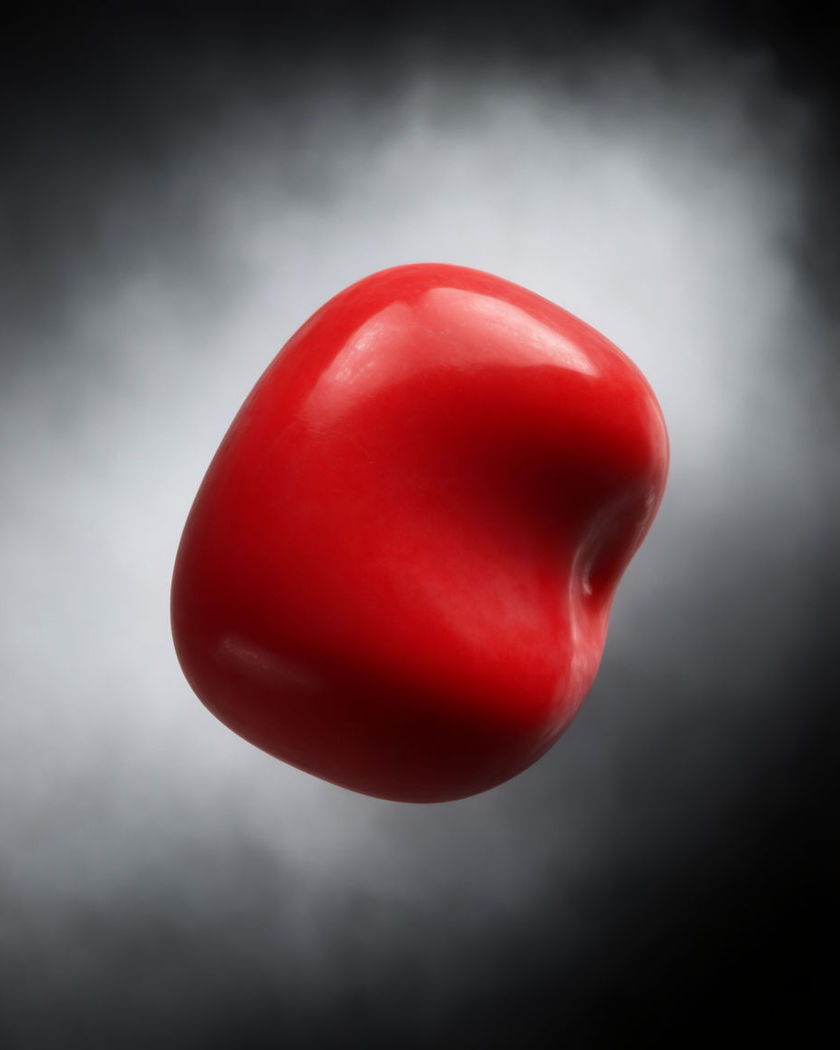
A single red object glowing with full color in the center of an otherwise grayscale frame

Selective color effect examples

Crossing with a red umbrella

Utiliser ce prompt

A busy grayscale crossing where one red umbrella moves through the crowd. a wide shot of a busy pedestrian crossing rendered in true grayscale, dozens of people crossing in flat monochrome except one figure carrying a bright red umbrella that holds full saturated color as they cross, overcast daylight, static wide angle

Yellow taxi in a grey city

Utiliser ce prompt

A monochrome avenue with one yellow taxi cutting through in full color. a grayscale city avenue at dusk with buildings, buses and pedestrians in flat monochrome, one yellow taxi driving through frame holding vivid saturated color as it passes, wet street reflections staying grey, slow pan following the car

Green eyes in monochrome

Utiliser ce prompt

A black and white close portrait with only the eyes carrying color. a close up portrait shot in true grayscale where only the eyes hold bright green color, the iris detail sharp and saturated while skin, hair and background remain flat black and white, slow blink, soft key light, quiet mood

Neon sign in a dark alley

Utiliser ce prompt

A monochrome alley where one neon sign burns in electric pink. a narrow grayscale alley at night, brick walls and fire escapes rendered flat black and white, one neon sign glowing electric pink as the sole saturated color source, steam rising past it in monochrome, slow dolly forward

Red umbrella in the rain

Utiliser ce prompt

A grayscale downpour with one red umbrella holding all the color. a portrait of a person walking through heavy rain rendered in true grayscale, holding a bright red umbrella that is the only object in the frame carrying full saturated color, everything else including skin, coat and puddles staying black and white, slow push in

Blue scarf on a grey street

Utiliser ce prompt

A figure crossing a monochrome plaza with one blue scarf catching color. a figure walking across a grayscale stone plaza wearing a vivid blue scarf that is the only saturated color in the frame, pigeons, fountain and buildings behind rendered in flat black and white, mid-morning light, tracking shot

Red roses in a grey flower market

Utiliser ce prompt

A monochrome flower market stall where one bouquet holds full color. a wide shot of a bustling flower market rendered in grayscale, buckets, vendors and other blooms all flat monochrome except one bouquet of red roses in the foreground holding vivid saturated color, morning light, gentle handheld drift

Yellow raincoat pop

Utiliser ce prompt

A monochrome city block with one bright yellow raincoat standing out. a person standing on a grayscale city sidewalk in a bright yellow raincoat that is the single colored element in the frame, every other surface, wet pavement, buildings, sky, rendered in flat monochrome, locked camera, soft overcast light

Candle flame in a dark room

Utiliser ce prompt

A grayscale room lit only by a warm orange candle flame. a quiet grayscale room at night, furniture and walls rendered flat monochrome, a single candle flame burning in saturated warm orange as the only color source, its flicker casting light across the grey room, slow steady zoom in

Single red traffic light

Utiliser ce prompt

A grayscale intersection lit only by one glowing red signal. a grayscale night intersection with wet asphalt, a single traffic light glowing bright saturated red as the only color in the frame while headlights, buildings and pedestrians stay monochrome, static camera, light drizzle

Generate your own selective color effect

Choisissez un point de départ, modifiez ce que vous voulez, puis générez dans Morphic.

Générer

Tarifs simples

Commencez gratuitement dès aujourd'hui, avec la possibilité de mettre à niveau ou d'annuler à tout moment.

Basic

$19/ mois
facturé comme $0 par an

2400 mensuel crédits

1 utilisateur uniquement

Tous les modèles

Workflows

Standard

$24/ mois
facturé comme $0 par an

3625 mensuel crédits

1 utilisateur uniquement

Tous les modèles

Workflows

Pro

$45/ mois
facturé comme $0 par an

6350 partagé mensuel crédits

1 utilisateur

+ jusqu'à 4 plus à un coût supplémentaire

Tous les modèles

Workflows

Max

$170/ mois
facturé comme $0 par an

24650 partagé mensuel crédits

1 utilisateur

+ jusqu'à 9 plus à un coût supplémentaire

Tous les modèles

Workflows

Enterprise

Pour des limites plus élevées

Personnalisé

conditions de tarification et de facturation

Crédits à haut volume
Limites de sièges personnalisées
Tous les modèles
Workflows
Pricing Gradient

Free

Pour expérimenter

$0

gratuit pour toujours

Jusqu'à 20 crédits
1 utilisateur uniquement
Modèles limités
Workflows

Questions fréquentes

Where can I make AI Selective Color videos?
You can create Selective Color videos directly in your browser on Morphic. Open Image to Video, upload a photo, describe which object should keep its color while the rest of the frame turns grayscale, and Morphic generates the clip. No masking, keying or color grading needed.
What kinds of selective color shots work best with AI video?
A single clear object against a simpler background reads cleanest: an umbrella, a scarf, a light, a bloom. Slow camera moves or a subject walking through a static grayscale scene both hold the effect well, since the eye needs time to find the one colored element.
How do I write a good prompt for a selective color effect video?
Name the exact object that should hold color and its color, then state clearly that everything else stays true grayscale. Add the setting and any motion. The more specific you are about what stays monochrome, the less likely Morphic is to let color creep back in.
Can I use my own photo for a selective color video?
Yes. Upload a photo to Image to Video and describe which object should keep its color. Reference sheets keep the subject and style consistent if you generate several selective color clips from the same source image.
Do I need video editing experience to make a selective color video?
No. Morphic runs in your browser and you direct it with plain-language prompts. If you can name the object and its color, you can produce the video. The prompts on this page are written so anyone can paste and run them.
What can I use a selective color video for?
It is a strong hook for product highlights, seasonal posts and mood pieces, since the eye is drawn straight to the one colored element. Generate the clip, add music on the timeline, and export the size each platform needs.