The school wheels
A tight group of small silver fish turning together above swaying eelgrass under cool overhead light, nothing swimming out of frame. The turn never completes, so the loop holds.
Modifier le prompt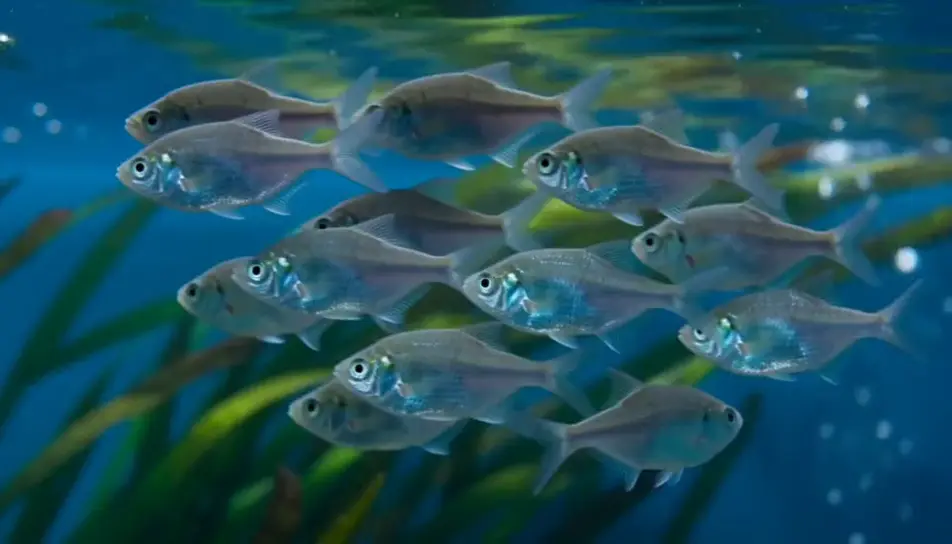
Generate an aquarium screensaver in your browser with Morphic's aquarium screensaver AI video generator. Render a school turning above a bed of eelgrass, or caustic light rippling across clean sand, then trim the loop on Compose.
A tight group of small silver fish turning together above swaying eelgrass under cool overhead light, nothing swimming out of frame. The turn never completes, so the loop holds.
Modifier le promptA steady column of fine bubbles rising through a densely planted corner, broad leaves nodding in the flow. Constant rate, camera locked, blue-white light above.
Modifier le prompt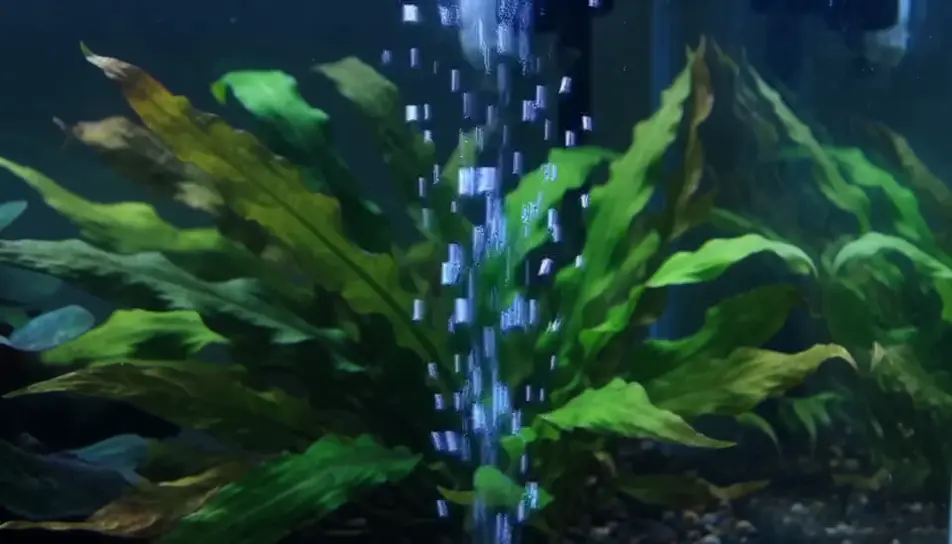
Close on a pale sand bed while surface ripple throws a shifting net of light over it. No fish and no plants, which makes it the calmest plate to sit behind text.
Modifier le prompt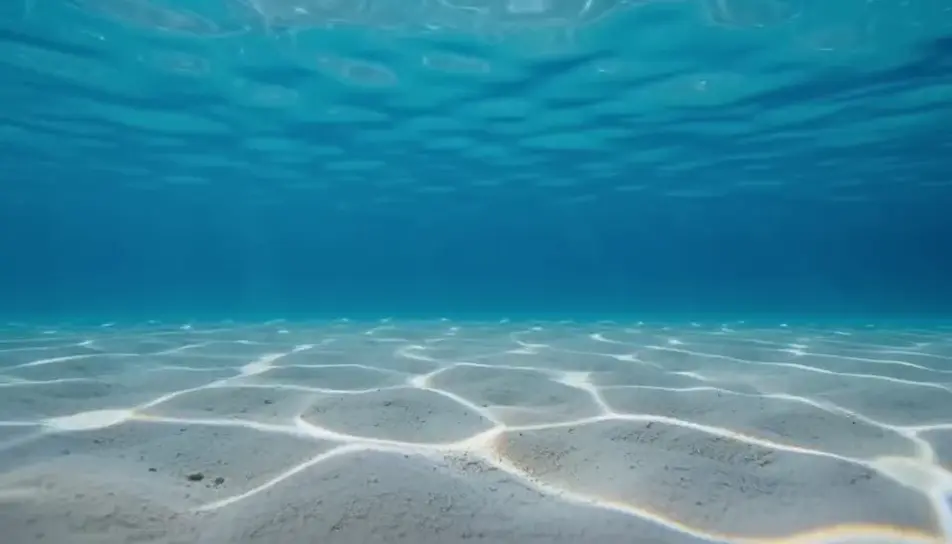
A wide, quiet hold on a lit tank glowing in a dark room, cool light spilling across the floor and a thin highlight on the glass. Gentle motion inside, stillness everywhere else.
Modifier le prompt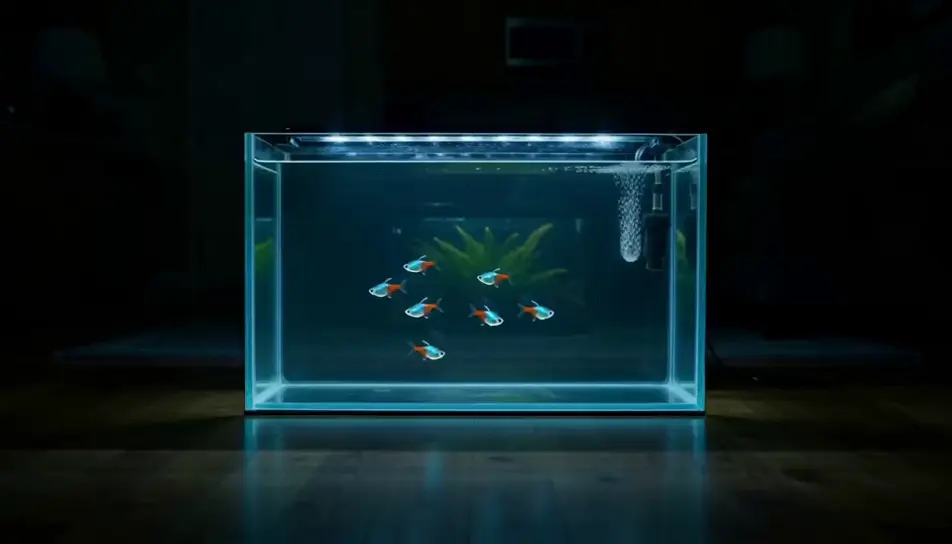
Écrivez la scène aquarium screensaver que vous voulez, en mots simples.
Morphic génère votre clip cinématographique en quelques secondes.
Ajustez le prompt, régénérez des variantes, téléchargez ou partagez le plan.

Dramatiser toute conversation textuelle en une vidéo cinématographique multi-plans.
Court-métrage cinématographique avec effet de gel du temps pour toute scène

Générer une carte de titre de film professionnelle à partir de zéro, avec animation cinématographique optionnelle.
Photo of any real-estate becomes a cinematic renovation timelapse video with construction SFX and music.
Une image pour une vidéo cinématographique en 9 scènes.
Déposez une photo de vous. Obtenez un film cinématique de 12 secondes avec animation et une bande sonore assortie.
Vidéos d'économiseur d'écran IA
Générez des vidéos d'économiseur d'écran IA avec Morphic. Boucles abstraites à dérive lente, dégradés calmes et prompts d'économiseur d'écran ambiant sans couture qui tournent tout seuls.
Vidéos d'ambiance nature IA
Générez des vidéos d'ambiance nature IA avec Morphic. Forêts ensoleillées, ruisseaux de montagne et boucles nature apaisantes pour le sommeil, la concentration et les écrans d'arrière-plan.
Vidéos de boucle ambiante IA
Générez des vidéos de boucle ambiante IA avec Morphic. Décors en boucle sans couture, scènes au ralenti et visuels perpétuels calmes pour streams, écrans et concentration.
Vidéos ASMR IA
Générez des vidéos ASMR IA avec Morphic. Boucles de déclencheurs en gros plan, ambiances sonores, narration chuchotée et clips prêts à publier pour YouTube et TikTok.
Commencez gratuitement dès aujourd'hui, avec la possibilité de mettre à niveau ou d'annuler à tout moment.
Basic
2400 mensuel crédits
1 utilisateur uniquement
Tous les modèles
Workflows
Standard
3625 mensuel crédits
1 utilisateur uniquement
Tous les modèles
Workflows
Pro
6350 partagé mensuel crédits
1 utilisateur
Tous les modèles
Workflows
Max
24650 partagé mensuel crédits
1 utilisateur
Tous les modèles
Workflows
Enterprise
Pour des limites plus élevées
Personnalisé
conditions de tarification et de facturation

Free
Pour expérimenter
$0
gratuit pour toujours