Countdown over product shot
A large ticking countdown overlaid on a soft-focus product arrangement, the numbers sharp against the blurred background.
Modifier le prompt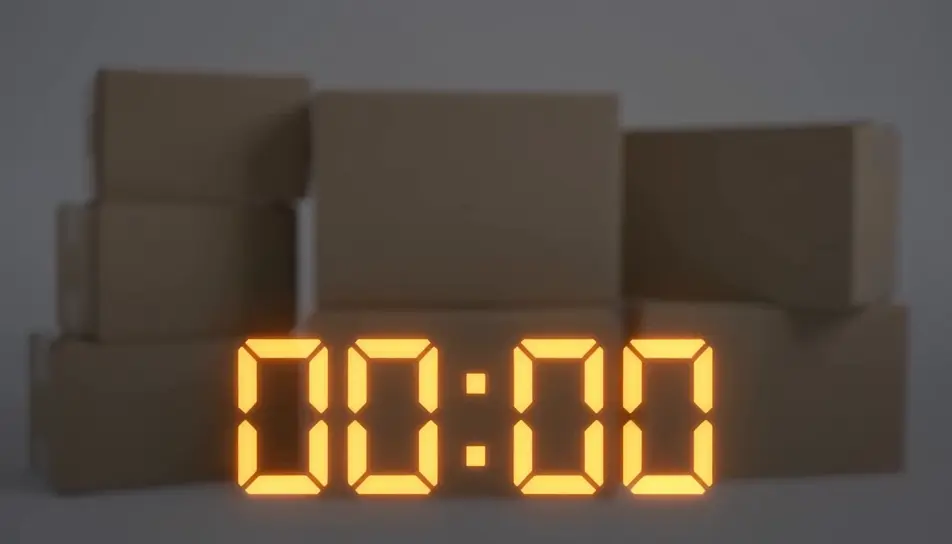
Generate a Black Friday countdown video in Morphic's AI video generator: ticking numbers over a product shot, a bold "sale ends in..." graphic, or a looping urgency clip sized for stories, reels or an email header. This is a rendered video clip you add your own offer to, not a live interactive timer — cut it together on Compose and post it everywhere your sale needs urgency.
A large ticking countdown overlaid on a soft-focus product arrangement, the numbers sharp against the blurred background.
Modifier le promptA vertical, loopable countdown graphic built for a story placement, numbers ticking center-frame with a pulsing background glow.
Modifier le prompt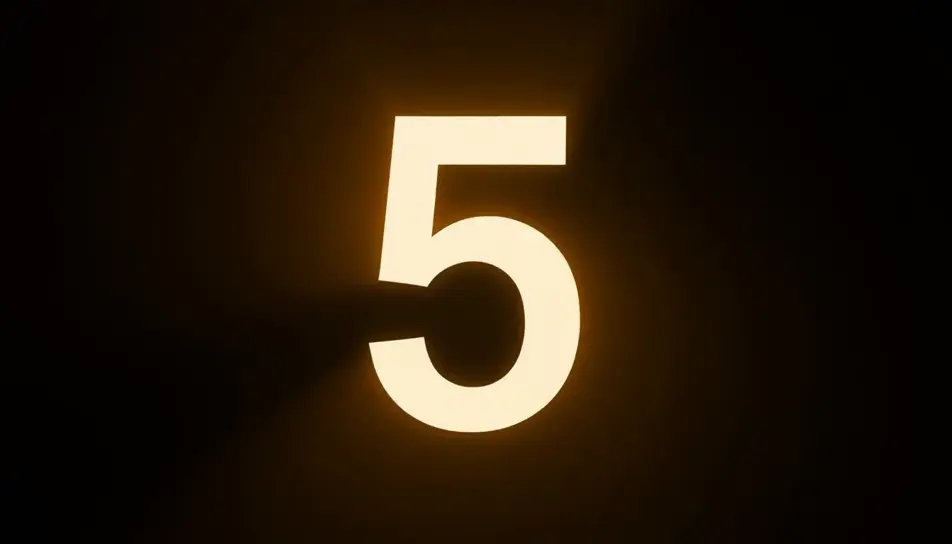
A wide, short countdown bar with ticking digits and a thin progress line beneath, designed to sit at the top of an email.
Modifier le prompt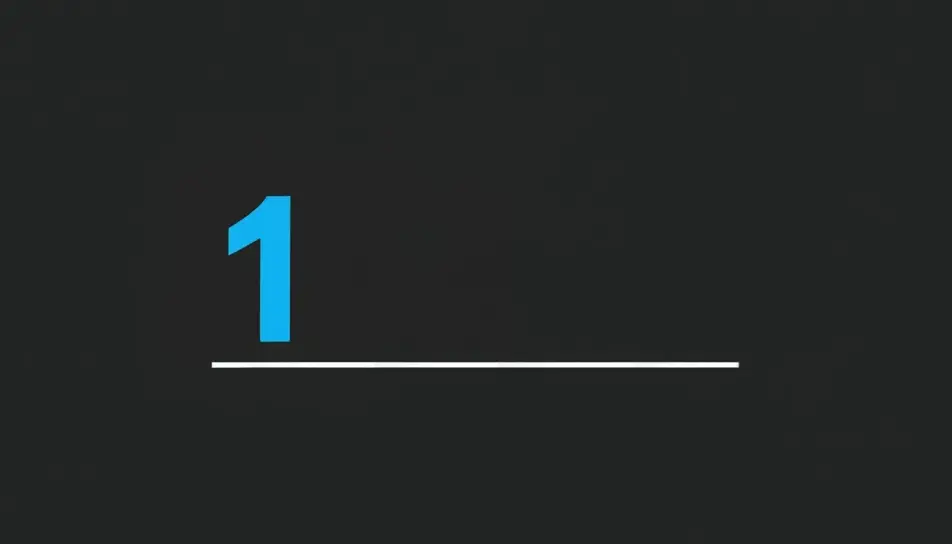
The countdown ticks down to zero, then wipes to reveal a blank offer card ready for the store's own text and price.
Modifier le prompt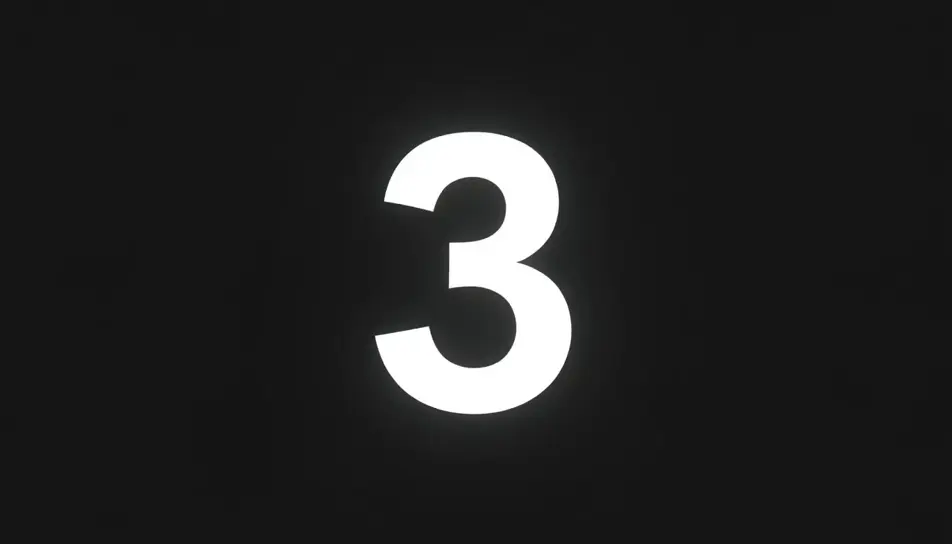
Écrivez la scène Black Friday countdown video que vous voulez, en mots simples.
Morphic génère votre clip cinématographique en quelques secondes.
Ajustez le prompt, régénérez des variantes, téléchargez ou partagez le plan.

Dramatiser toute conversation textuelle en une vidéo cinématographique multi-plans.
Court-métrage cinématographique avec effet de gel du temps pour toute scène
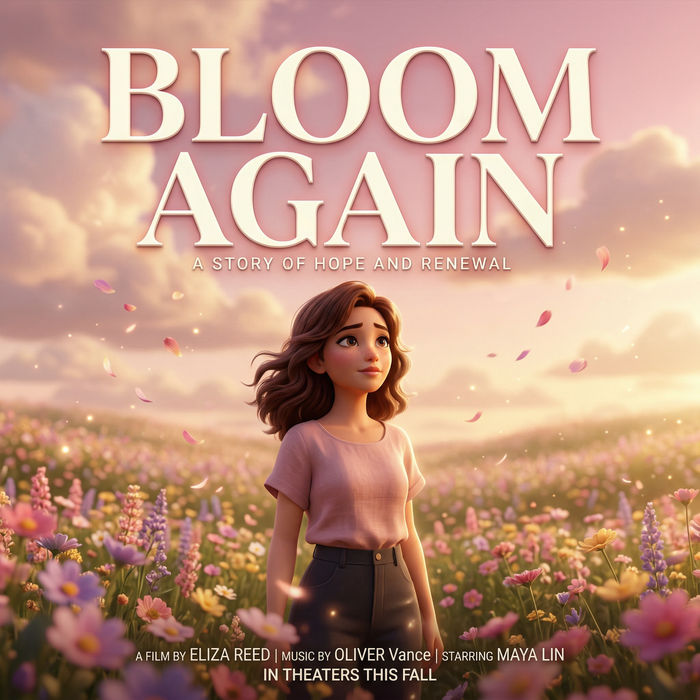
Générer une carte de titre de film professionnelle à partir de zéro, avec animation cinématographique optionnelle.
Photo of any real-estate becomes a cinematic renovation timelapse video with construction SFX and music.
Une image pour une vidéo cinématographique en 9 scènes.
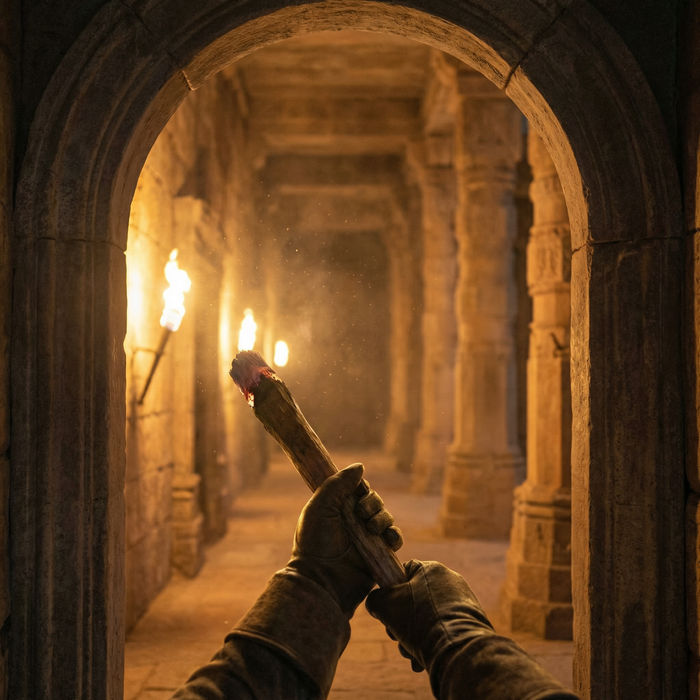
Décrivez un scénario à la première personne. Obtenez des images séquentielles de points de vue animées en clips vidéo avec audio.
Black Friday GIFs
Create Black Friday GIFs in Morphic for email headers, stories and ads. Animate your offer in a short loop that matches your brand.
Générateur de vidéos IA
De superbes vidéos depuis un texte. De la vidéo pro dans tous les styles.
Vidéos promo Black Friday par IA
Créez votre vidéo promo Black Friday avec l'IA. Révélations sous spot, orbites néon, confettis, sans tournage ni stock. Générez le buzz dès maintenant.
Vidéos de compte à rebours IA
Générez des vidéos de compte à rebours IA avec Morphic. Décors de compte à rebours atmosphériques, écrans de démarrage imminent et minuteries de sprint de concentration avec musique et repères parlés.
Commencez gratuitement dès aujourd'hui, avec la possibilité de mettre à niveau ou d'annuler à tout moment.
Basic
2400 mensuel crédits
1 utilisateur uniquement
Tous les modèles
Workflows
Standard
3625 mensuel crédits
1 utilisateur uniquement
Tous les modèles
Workflows
Pro
6350 partagé mensuel crédits
1 utilisateur
Tous les modèles
Workflows
Max
24650 partagé mensuel crédits
1 utilisateur
Tous les modèles
Workflows
Enterprise
Pour des limites plus élevées
Personnalisé
conditions de tarification et de facturation

Free
Pour expérimenter
$0
gratuit pour toujours