Un plan d'ouverture grand écran
Un cadre large et cinématique, pensé pour une grande télévision. La lumière chaude balaye un vrai décor, la caméra dérive lentement, et tout reste lisible depuis l'autre bout de la pièce.
Modifier le prompt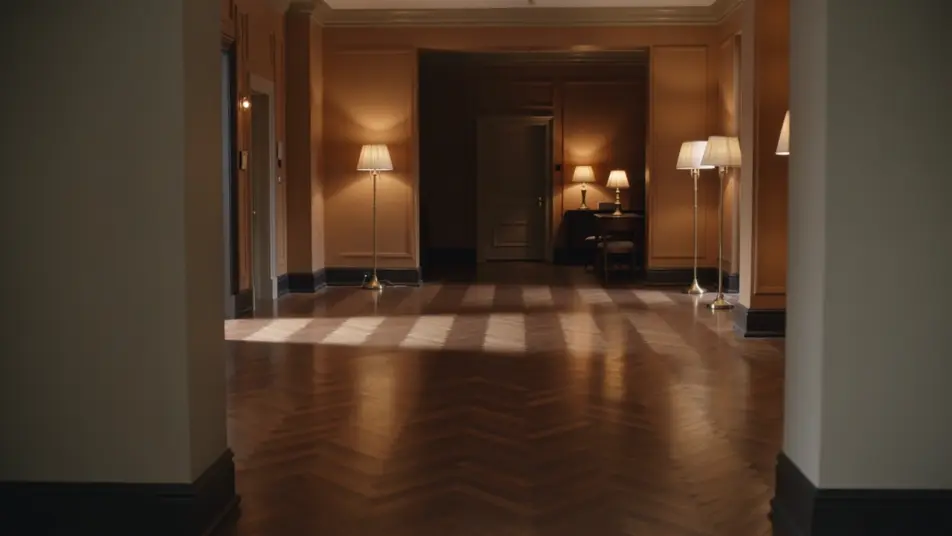
Sur un téléviseur, tout se voit : un plan mou se repère depuis le canapé. Le générateur de publicité CTV de Morphic construit l'ouverture, l'histoire produit et la signature qu'un spot diffusé en son exige. Ajoutez la voix off avec Speech, puis déclinez la même idée à chaque durée sur Compose.
Un cadre large et cinématique, pensé pour une grande télévision. La lumière chaude balaye un vrai décor, la caméra dérive lentement, et tout reste lisible depuis l'autre bout de la pièce.
Modifier le promptLe produit sous une lumière douce et premium, un lent travelling avant sur un décor sobre. Le cadrage pense grand écran, pour que l'objet tienne face à un spot d'annonceur national.
Modifier le prompt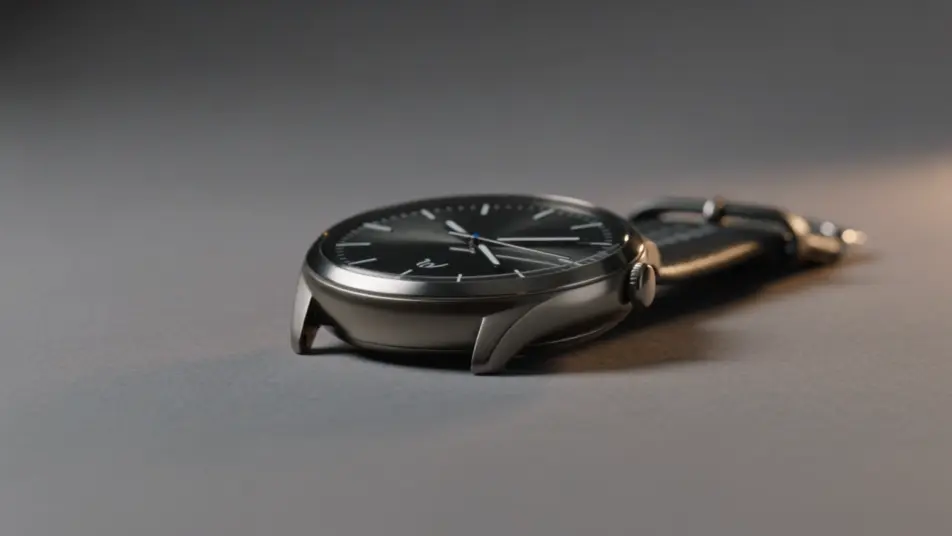
Une scène de foyer où l'on se sert du produit sans y penser. La lumière du jour traverse la pièce, la caméra portée reste très douce, et le rythme suit un visionnage installé, son allumé.
Modifier le prompt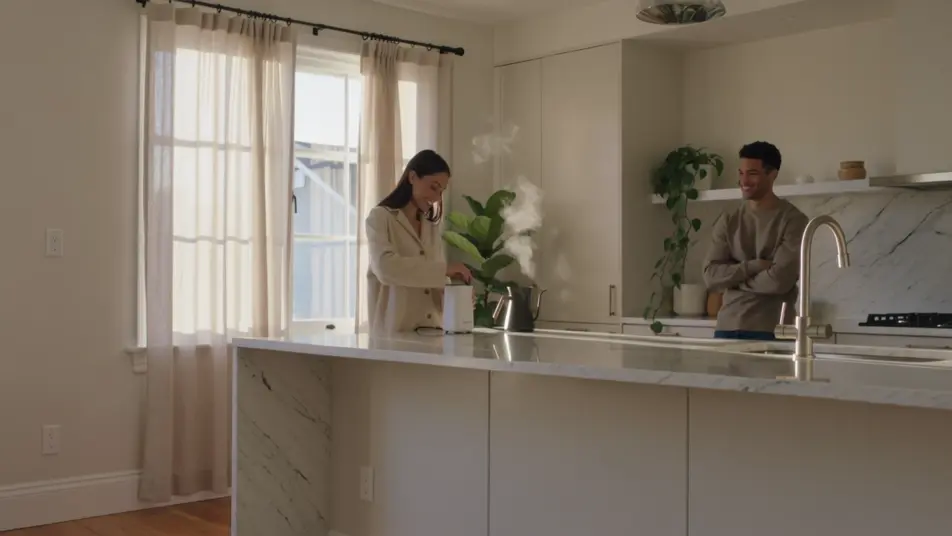
Un dernier plan large sur un dégradé de marque, un symbole unique posé sur une lueur tenue. Tout reste lisible depuis le canapé, sans logo ni texte d'offre.
Modifier le prompt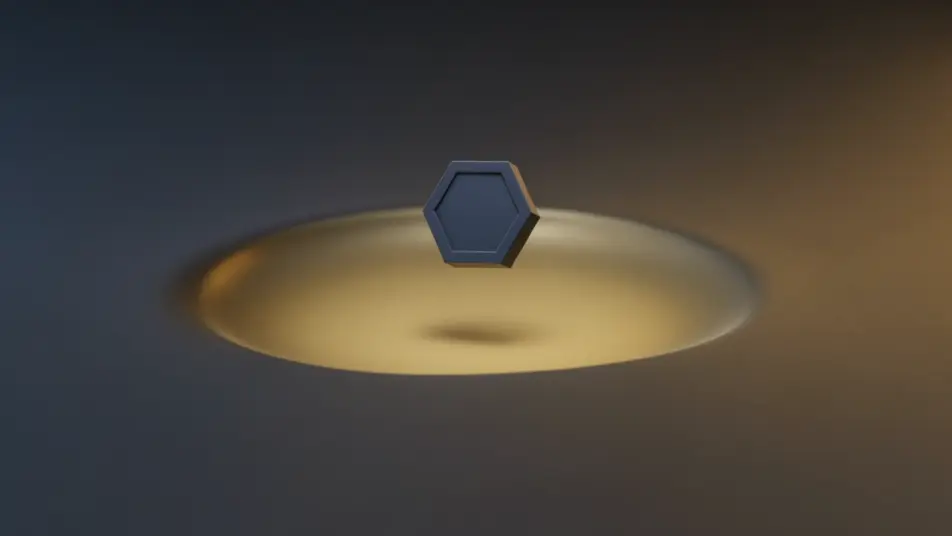
Écrivez la scène publicité CTV que vous voulez, en mots simples.
Morphic génère votre clip cinématographique en quelques secondes.
Ajustez le prompt, régénérez des variantes, téléchargez ou partagez le plan.

Dramatiser toute conversation textuelle en une vidéo cinématographique multi-plans.
Court-métrage cinématographique avec effet de gel du temps pour toute scène

Générer une carte de titre de film professionnelle à partir de zéro, avec animation cinématographique optionnelle.
Photo of any real-estate becomes a cinematic renovation timelapse video with construction SFX and music.
Une image pour une vidéo cinématographique en 9 scènes.
Déposez une photo de vous. Obtenez un film cinématique de 12 secondes avec animation et une bande sonore assortie.
Publicités IA de 30 secondes
Créez un spot de 30 secondes sans équipe ni tournage : ouverture, histoire produit, signature. Puis déclinez la même idée en 15 s, 6 s et vertical.
Films de marque IA de 60 secondes
Réalisez un film de marque de 60 secondes en quelques minutes : univers d'ouverture, moments humains, valeurs. Déclinable en 30 s, 15 s et vertical.
Vidéos publicitaires IA de 15 secondes
Générez une pub de 15 secondes sur Morphic : accroche, plan produit, carton final. Déclinez ensuite la même idée en 6 et 30 secondes.
Publicités pré-roll IA
Générez une publicité pré-roll qui installe la marque en cinq secondes. Montez l’accroche et le bénéfice, puis déclinez sur toutes les durées. Tournez.
Commencez gratuitement dès aujourd'hui, avec la possibilité de mettre à niveau ou d'annuler à tout moment.
Basic
2400 mensuel crédits
1 utilisateur uniquement
Tous les modèles
Workflows
Standard
3625 mensuel crédits
1 utilisateur uniquement
Tous les modèles
Workflows
Pro
6350 partagé mensuel crédits
1 utilisateur
Tous les modèles
Workflows
Max
24650 partagé mensuel crédits
1 utilisateur
Tous les modèles
Workflows
Enterprise
Pour des limites plus élevées
Personnalisé
conditions de tarification et de facturation

Free
Pour expérimenter
$0
gratuit pour toujours