AI interview b roll generator

Direct interview b roll in your browser with Morphic's interview b roll AI generator, the cutaway footage that covers edits and carries a story. Generate a subject at work, close hands on a task, or an atmospheric establishing shot, all cinematic and free of on-screen titles. Score it with Music, then lay the cutaways over your interview on Compose.

B roll shots you can direct

Cutaway sequences you can stage

A subject-at-work cutaway

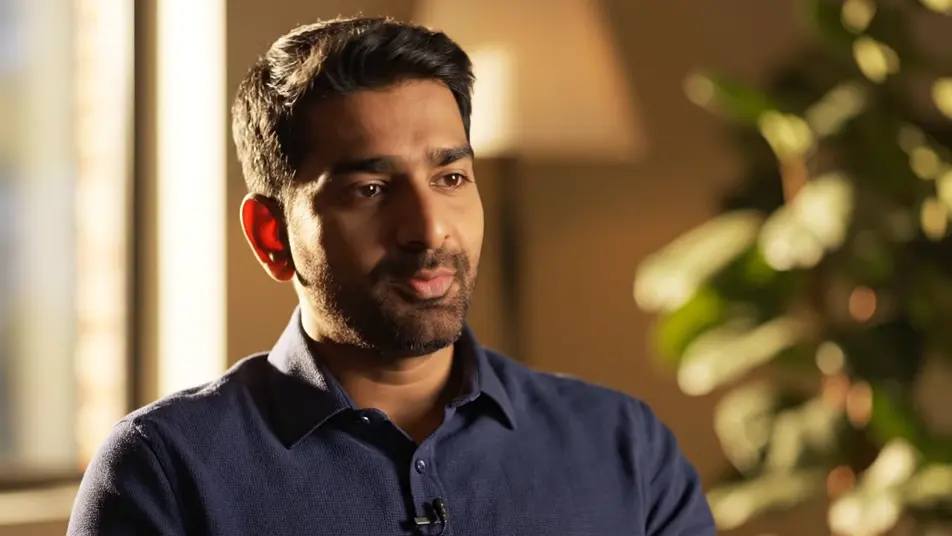
A person works through a task at a desk under soft window light, framed at a natural distance with a shallow depth of field, small hand movements reading clean as the camera holds gently, no signage.

Modifier le prompt

A hands-and-detail insert

A tight frame on hands pressing keys and adjusting a tool, every small motion deliberate and clean under warm even light, the background falling to a soft blur so the detail carries.

Modifier le prompt

An atmospheric establishing wide

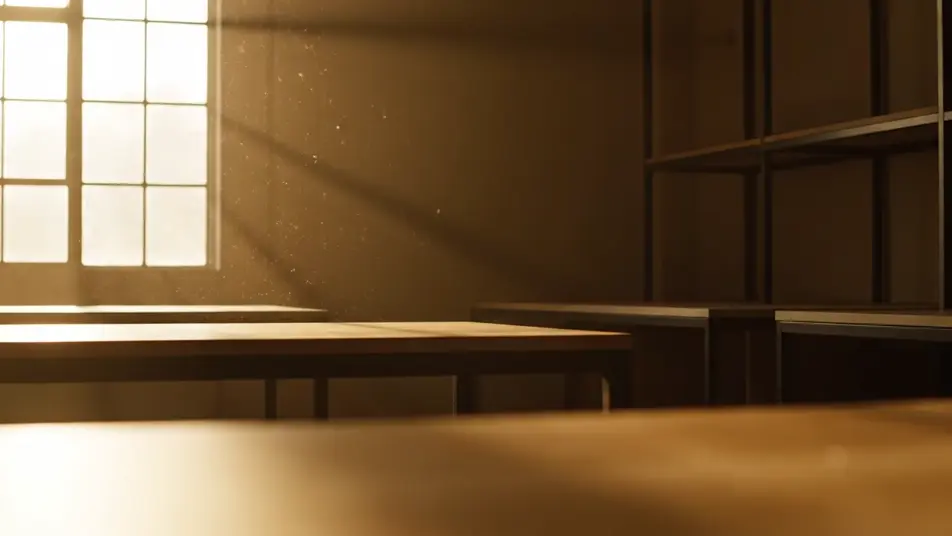
A slow wide of a quiet workspace with layered depth and soft daylight, the camera drifting to set mood and place before anyone speaks, dust catching the light near a window, no signage.

Modifier le prompt

A candid reaction beat

A person nods and gestures mid-thought in warm natural light, the moment caught candid with a soft-focus background, the frame steady enough to cut into a talking-head sequence.

Modifier le prompt

Créez des vidéos interview b roll en trois étapes

  1. 01

    Décrivez votre scène interview b roll

    Écrivez la scène interview b roll que vous voulez, en mots simples.

  2. 02

    Générez la vidéo

    Morphic génère votre clip cinématographique en quelques secondes.

  3. 03

    Peaufinez votre vidéo interview b roll

    Ajustez le prompt, régénérez des variantes, téléchargez ou partagez le plan.

Tarifs simples

Commencez gratuitement dès aujourd'hui, avec la possibilité de mettre à niveau ou d'annuler à tout moment.

Basic

$9/ mois
facturé comme $0 par an

900 mensuel crédits

1 utilisateur uniquement

Tous les modèles

Workflows

Standard

$24/ mois
facturé comme $0 par an

3200 mensuel crédits

1 utilisateur uniquement

Tous les modèles

Workflows

Pro

$45/ mois
facturé comme $0 par an

6200 partagé mensuel crédits

1 utilisateur

+ jusqu'à 4 plus à un coût supplémentaire

Tous les modèles

Workflows

Pro Max

$170/ mois
facturé comme $0 par an

24000 partagé mensuel crédits

1 utilisateur

+ jusqu'à 9 plus à un coût supplémentaire

Tous les modèles

Workflows

Enterprise

Pour des limites plus élevées

Personnalisé

conditions de tarification et de facturation

Crédits à haut volume
Limites de sièges personnalisées
Tous les modèles
Workflows
Pricing Gradient

Free

Pour expérimenter

$0

gratuit pour toujours

Jusqu'à 20 crédits
1 utilisateur uniquement
Modèles limités
Workflows

Questions fréquentes

Where can I make interview b roll with AI?
You can generate interview b roll directly in your browser on Morphic. Open the Text to Video tool, describe each cutaway you need and the light and framing to match your interview, and Morphic renders the clips. On Compose you lay them over the talking-head track so the edits sit hidden.
What kinds of b roll shots cut best over an interview?
Subject-at-work shots, tight detail inserts, and atmospheric establishing wides cover edits cleanly because each one reads in a second. Reaction beats and environment textures keep a static talking head alive. Matching the light and color of every cutaway to your main footage is what makes the sequence feel like one shoot.
How do I write a good prompt for interview b roll?
Name the shot type, the light, and the movement in plain terms: a close-up of hands in warm light, a slow establishing wide, a handheld follow. Keep signage and titles out of frame so the clip stays a pure cutaway. Describing framing and motion is what makes each clip land where you need it.
How do I match b roll to my main interview footage?
Reuse the same light direction, color palette, and depth of field across every cutaway prompt so nothing jars against the interview. Generate a few variants on the Canvas and lay them side by side to compare before you commit. Consistent light and color are what make generated b roll blend with a real shoot.
Do I need a crew to shoot interview b roll?
No. Morphic runs in your browser, so you describe the cutaway you need and it renders without a location, a crew, or a shoot day. Generate the subject-at-work shots, detail inserts, and establishing wides you were going to film, then drop them straight onto your interview timeline.