Un instant pris sur le vif
La caméra flotte à peine en captant une scène dans la lumière d’une fenêtre. Cette imperfection est ce qui rend le plan vrai.
Modifier le prompt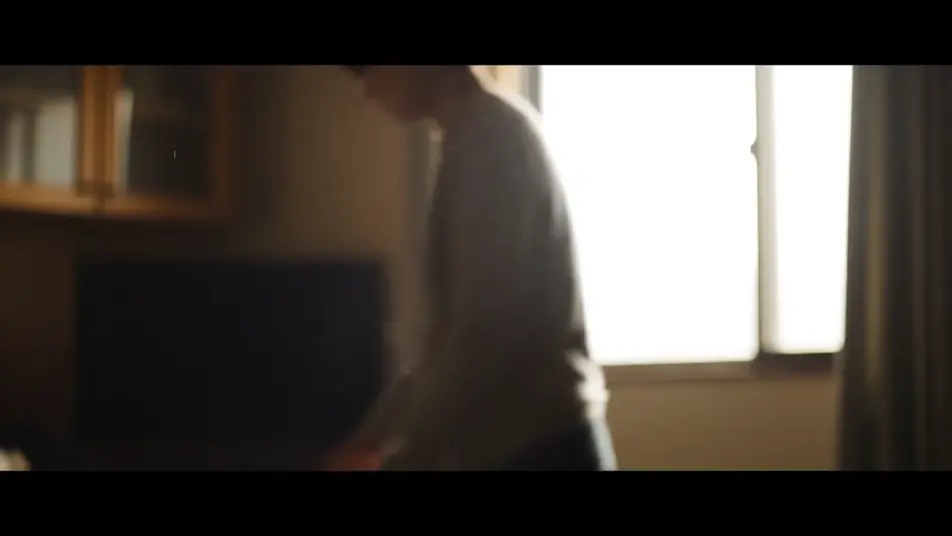
Le documentaire ne se joue pas, il s’observe : c’est la leçon du cinéma direct. Morphic vous donne ce regard dans le navigateur, avec son générateur de style documentaire IA. Plans sur le vif, portrait tenu, paysage d’ouverture étalonné, tous sous la même lumière. Speech pose la voix off, Compose enchaîne le montage.
La caméra flotte à peine en captant une scène dans la lumière d’une fenêtre. Cette imperfection est ce qui rend le plan vrai.
Modifier le promptUne personne assise, lumière directionnelle de fenêtre, fond adouci par la faible profondeur de champ. Son expression porte tout le récit.
Modifier le prompt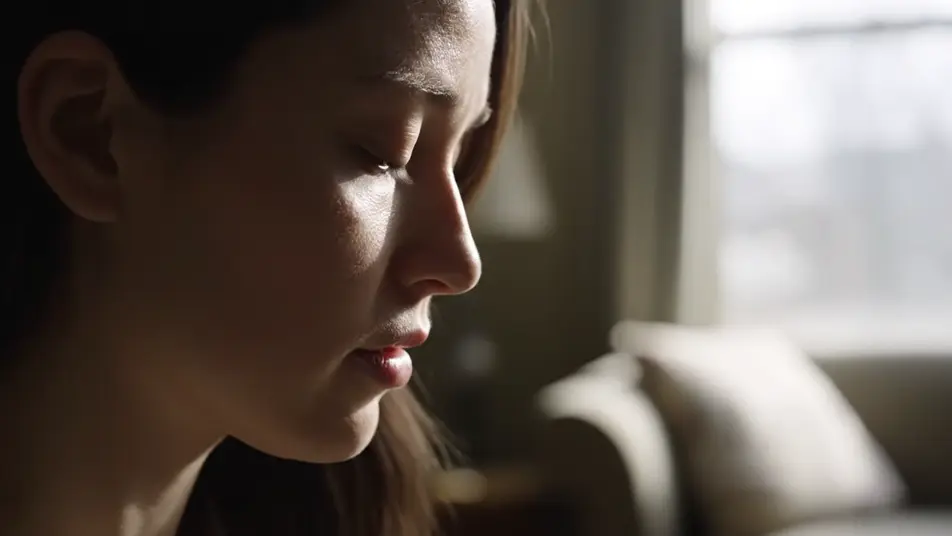
Un vaste paysage ouvre le film sous un étalonnage documentaire constant. La caméra dérive lentement, la lumière naturelle situe le lieu.
Modifier le prompt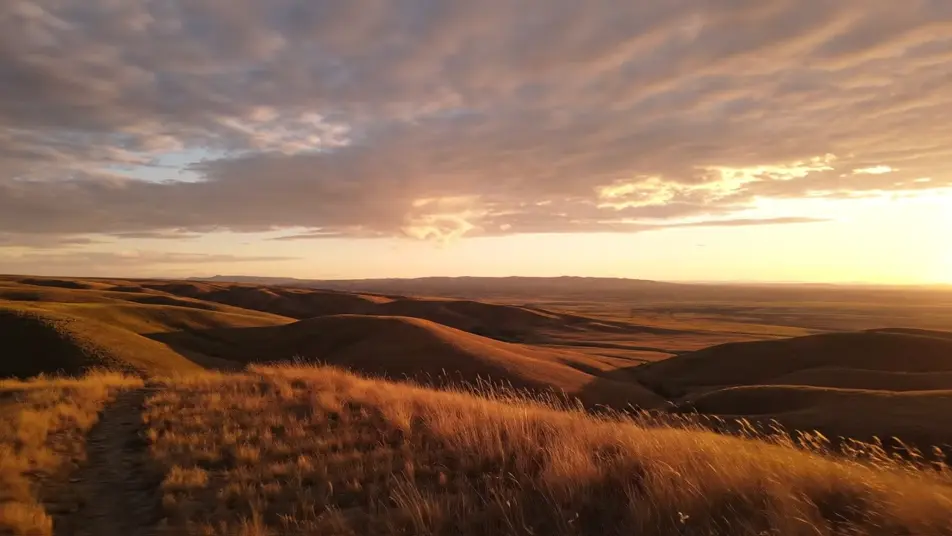
Lumière rasante de fin de journée sur des mains au travail, poussière en suspension. Le gros plan tient, et le détail suffit.
Modifier le prompt
Écrivez la scène style documentaire que vous voulez, en mots simples.
Morphic génère votre clip cinématographique en quelques secondes.
Ajustez le prompt, régénérez des variantes, téléchargez ou partagez le plan.

Dramatiser toute conversation textuelle en une vidéo cinématographique multi-plans.
Court-métrage cinématographique avec effet de gel du temps pour toute scène
Restyle any video in a completely new visual style. Every frame transforms, all motion stays intact.

Générer une carte de titre de film professionnelle à partir de zéro, avec animation cinématographique optionnelle.
Photo of any real-estate becomes a cinematic renovation timelapse video with construction SFX and music.
Une image pour une vidéo cinématographique en 9 scènes.
Générateur de b-roll d'interview IA
Générez du b-roll d'interview sur Morphic : plans au travail, gros plans, plans d'ambiance et réactions qui couvrent le montage et portent l'histoire.
Vidéos IA en film d’ambiance
Créez un film d’ambiance sur Morphic : décrivez la lumière et le mouvement, générez chaque plan, gardez la même atmosphère jusqu’au montage.
Générateur de showreel IA
Créez votre showreel avec l’IA sur Morphic : plans d’action, gros plans de matière, plans larges et ralentis, tous dans le même étalonnage.
Bandes-annonces de chaîne par IA
Créez la bande-annonce de votre chaîne YouTube avec l’IA : rafales de montage, temps fort face caméra, plans de liaison, un seul étalonnage.
Commencez gratuitement dès aujourd'hui, avec la possibilité de mettre à niveau ou d'annuler à tout moment.
Basic
2400 mensuel crédits
1 utilisateur uniquement
Tous les modèles
Workflows
Standard
3625 mensuel crédits
1 utilisateur uniquement
Tous les modèles
Workflows
Pro
6350 partagé mensuel crédits
1 utilisateur
Tous les modèles
Workflows
Max
24650 partagé mensuel crédits
1 utilisateur
Tous les modèles
Workflows
Enterprise
Pour des limites plus élevées
Personnalisé
conditions de tarification et de facturation

Free
Pour expérimenter
$0
gratuit pour toujours