Révélation de l’ouverture du programme
Un cadre lumineux où une carte de membre et un titre se posent sur une scène de marque chaleureuse. La caméra s’approche doucement pendant que la promesse du programme s’installe au centre.
Modifier le prompt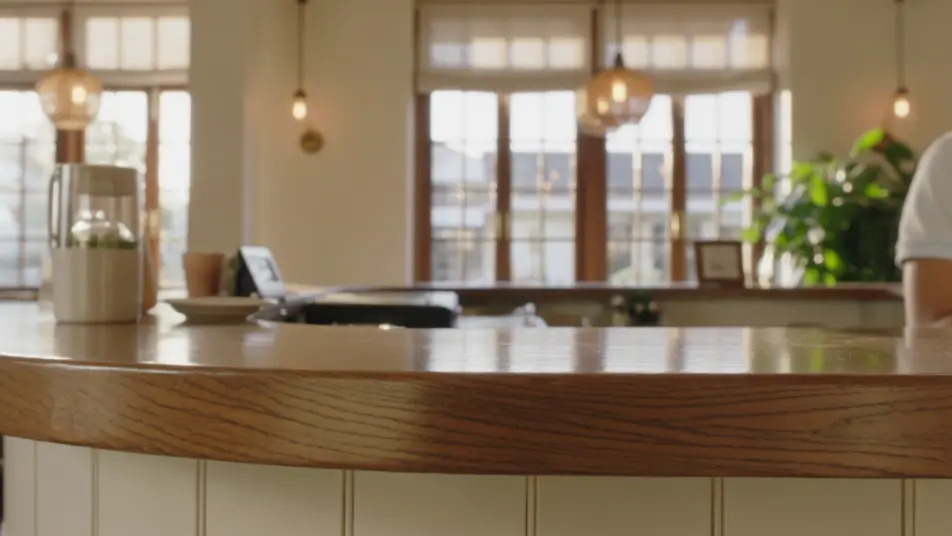
Une carte de membre apparaît, un palier de fidélité grimpe, une récompense arrive dans la main d’un client. Morphic construit chaque séquence à partir d’un simple brief écrit. Générez l’ouverture du programme, l’explication des paliers et la vitrine des récompenses. Doublez-les avec Speech, puis enchaînez les séquences en un seul parcours continu sur Compose.
Un cadre lumineux où une carte de membre et un titre se posent sur une scène de marque chaleureuse. La caméra s’approche doucement pendant que la promesse du programme s’installe au centre.
Modifier le promptDes marches lumineuses sans texte s’empilent en escalier l’une après l’autre, chacune avec un petit avantage qui s’attache au bon moment. Le cadre large tient ferme sur les paliers qui montent.
Modifier le prompt
Une boucle lumineuse où un achat sur un étal de Provence se transforme en points, puis en récompense. Le mouvement fluide et répété rend le mécanisme limpide.
Modifier le prompt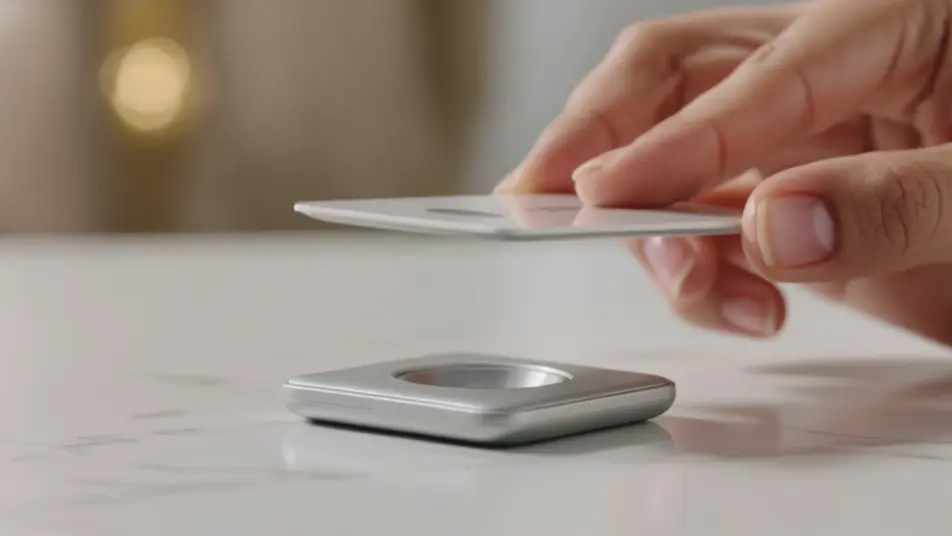
Un cadre large et chaleureux où de vraies récompenses apparaissent une à une sur un fond net, chacune tenue un instant sous une lumière douce, dans l’esprit d’une remise de prix à Cannes. La valeur se lit à travers les objets pendant qu’un membre regarde.
Modifier le prompt
Écrivez la scène vidéo de programme de fidélité que vous voulez, en mots simples.
Morphic génère votre clip cinématographique en quelques secondes.
Ajustez le prompt, régénérez des variantes, téléchargez ou partagez le plan.

Dramatiser toute conversation textuelle en une vidéo cinématographique multi-plans.
Court-métrage cinématographique avec effet de gel du temps pour toute scène

Générer une carte de titre de film professionnelle à partir de zéro, avec animation cinématographique optionnelle.
Photo of any real-estate becomes a cinematic renovation timelapse video with construction SFX and music.
Une image pour une vidéo cinématographique en 9 scènes.
Déposez une photo de vous. Obtenez un film cinématique de 12 secondes avec animation et une bande sonore assortie.
Vidéos promotionnelles d’adhésion IA
Créez une vidéo promotionnelle d’adhésion avec l’IA : accroche, avantages et tarifs, sur la marque et sans budget de tournage. Publiez le jour même.
Vidéo de programme de parrainage par IA
Créez une vidéo de parrainage avec l'IA : mécanisme en trois étapes, révélation de la récompense, geste de partage, à l'image de votre marque.
Vidéos IA de réabonnement
Vidéo de réabonnement qui explique ce que les membres gardent, ce qui change et les étapes à suivre. Mettez-la à jour sur Morphic dès que le processus évolue.
Vidéos IA de recrutement de franchisés
Générez une vidéo de recrutement de franchisés depuis une description : le concept, l'accompagnement et le chemin vers l'ouverture.
Commencez gratuitement dès aujourd'hui, avec la possibilité de mettre à niveau ou d'annuler à tout moment.
Basic
2400 mensuel crédits
1 utilisateur uniquement
Tous les modèles
Workflows
Standard
3625 mensuel crédits
1 utilisateur uniquement
Tous les modèles
Workflows
Pro
6350 partagé mensuel crédits
1 utilisateur
Tous les modèles
Workflows
Max
24650 partagé mensuel crédits
1 utilisateur
Tous les modèles
Workflows
Enterprise
Pour des limites plus élevées
Personnalisé
conditions de tarification et de facturation

Free
Pour expérimenter
$0
gratuit pour toujours