Une animation en trois étapes
Un fond clair et net accueille trois étapes numérotées qui s'animent l'une après l'autre, icônes simples à l'appui. Chaque élément glisse en place avec une ombre légère, caméra fixe.
Modifier le prompt
Un programme de parrainage se comprend en un coup d'œil quand la vidéo est bien pensée. Sur Morphic, générez le mécanisme en trois étapes, la révélation de la récompense et le geste de partage. Posez une voix avec Speech, puis assemblez le tout sur Compose.
Un fond clair et net accueille trois étapes numérotées qui s'animent l'une après l'autre, icônes simples à l'appui. Chaque élément glisse en place avec une ombre légère, caméra fixe.
Modifier le promptUn fond aux couleurs de marque voit une forme lumineuse grossir puis se fixer au centre, des traits de lumière défilant derrière elle. La caméra reste fixe pour appuyer la révélation.
Modifier le prompt
Un plan large et doux montre un téléphone en main dont l'écran, illisible à dessein, s'anime d'une confirmation. Le pouce déclenche le partage et une lueur douce confirme l'envoi.
Modifier le prompt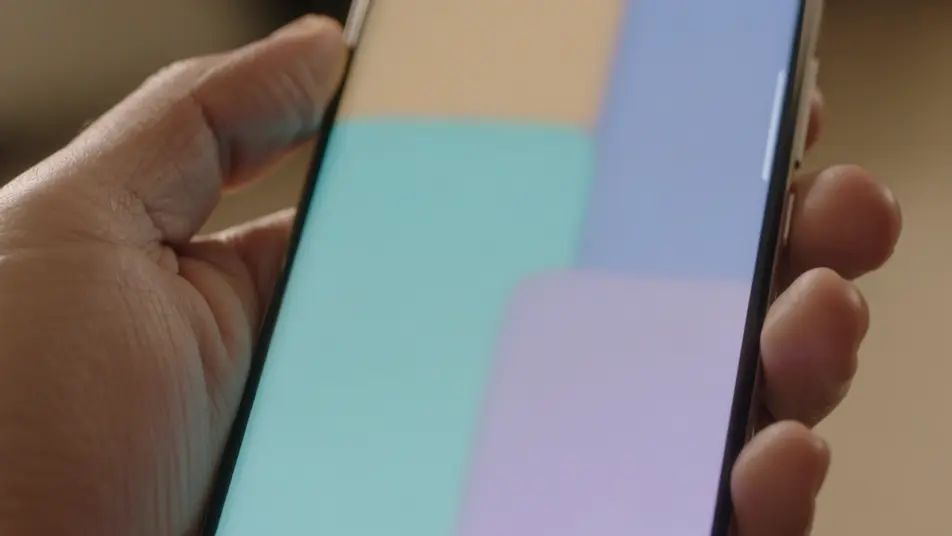
Une lumière naturelle éclaire une personne qui découvre sa récompense sur son téléphone et sourit. Le plan tient juste assez longtemps pour que le bénéfice s'installe.
Modifier le prompt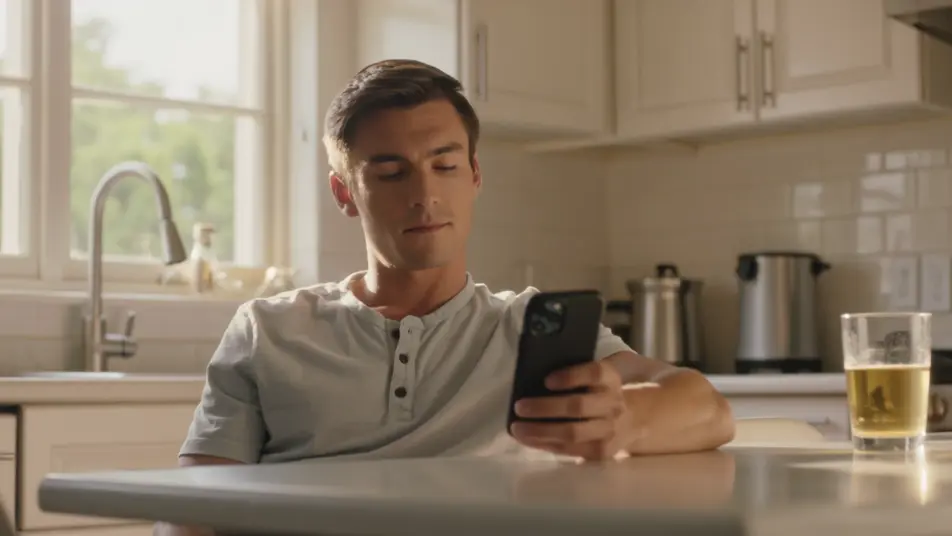
Écrivez la scène vidéo de programme de parrainage que vous voulez, en mots simples.
Morphic génère votre clip cinématographique en quelques secondes.
Ajustez le prompt, régénérez des variantes, téléchargez ou partagez le plan.

Dramatiser toute conversation textuelle en une vidéo cinématographique multi-plans.
Court-métrage cinématographique avec effet de gel du temps pour toute scène

Générer une carte de titre de film professionnelle à partir de zéro, avec animation cinématographique optionnelle.
Photo of any real-estate becomes a cinematic renovation timelapse video with construction SFX and music.
Une image pour une vidéo cinématographique en 9 scènes.
Déposez une photo de vous. Obtenez un film cinématique de 12 secondes avec animation et une bande sonore assortie.
Vidéos de programme de fidélité IA
Générez une vidéo de programme de fidélité depuis un texte. Expliquez paliers, récompenses et points, puis mettez à jour la vidéo dès qu’un avantage change.
Vidéos promotionnelles d’adhésion IA
Créez une vidéo promotionnelle d’adhésion avec l’IA : accroche, avantages et tarifs, sur la marque et sans budget de tournage. Publiez le jour même.
Vidéos IA de réabonnement
Vidéo de réabonnement qui explique ce que les membres gardent, ce qui change et les étapes à suivre. Mettez-la à jour sur Morphic dès que le processus évolue.
Générateur de vidéo d’annonce de jalon
Créez une vidéo d’annonce de jalon en quelques minutes : révélez le chiffre, ajoutez un mot du fondateur et une frise, puis mettez à jour le chiffre plus tard.
Commencez gratuitement dès aujourd'hui, avec la possibilité de mettre à niveau ou d'annuler à tout moment.
Basic
2400 mensuel crédits
1 utilisateur uniquement
Tous les modèles
Workflows
Standard
3625 mensuel crédits
1 utilisateur uniquement
Tous les modèles
Workflows
Pro
6350 partagé mensuel crédits
1 utilisateur
Tous les modèles
Workflows
Max
24650 partagé mensuel crédits
1 utilisateur
Tous les modèles
Workflows
Enterprise
Pour des limites plus élevées
Personnalisé
conditions de tarification et de facturation

Free
Pour expérimenter
$0
gratuit pour toujours