Un carton de titre vertical
Un cadre vertical clair et aéré où un nom de projet et une courte promesse reposent sur un flatlay stylisé. Composé pour paraître digne d'être sauvegardé dès son apparition dans le fil.
Modifier le prompt
Une épingle idée qui se sauvegarde raconte un pas à pas, pas un simple visuel. Le générateur d'épingle idée de Morphic la cadre en vertical dans votre navigateur. À partir d'une seule idée, générez un carton de titre, des étapes de tutoriel, un flatlay du matériel et une révélation finale nette. Ajoutez des sous-titres et un fond musical avec Music, puis enchaînez les étapes dans le Canvas.
Un cadre vertical clair et aéré où un nom de projet et une courte promesse reposent sur un flatlay stylisé. Composé pour paraître digne d'être sauvegardé dès son apparition dans le fil.
Modifier le promptUn cadre vertical en plongée où des mains exécutent une action précise avec une légende numérotée, sous une lumière douce et régulière. C'est le battement de tutoriel qui porte la séquence.
Modifier le prompt
Un plan vertical serré capte le geste satisfaisant, un versement ou un pli, comme dans un petit atelier lyonnais. Mise au point faible, lumière chaude : c'est le grain qui retient le regard sur l'épingle.
Modifier le prompt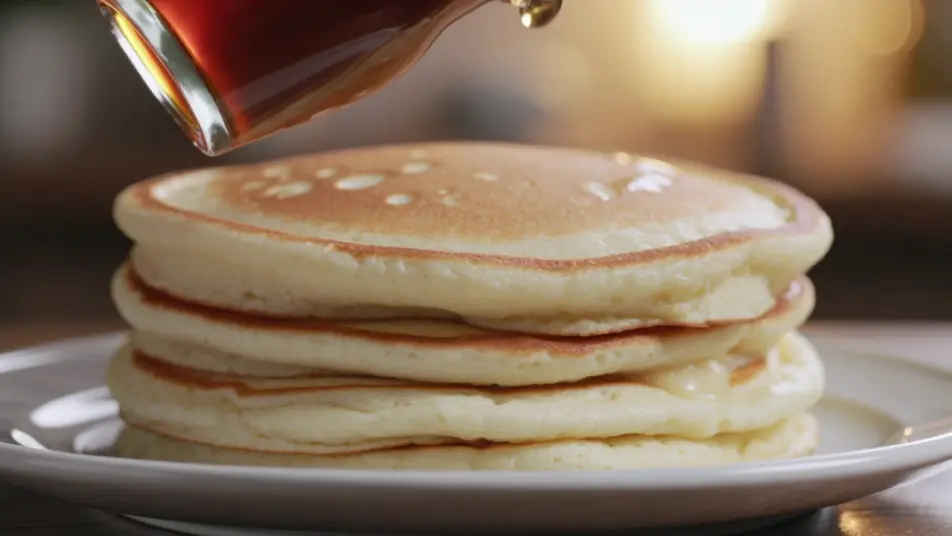
Un décor vertical net et lumineux avec un léger travelling avant sur le projet terminé. C'est le battement de la promesse tenue, celui qui rend l'épingle idée digne d'être sauvegardée.
Modifier le prompt
Écrivez la scène vidéo d'épingle idée Pinterest que vous voulez, en mots simples.
Morphic génère votre clip cinématographique en quelques secondes.
Ajustez le prompt, régénérez des variantes, téléchargez ou partagez le plan.

Dramatiser toute conversation textuelle en une vidéo cinématographique multi-plans.
Court-métrage cinématographique avec effet de gel du temps pour toute scène

Générer une carte de titre de film professionnelle à partir de zéro, avec animation cinématographique optionnelle.
Photo of any real-estate becomes a cinematic renovation timelapse video with construction SFX and music.
Une image pour une vidéo cinématographique en 9 scènes.
Déposez une photo de vous. Obtenez un film cinématique de 12 secondes avec animation et une bande sonore assortie.
Publicité story par IA
Créez une publicité story verticale avec l’IA sur Morphic : accroche dès la première image, plan produit et carton de fin qui renvoie vers la boutique.
Publicité vidéo verticale par IA
Générez une publicité vidéo verticale avec l'IA sur Morphic. Cadrez l'accroche, le produit et l'appel final, puis réutilisez la même pub sur chaque réseau.
Publicités Instagram Reels IA
Créez une pub Instagram Reels en 9:16 avec l’IA : hook rapide, démonstration UGC, sous-titres, plusieurs durées exportées d’un coup. Créez maintenant.
Publicités vidéo in-feed IA
Créez une pub vidéo in-feed avec l’IA : accroche immédiate, démonstration sous-titrée, avis client, carton final. Exportez plusieurs formats en un clic.
Commencez gratuitement dès aujourd'hui, avec la possibilité de mettre à niveau ou d'annuler à tout moment.
Basic
2400 mensuel crédits
1 utilisateur uniquement
Tous les modèles
Workflows
Standard
3625 mensuel crédits
1 utilisateur uniquement
Tous les modèles
Workflows
Pro
6350 partagé mensuel crédits
1 utilisateur
Tous les modèles
Workflows
Max
24650 partagé mensuel crédits
1 utilisateur
Tous les modèles
Workflows
Enterprise
Pour des limites plus élevées
Personnalisé
conditions de tarification et de facturation

Free
Pour expérimenter
$0
gratuit pour toujours