Anticipation into the take
Leaning in, still, waiting for something off-frame. Then the glance away, the pause, and the head coming back fast with the eyes already ahead of the expression.
Modifier le prompt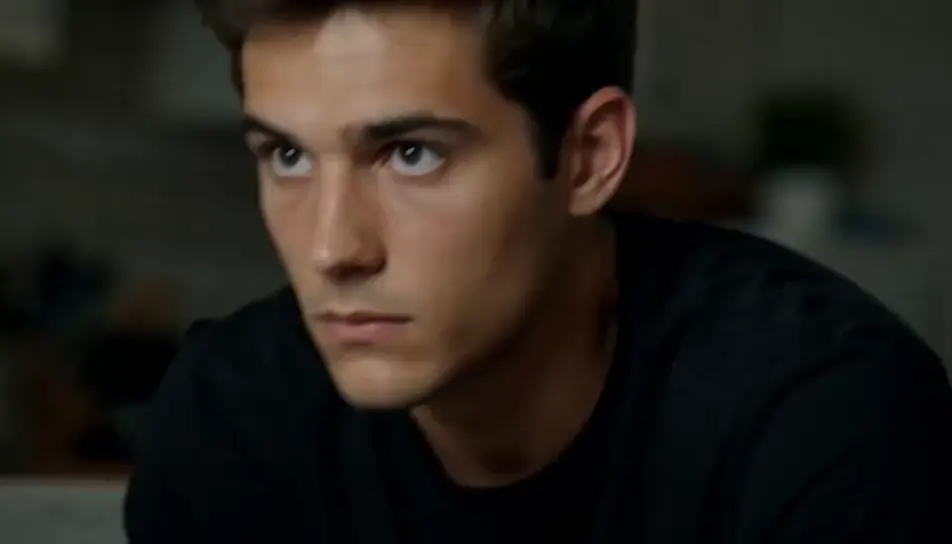
Direct reaction videos in your browser with Morphic's reaction AI video generator. Generate a double take under a practical lamp, or a hands-over-mouth gasp at a kitchen island, then cut the beats against your footage on Compose.
Leaning in, still, waiting for something off-frame. Then the glance away, the pause, and the head coming back fast with the eyes already ahead of the expression.
Modifier le promptThree friends in a dim room lit only by a blank screen. The reaction starts at one end and moves along the row, each person a beat behind the last, the final one loudest.
Modifier le prompt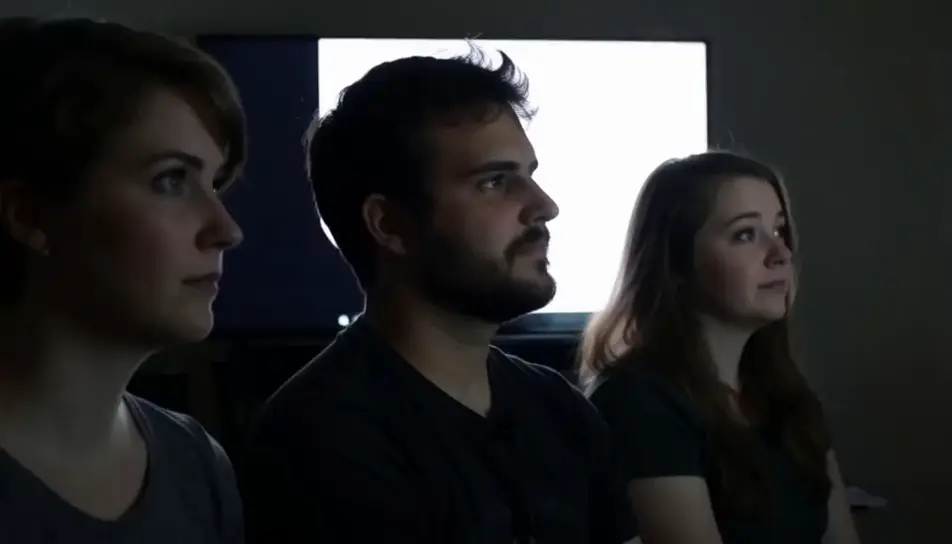
A face at a desk under flat office light, holding absolutely still while the shot refuses to cut. Nothing moves, nobody blinks, and the length is the punchline.
Modifier le prompt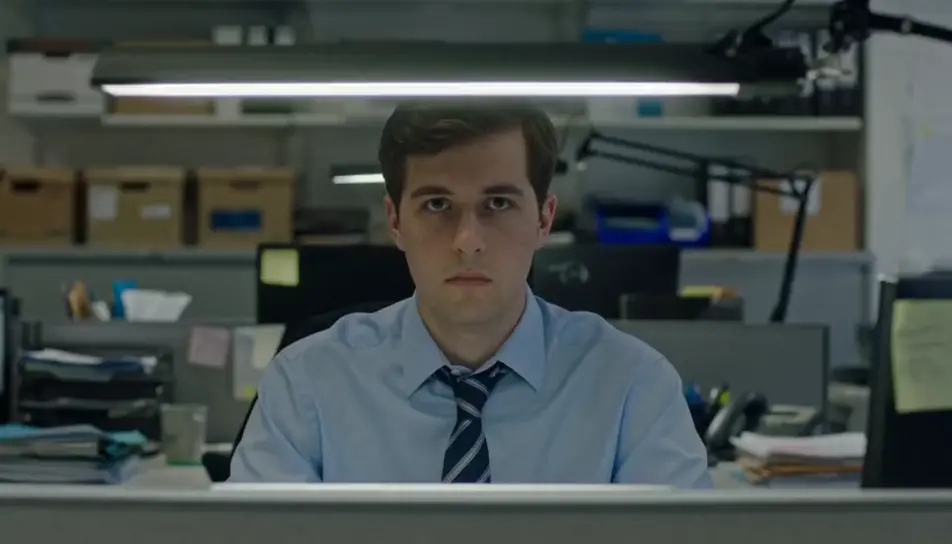
A booth, low amber light, and a body leaving the frame upward. Arms go up, the mouth opens, and everything around the figure stays where it was.
Modifier le prompt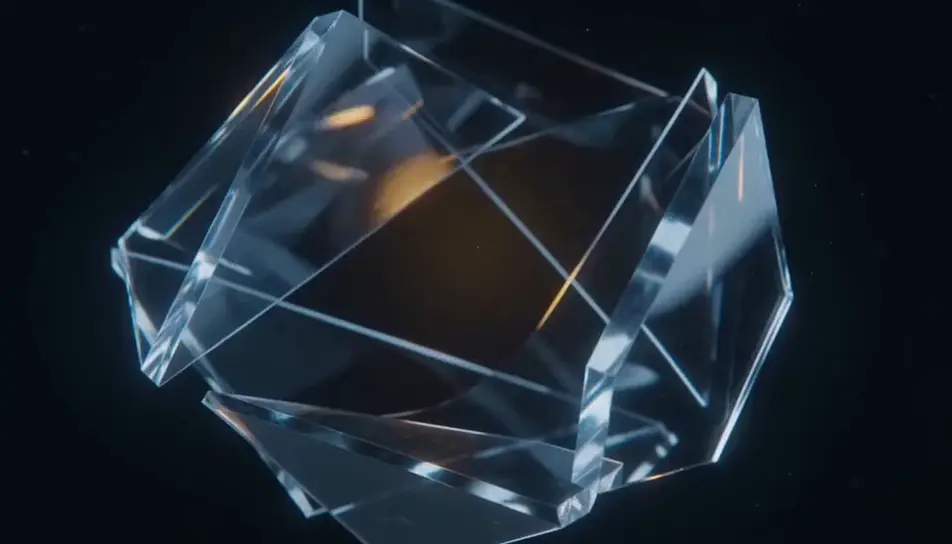
Écrivez la scène reaction que vous voulez, en mots simples.
Morphic génère votre clip cinématographique en quelques secondes.
Ajustez le prompt, régénérez des variantes, téléchargez ou partagez le plan.

Dramatiser toute conversation textuelle en une vidéo cinématographique multi-plans.
Court-métrage cinématographique avec effet de gel du temps pour toute scène

Générer une carte de titre de film professionnelle à partir de zéro, avec animation cinématographique optionnelle.
Photo of any real-estate becomes a cinematic renovation timelapse video with construction SFX and music.
Une image pour une vidéo cinématographique en 9 scènes.
Déposez une photo de vous. Obtenez un film cinématique de 12 secondes avec animation et une bande sonore assortie.
Vidéos de farces IA
Générez des vidéos de farces IA avec Morphic. Mises en place en caméra cachée, gags inoffensifs, révélations en sursaut et prompts de réaction rieuse qui tournent dans votre navigateur.
Vidéos de défis IA
Générez des vidéos de défis IA avec Morphic. Mises en place des règles, tentatives chronométrées, échecs spectaculaires et prompts de victoire à la dernière seconde qui tournent de bout en bout dans votre navigateur.
Vidéos de tests gustatifs IA
Générez des vidéos de tests gustatifs IA avec Morphic. Révélations de dégustation à l'aveugle, réactions à la première bouchée, croquants au ralenti et prompts de classement qui tournent dans votre navigateur.
AI short videos
Browse short videos and generate your own shots at the length, ratio and look the cut needs. Morphic makes video, image, voice and sound in one workspace.
Commencez gratuitement dès aujourd'hui, avec la possibilité de mettre à niveau ou d'annuler à tout moment.
Basic
2400 mensuel crédits
1 utilisateur uniquement
Tous les modèles
Workflows
Standard
3625 mensuel crédits
1 utilisateur uniquement
Tous les modèles
Workflows
Pro
6350 partagé mensuel crédits
1 utilisateur
Tous les modèles
Workflows
Max
24650 partagé mensuel crédits
1 utilisateur
Tous les modèles
Workflows
Enterprise
Pour des limites plus élevées
Personnalisé
conditions de tarification et de facturation

Free
Pour expérimenter
$0
gratuit pour toujours