Un produit tenu au centre du cadre
Un cadre 1:1 garde le produit exactement au centre sur un fond pastel, marges généreuses de chaque côté. Un lent zoom avant referme doucement sur le sujet, toujours centré.
Modifier le prompt
Le format carré ne pardonne aucun recadrage, alors autant le construire dès le départ. Générez une accroche centrée, un plan produit, et un carton de fin sous-titré, calibrés pour remplir le fil d'actualité. Ajoutez une voix avec Speech, puis découpez les versions 6, 15 et 30 secondes depuis un seul concept sur Canvas.
Un cadre 1:1 garde le produit exactement au centre sur un fond pastel, marges généreuses de chaque côté. Un lent zoom avant referme doucement sur le sujet, toujours centré.
Modifier le promptUn produit sans étiquette atterrit au centre bas du cadre, un espace clair réservé au-dessus pour l'annonce d'une offre de soldes. Le contraste marqué reste lisible en plein défilement, même sans le son.
Modifier le prompt
Vue du dessus, le produit et ses pièces s'alignent sur une surface propre, comme sur l'établi d'un artisan lyonnais. Une main glisse une pièce en place sous une ombre douce.
Modifier le prompt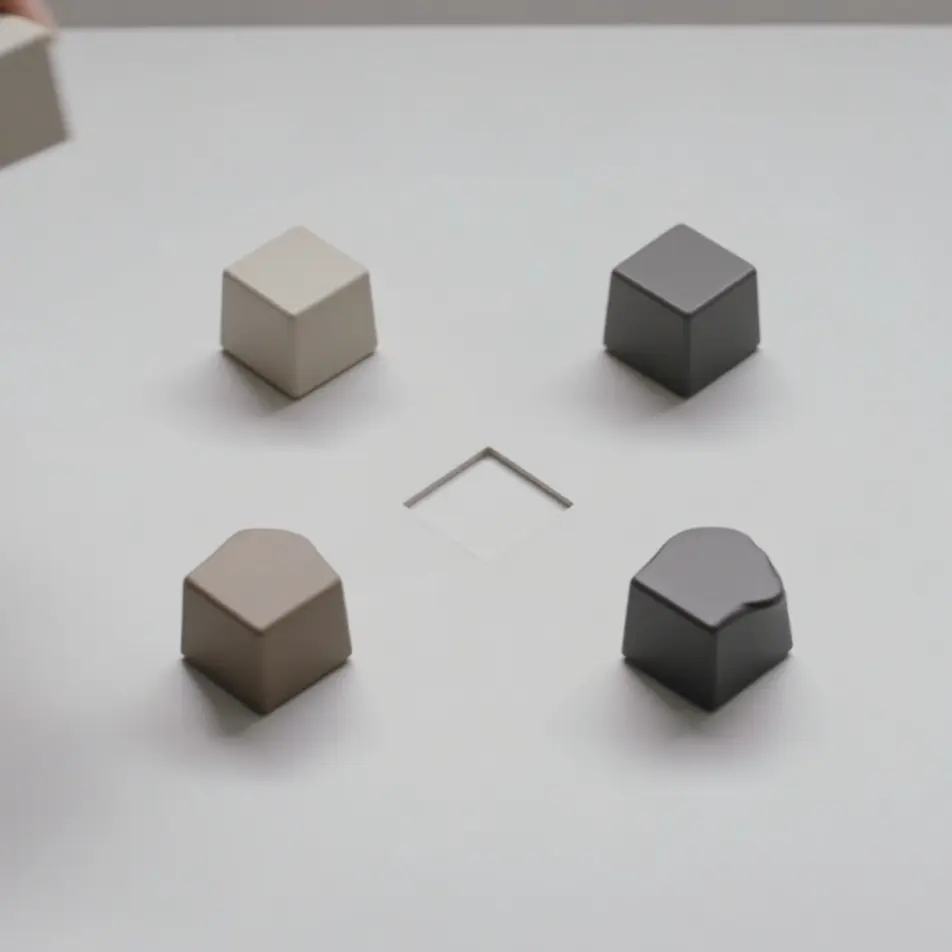
Un cadre 1:1 final où un aplat aux couleurs de marque se pose, un symbole abstrait glisse au centre et un bouton vierge en forme de pilule s'installe dessous. Une légère pulsation invite au tap, texte d'offre ajouté au montage.
Modifier le prompt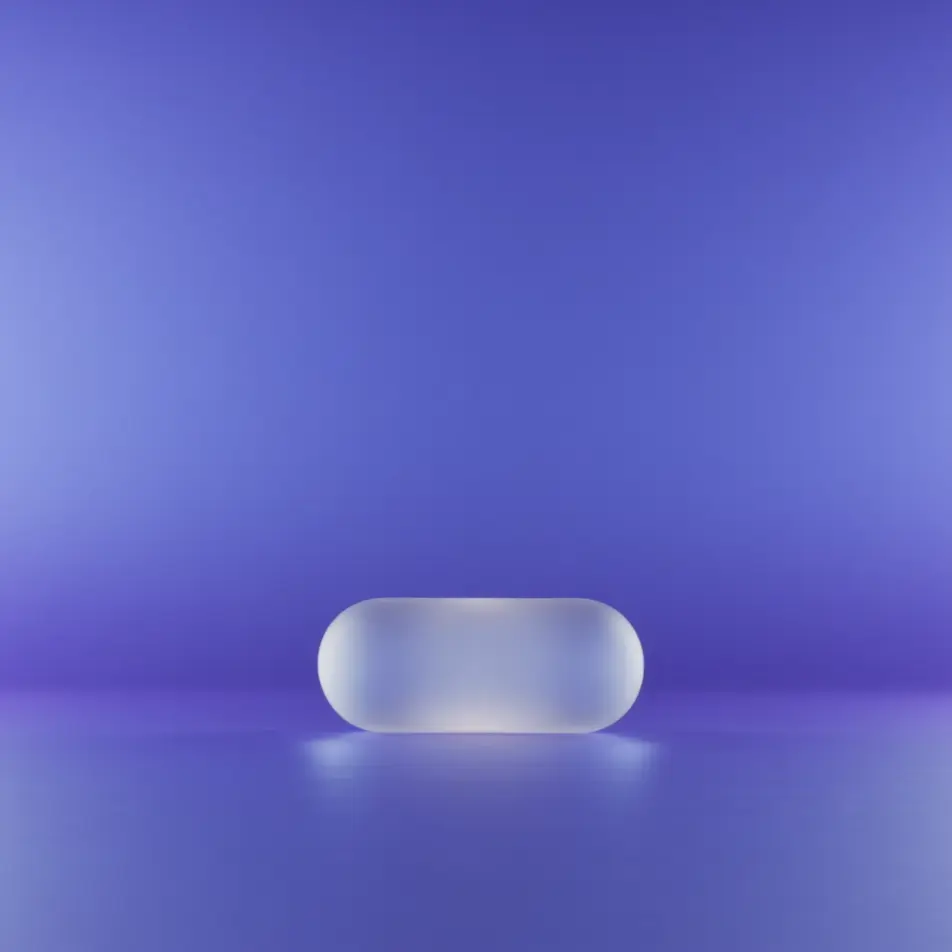
Écrivez la scène publicité vidéo carrée que vous voulez, en mots simples.
Morphic génère votre clip cinématographique en quelques secondes.
Ajustez le prompt, régénérez des variantes, téléchargez ou partagez le plan.

Dramatiser toute conversation textuelle en une vidéo cinématographique multi-plans.
Court-métrage cinématographique avec effet de gel du temps pour toute scène

Générer une carte de titre de film professionnelle à partir de zéro, avec animation cinématographique optionnelle.
Photo of any real-estate becomes a cinematic renovation timelapse video with construction SFX and music.
Une image pour une vidéo cinématographique en 9 scènes.
Déposez une photo de vous. Obtenez un film cinématique de 12 secondes avec animation et une bande sonore assortie.
Publicités vidéo in-feed IA
Créez une pub vidéo in-feed avec l’IA : accroche immédiate, démonstration sous-titrée, avis client, carton final. Exportez plusieurs formats en un clic.
Publicités vidéo carrousel par IA
Créez une pub carrousel vidéo sans tournage : un clip par carte, un rendu commun, puis la série recoupée pour Meta, Instagram et LinkedIn.
Publicité vidéo verticale par IA
Générez une publicité vidéo verticale avec l'IA sur Morphic. Cadrez l'accroche, le produit et l'appel final, puis réutilisez la même pub sur chaque réseau.
Publicités Instagram Reels IA
Créez une pub Instagram Reels en 9:16 avec l’IA : hook rapide, démonstration UGC, sous-titres, plusieurs durées exportées d’un coup. Créez maintenant.
Commencez gratuitement dès aujourd'hui, avec la possibilité de mettre à niveau ou d'annuler à tout moment.
Basic
2400 mensuel crédits
1 utilisateur uniquement
Tous les modèles
Workflows
Standard
3625 mensuel crédits
1 utilisateur uniquement
Tous les modèles
Workflows
Pro
6350 partagé mensuel crédits
1 utilisateur
Tous les modèles
Workflows
Max
24650 partagé mensuel crédits
1 utilisateur
Tous les modèles
Workflows
Enterprise
Pour des limites plus élevées
Personnalisé
conditions de tarification et de facturation

Free
Pour expérimenter
$0
gratuit pour toujours