Setiap model video
Satu ruang kerjaMontase yang bisa Anda buat
Buat montase dalam tiga langkah
- 01
Buka Morphic
Daftar dan mulai berkarya di kanvas visual tanpa batas yang bebas mengalir.
- 02
Bawa klip dan track musik Anda
Masukkan footage Anda, atau generate shot yang kurang, lalu pilih musiknya.
- 03
Susun dan potong pas beat
Susun klip di Compose, potong pas beat, dan biarkan transisi serta ritmenya menyatu.
Contoh penggunaan
Highlight reel yang pas beat
Ubah pertandingan, trip, atau acara jadi highlight reel yang potongannya pas beat. Susun momen terbaik Anda supaya tiap shot berganti tepat di hentakan.

Susun dan potong di Compose
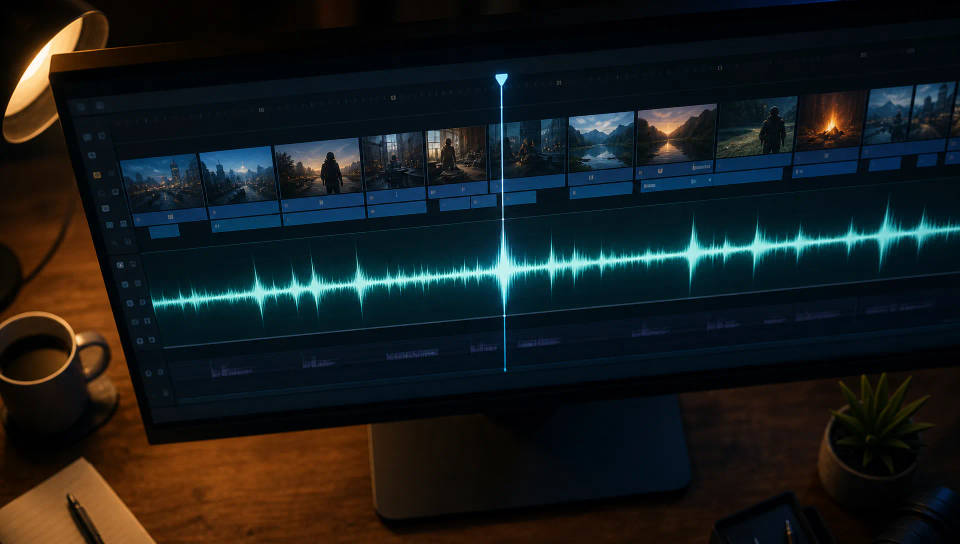
Susun klip Anda di Compose, potong pas beat, dan taruh track musiknya. Ritme dan transisi langsung menyatu dengan cepat, jadi Anda mengedit montasenya, bukan timeline-nya.
Generate shot yang kurang
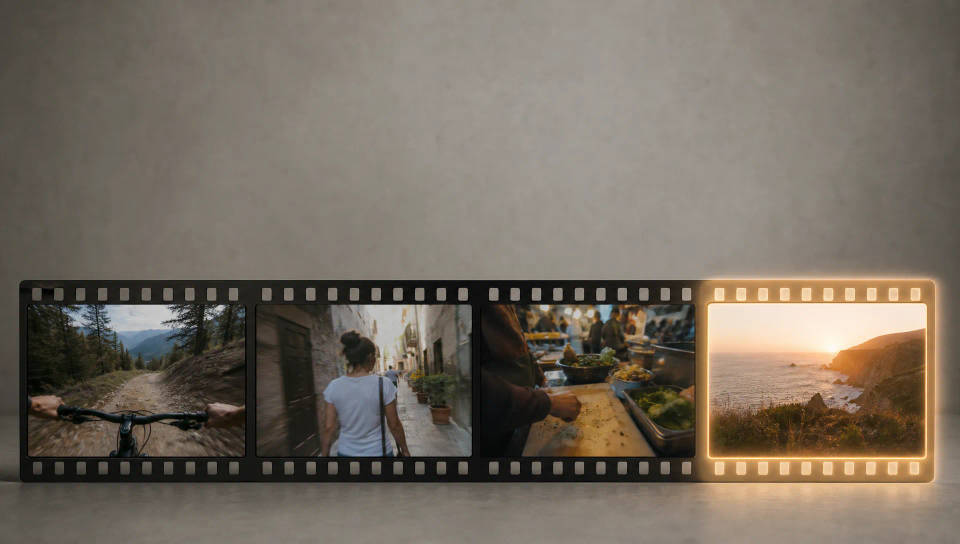
Kurang shot penutup yang bikin reel-nya lengkap? Generate dengan text-to-video, atau ubah gaya klip yang sudah Anda punya dengan video-to-video, lalu masukkan ke potongan.
Format montase yang bisa dipakai ulang
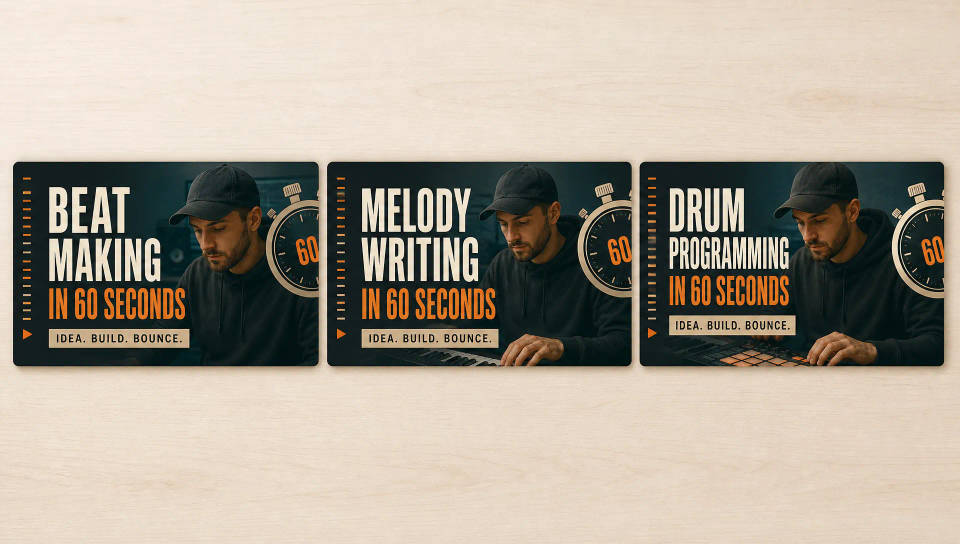
Simpan montase yang sudah jadi sebagai Workflow dan jalankan lagi untuk episode, pertandingan, atau trip berikutnya. Klip baru, ritme potongan pas beat yang sama, satu tampilan yang konsisten.
Cinematic scene
One image to a 9-scene cinematic video.
Time-freeze effect
Cinematic time-freeze short film for any scene
Short film creator
Go from any idea to a finished short film with scenes, visuals, video, and music.
Video style transfer
Restyle any video in a completely new visual style. Every frame transforms, all motion stays intact.
Renovation timelapse
Photo of any real-estate becomes a cinematic renovation timelapse video with construction SFX and music.
Motion transfer
Pair a character image with a reference video. Your character picks up that exact motion.
Semua di Morphic
Stack montase lengkap AndaModel
Kling 3.0, Hailuo 2.3, LTX 2.3, Seedance 2.0, Veo 3.1, Vidu Q3, dan lainnya. Pilih model yang pas untuk shot Anda dan ganti di tengah proyek.
Sinkron di Compose
Susun klip Anda di Compose, potong pas beat, dan taruh track musiknya. Potongannya jatuh tepat di hentakan supaya montase terasa sudah diedit, bukan sekadar ditempel.
Generate shot yang kurang
Isi bagian yang kurang tanpa syuting ulang. Pakai text-to-video untuk shot yang belum pernah Anda ambil, atau video-to-video untuk mengubah gaya footage supaya cocok.
Workflows
Ubah montase yang sudah jadi menjadi Workflow, jalankan lagi untuk klip baru, dan bagikan ke tim Anda. Resep yang sama, tiap batch.
