Setiap model video
Satu ruang kerjaGaya video lirik yang bisa Anda buat
Buat video lirik dalam tiga langkah
- 01
Buka Morphic
Daftar dan mulai berkarya di kanvas visual tanpa batas yang bebas mengalir.
- 02
Buat visualnya
Jelaskan suasana lagu Anda, lalu buat visual animasi yang sesuai.
- 03
Tambahkan lirik dan sinkronkan
Tempelkan lirik Anda di atasnya, lalu selaraskan tiap baris dengan vokal di Compose.
Contoh penggunaan
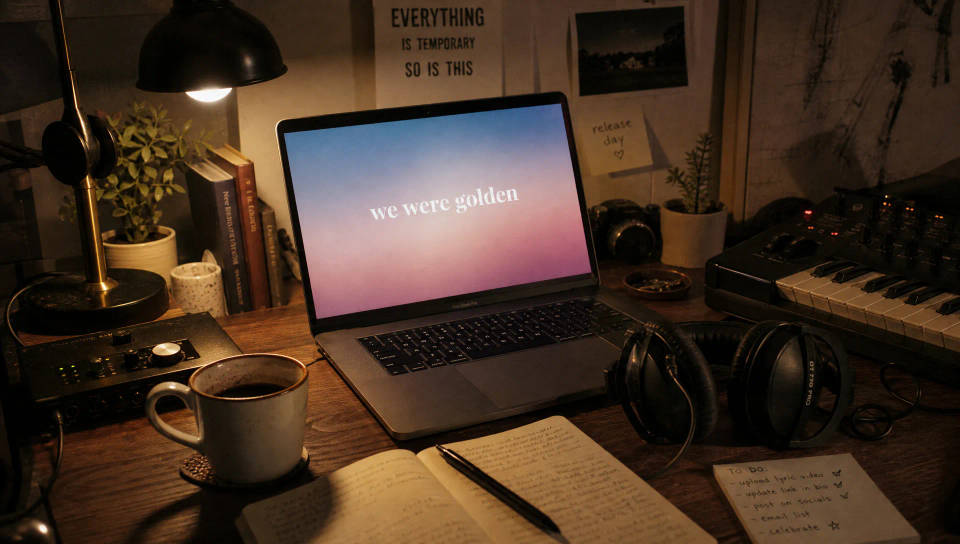
Rilis single tanpa perlu editor
Tayangkan video lirik di hari yang sama lagu Anda dirilis. Buat visual yang cocok dengan lagunya, tempelkan lirik di atasnya, dan publikasikan tanpa editor atau paket template, langsung dari HP.
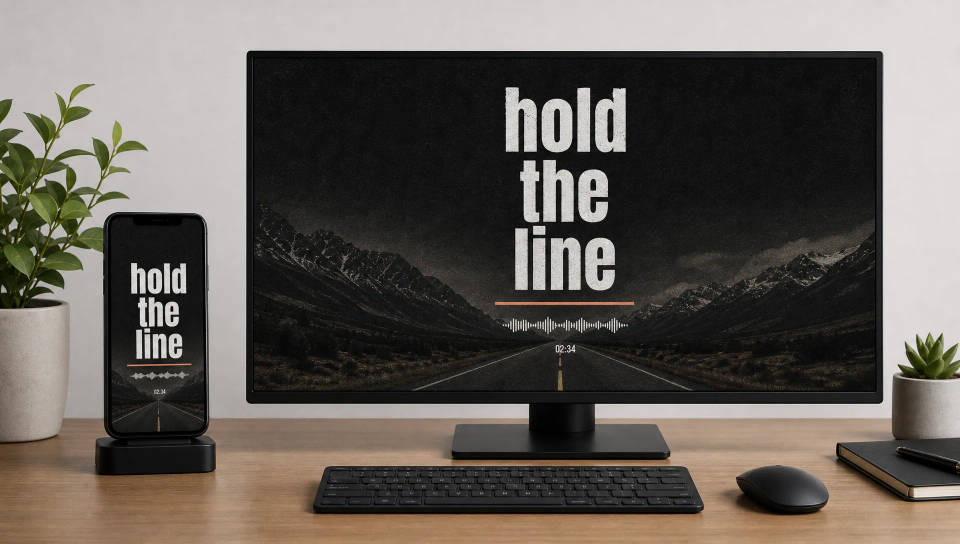
Video lirik untuk semua platform
Render 9:16 untuk Shorts dan Reels atau 16:9 untuk YouTube dari satu lagu. Atur tata letak lirik agar tiap kata tetap terbaca, baik di HP maupun layar penuh.
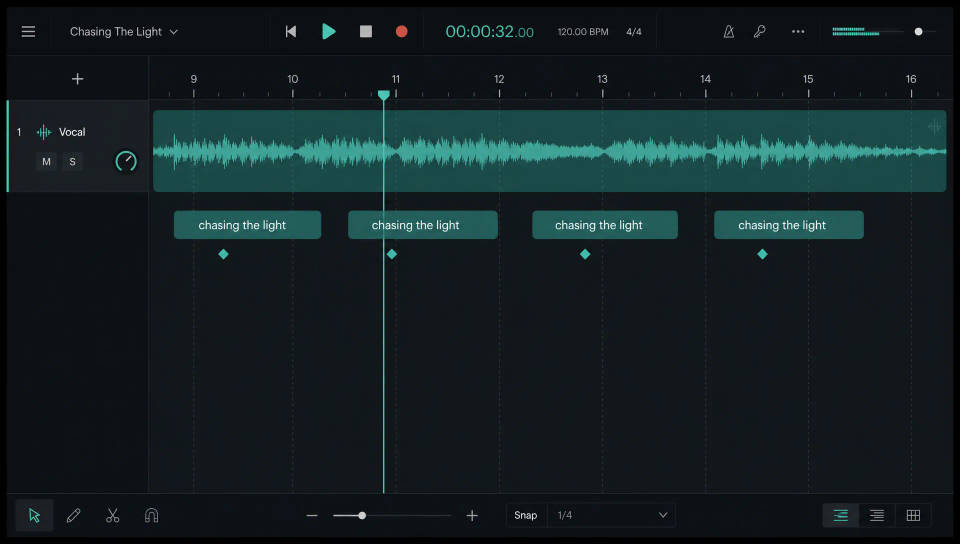
Sinkronkan lirik ke ketukan lagu
Bawa visual dan lagu Anda ke Compose, tempatkan tiap baris di titik vokalnya, dan potong sesuai ketukan sampai tiap kata muncul tepat waktu.
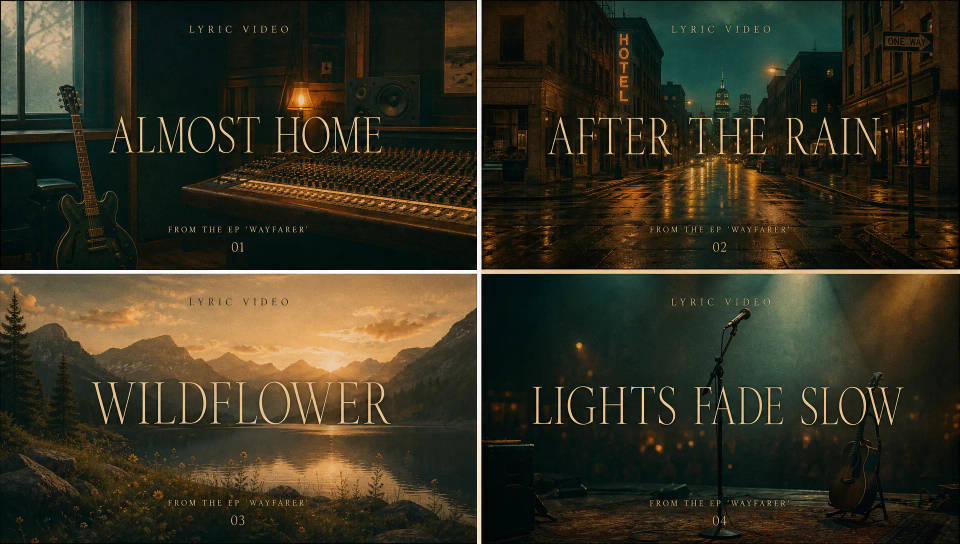
Satu tampilan untuk seluruh EP
Kunci gaya tipografi dan visual pada single pertama Anda, simpan sebagai Workflow, dan jalankan lagi agar seluruh EP punya tampilan yang sama tanpa dibangun ulang.
Cinematic scene
One image to a 9-scene cinematic video.
Time-freeze effect
Cinematic time-freeze short film for any scene
Short film creator
Go from any idea to a finished short film with scenes, visuals, video, and music.
Renovation timelapse
Photo of any real-estate becomes a cinematic renovation timelapse video with construction SFX and music.
Motion transfer
Pair a character image with a reference video. Your character picks up that exact motion.
Video style transfer
Restyle any video in a completely new visual style. Every frame transforms, all motion stays intact.
Semua di Morphic
Stack video lirik lengkap AndaModel
Kling 3.0, Hailuo 2.3, LTX 2.3, Seedance 2.0, Veo 3.1, Vidu Q3, dan lainnya. Pilih model yang cocok dengan suasana lagu Anda dan ganti di tengah proyek.
Sinkron di Compose
Bawa visual dan lagu Anda ke Compose, selaraskan tiap baris lirik dengan vokal, dan potong sesuai ketukan sampai tiap kata pas waktunya.
Audio dan suara
Buat musik latar dengan alat Music atau tambahkan tekstur dengan Sound effects, lalu sinkronkan lirik di atas musiknya.
Workflows
Kunci gaya tipografi dan visualnya, simpan video lirik sebagai Workflow, dan jalankan lagi untuk single berikutnya agar katalog Anda tetap satu tampilan.
