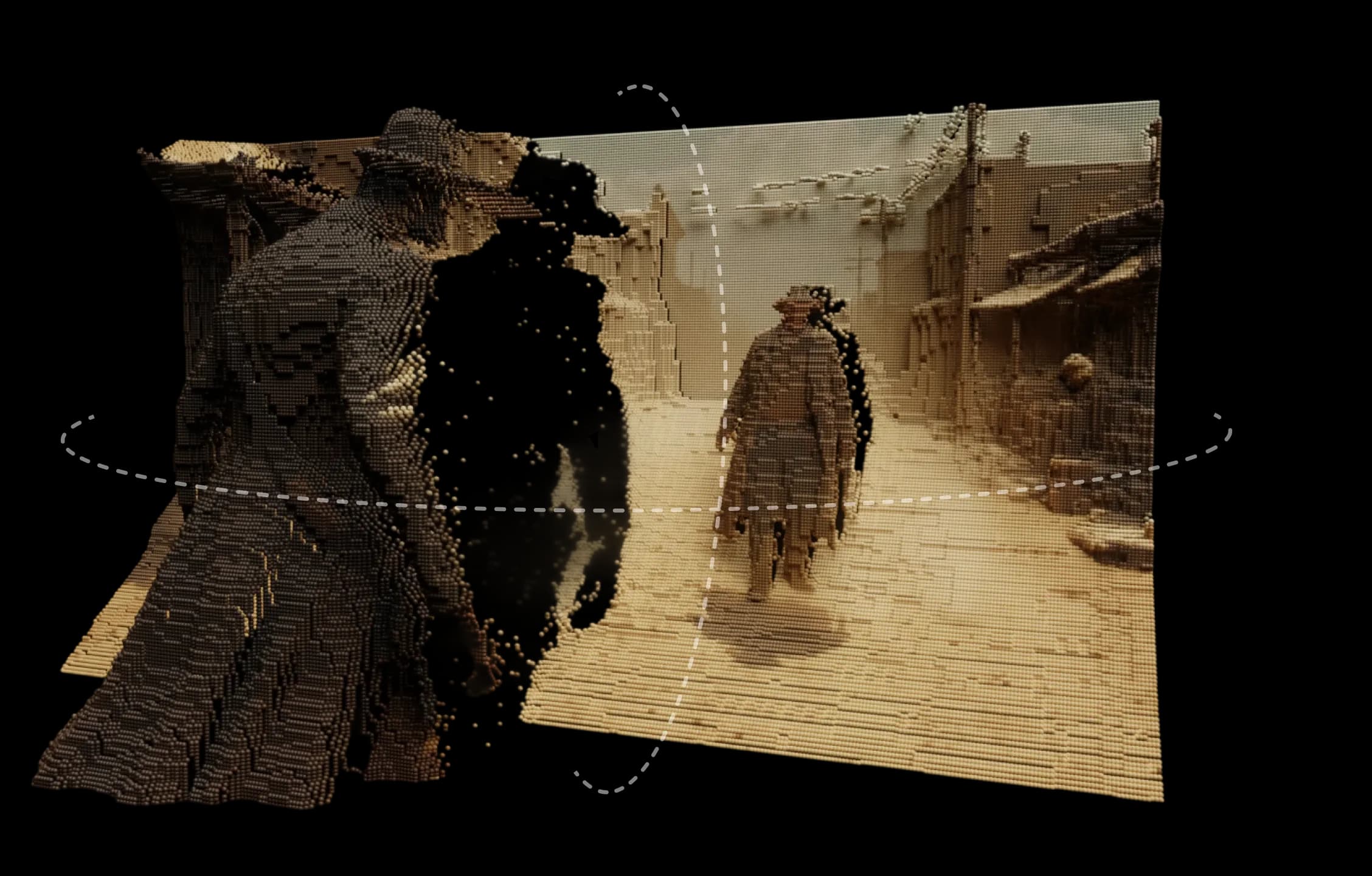
Morphicの3Dモーションは、どんな画像もリアルに感じられるシーンに変えます。深度、レイヤー、距離を追加し、滑らかで映画のような感覚で自然なモーションとパララックスを探求できます。
Morphicの深度エンジンを基盤として、画像を3D環境として解釈します。モーションパスを設計し、複数のカメラアングルを設定し、リアルタイムで動きをプレビューできます。
単純なパンやズームエフェクトではなく、本物の空間感覚です。表面が分離し、光が自然にシフトし、すべての動きが目的を持っています。
描かれた風景、デジタルイラストレーション、実写フレームのいずれであっても、3Dモーションは静止画像に命を吹き込みます。
シーンを異なる角度から動き回ることができ、すべてが自然に感じられました。
Morphic内での3Dモーションの動作をご覧ください。
クリエイターが静止画像を3Dビデオに変えた作品。
Morphicでは、クリエイティブな直感を拡張するツールを設計しています。3Dモーションはそのアイデアを継続し、複雑さや過剰さなしに想像力に形と深さを与えます。 今すぐ試す
3D motion FAQs
What is 3D motion in Morphic?
Upload a still image and place camera angles in 3D space to generate a video with smooth, depth-based motion.
Do I need to film anything?
No. A single still is enough; the motion is generated from depth.
Can I control the camera path?
Yes. Place multiple camera angles in 3D space to direct how the shot moves through the scene.
Can I plan the shot before generating?
Yes. 3D Scene lets you block the staging and camera, then export a frame or clip as the reference the model follows.
Does blocking a 3D scene cost credits?
No. Scene edits cost no credits; only the generation does.
What is depth-based motion good for?
Turning a still photograph or render into a cinematic moving shot.