
カラー化で、ビジュアルを参照画像に合わせることができます。ターゲットを選択し、カラーソースを選択すると、Morphicが構造と照明を維持しながら色相、トーン、ムードを調整します。
バランスを保持します。影、ハイライト、グラデーションがシーンに合わせて自然にシフトします。
グレースケールのスケッチに命を吹き込む場合でも、シーケンス内のフレームを揃える場合でも、結果はまとまりがあります。カラー化は、ビジュアル全体でトーンと感情を統一するのに役立ちます。
色が自然で一貫しており、最初からそこにあるように意図されていたかのようです。
Morphic内でのカラー化の動作をご覧ください。
単一の参照画像でカラー化されたフレームの例。


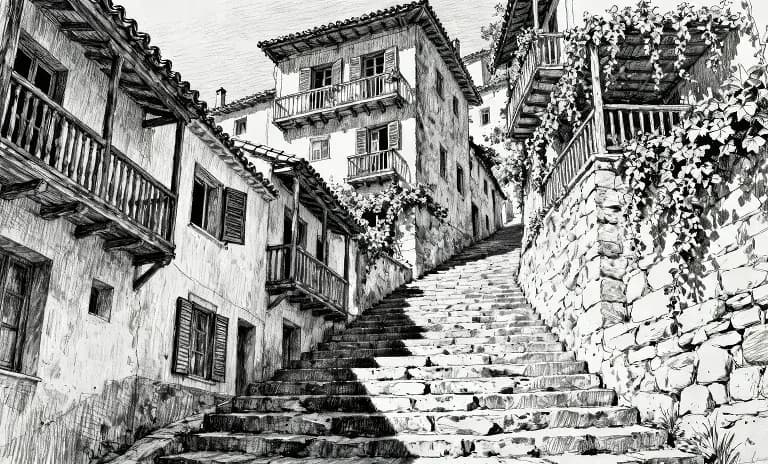



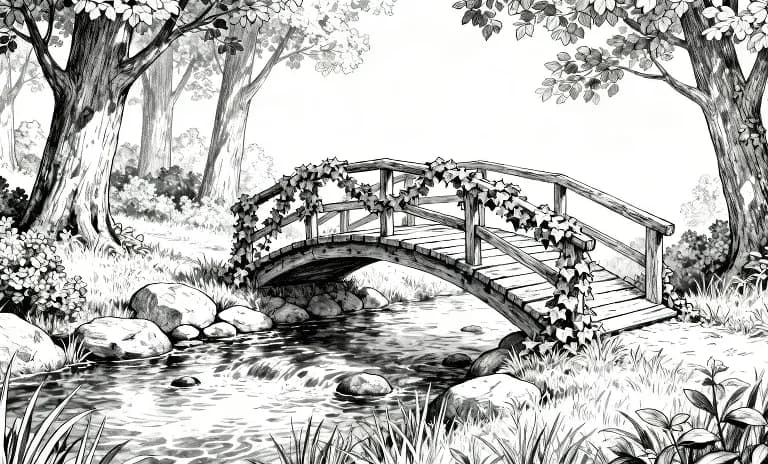

入力フレームを表示するにはホバーしてください
カラー化は、フレームからフレームへとストーリーを流し、一貫性を保ち、あなたの意図に忠実です。 今すぐ試す
Color transfer FAQs
What does colorization do in Morphic?
It transfers the color palette, tone and overall mood of one image onto another, so a set of images shares a consistent look.
Can I match a reference image's colors?
Yes. Point to a reference and Morphic carries its palette and mood across to your image.
Does it regenerate the whole image?
It applies the color and tone while keeping the original composition.
Can I keep one color grade across a project?
Yes. Reuse the same reference so every image in a series keeps the same palette and mood.
What is this useful for?
Giving a batch of images a consistent brand or campaign look.
Can I combine this with saved references?
Yes. A saved style reference holds a look you can call by name across generations.