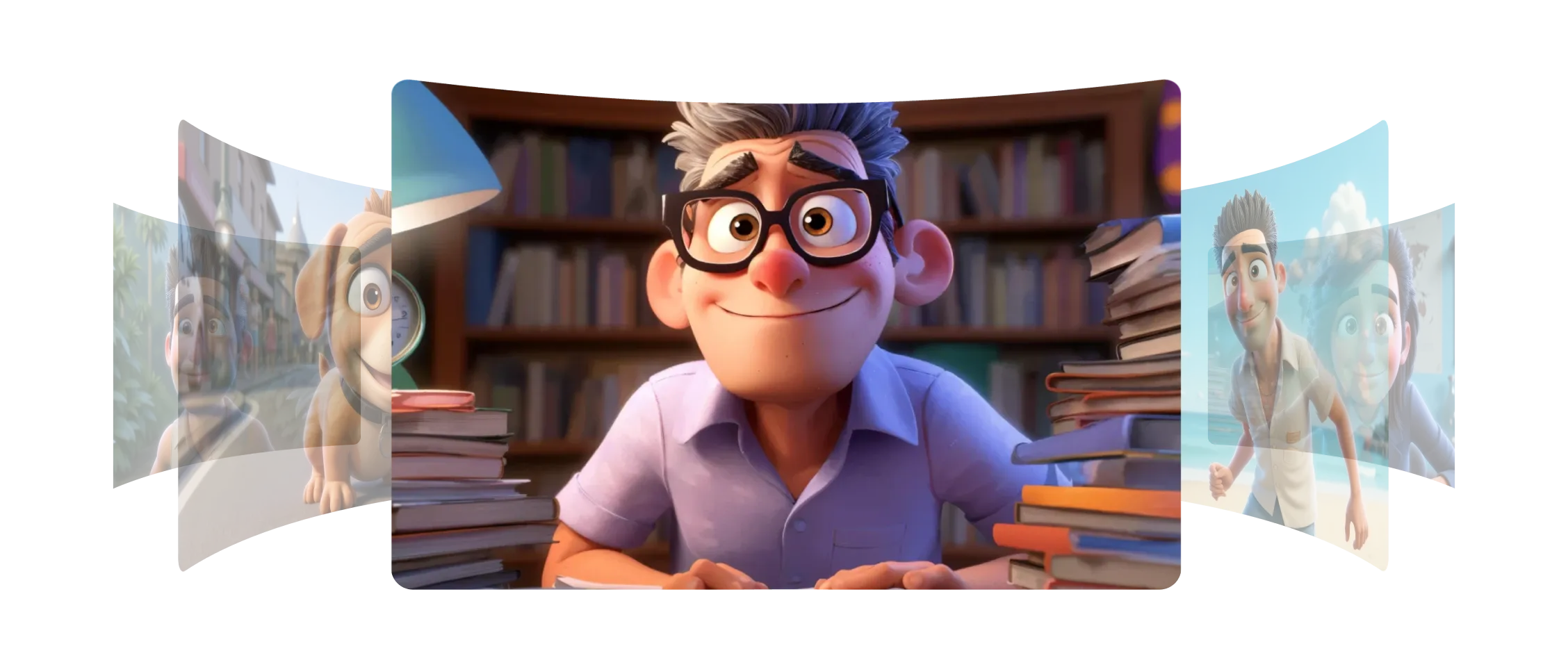
Morphicでキャラクターエレメントとスタイルエレメントを作成して、作品の一貫性を保つことができます。
キャラクターエレメントは、数枚の画像、または1枚からでもキャラクターを捉え、元のデザインに忠実な新しいポーズ、表情、瞬間を生成できます。
スタイルエレメントは、色、トーン、テクスチャを含むアートの見た目と感触を捉え、新しいフレームに自然に適用します。すべての新しい生成が同じビジュアルスタイルを持ちます。
ストーリーボード、アニメーション、シーンのいずれを作成する場合でも、すべてのフレームでキャラクターとビジュアルの一貫性を保つことができます。
Morphicのモデルのおかげで、どのシーンでもキャラクターとスタイルに一貫性が出ました。
Morphic内でのエレメントの動作をご覧ください。
クリエイターがエレメントとして保存したスタイルとキャラクターの例。
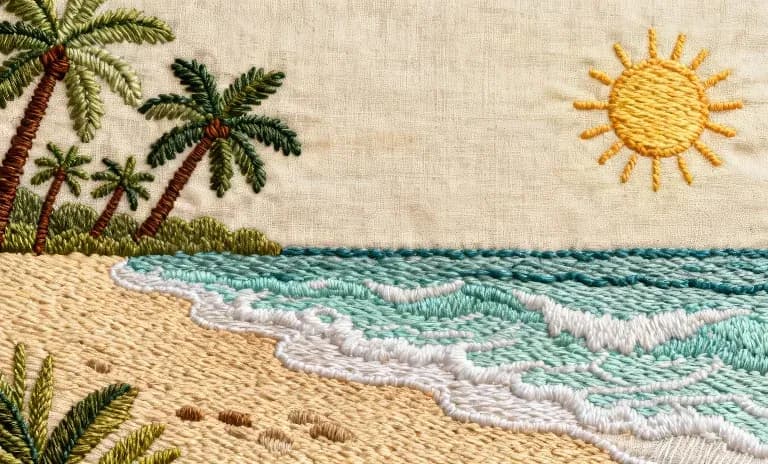
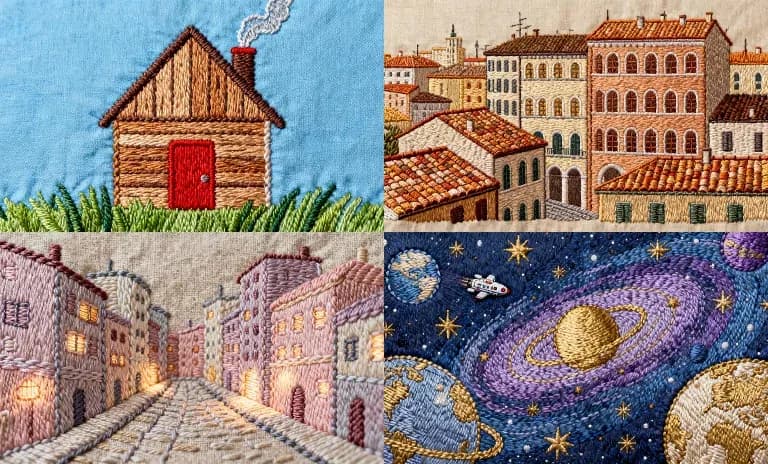
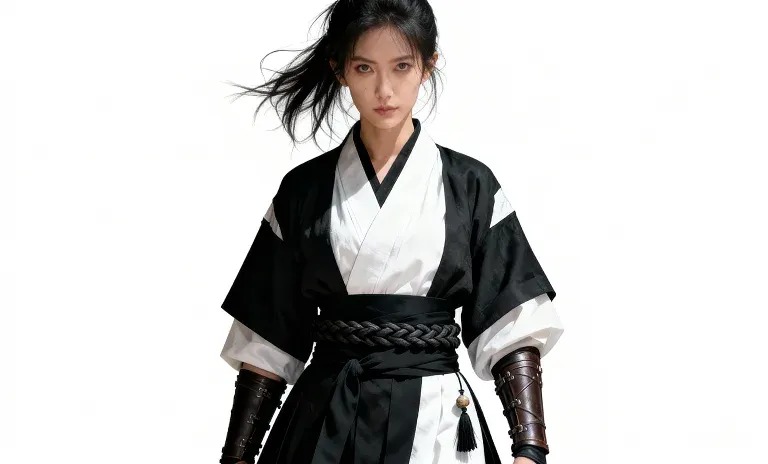
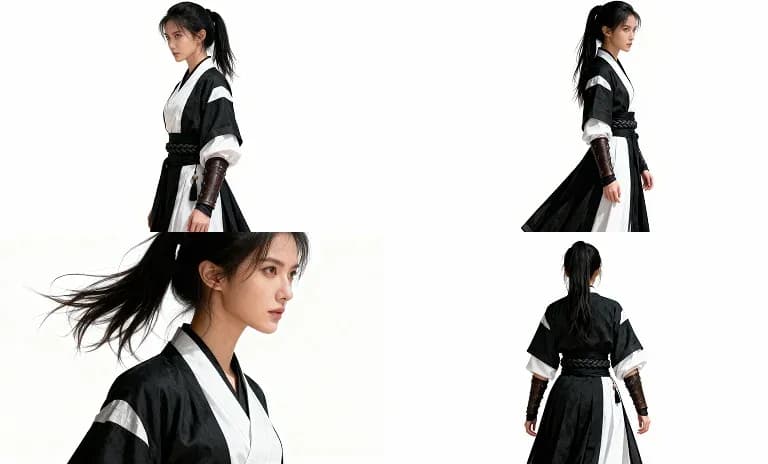
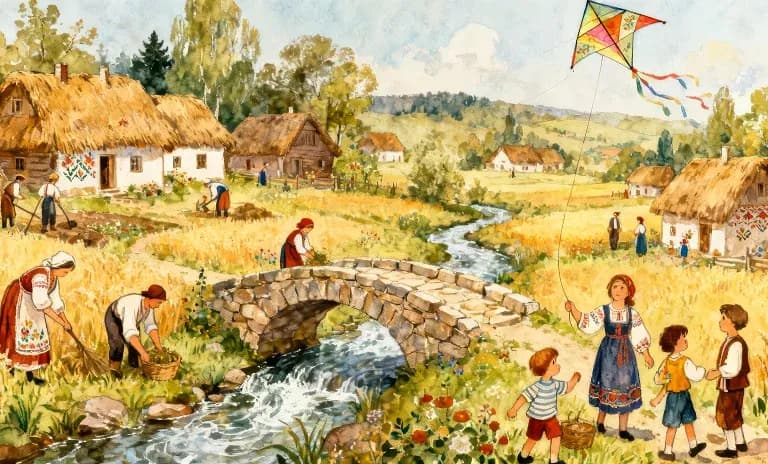
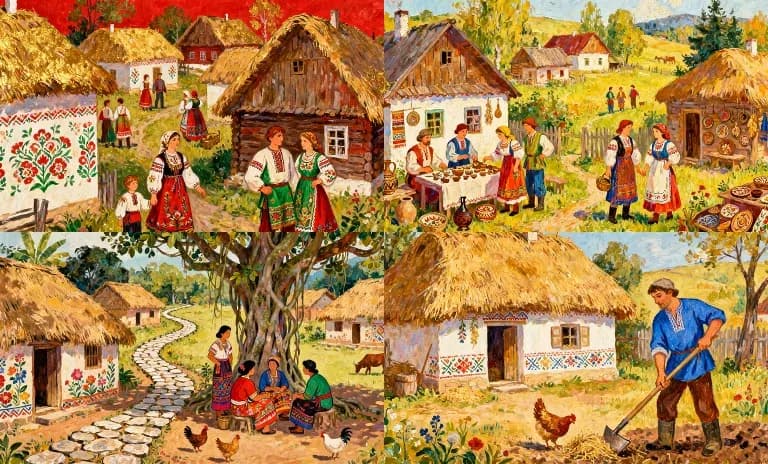
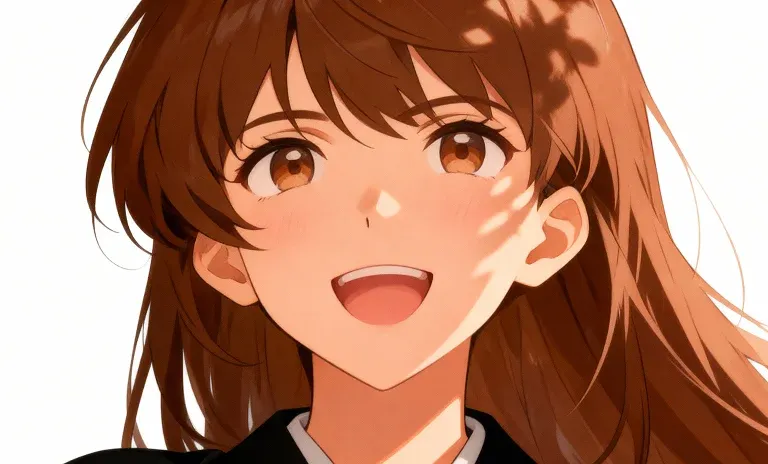
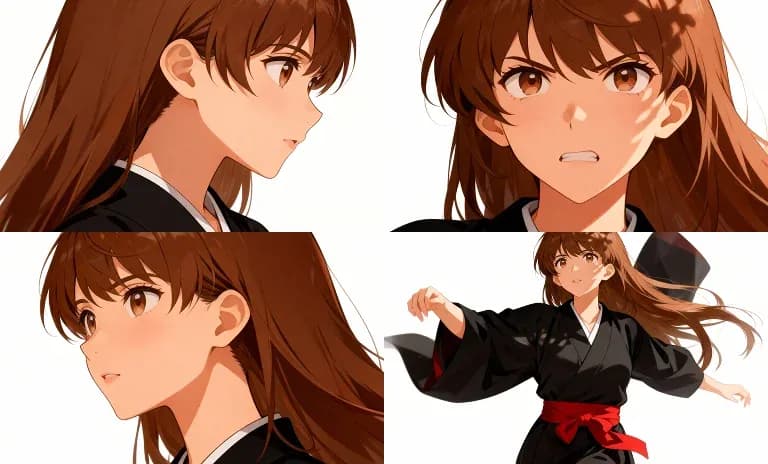
入力フレームを表示するにはホバーしてください
エレメントを使えば、キャラクターのアイデンティティとアートスタイルを保ったまま、世界観の拡張やコラボレーションを手軽に進められます。 今すぐ試す
Character and style element FAQs
What is an element in Morphic?
Save a character, style, product or object once, from one or more images, under a name. Then call it by name in any generation and the look holds from shot to shot. Nothing is trained.
Does Morphic train a model on my character?
No. The feature was called Models, then References, and is now Elements; generation passes your saved element images straight to the model you pick, so there is no training step.
How many elements can I save?
The free plan includes one saved element, every paid plan includes 100, and Enterprise is unlimited.
How do I keep a character consistent across scenes?
Save a character sheet for each recurring character, and a location sheet for recurring places, then pass them into every generation. Copilot carries each attached element through to the model.
Can I use more than one element in a single prompt?
Yes. Several elements, stills or footage, can ride on one generation.
Can I share an element with my team?
Yes. Share an element by email so others can generate with that character or style.