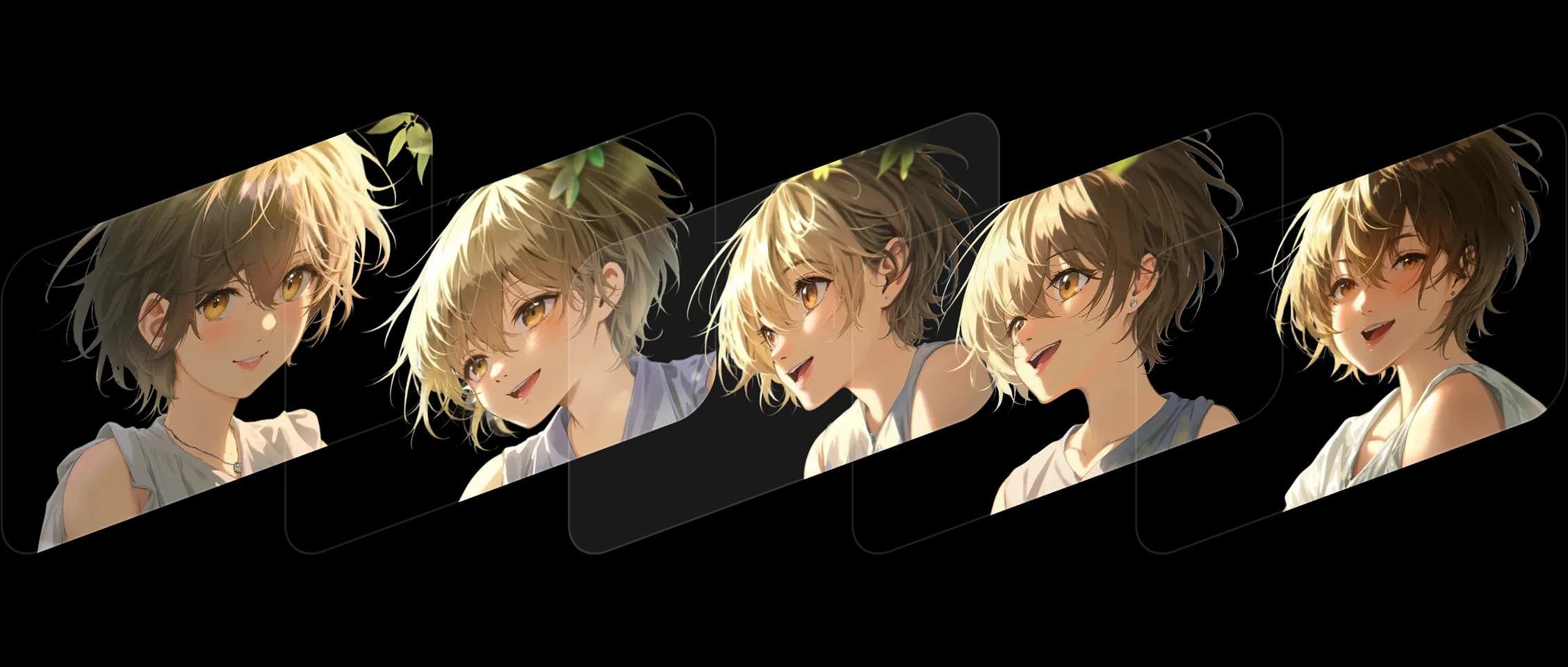
フレームを選択し、順序を設定すると、Morphicがスタイルとストーリーの一貫性を保ちながら中間を埋めます。
各トランジションはスムーズに流れ、シーンに命を吹き込むディテールと表情を保持します。デジタルアートから実写の静止画まで、スタイルを問わず美しく機能します。
Morphicは変更をアニメーション化するだけでなく、それを理解します。色、構図、感情が全体を通じて忠実に保たれます。
いくつかの静止フレームを動くショットに変えました。アートワークが生き生きと動き出すのを見ているようでした。
Morphic内でのFrames to Videoの動作をご覧ください。
クリエイターが2枚のフレームをアップロードしただけで作成したものです。

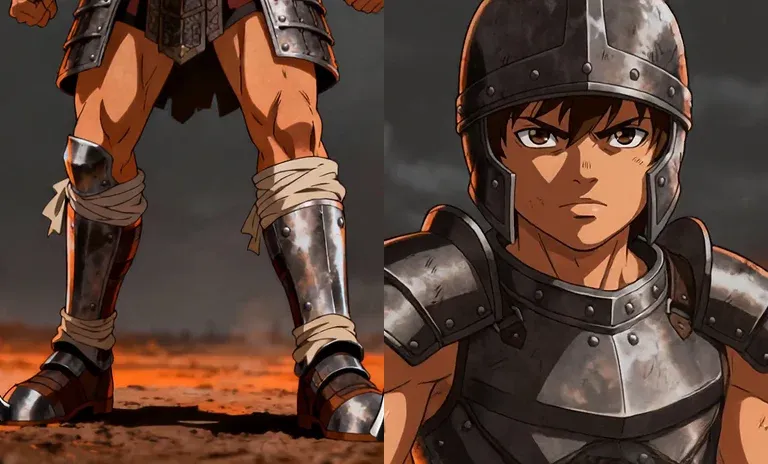
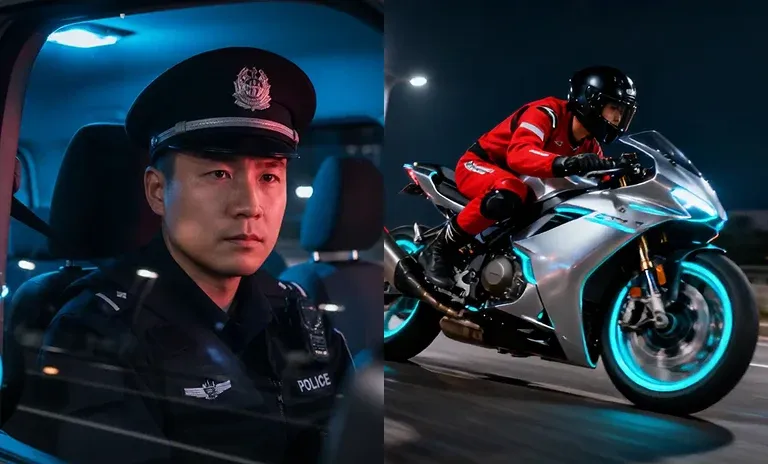
入力フレームを表示するにはホバーしてください
Morphicでは、静止と動きを橋渡しするツールを構築しています。Frames to Video機能はそのビジョンを継続し、静止した瞬間を連続したストーリーに変えます。 今すぐ試す
Frames to Video FAQs
What is Frames to Video?
Give a first and a last frame plus the motion between them, and Morphic generates one clip. You direct the beats of the shot.
How many frames can I use?
Two on every model. Morphic Edit (Flux 3) and FLUX 3 Max take up to ten, with the extra frames landing as keyframes.
Can I control the motion between the frames?
Yes. The frames fix the beats and you describe the motion the model fills in between them.
Which models support more than two frames?
Morphic Edit and FLUX 3 Max accept up to ten frames.
Is Frames to Video the same as animating a still?
It turns your key frames into a moving clip by generating the in-between motion, so you set the start and end rather than animating a single image.
What is it best for?
Precise shots where the first and last frame are fixed and you want to control the motion in between.